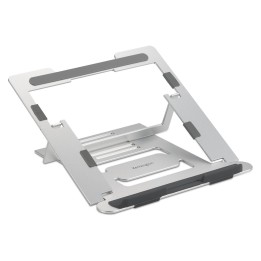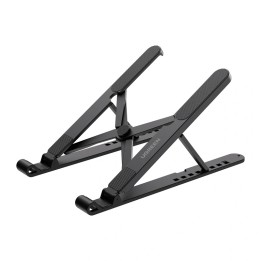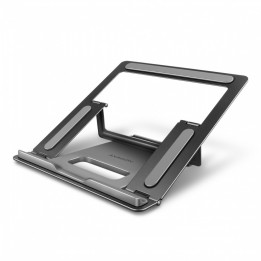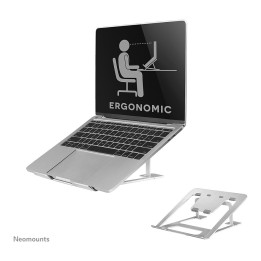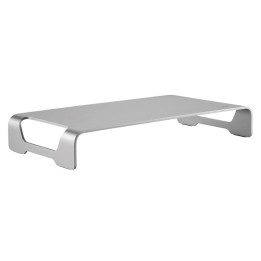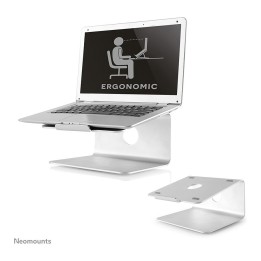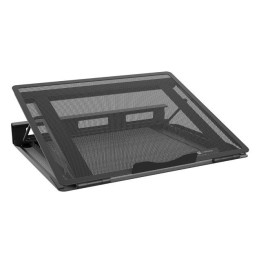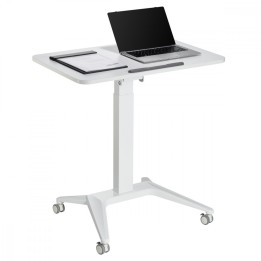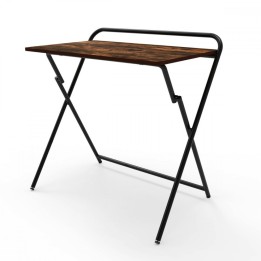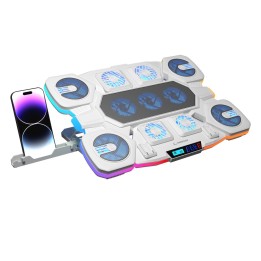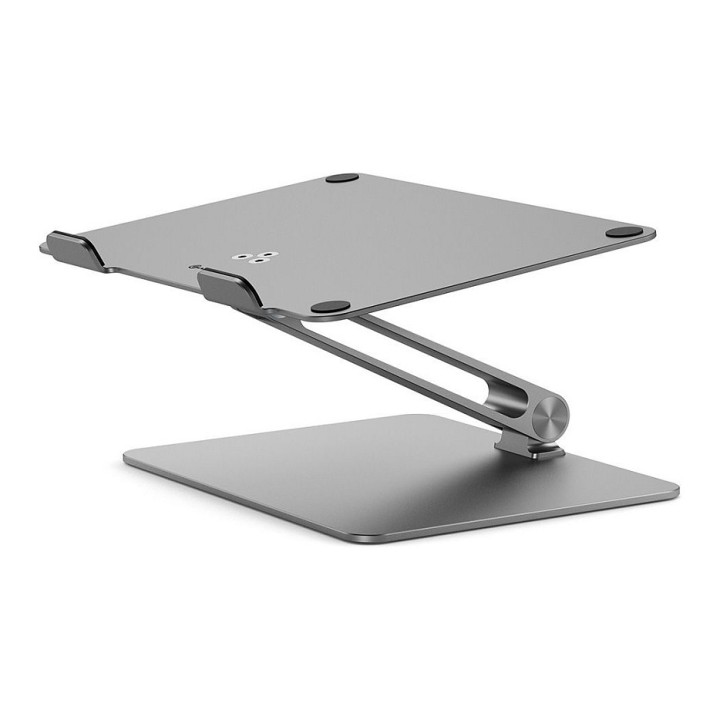
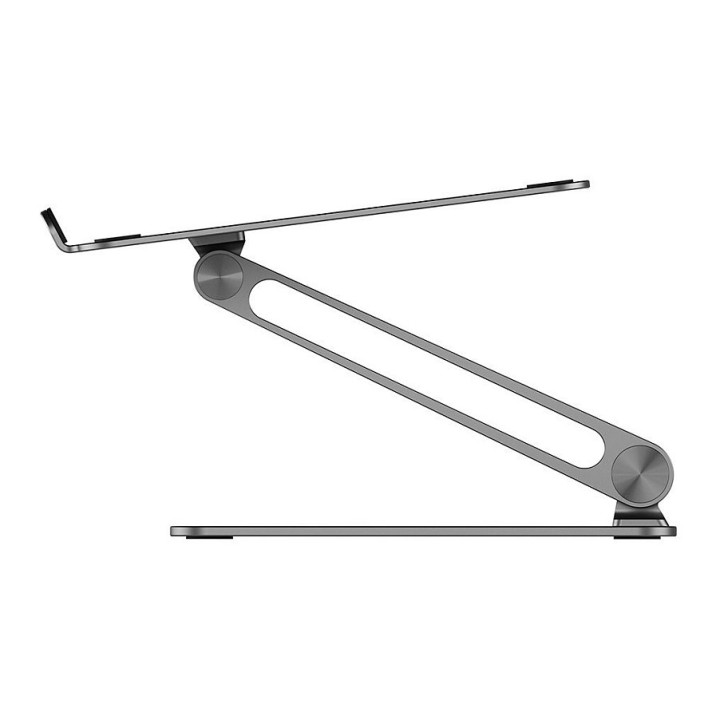
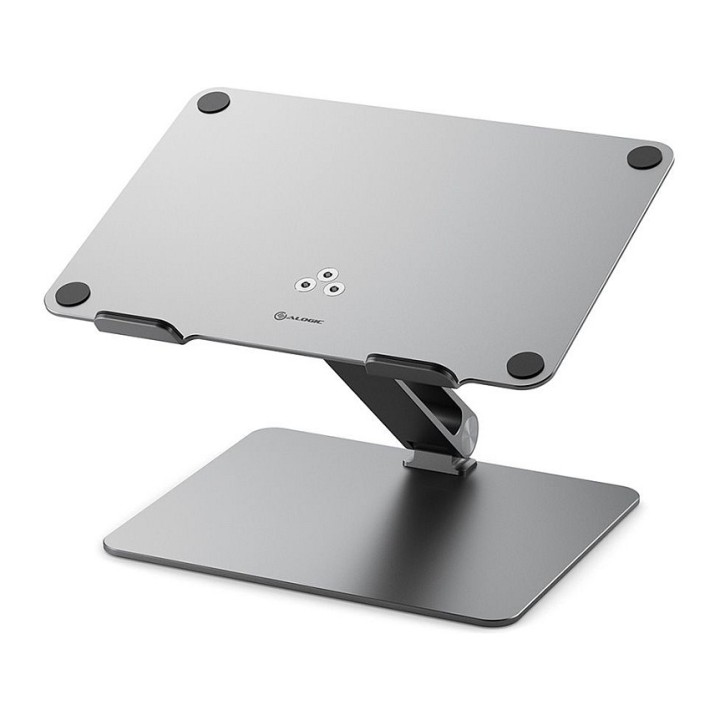
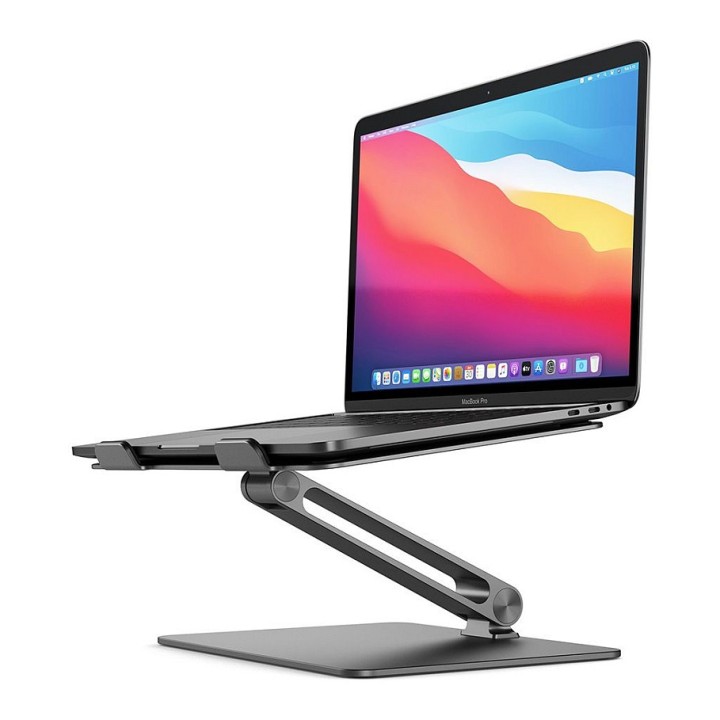
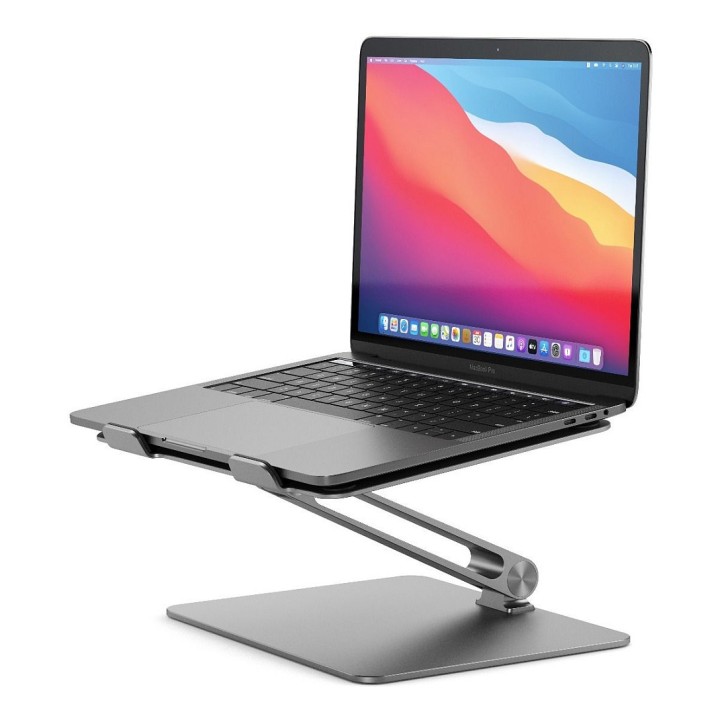
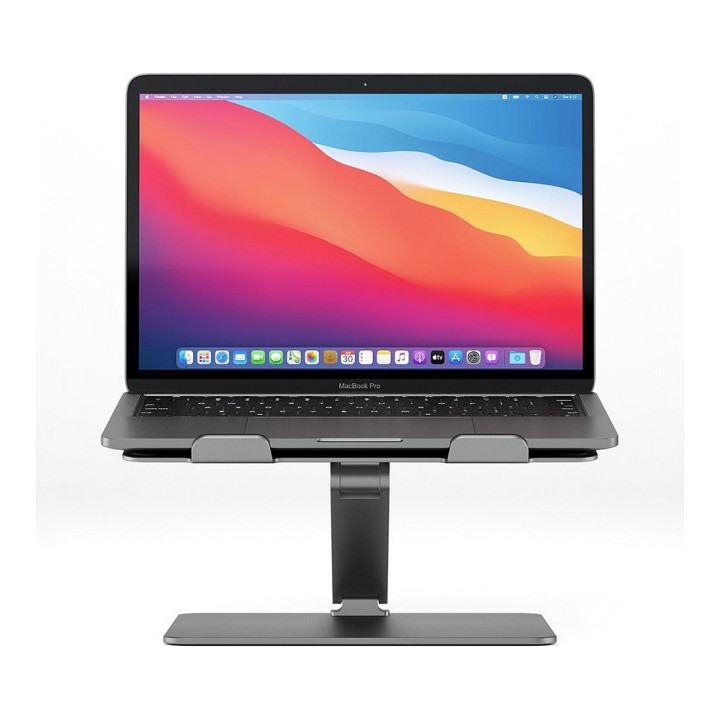
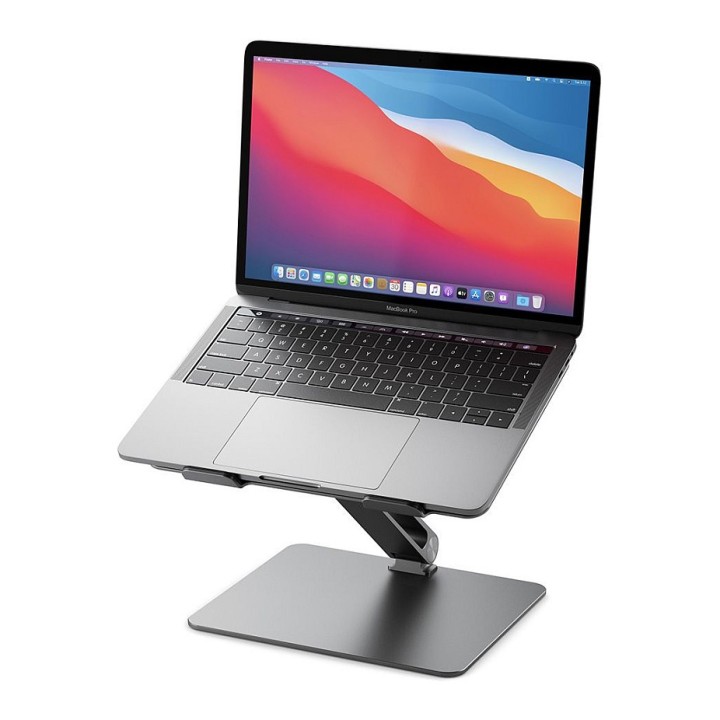
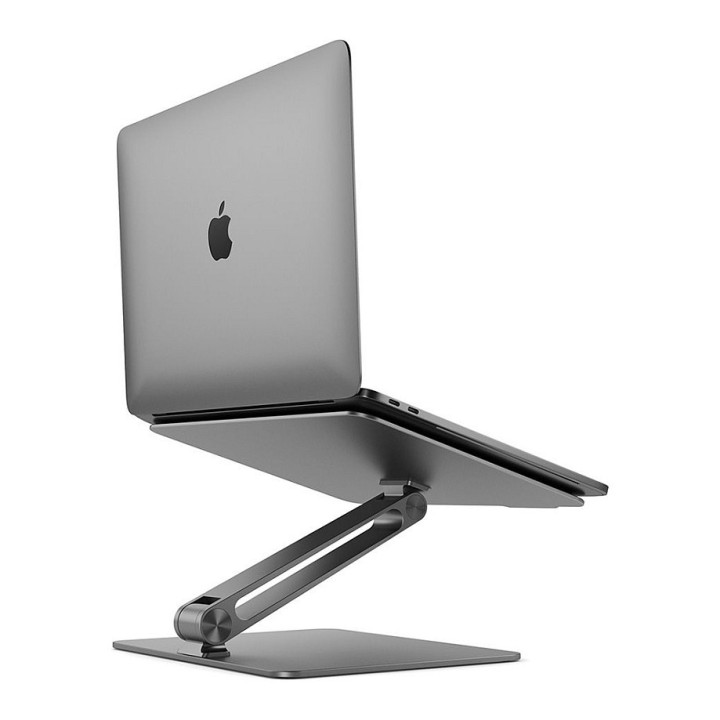


Regulowana podstawka pod laptop Alogic Elite

MPN:
AALNBSSGR
EAN:
9350784024084
Cena: 579,49 zł
Brutto 471,13 zł netto
Dostępność produktu: Dostępny 1 szt.
Czas dostawy Wysyłka w ciągu 5 dni roboczych
Koszt dostawy Dostawa od 11,99 zł

Raty Pekao

Za zakupy możesz zapłacić na raty przez Tpay.

Oblicz ratę (otwiera się w nowej karcie)

PragmaPay dla biznesu

Zapłać za zakupy firmowe później lub w ratach przez Tpay.

Sprawdź, jak działa (otwiera się w nowej karcie)

Opis produktu

Regulowana podstawka

Regulowana podstawka pod laptopa Alogic Elite.
Umożliwia dostosowanie ustawienia laptopa, co pozwala na wygodniejsze korzystanie z komputera.

Zastosowanie

Przeznaczona do laptopów; konstrukcja umożliwia regulację ustawienia urządzenia, ułatwiając dopasowanie pozycji ekranu do potrzeb użytkownika.

Szczegóły produktu

  • Marka Alogic
  • Kod produktu 69a42dfc82e4b8e7a0253e18
  • Dostępność 1 Przedmiot
  • EAN13 9350784024084
  • MPN AALNBSSGR

Producent

Producent

ALOGIC Corporation

Level 40, 140 William Street 3000 Melbourne, VIC Australia

E-mail: support.au@alogic.co

Telefon: +61391210423

Osoba odpowiedzialna w UE

ALOGIC Europe B.V.

Kraijenhoffstraat 137 A 1018 RG Amsterdam Holandia

E-mail: support.eu@alogic.co

Telefon: +31205325979

Bezpieczeństwo

Informacje o bezpieczeństwie

List of safety warnings for laptop tables based on the requirements of Regulation (EU) 2023/988 on General Product Safety (GPSR) 1. Stability: Make sure the table is stable and positioned on an even surface to avoid the laptop accidentally tipping over. 2. Ventilation: Do not block your laptop's vents to prevent overheating. 3. Do not overload the table with excessive weight to avoid damage or tipping over. 4. Height adjustment: If the table is adjustable in height, make sure the locking mechanism is properly secured before use. 5. Storage: Store the table in a safe place, away from children, to avoid potential injuries. 6. Cleaning: Clean the table according to the manufacturer's instructions, using appropriate cleaning agents to avoid damage to the material. 7. Use on soft surfaces: Avoid placing the table on soft surfaces, dry as a bed or carpet, to ensure proper ventilation of the laptop. 8. Cables: Watch out for power cables and other wires to avoid tripping or damage. 9. Long-term use: During long-term use of the table, be sure to have an ergonomic position to avoid back and vision problems. 10. Damage: Regularly check the condition of the table, and if you notice damage (e.g. cracks, sharp edges) stop using

Ładowanie...
Wróć na górę