- Nowy
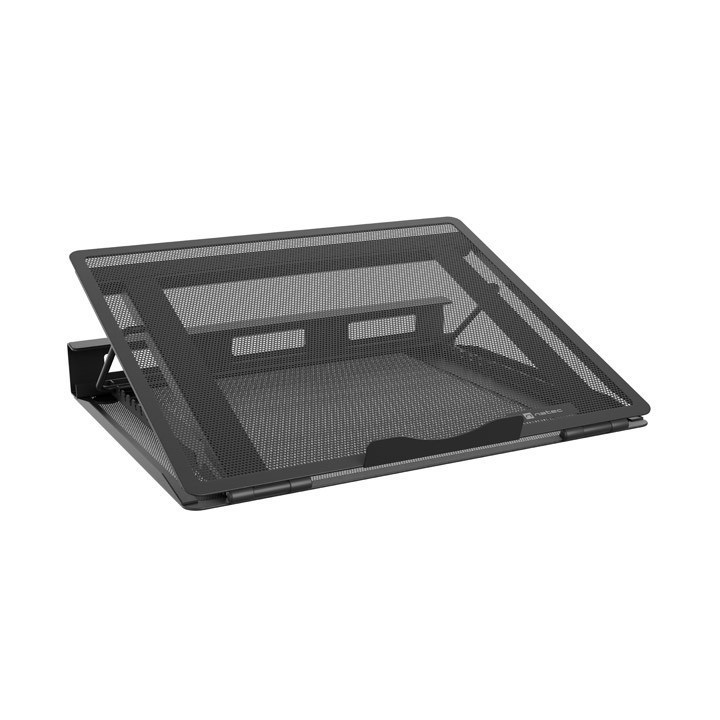
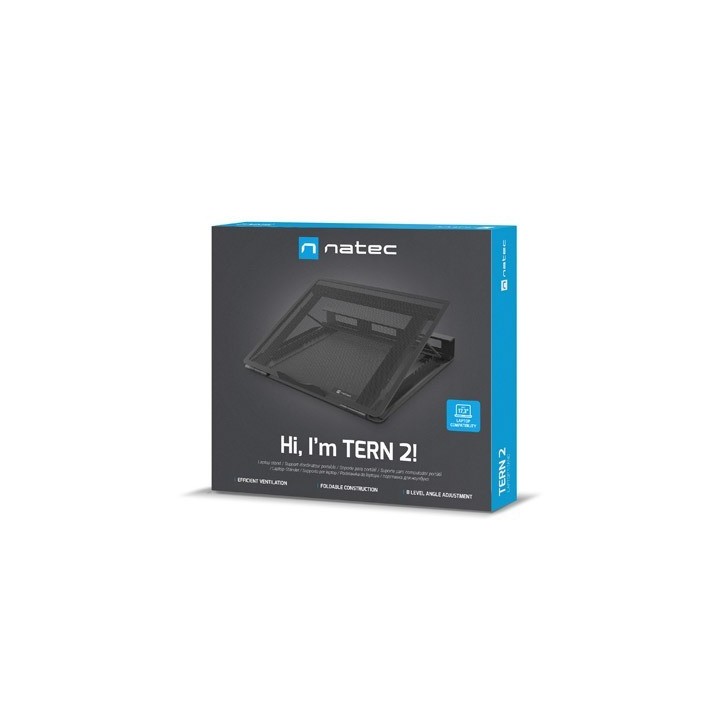
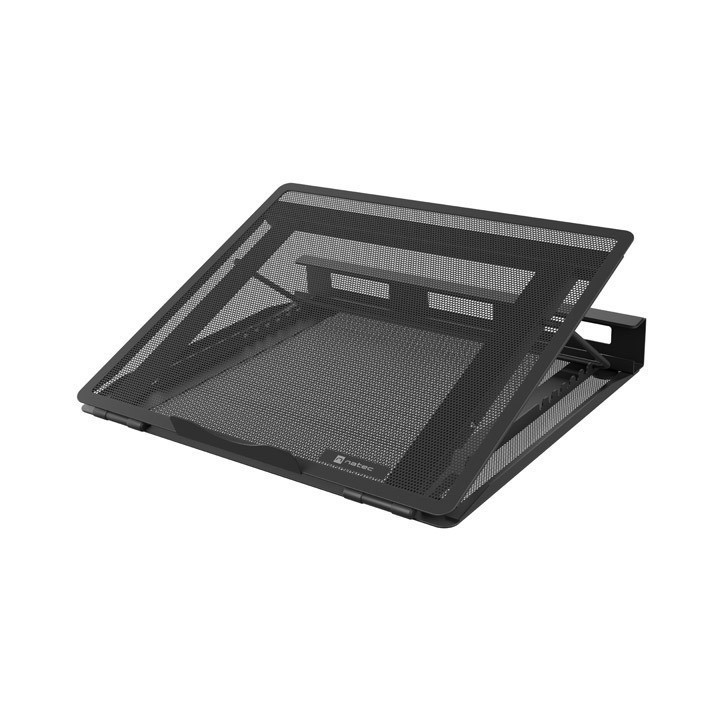
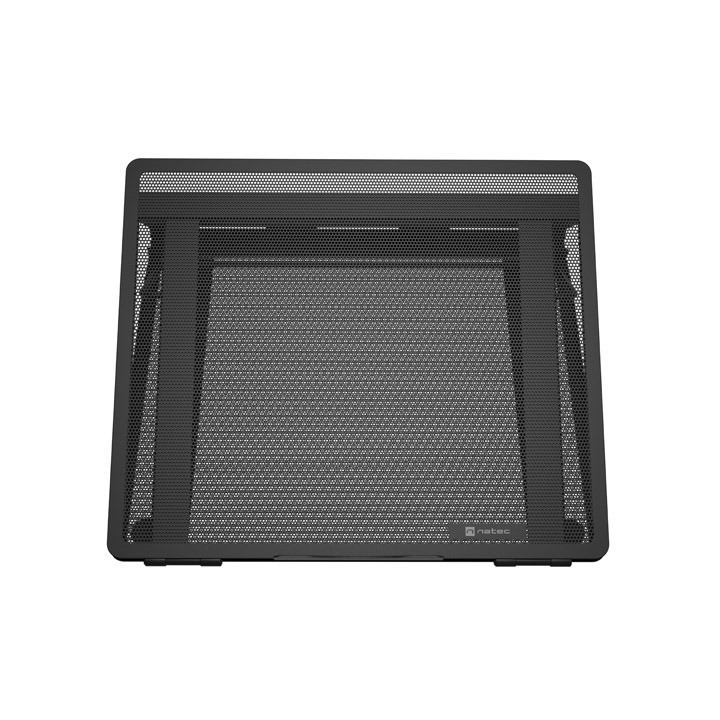
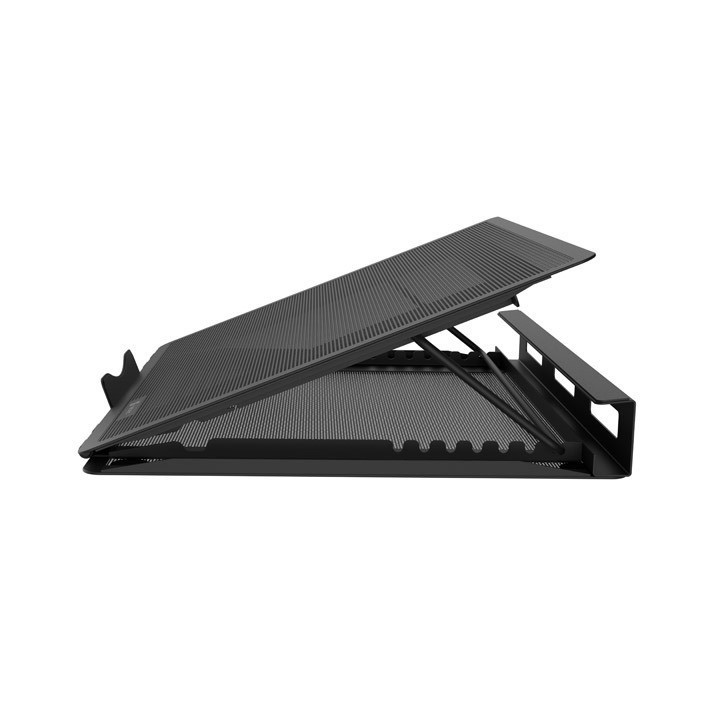
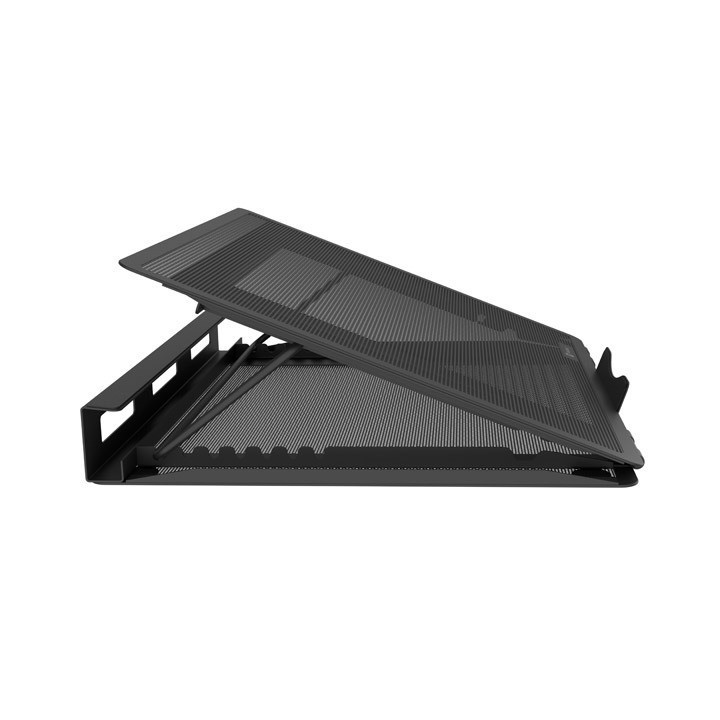
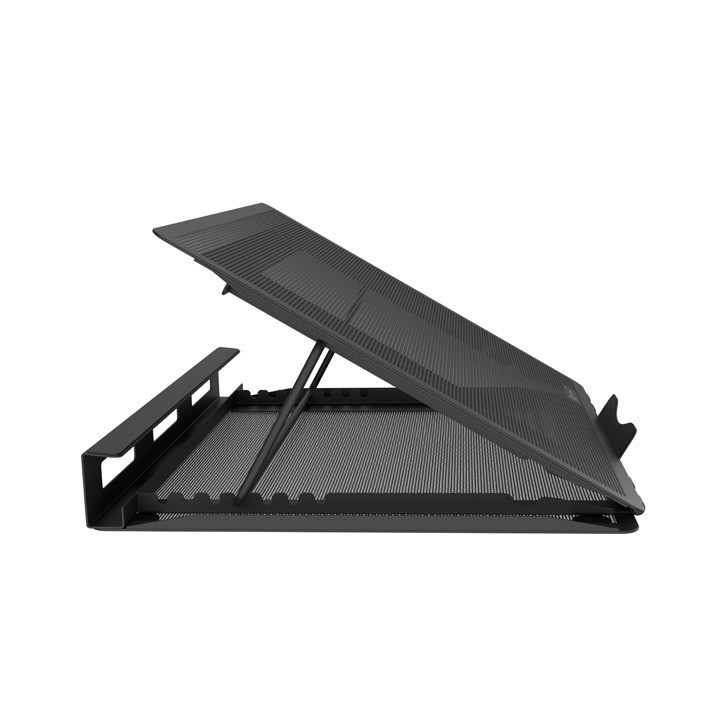
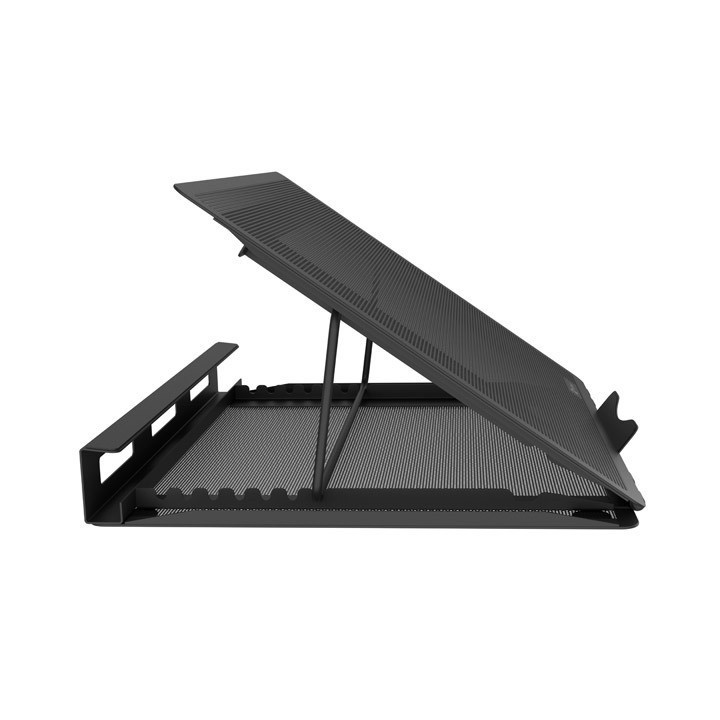
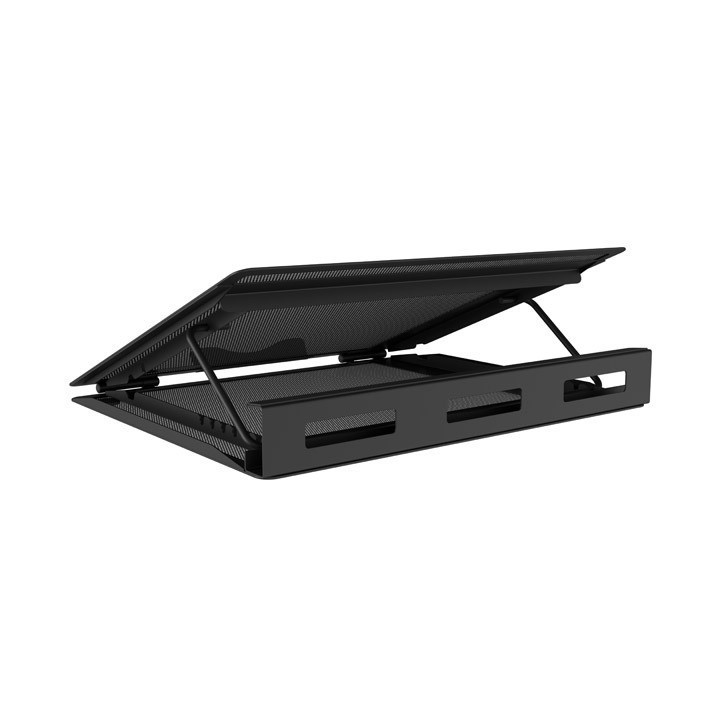
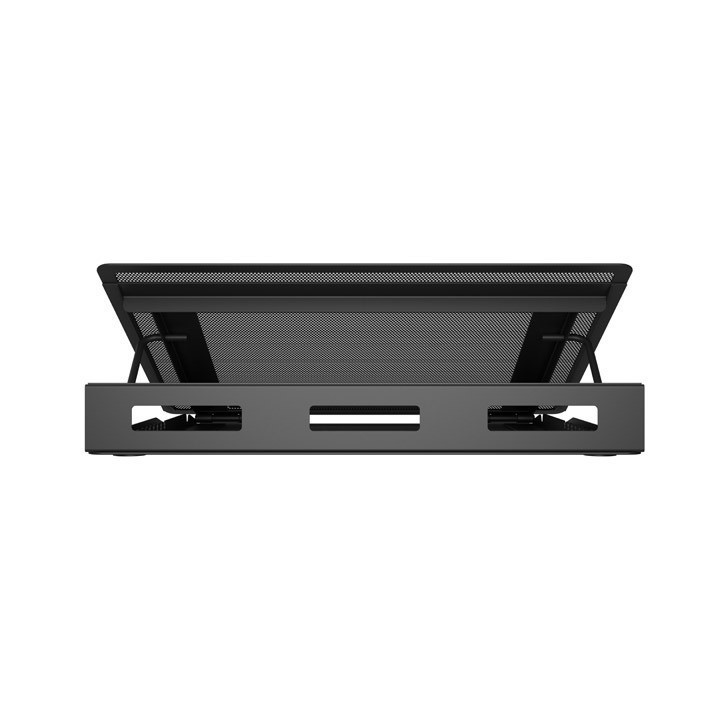
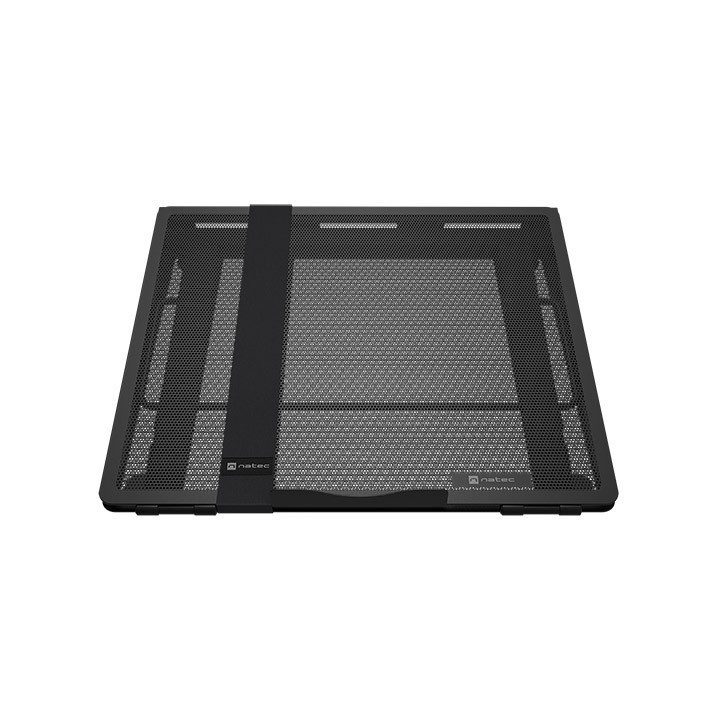
Podstawka pod notebooka Natec Tern 2 12.1" - 17.3" obrazki
Podstawka pod notebooka Natec Tern 2 12.1" - 17.3"
Opis produktu
Podstawka pod notebooka Natec Tern 2 12.1" - 17.3"
Specyfikacja
- Typ akcesoria: Podstawka pod notebooka
- Materiał: Metal
- Wymiary [G x S x W] (mm): 330 x 270 z 40
- Waga (g): 1200
- Opakowanie: BOX
- Wyposażenie dodatkowe: Pas zabezpieczający
- Informacje dodatkowe: Maksymalny rozmiar laptopa 17.3 "
- Gwarancja producenta [mies.]: 24
Szczegóły produktu
- Marka Natec
- Kod produktu 675ce4ce72a1bd4ae8717ad8
- Dostępność 10 Przedmioty
- EAN13 5901969445862
- MPN NPL2271
Specyfikacja
- Materiał Metal
- Aktywne chłodzenie Nie
- Hub USB Nie
- Regulacja wysokości Tak
Producent
Producent
Impakt S.A.
Stanisława Lema 16 62-050 Mosina Polska
E-mail: info@impakt.com.pl
Formularz kontaktowy: https://pl.natec-zone.com/kontakt
Telefon: (+48) 611 010 230
Bezpieczeństwo
Informacje o bezpieczeństwie
List of safety warnings for the cooling stand based on the requirements of General Product Safety Regulation (EU) 2023/988 (GPSR): 1. Risk of electric shock: * Make sure that the device is connected to a working socket with grounding. * Do not touch the plug or cable with wet hands. * Avoid using the device in places with high humidity. 2. Risk of overheating: * Provide adequate ventilation while maintaining at least 5 cm of free space around the device. * Do not block ventilation openings. 3. Risk of fire: * Use only original accessories recommended by the manufacturer. * Do not leave the device on unattended near flammable materials. 4. Risk of bodily injury: * Use the device on a stable surface to minimize the risk of falling. 5. Hazards in humid environments: * Do not use your laptop outdoors in rain or in areas with high humidity, such as bathrooms. * If the device is flooded, immediately disconnect it from the power source and contact the service. 6. Hazards at high temperatures: * Do not expose the device to direct sunlight. * Avoid using your laptop at temperatures above the recommended range (usually 5-35°C). 7. Risk of damage during cleaning: * Before cleaning, disconnect the laptop from power and use a soft, slightly damp cloth. * Avoid using strong detergents that can damage the surface of the device. 8. Caution when replacing accessories: * Use only the accessories recommended by the manufacturer. * When replacing batteries, follow the manufacturer's instructions and do not expose the battery to high temperatures. 9. Risks associated with battery use: * Avoid damage to the battery by impact or puncture. * If the battery overheats or swells, stop using the device immediately. 10. Warnings for children: * Keep power cables out of reach of children. * Make sure that children do not play with the device or accessories that can be dangerous.
Podstawki i stoliki
- Nowy
- Nowy
- Nowy
- Nowy
- Nowy
Ostatnio oglądane
Produkty, które ostatnio zwróciły Twoją uwagę.
- Nowy
- Nowy
- Nowy

- Nowy
- Nowy
- Nowy
- Nowy
- Nowy
- Nowy

- Nowy
- Nowy
- Nowy