- Nowy

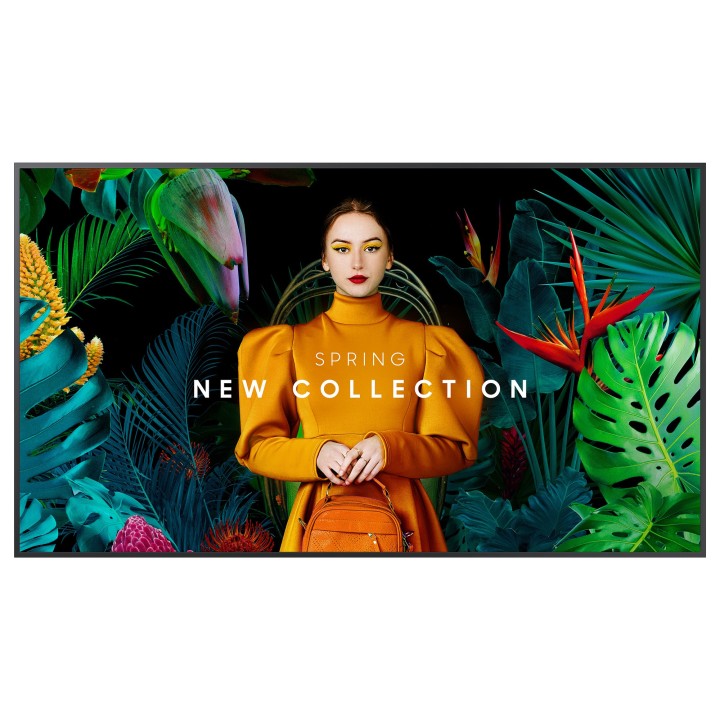
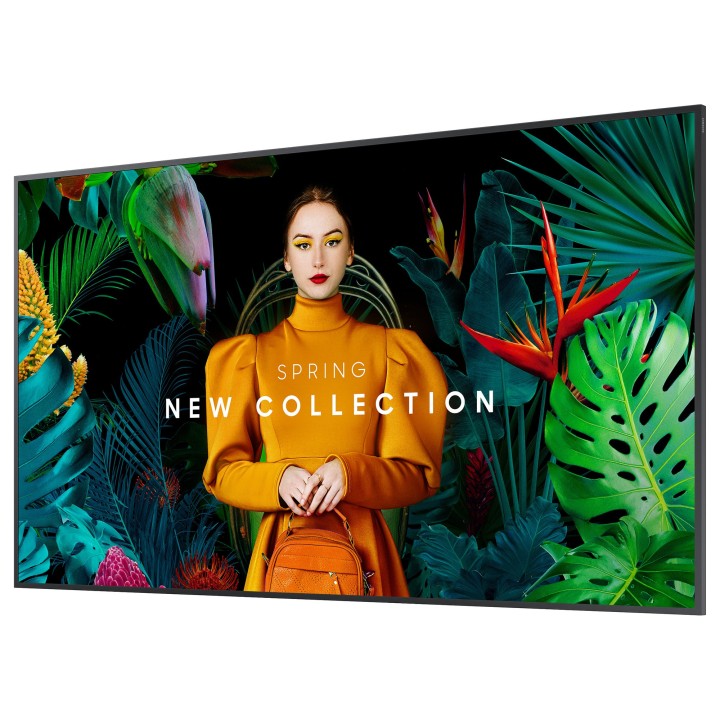
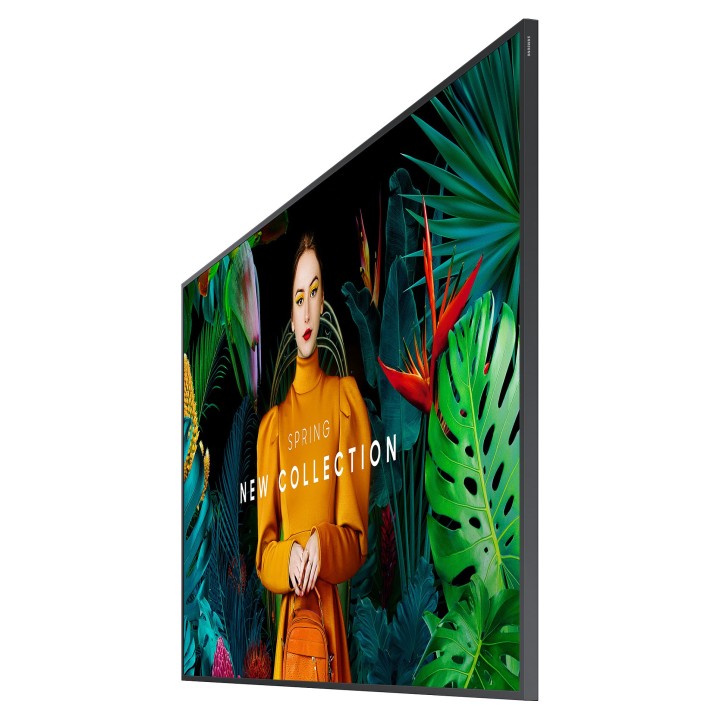
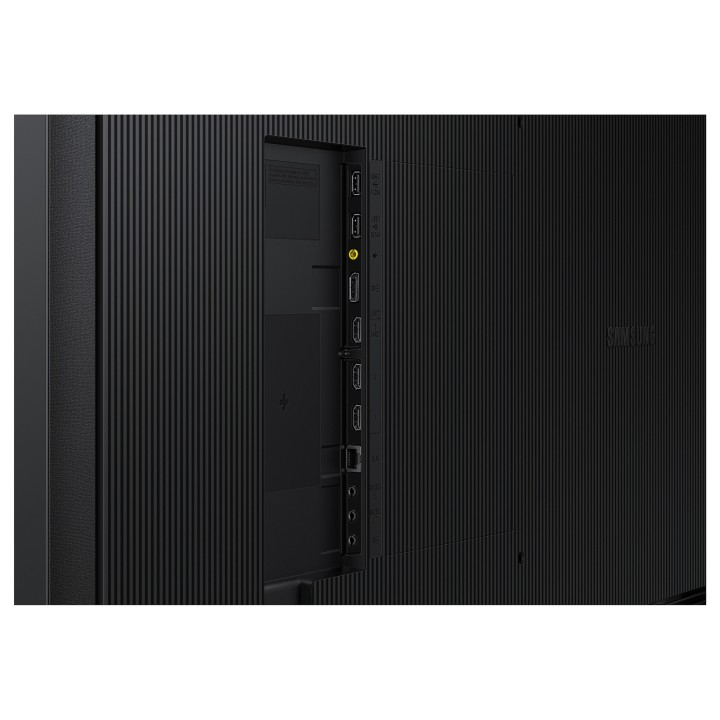
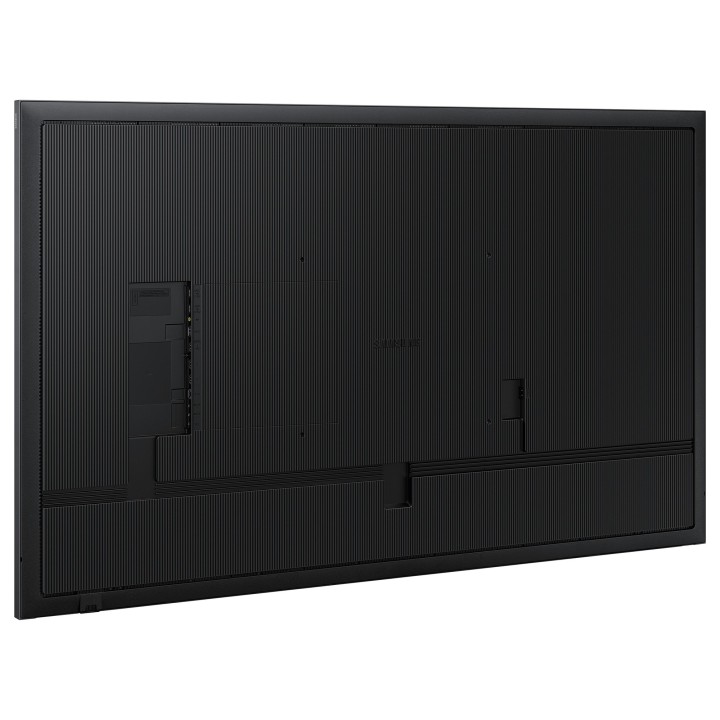
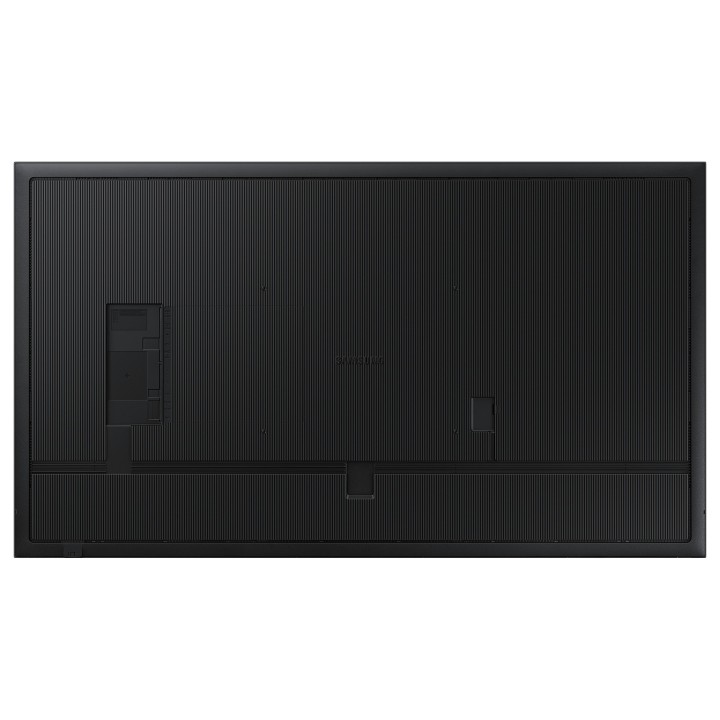
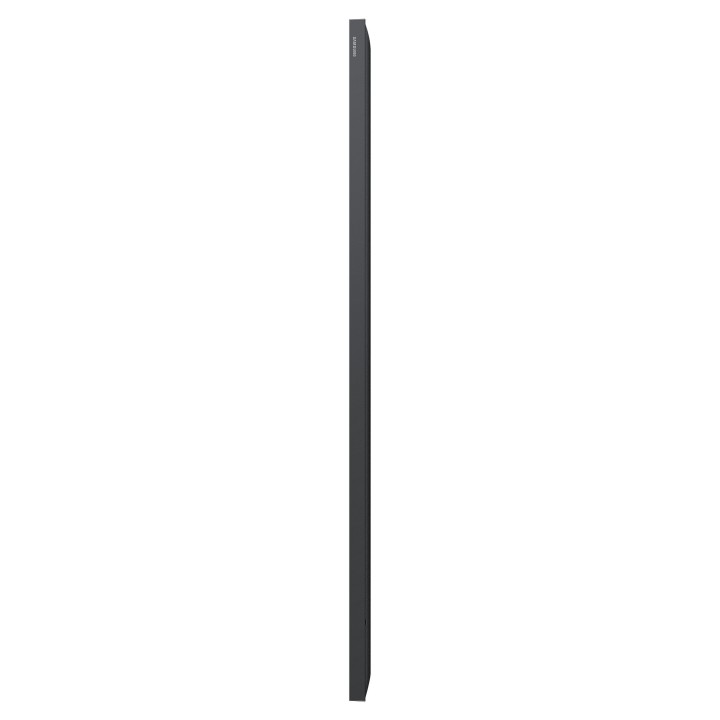
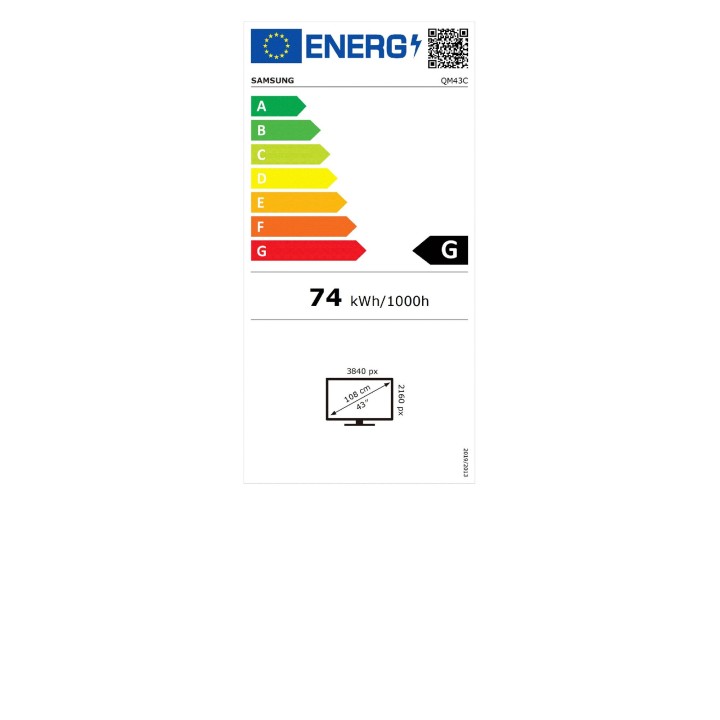





Rozwiązania inteligentnych wyświetlaczy (SMART Signage) Samsung reprezentują to, co najlepsze na rynku. Dzięki zaawansowanej technologii nasze signage są odporne na najtrudniejsze warunki, a jednocześnie bez problemu działają przez cały dzień i noc. Dzięki wbudowanemu systemowi operacyjnemu nasze inteligentne wyświetlacze mogą działać samodzielnie, oferując jednocześnie wszystkie zalety zdalnego zarządzania treściami. Jedyną rzeczą, którą widzi użytkownik, są cienkie ramki otaczające wyświetlacze. Samsung od dłuższego czasu koncentruje się na doskonaleniu jakości obrazu, wykorzystując swoją wiedzę również w obszarze rozwiązań SMART Signage. Nasza technologia LED zapewnia czysty, widoczny obraz. Dzięki temu nasze rozwiązanie doskonale pełni swoją funkcję informacyjną i rozrywkową.
MagicInfo to rozwiązanie do dystrybucji treści umożliwiające lokalne lub zdalne zarządzanie multimediami na ekranach Samsung SMART Signage. Mogą to być na przykład filmy, statyczne obrazy i inne treści multimedialne, które można dowolnie łączyć i planować ich wyświetlanie w wybranym czasie. To rozwiązanie pozwala na używanie wyświetlacza jako samodzielnej jednostki bez konieczności korzystania z zewnętrznego odtwarzacza. Treści można odtwarzać z pamięci wewnętrznej wyświetlacza, z zewnętrznego USB lub zdalnie przez serwer.
Profesjonalne wyświetlacze SMART Signage firmy Samsung to monitory wielkoformatowe, zaprojektowane do pracy przez 16 lub 24 godziny na dobę, 7 dni w tygodniu, charakteryzujące się wysoką jasnością (do 2500 cd/m2). Dzięki wydajnemu sprzętowi i oprogramowaniu Samsung do harmonogramowania i uruchamiania treści (MagicInfo), SMART Signage jest idealnym rozwiązaniem do niemal każdego środowiska, w którym konieczne jest korzystanie z reklamy cyfrowej.
Zintegrowany, scentralizowany odbiornik podczerwieni (IR) dla niezależnych wyświetlaczy zapewnia łatwiejsze i bardziej elastyczne sterowanie użytkownika. Wszystkie modele mogą odbierać sygnał IR na poszczególnych panelach za pomocą scentralizowanego IR. Użytkownicy mogą za pomocą instalacji na wymiar lub montażu nawigować funkcjami IR z różnych lokalizacji i zwiększać niezawodność działania.
Wysoka widoczność obrazu i czytelność informacji jest możliwa dzięki bardzo niskim odblaskom światła lub promieniowania słonecznego, co czyni to idealnym rozwiązaniem zarówno dla tablic menu w fast foodach, jak i dla tablic informacyjnych w halach lotniskowych, gdzie jest dużo naturalnego światła.
* Dane techniczne dotyczące rozmiaru, jasności i czasu pracy różnią się w zależności od modelu.
Brak opłat telewizyjnych
Wysoka jasność
Ochrona przed wypaleniem statycznego obrazu
Zintegrowany chip
Orientacja pionowa i pozioma
Długość pracy 16/7 do 24/7
Opis produktu został przetłumaczony przez sztuczną inteligencję i może zawierać nieścisłości.
SAMSUNG
PO Box 12987 D01F5P Dublin Ireland
Formularz kontaktowy: https://www.samsung.com/pl/support/
SAMSUNG ELECTRONICS SP. Z O.O.
ul. Marynarska 15 02-674 Warszawa Polska
E-mail: info@samsung.com
List of computer monitor safety warnings based on the requirements of General Product Safety Regulation (EU) 2023/988 (GPSR): * Risk to vision: Long-term gazing at the monitor screen may cause eye strain, dry eyes or headaches. * Limit the working time with the monitor. * Take regular breaks. * Maintain proper distance from the screen. * Ensure proper lighting in the room. * Set the brightness and contrast of the monitor to a comfortable level. * Ergonomics: Incorrect position when working with the monitor can lead to back, neck, and shoulder pain. * Set the monitor to the correct height so that the top edge of the screen is at eye level or slightly below. * Use an adjustable chair and desk to ensure an ergonomic position. * Maintain proper posture while sitting. * Risk of electric shock: Improper use or damage to the monitor can lead to electric shock. * Do not use the monitor in humid environments. * Do not touch the monitor with wet hands. * Do not put any items inside the monitor. * If the power cable is damaged, replace it with a new one. * Disconnect the monitor from power before cleaning. * Fire risk: Overheating or short circuiting in the monitor can cause a fire. * Do not cover the ventilation holes of the monitor. * Do not place the monitor near heat sources. * Use only the original power supply that came with your monitor. * If the monitor overheats, disconnect it from power immediately. * Mechanical damage: The fall of the monitor can cause damage and pose a threat to the user. * Set the monitor on a stable surface. * Secure cables to avoid accidental tripping. * For monitor transport, use appropriate protective packaging. * Cleaning: Improper cleaning of the monitor can damage the screen or cause other problems. * Use only a soft, dry cloth to clean the screen. * Do not use cleaning products containing alcohol, ammonia or other corrosive substances. * Disconnect the monitor from power before cleaning. * Disposal: Incorrect disposal of the monitor can pose a threat to the environment. * Return the used monitor to the e-waste collection point. * Do not throw the monitor in a regular trash can. * Children: The monitor is not a toy and should not be used by children without supervision. * Make sure children do not touch the power cables. * Make sure kids don't play around with the monitor packaging. * Repairs: Do not try to repair the monitor yourself. * Any repairs should be done by qualified personnel. * Monitor portability: Be careful when moving your monitor. * Disconnect all cables before moving. * Use appropriate packaging. * Weather conditions: Do not expose the monitor to extreme temperatures or moisture. * Protect your monitor from direct sunlight. * Adjustable settings: Do not use extreme brightness or contrast settings. * These can cause faster eye strain. * Noise: If the monitor makes disturbing noises, turn it off immediately. * Contact the technical service. * Environmental protection: Be sure to turn off the monitor when not in use. * You save energy this way. * Software: Use only the software provided by the manufacturer. * You will avoid compatibility issues.




Produkty, które ostatnio zwróciły Twoją uwagę.