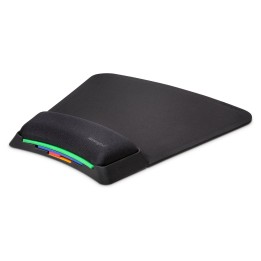
RAZER Gaming mouse mat Goliathus Mobile
Opis produktu
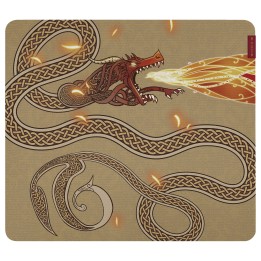
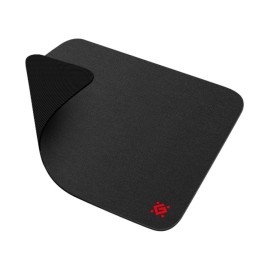
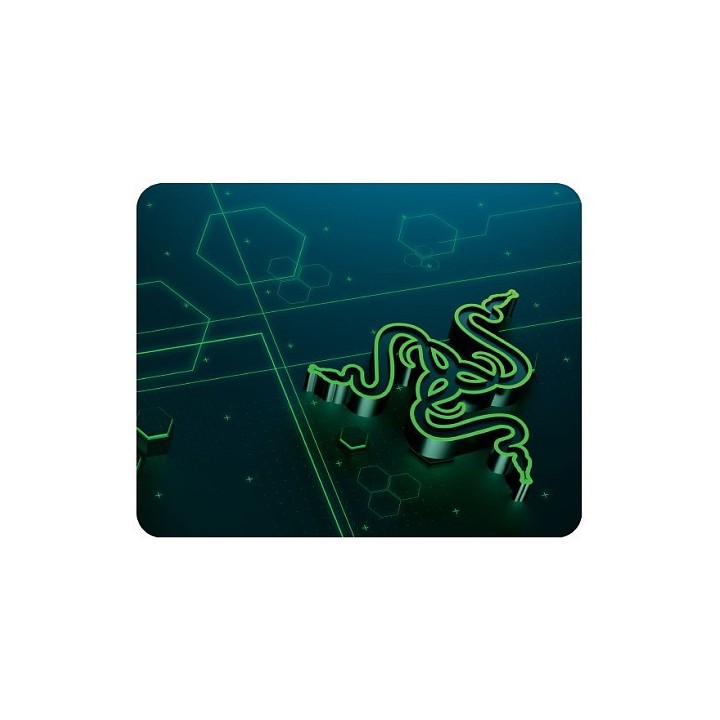
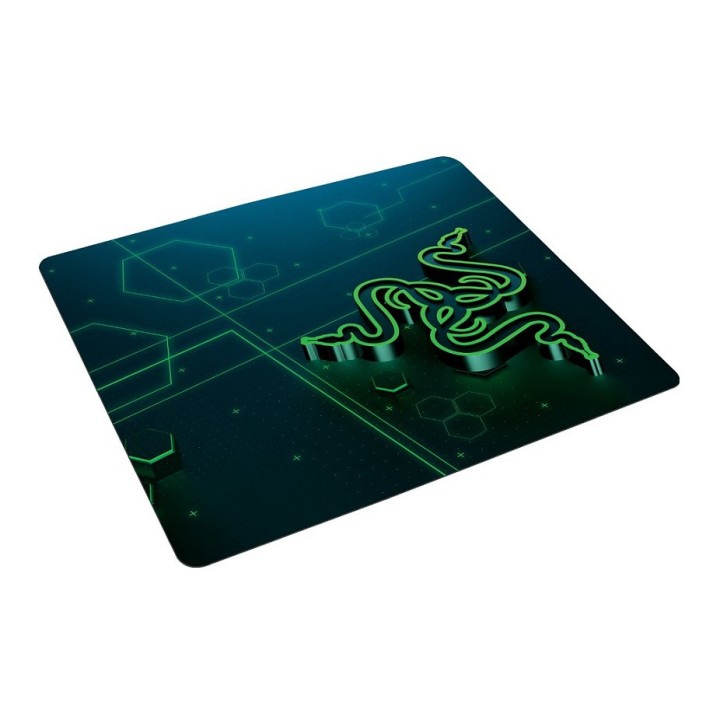
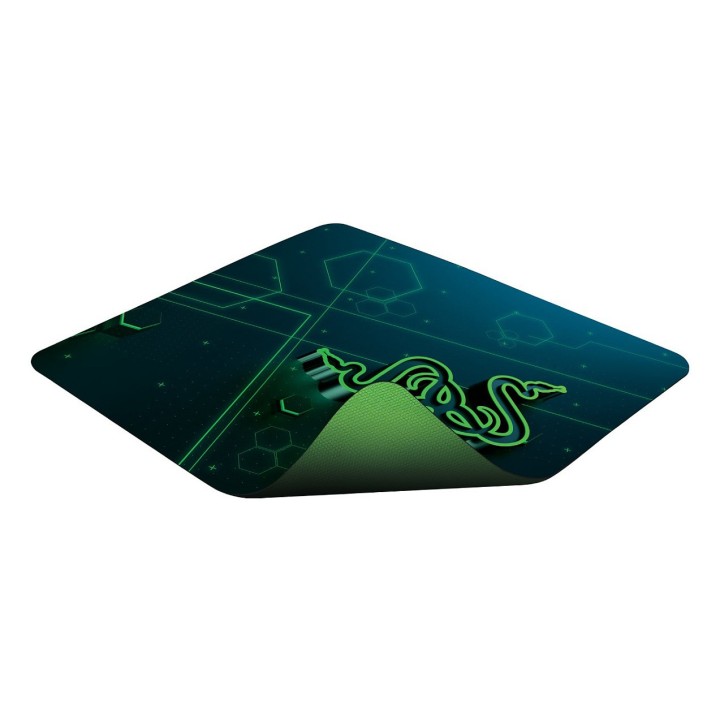
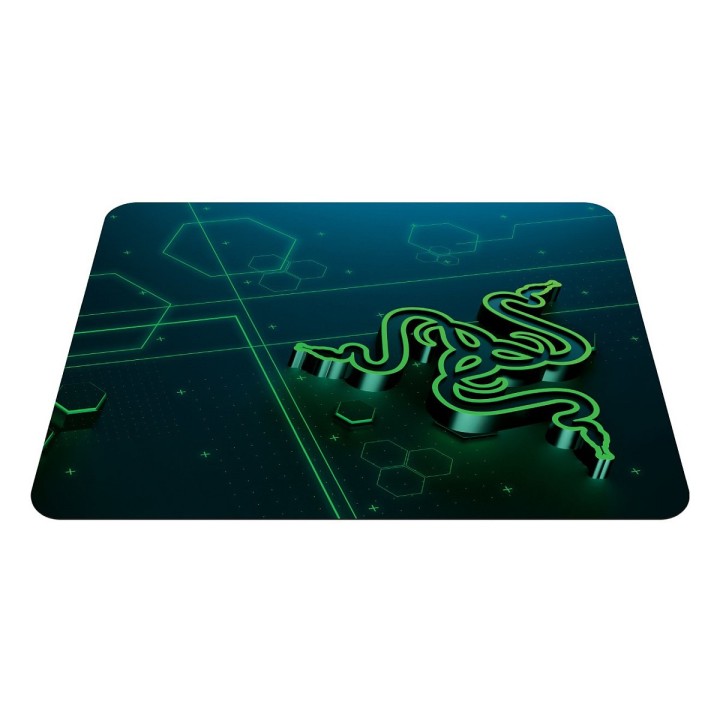
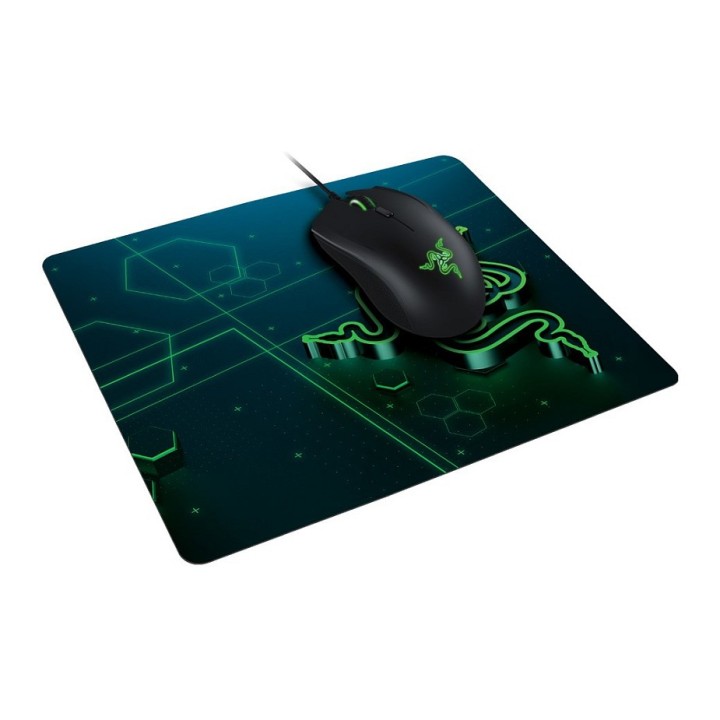
Razer Goliathus Mobile jest łatwa do zabrania ze sobą wszędzie. Tę smukłą i wytrzymałą podkładkę pod mysz można umieścić między ekranem laptopa a klawiaturą lub zwinąć i schować do torby, nie martwiąc się o to, że kiedykolwiek się wypaczy. Zaprojektowanie maty pod mysz dla graczy w podróży oznacza osiągnięcie krytycznej równowagi w zakresie wspierania różnych stylów gry na jednej macie. Rezultatem szeroko zakrojonych badań i testów terenowych jest Razer Goliathus Mobile - w pełni zdolna do zapewnienia płynnego poślizgu dla szybkości i doskonałej siły hamowania dla kontroli.
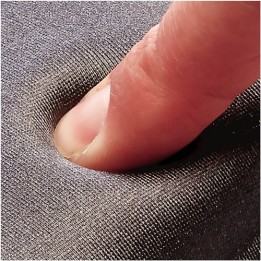
Teksturowane wykończenie tkaniną zapewnia doskonałą równowagę między szybkością a kontrolą rozgrywki
Zoptymalizowany rozmiar dla maksymalnej mobilności
Gumowana podstawa dla optymalnego komfortu
Specyfikacja
- Opis produktu: Razer Goliathus Mobile podkładka pod mysz
- Rodzaj produktu: Podkładka pod mysz
- Tworzywo produktu: Guma, tkanina
- Wymiary (szer.głęb.wys.): 27 cm x 21.5 cm
- Waga: 52 g
Szczegóły produktu
- Marka Razer
- Kod produktu 660fdfb771a267703ccaa183
- Dostępność 21 Przedmioty
- EAN13 8886419317487
- MPN RZ0201820200R3M1
Specyfikacja
- Kolor Zielony
Producent
Producent
Razer (Europe) GmbH
Alter Teichweg 25, 22081 Hamburg, Germany 22081 Hamburg Germany
E-mail: compliance@razer.com
Formularz kontaktowy: https://www.razer.com/eu-en/contact-us
Telefon: +49 (40) 4192 99300
Bezpieczeństwo
Informacje o bezpieczeństwie
List of mouse safety warnings based on the requirements of General Product Safety Regulation (EU) 2023/988 (GPSR): 1. Ergonomics and repetitive movements: I use the mouse ergonomically to avoid strains and injuries. I regularly take breaks to reduce the risk of carpal tunnel syndrome or other problems associated with repetitive movements. 2. Cleaning and Maintenance: I disconnect the mouse from the computer before cleaning. I use a soft, dry cloth to clean my mouse. I avoid using liquids that can get inside the unit and damage it. 3. Cable and Connections: I make sure the mouse cable is properly connected to the computer and is not damaged. A damaged cable may pose a risk of electric shock or cause the mouse to malfunction. 4. Batteries (if applicable): If I use a battery-operated wireless mouse, I use the right type of battery and insert it correctly. I remove the batteries when the mouse is not in use for extended periods of time to prevent leaks and damage. 5. LED lighting (if applicable): I avoid staring at the intense LED light for a long time, which can cause eye strain. 6. Kids: I store my mouse and small items (e.g. batteries) out of reach of children to avoid the risk of ingestion or choking. 7. Recycling: I return the used mouse to the appropriate recycling point to minimize the environmental impact. 8. Usage: I do not use a damaged mouse as this may result in electric shock or injury. 9. Repairs: I do not repair the mouse myself, I give it to the service. 10. Storage: I store the mouse in a dry place, away from moisture and extreme temperatures.
Podkładki pod mysz
Ostatnio oglądane
Produkty, które ostatnio zwróciły Twoją uwagę.