- Nowy
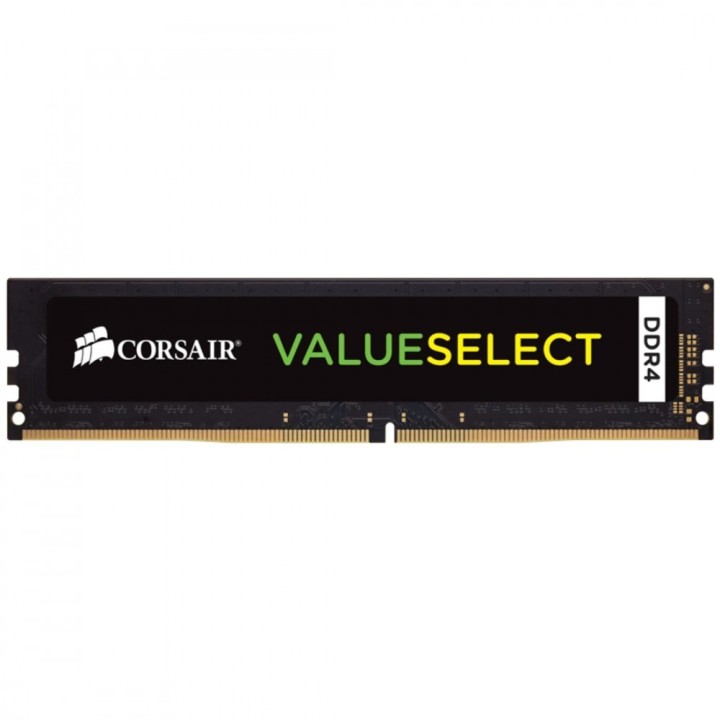
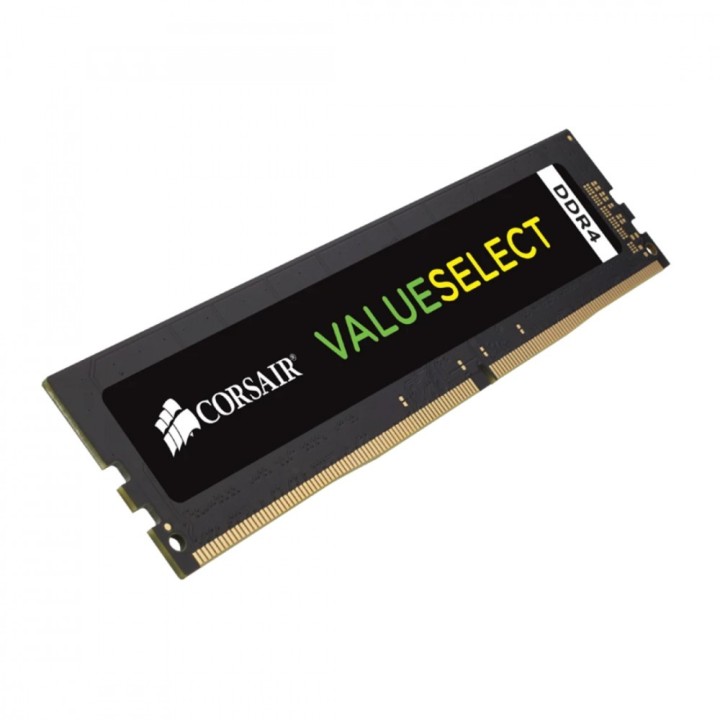
CORSAIR Pamięć DDR4 16GB 2666MHz CL18 1.2V obrazki
CORSAIR Pamięć DDR4 16GB 2666MHz CL18 1.2V
Opis produktu
Pamięć DDR4 Corsair Value Select 16GB (1x16GB) 2666MHz CL18 1,2v black
Specyfikacja
- Opis produktu: CORSAIR Value Select DDR4 moduł 16 GB DIMM 288pin 2666 MHz PC421300 niebuforowana
- Typ produktu: Moduł pamięci
- Pojemność: 16 GB
- Typ pamięci: DDR4 SDRAM DIMM 288pin
- Sposób rozbudowy: Standardowy
- Sprawdzenie intgralności danych: Bez ECC
- Szybkość: 2666 MHz (PC421300)
- Latency Timings: CL18
- Cechy: Niebuforowana
- Napięcie: 1.2 V
Szczegóły produktu
- Marka Corsair
- Kod produktu 660fe83271a267703ccec99f
- Dostępność 10 Przedmioty
- EAN13 0843591063012
- MPN CMV16GX4M1A2666C18
Specyfikacja
- Typ pamięci RAM DDR4
- Opóźnienie CAS CL18
- Pojemność zestawu RAM (GB) 16 GB
- Format modułu RAM DIMM
- Pojemność jednego modułu (GB) 16 GB
- Liczba modułów (szt.) 1 szt.
- ECC Nie
- Napięcie pamięci (V) 1,2 V
Producent
Producent
Corsair Memory, B.V.
Wormerweg 1 1311 XA Almere Netherlands
Formularz kontaktowy: https://help.corsair.com/hc/en-us
Osoba odpowiedzialna w UE
Corsair Memory, BV
Wormerweg 8 1311 XB Almere Netherlands
Telefon: +31 365478360
Bezpieczeństwo
Informacje o bezpieczeństwie
List of RAM security warnings based on the requirements of Regulation (EU) 2023/988 on General Product Safety (GPSR) 1. Risk of hardware damage: * Make sure you shut down your computer before installing or disassembling RAM to avoid electrical damage. * Check the compatibility of RAM with your computer's motherboard to avoid problems with system operation. 2. Risk of cuts: * Be careful when manipulating RAM to avoid cuts to sharp edges. 3. Electrostatic hazard: * Protect your RAM from electrostatic discharge (ESD) that can damage electronic components. Use an antistatic band and work on an antistatic surface. 4. Risk of incorrect assembly: * Thoroughly insert RAM modules into the sockets to ensure proper connection and avoid problems with system operation. 5. Overheating: * Provide adequate ventilation in the computer case to prevent overheating of RAM, which can lead to unstable system operation. 6. Voltage: * Make sure the voltage settings in the BIOS are appropriate for the installed RAM to avoid damage or malfunction. 7. Hazard for children: * Keep RAM out of reach of children to prevent ingestion of small items. 8. Suitable use: * Use RAM for its intended purpose, avoid extreme conditions that can lead to damage. 9. Disassembly: * Carefully disassemble the RAM so as not to damage the modules or sockets on the motherboard. 10. Disposal: * Dispose of used RAM in accordance with local e-waste recycling regulations.
Pamięć RAM
- Nowy
- Nowy
- Nowy
- Nowy
- Nowy
- Nowy
- Nowy
Ostatnio oglądane
Produkty, które ostatnio zwróciły Twoją uwagę.
- Nowy
- Nowy
- Nowy
- Nowy
- Nowy
- Nowy
- Nowy

- Nowy