- Nowy
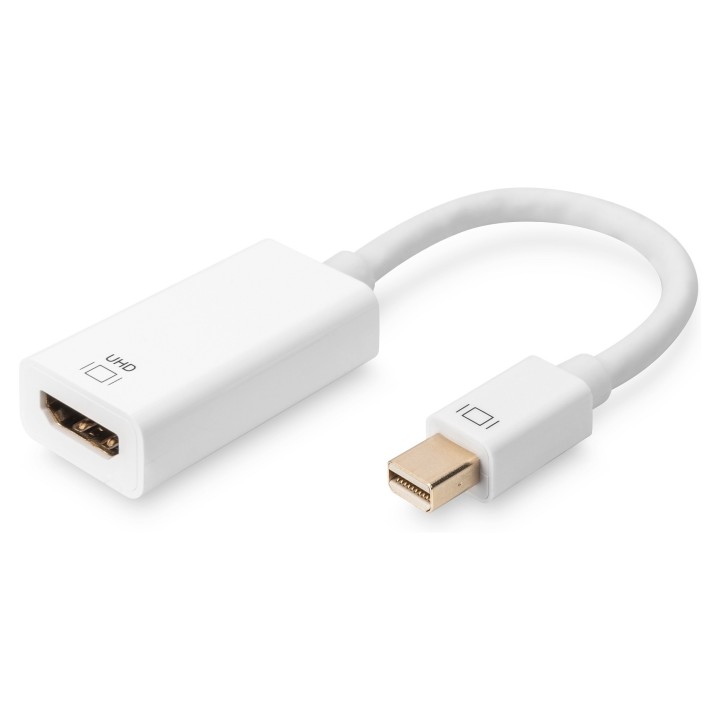

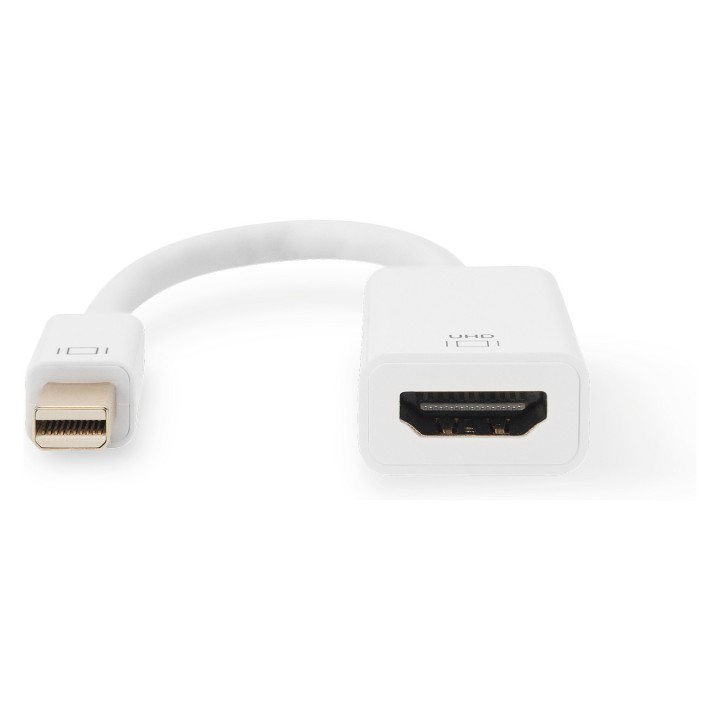
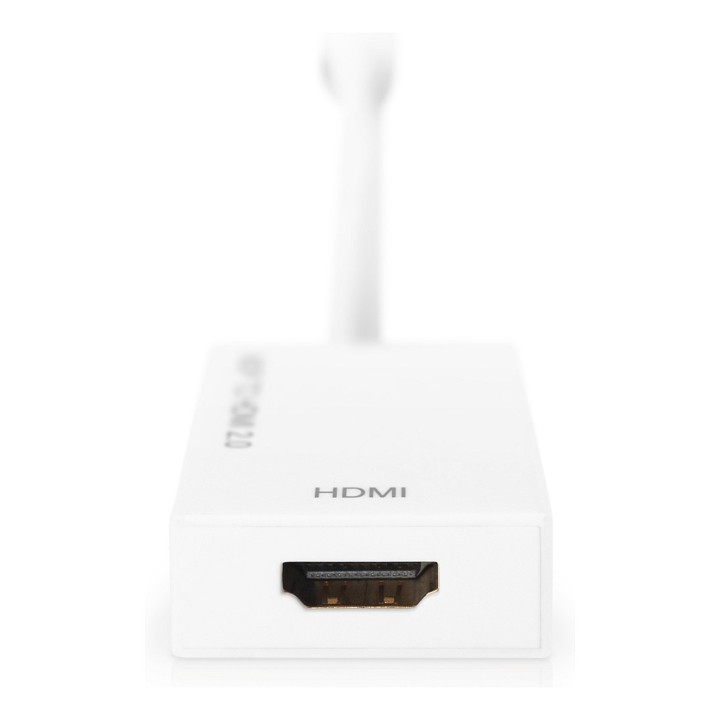
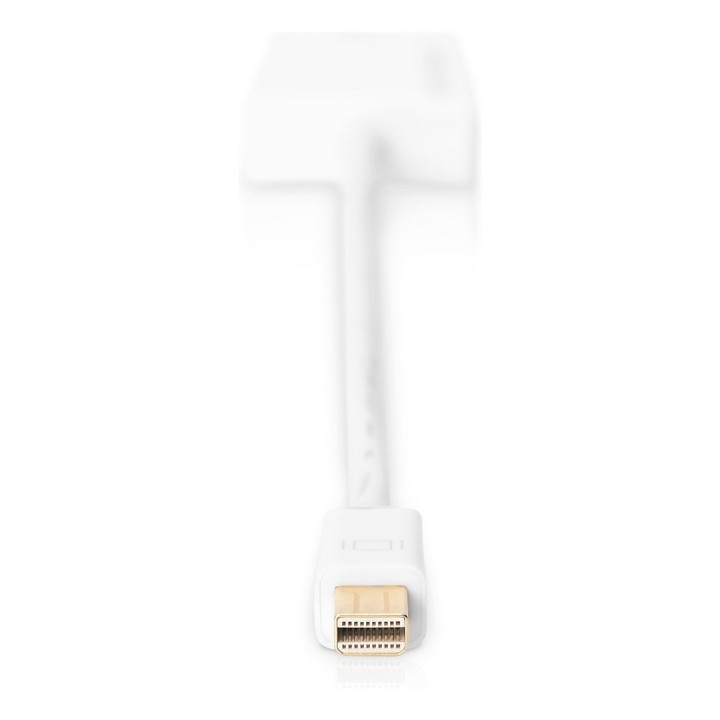
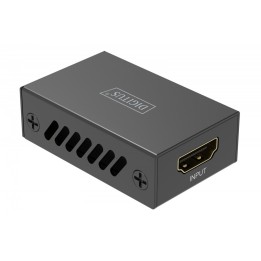
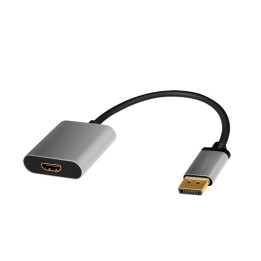
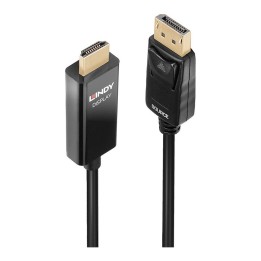
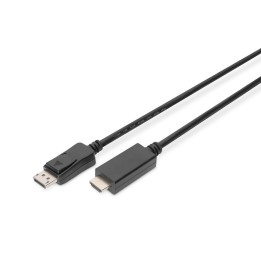
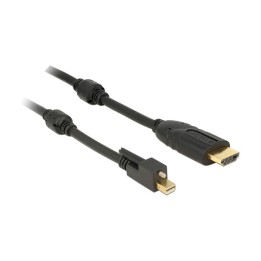
Konwerter 4K Mini DisplayPort do HDMI (wtyczka Mini DisplayPort do gniazda HDMI) umożliwia wyświetlanie zawartości komputera lub notebooka bezpośrednio na ekranie telewizora. Obsługuje przy tym rozdzielczość do 4096 x 2160. Dzięki temu można wyświetlać zdjęcia, wideo, dokumenty, prezentacje itd. w Ultra HD i stosować je optymalnie podczas konferencji lub w zakresie prywatnym.
Obsługa trybu DP++ Dual
Rozdzielczość 4K Ultra HD zapewni najlepszą rozrywkę
Jednoczesna obsługa 4 pasm przy szybkości transmisji danych do 2,7 Gbps
Obsługuje rozdzielczości do 4096 x 2160
Głębokie kolory 24 bit
Wbudowany odbiornik automatyczny
ASSMANN Electronic GmbH,
Auf dem Schuffel 3 58513 Ludenscheid GERMANY
E-mail: info@assmann.com
Formularz kontaktowy: https://www.digitus.info/en/contact/contact-form/
Telefon: +49 2351 554 0
List of safety warnings for cables, tapes and extension cords (Laptop, PC) based on the requirements of Regulation (EU) 2023/988 on General Product Safety (GPSR): 1. Risk of electric shock: * Make sure the cable is in good condition, no insulation damage. * Do not use the cable with wet hands. * Disconnect the cable from the power supply before cleaning. 2. Risk of fire: * Do not overload the extension cord, connect to it only devices with a total power not exceeding the permissible value. * Do not cover the cable with flammable materials such as carpets or blankets. * Do not use damaged cables or extension cords. 3. Risk of tripping and falling: * Arrange the cable in such a way that it does not pose a risk of tripping. * Protect the cable from accidental pulling, e.g. by animals or children. 4. Risk of damage to equipment: * Use a cable suitable for your device and connector. * Do not bend the cable in a sharp way, this can cause damage to it. * Do not pull the cable when disconnecting it from the device, hold the plug. 5. Child warnings: * Keep cables and extension cords out of reach of children to avoid the risk of electric shock or suffocation. * Do not allow children to play with cables. 6. Use in specific environmental conditions: * Do not use cables and extension cords outdoors if they are not intended for this (check the markings). * Avoid using cables in damp or wet areas. 7. Maintenance and cleaning: * Clean cables with a dry cloth. * Do not use chemicals to clean cables. 8. Storage: * Store cables in a dry and clean place. * Avoid storing cables in areas exposed to high temperatures or direct sunlight.