- Nowy
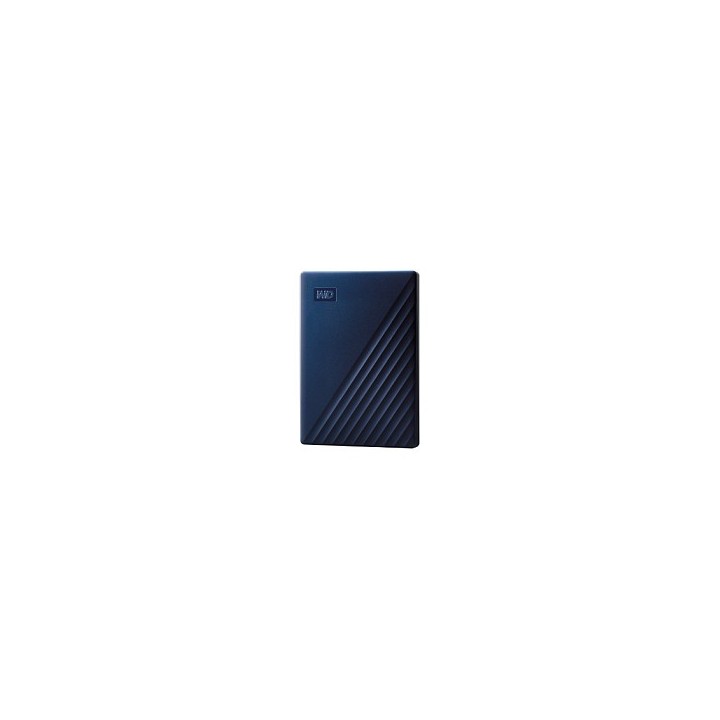
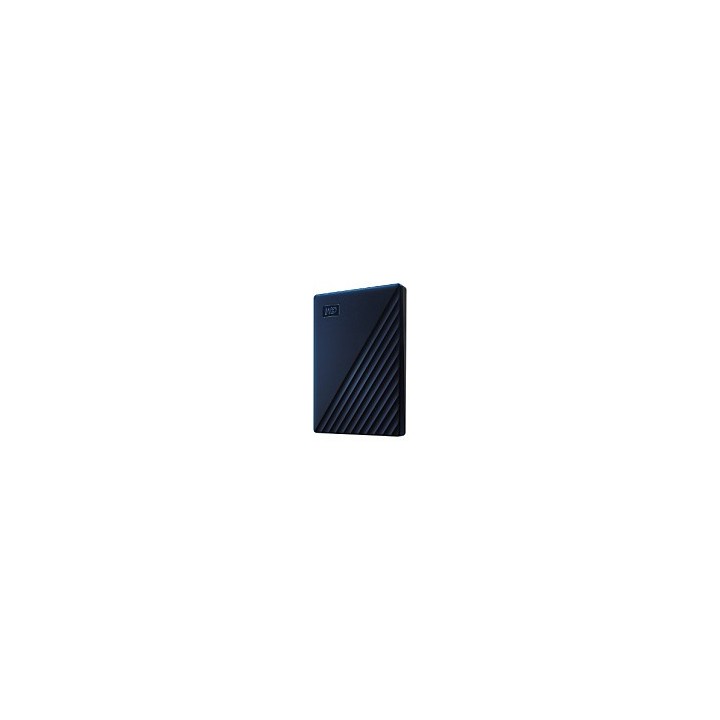
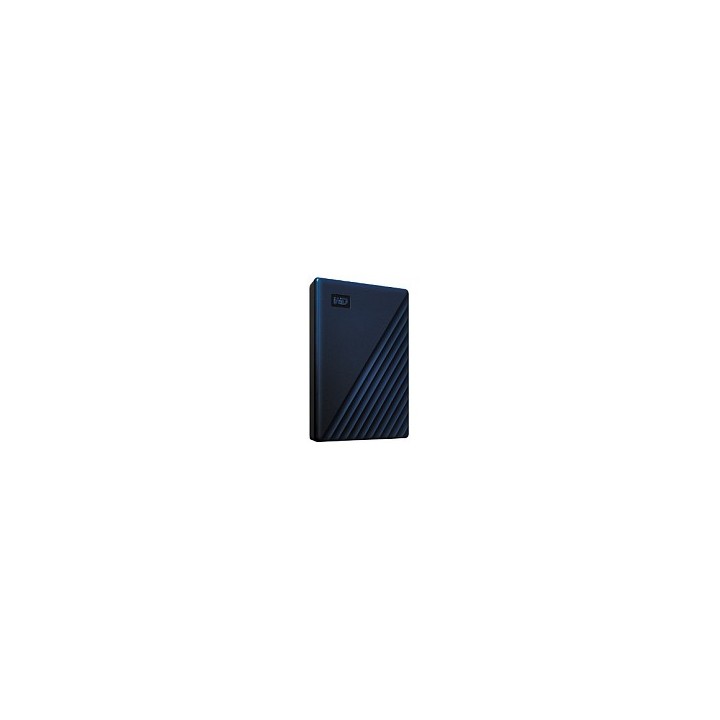
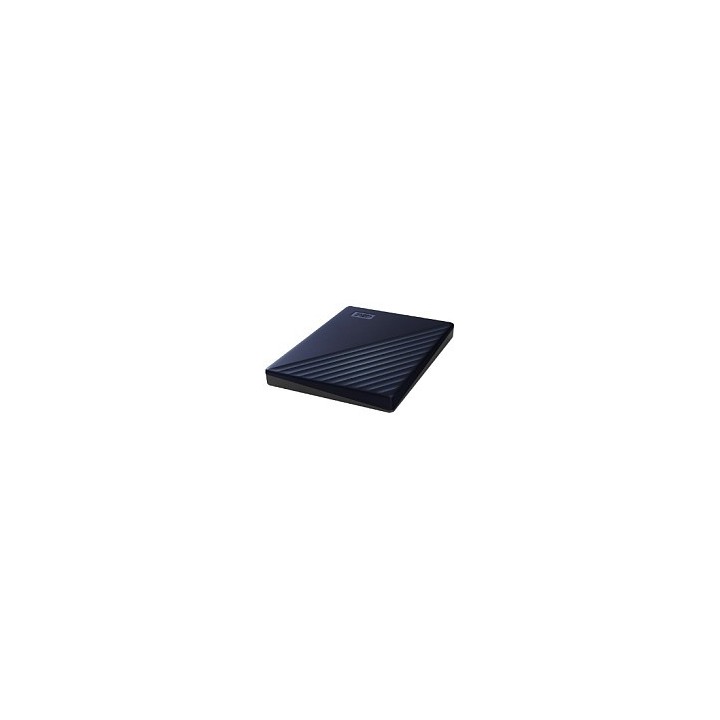

WDC WDBA2F0050BBL-WESN Dysk zewnętrzny WD My Passport for Mac, 2.5, 5TB, USB 3.1, niebieski obrazki
WDC WDBA2F0050BBL-WESN Dysk zewnętrzny WD My Passport for Mac, 2.5, 5TB, USB 3.1, niebieski
Opis produktu
Sformatowany dla Macintosh, ten stylowy przenośny dysk twardy jest idealny dla podróżujących posiadaczy Macintoshy. Wykorzystaj go, by spakować biurowe dokumenty i zabrać je do domu, przenosić tysiące piosenek lub zdjęć czy stworzyć kopię zapasową swojego laptopa używając Apple Time Machine.
Zgodność z Apple Time Machine
Odporny na wstrząsy futerał
Zostaw kable w domu
Specyfikacja
- Opis produktu: WD My Passport for Mac WDBA2F0050BBL dysk twardy 5 TB USB 3.2 Gen 1
- Typ: Dysk twardy zewnętrzny (przenośne)
- Pojemność: 5 TB
- Kodowanie sprzętu: Tak
- Algorytm kodowania: 256 bitów AES
- Interfejs: USB 3.2 Gen 1
- Szybkość przesyłu danych: 5,0 Gbs (USB 3.0) 480 Mbs (USB 2.0)
- Cechy: Autoryzacja hasła, sformatowane HFS, wskaźnik stanu za pomocą diody LED
- Źródło zasilania: Szyna USB
- Kolor obudowy: Ciemnoniebieski
- Wymiary (szer.głęb.wys.): 75 mm x 107.2 mm x 19.15 mm
- Waga: 210 g
- Lokalizacja: Cały świat
Szczegóły produktu
- Marka Western Digital
- Kod produktu 660ffc9b71a267703cda8232
- Dostępność 10 Przedmioty
- EAN13 0718037871776
- MPN WDBA2F0050BBLWESN
Specyfikacja
- Rodzaj nośnika HDD
- Pojemność nośnika (GB) 5000 GB
- Interfejs dysku USB 3.2 Gen 1
Producent
Producent
Western Digital Corporation
PO Box Address: BP 80006 92135 Issy les Moulineaux FRANCE
E-mail: support@wdc.com
Formularz kontaktowy: https://www.westerndigital.com/support?hideinterst
Telefon: 855-493-7867
Bezpieczeństwo
Informacje o bezpieczeństwie
List of external and portable drive safety warnings based on the requirements of General Product Safety Regulation (GPSR) 2023/988: * Use the drive according to the manufacturer’s instructions to avoid mechanical damage or data loss. * Do not expose the disc to extreme temperatures, moisture, or direct sunlight to prevent overheating or damage. * Protect your drive from drops and bumps, as this can cause damage to internal components and data loss. * Disconnect the drive from your computer in a secure manner (using the "Safe Hardware Removal" feature) to avoid data loss or damage to the drive. * Do not open the disk housing, as this may result in loss of warranty and damage to delicate components. * In case of disk failure, do not try to repair it yourself; contact a professional data recovery service. * Keep the drive away from strong magnetic fields that can disrupt operation and cause data loss. * Use only the original cables and power supplies that came with the drive to avoid compatibility issues and damage. * Regularly back up data from disk to other media to avoid losing important information in the event of a failure. * Keep the disc out of reach of children to avoid accidental damage or ingestion of small items. * When transporting the disk, protect it from shocks and moisture by placing it in a suitable protective case. * Do not attempt to connect a damaged drive to your computer as this may cause additional problems. * Regularly scan the drive with an antivirus program to prevent malware infection. * Do not use the disc near flammable substances, as overheating and fire may occur in the event of a breakdown. * Make sure the voltage in the electrical outlet complies with the requirements of the disk power supply to avoid damage. * If the drive overheats, disconnect it from power immediately and let it cool before reusing. * Clean the disc housing with a soft, dry cloth; do not use chemicals that can damage the surface. * For long-term disk storage, place it in a dry and cool place to avoid component degradation. * If your drive is equipped with encryption software, make sure your password is secure and remembered to avoid permanent loss of access to your data. * When connecting and disconnecting the drive, hold by the housing, not by the cable, to avoid damaging the connector.
Dyski zewnętrzne i banki danych
- Nowy
- Nowy
- Nowy
- Nowy
- Nowy
- Nowy
- Nowy
- Nowy
- Nowy
- Nowy
Ostatnio oglądane
Produkty, które ostatnio zwróciły Twoją uwagę.
- Nowy
- Nowy