- Nowy
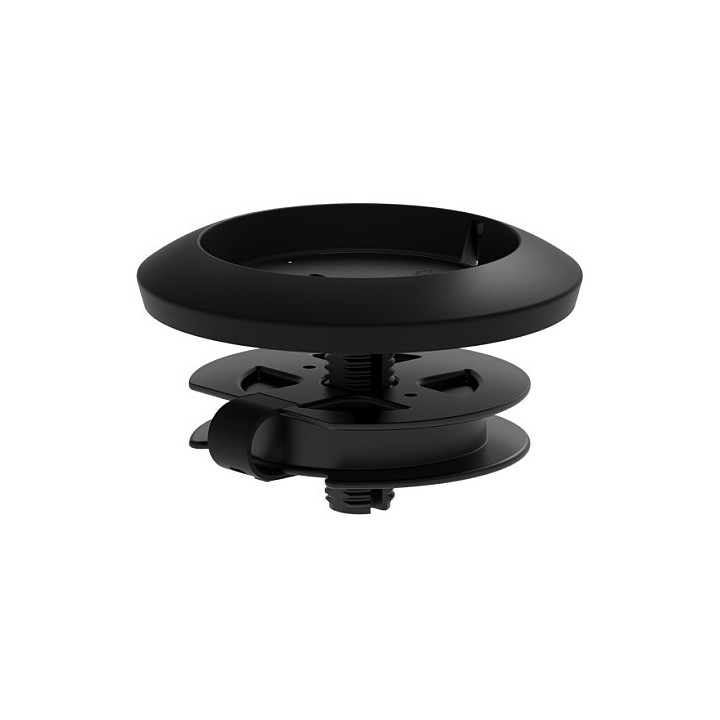
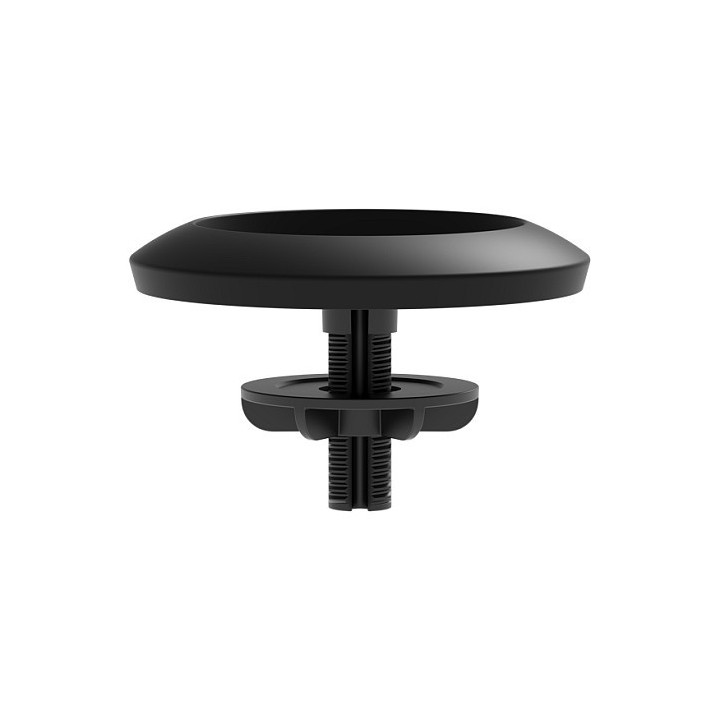
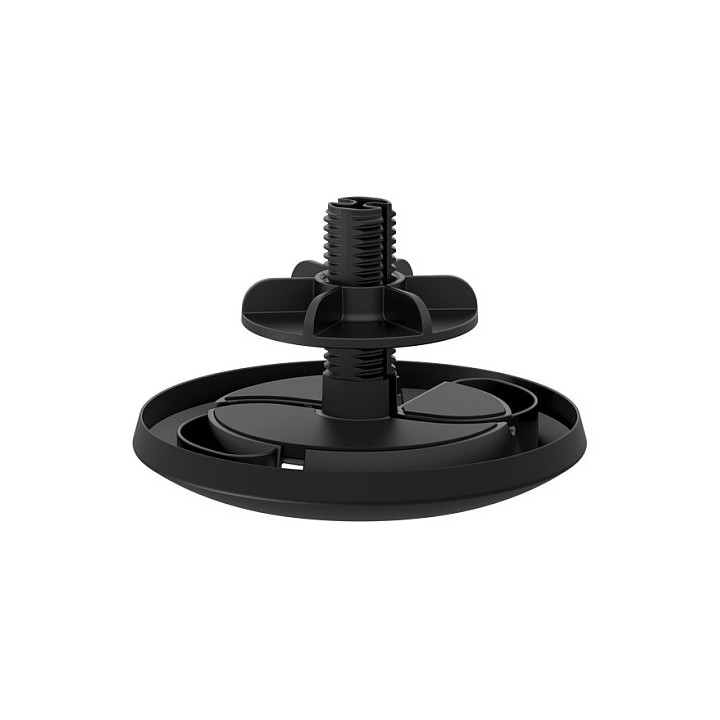
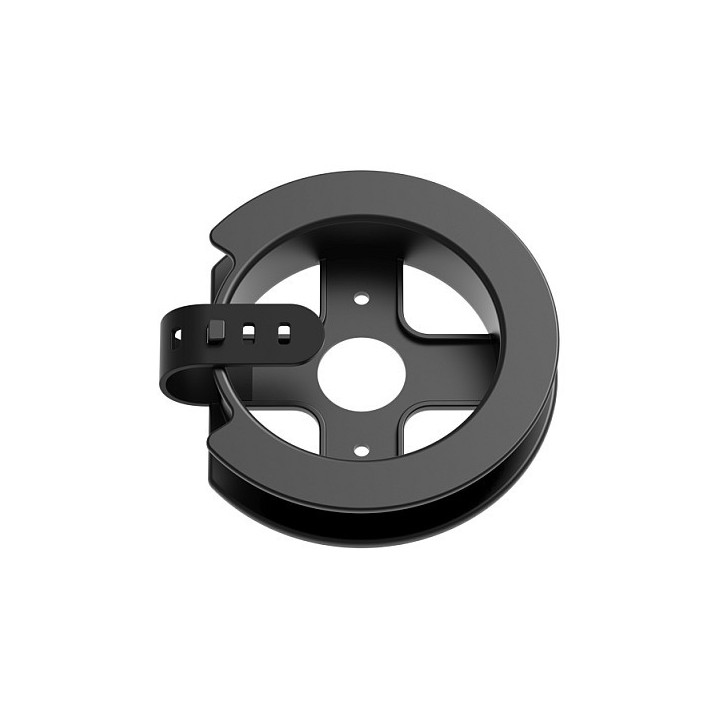
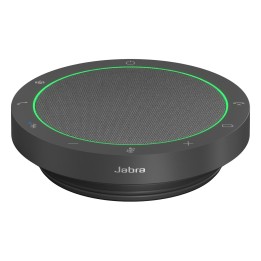
Panele mikrofonowe charakteryzują się konstrukcją o eleganckim wyglądzie, niskim profilu, wykonaną z wysokiej jakości materiałów i renderują czysty, naturalny dźwięk rozmów. Pojedyncze panele mikrofonowe zawierają wiele elementów kształtujących wiązkę, które skupiają się na aktywnych rozmówcach, automatycznie eliminując zakłócenia akustyczne. Nawet siedem paneli mikrofonowych pracuje razem, tworząc matrycę kształtowania wiązki i zapewniając stałą liczbę objętych uczestników w większych salach konferencyjnych.
Uproszczone prowadzenie kabli
Wysokiej klasy konstrukcja o niskim profilu
Równomierny głos
Zwiększona czułość
Logitech Europe S.A.
Catharijnesingel 47 3511GC Utrecht Netherlands
Telefon: +41 0 21 863 55 11
Logitech Europe S.A.
Catharijnesingel 47 3511GC Utrecht Netherlands
Telefon: +41 0 21 863 55 11
List of safety warnings for GSM accessories and service parts based on the requirements of Regulation (EU) 2023/988 on General Product Safety (GPSR): 1. Risk of electric shock: * When connecting accessories to the power supply, make sure your hands and surfaces are dry. Avoid contact with water. * Use only original chargers and power supplies that comply with safety standards. 2. Risk of overheating and fire: * Do not leave electronic devices charged on flammable surfaces (e.g. bed, carpet). * Avoid charging in areas with limited ventilation. * Do not use damaged cables or chargers – they can cause overheating and fire. 3. Mechanical damage: * Protect accessories from drops and bumps that can lead to damage and malfunction. * In case of damage, do not use the accessory and return to service. 4. Skin allergies: * Some of the materials from which the accessories are made (e.g. cases, smartwatch straps), can cause allergic reactions. If irritation occurs, discontinue use. 5. Risk of swallowing small items: * Accessories such as SIM cards, small screws can be dangerous for children – keep them out of reach of children. 6. Restrictions on use: * Some accessories may limit the functionality of your phone (e.g. signal blocking case). * Make sure the accessory is compatible with your phone model. 7. Data security: * When returning your phone to the service, always back up your data and delete sensitive information. 8. Disposal: * Used electronic accessories must be disposed of in accordance with local regulations on the recycling of e-waste. 9. Effects on vision: * Long-term use of a smartphone can lead to eye strain. * Use eye protection mode if available, and take breaks from the screen regularly. 10. Use in humid environments: * Contact with water or moisture can damage the device and cause it to malfunction. * Avoid using your smartphone in the bathroom, in the rain, or in other humid environments unless your device is waterproof certified (e.g. IP68). 11. Interference with other devices: * Using your smartphone near medical devices such as pacemakers can cause electromagnetic interference. * Keep a distance of at least 15 cm between your smartphone and medical devices. 12. Driving safety: * Using your smartphone while driving increases the risk of an accident. * Do not use your smartphone while driving. Use speakerphones or stop in a safe place. 13. Regular maintenance: * Failure to regularly clean ports and sockets can lead to damage or failure. * Clean ports and sockets regularly using a dry and clean cloth, avoiding moisture input.
Produkty, które ostatnio zwróciły Twoją uwagę.