- Nowy
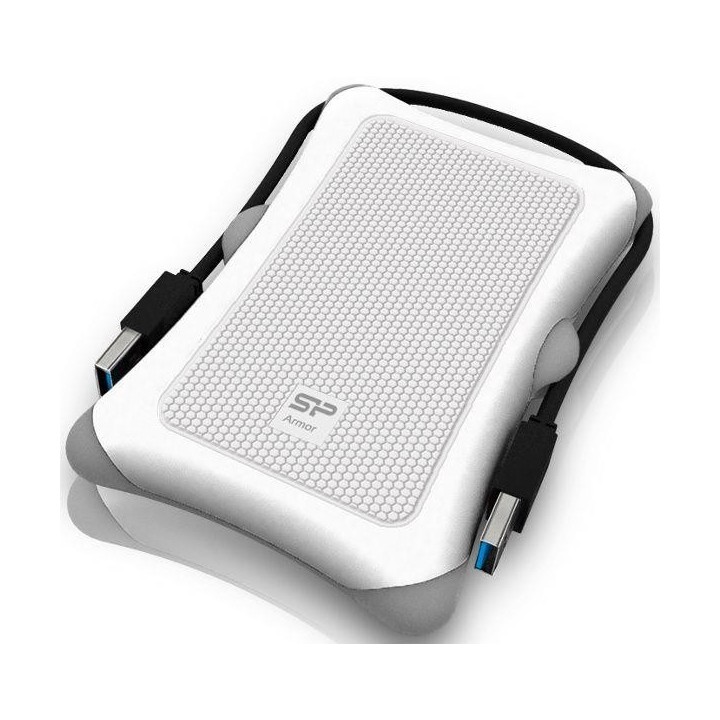
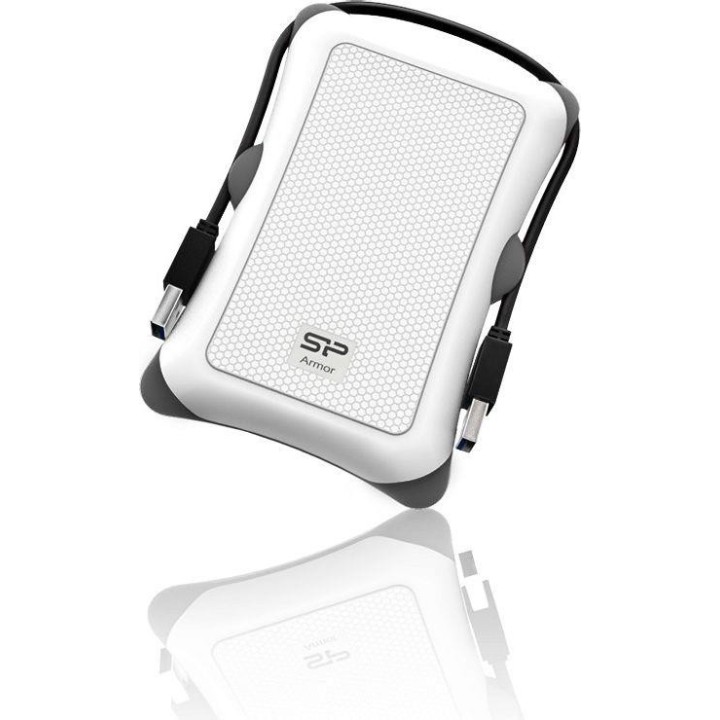
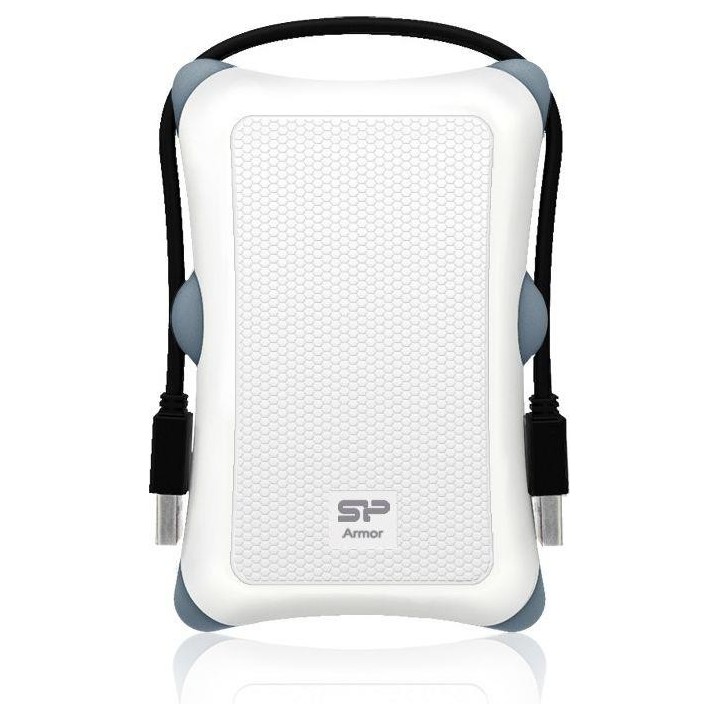
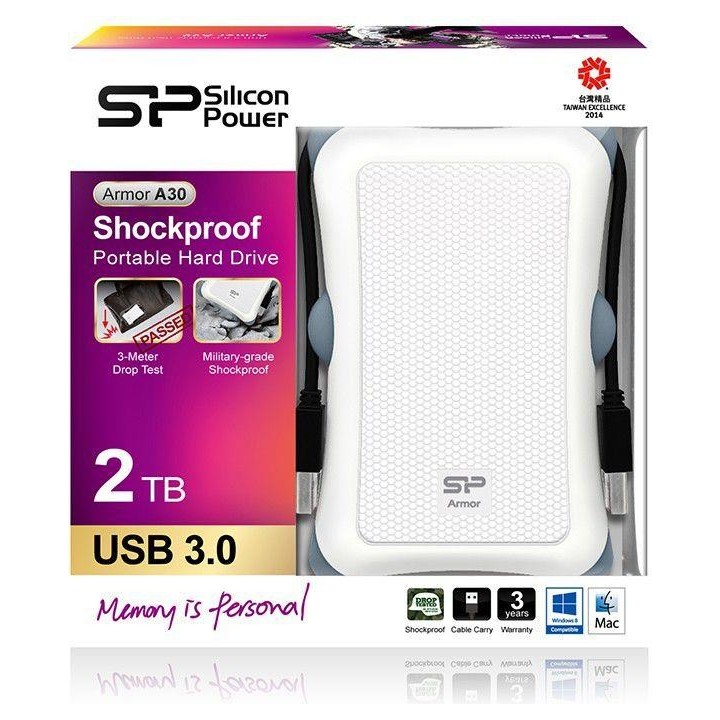
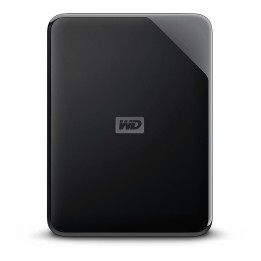
Armor A30 składa się z odpornego na wstrząsy żelu krzemionkowego, budowanego od struktury wewnętrznej do zewnętrznej, dodając dodatkową osłonę, aby wytrzymać zgniecenia i wstrząsy. Co więcej, Armor A30 przeszedł test zgodnie z rygorystycznym amerykańskim testem wojskowym MIL-STD-810G (test upadku tranzytowego), zapewniając użytkownikom pełen zakres ochrony w najtrudniejszych warunkach.Armor A30 posiada wyróżniający się sześciokątny wzór pokrywający powierzchnię, który sprawia, że A30 jest bardziej odporny na wszelkie zadrapania lub ułamki podczas codziennego użytkowania. Wybrzuszone żele krzemionkowe Armor A30, które są symetrycznie wbudowane w zewnętrzną obudowę, przekształcają się w zewnętrzne otwory do przechowywania kabli i owijania wokół obudowy. Ta genialna konstrukcja oferuje idealne rozwiązanie do przechowywania i praktyczność.
Zgodność z SuperSpeed USB 3.0 i wsteczna kompatybilność z USB 2.0
Konstrukcja umożliwiająca przenoszenie kabla
Zaawansowany wewnętrzny system zawieszenia dysku twardego
Łatwe podłączanie i użytkowanie - nie wymaga zewnętrznego adaptera
Silicon Power Netherlands B.V.
Antennestraat 16 1322 AB Almere Holandia
E-mail: service@eu.silicon-power.com
Telefon: +31 8 556 00010
Silicon Power Netherlands B.V.
Antennestraat 16 1322 AB Almere Holandia
E-mail: service@eu.silicon-power.com
Telefon: +31 8 556 00010
List of external and portable drive safety warnings based on the requirements of General Product Safety Regulation (GPSR) 2023/988: * Use the drive according to the manufacturer’s instructions to avoid mechanical damage or data loss. * Do not expose the disc to extreme temperatures, moisture, or direct sunlight to prevent overheating or damage. * Protect your drive from drops and bumps, as this can cause damage to internal components and data loss. * Disconnect the drive from your computer in a secure manner (using the "Safe Hardware Removal" feature) to avoid data loss or damage to the drive. * Do not open the disk housing, as this may result in loss of warranty and damage to delicate components. * In case of disk failure, do not try to repair it yourself; contact a professional data recovery service. * Keep the drive away from strong magnetic fields that can disrupt operation and cause data loss. * Use only the original cables and power supplies that came with the drive to avoid compatibility issues and damage. * Regularly back up data from disk to other media to avoid losing important information in the event of a failure. * Keep the disc out of reach of children to avoid accidental damage or ingestion of small items. * When transporting the disk, protect it from shocks and moisture by placing it in a suitable protective case. * Do not attempt to connect a damaged drive to your computer as this may cause additional problems. * Regularly scan the drive with an antivirus program to prevent malware infection. * Do not use the disc near flammable substances, as overheating and fire may occur in the event of a breakdown. * Make sure the voltage in the electrical outlet complies with the requirements of the disk power supply to avoid damage. * If the drive overheats, disconnect it from power immediately and let it cool before reusing. * Clean the disc housing with a soft, dry cloth; do not use chemicals that can damage the surface. * For long-term disk storage, place it in a dry and cool place to avoid component degradation. * If your drive is equipped with encryption software, make sure your password is secure and remembered to avoid permanent loss of access to your data. * When connecting and disconnecting the drive, hold by the housing, not by the cable, to avoid damaging the connector.
Produkty, które ostatnio zwróciły Twoją uwagę.