- Nowy
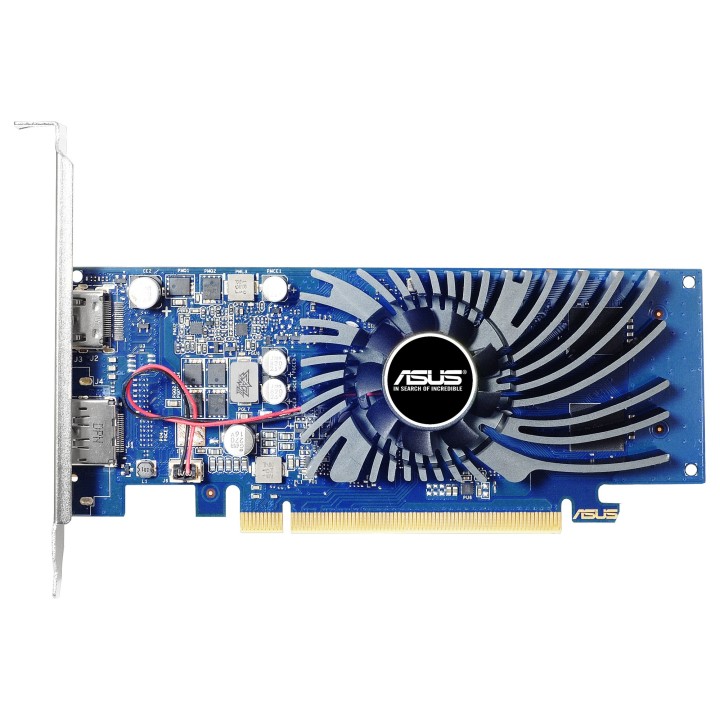
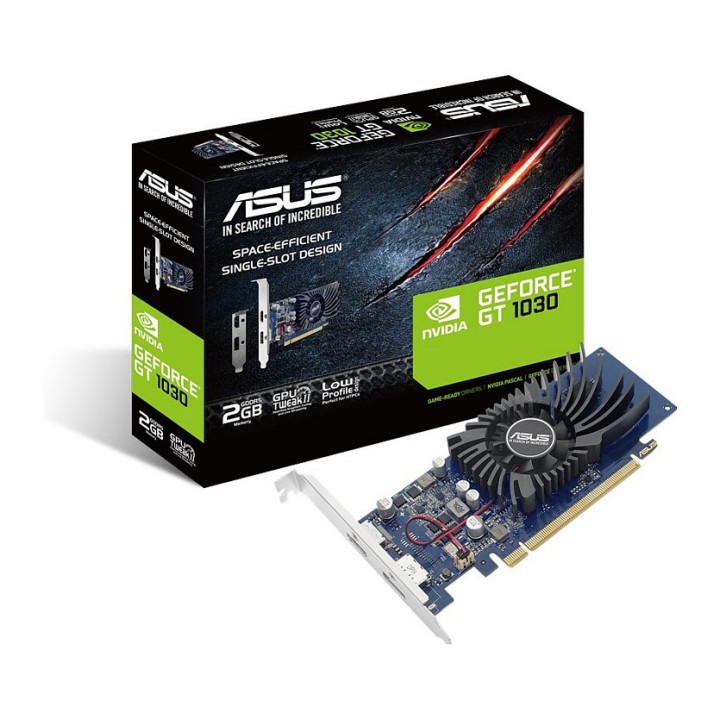
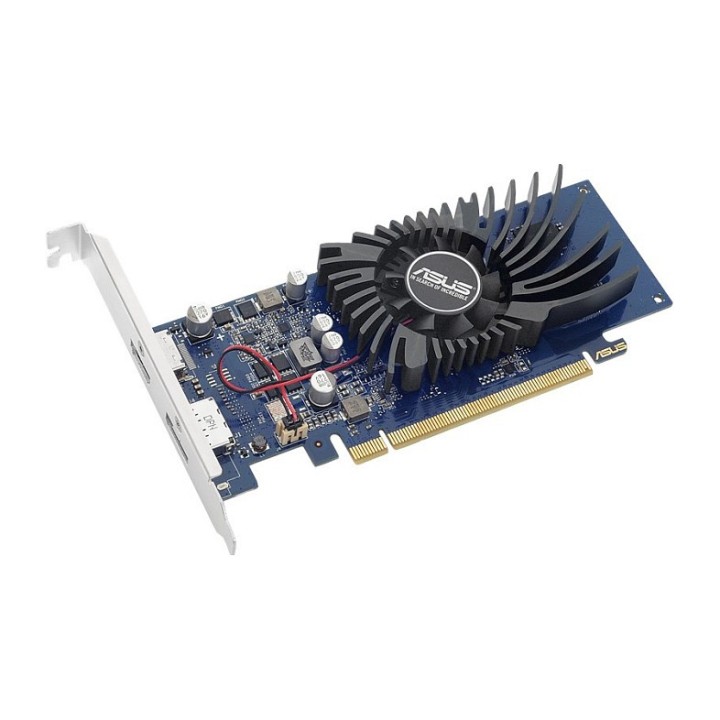
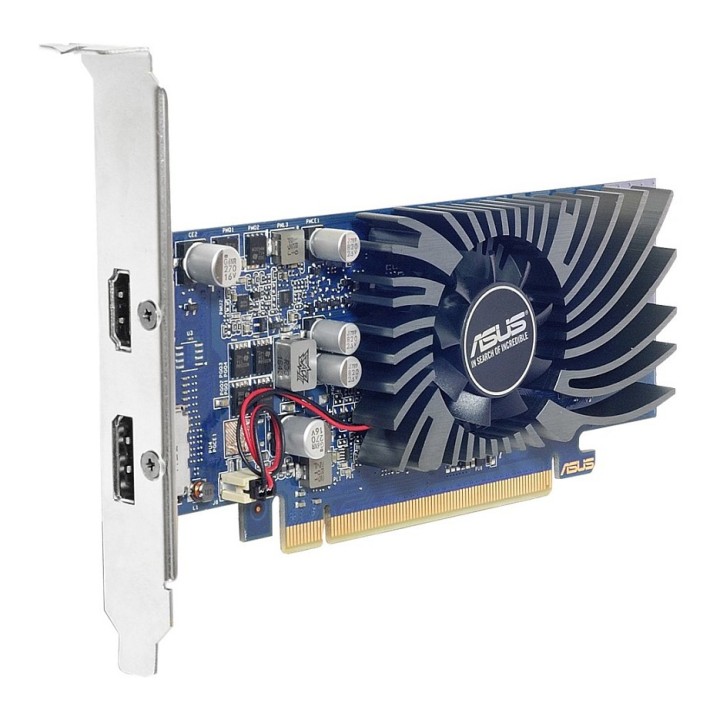
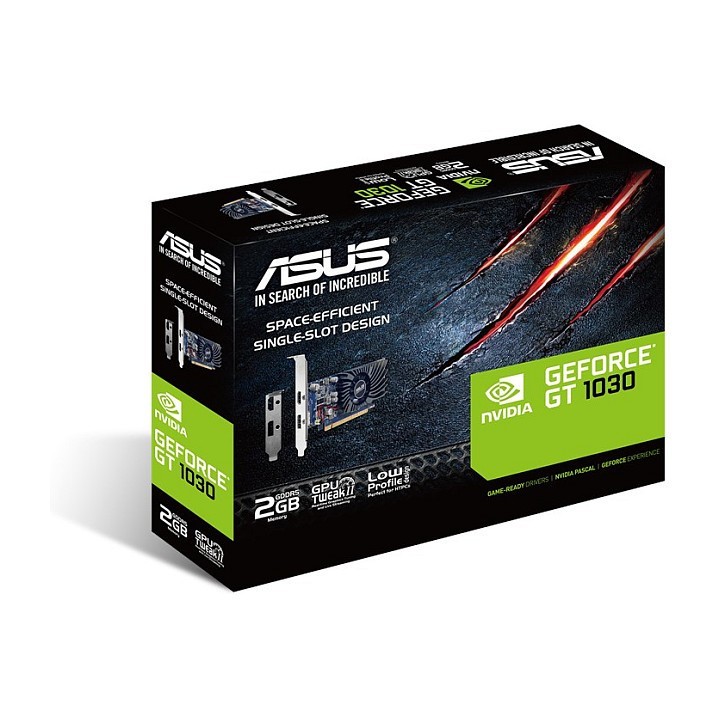
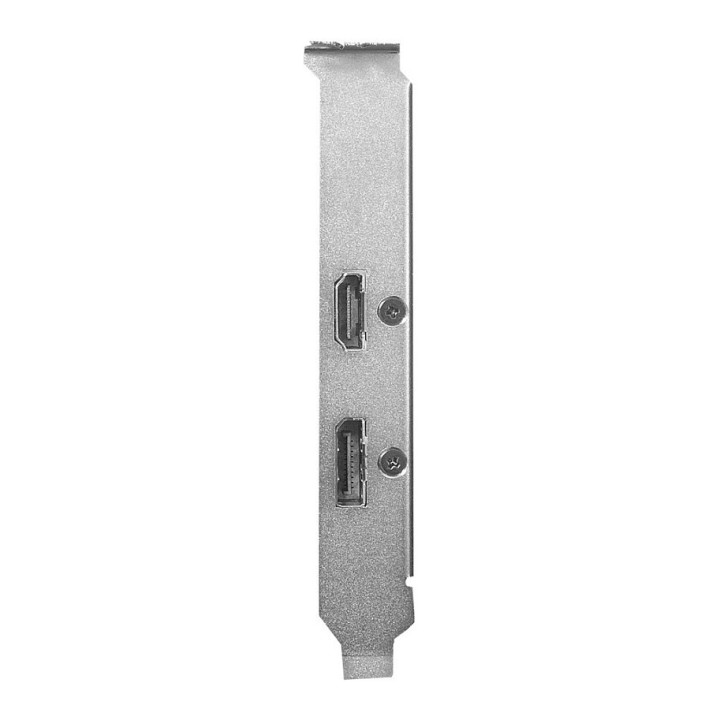
ASUS GT1030-2G-BRK ASUS GeForce GT 1030 2GB GDDR5 low profile obrazki
ASUS GT1030-2G-BRK ASUS GeForce GT 1030 2GB GDDR5 low profile
Opis produktu
Karta graficzna ASUS GeForce GT1030 wyróżnia się kompaktową konstrukcją zajmującą tylko jedno gniazdo, dzięki czemu nie blokuje sąsiednich gniazd PCIe i zapewnia maksymalną elastyczność rozszerzania systemu. Ponadto jej niewielki rozmiar zapewnia doskonałą kompatybilność z obudowami o kompaktowej wielkości. Ekskluzywna technologia Auto-Extreme z komponentami Super Alloy Power II umożliwia wysoką stabilność pracy. Karta jest również wyposażona w narzędzie GPU Tweak II do intuicyjnego dostrajania wydajności.
Kompaktowa konstrukcja zajmująca tylko jedno gniazdo
Wysoka jakość i niezawodność
Podrasuj sprzęt zgodnie ze swoimi upodobaniami
Specyfikacja
- Opis produktu: ASUS GT10302GBRK karta graficzna GF GT 1030 2 GB
- Rodzaj urządzenia: Karta graficzna niski profil
- Typ magistrali: PCI Express 3.0
- Graphics Engine: NVIDIA GeForce GT 1030
- Pamięć: 2 GB GDDR5
- Zegar rdzeniowy: 1266 MHz
- Boost Clock: 1506 MHz
- Rdzenie CUDA: 384
- Effective Memory Clock: 6008 MHz
- Interfejs pamięci: 64bit
- Maksymalna rozdzielczość: 7680 x 4320
- Szczegóły Interfejsu: DisplayPort HDMI
- Obsługa API: DirectX 12, OpenGL 4.5
- Wymiary (szer.głęb.wys.): 2.1 cm x 16.9 cm x 6.9 cm
Szczegóły produktu
- Marka Asus
- Kod produktu 66100d2471a267703ce3939d
- Dostępność 190 Przedmioty
- EAN13 4712900910223
- MPN GT1030-2G-BRK
Specyfikacja
-
Wyjścia obrazu
DisplayPort
HDMI - Typ chłodzenia Aktywne
- Pamięć karty graficznej (GB) 2 GB
- Szerokość magistrali pamięci (bit) 64 bit
- Długość karty (mm) 169 mm
Producent
Producent
ASUS Polska SP. z o.o.
Cybernetyki 9 02-677 Warszawa Polska
E-mail: sales@asus-polska.pl
Osoba odpowiedzialna w UE
ASUS Polska Sp. z o.o.
Harkort str 21-23 40880 Ratingen Germany
E-mail: sales@asus-polska.pl
Telefon: 22 571 80 00
Bezpieczeństwo
Informacje o bezpieczeństwie
List of graphics card security warnings based on the requirements of General Product Safety Regulation (EU) 2023/988 (GPSR): 1. Risk of electric shock: * Make sure your computer is disconnected from power before installing or disassembling your graphics card. * Do not touch the graphics card with wet hands. * Use only the power supply with the appropriate power and voltage, according to the specification of the graphics card. 2. Risk of hardware damage: * Be careful when installing and disassembling the graphics card to avoid damaging the PCI-e slot, connectors or the card itself. * Make sure the graphics card is properly attached to the PCI-e slot and secured with screws. * Do not use excessive force when inserting or removing the graphics card. 3. Risk of overheating: * Provide adequate ventilation in the computer case to avoid overheating of the graphics card. * Monitor the temperature of the graphics card and, if necessary, install additional fans or change the cooling system. * Do not block the ventilation holes of the graphics card. 4. Fire risk: * Make sure that all power cables are properly connected to the graphics card and power supply. * Do not use damaged power cables. * Regularly check the condition of the power cables and replace them if necessary. 5. Risk of personal injury: * Watch out for sharp edges and elements on the graphics card to avoid cuts. * When working with a graphics card, use protective gloves. 6. Risks associated with improper use: * Do not try to repair a damaged graphics card yourself. * Do not modify the graphics card in a way that does not comply with the manufacturer's instructions. * Do not use the graphics card in an environment with high humidity or dust. 7. Warnings for children: * Keep your graphics card out of reach of children. * Make sure that children do not play with the graphics card or its elements. 8. Disposal: * Used graphics card must be disposed of in accordance with local electronic waste regulations.
Karty graficzne
- Nowy
- Nowy
- Nowy
- Nowy
- Nowy
- Nowy
- Nowy
- Nowy
Ostatnio oglądane
Produkty, które ostatnio zwróciły Twoją uwagę.
- Nowy
- Nowy
- Nowy
- Nowy
- Nowy