- Nowy

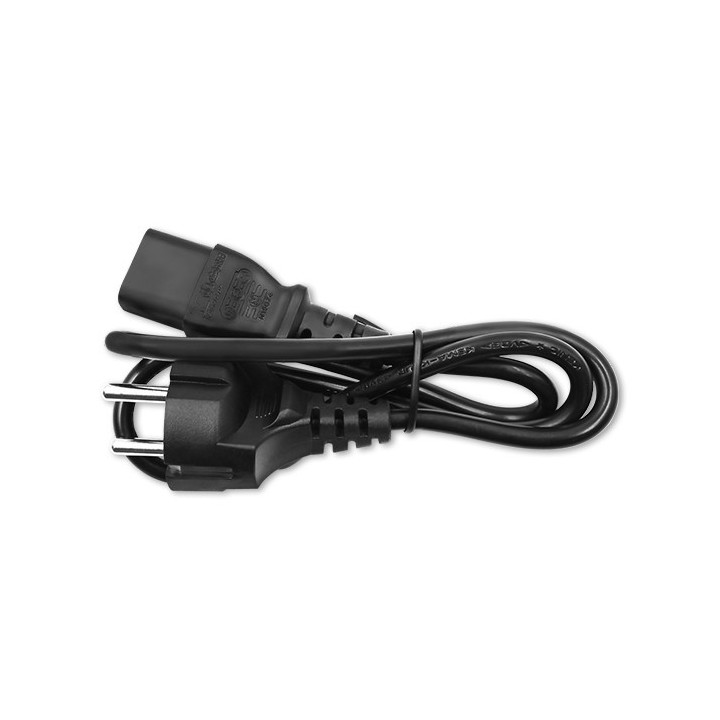
QOLTEC 51532 Qoltec Zasilacz do Asus 180W 19.5V 9.23A 5.5x2.5 obrazki
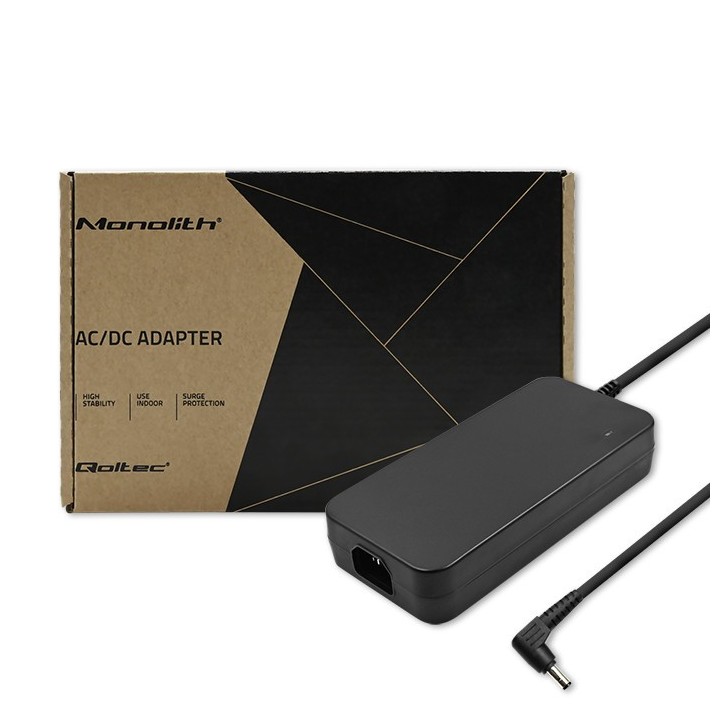
QOLTEC 51532 Qoltec Zasilacz do Asus 180W 19.5V 9.23A 5.5x2.5
Opis produktu
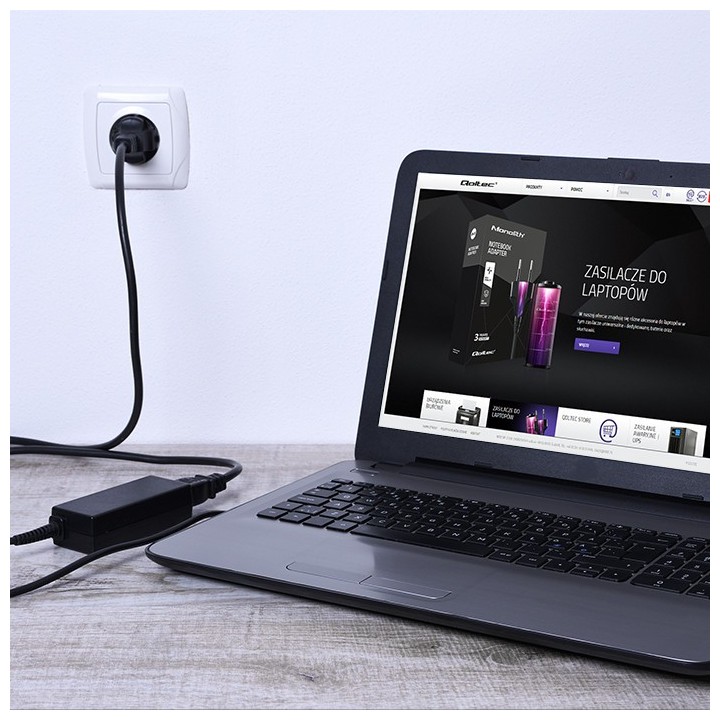
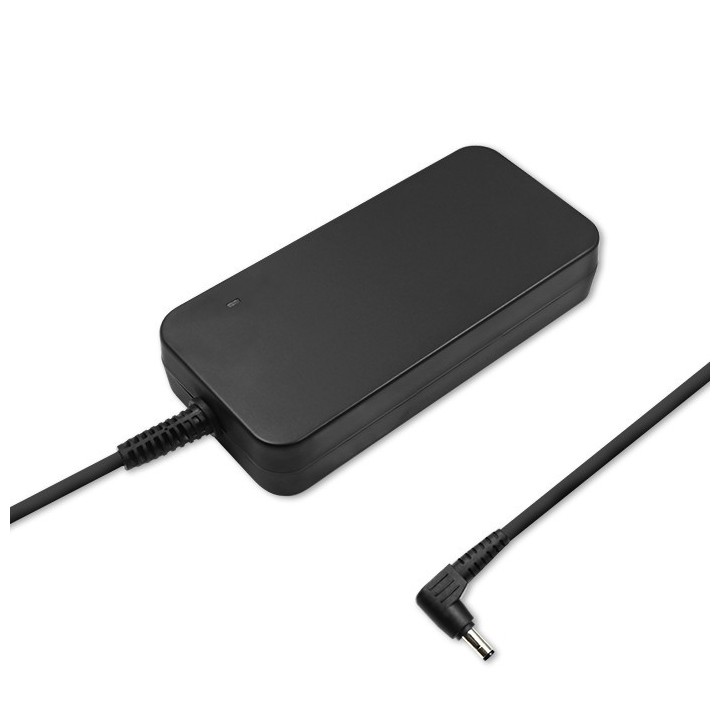
Zasilacz sieciowy Qoltec dedykowany do laptopa jest gwarancją bezpiecznego zasilania oraz użytkowania. Można wykorzystać go do pracy w domu bądź w pracy. Posiada szereg zabezpieczeń chroniących podłączonego laptopa. Charakteryzuje się wysoką sprawnością, która wpływa na zmniejszenie zużycia energii.
Zasilacz sieciowy marki Qoltec charakteryzuje się najlepszą jakością oraz wykonaniem z wysokiej jakości materiałów
Idealnie sprawdzi się w domu oraz w pracy, jako zasilacz główny lub zapasowy
Nowoczesny, o wysokiej sprawności zasilacz szybko i bezpiecznie naładuje laptopa dzięki precyzyjnemu dostosowaniu parametrów ładowania
Wyposażony w zaawansowane technologie (zabezpieczenia) przeciwprzepięciowe, przeciwprzeciążeniowe przeciwzwarciowe i termiczne, które wpływają na bezpieczeństwo w użytkowaniu
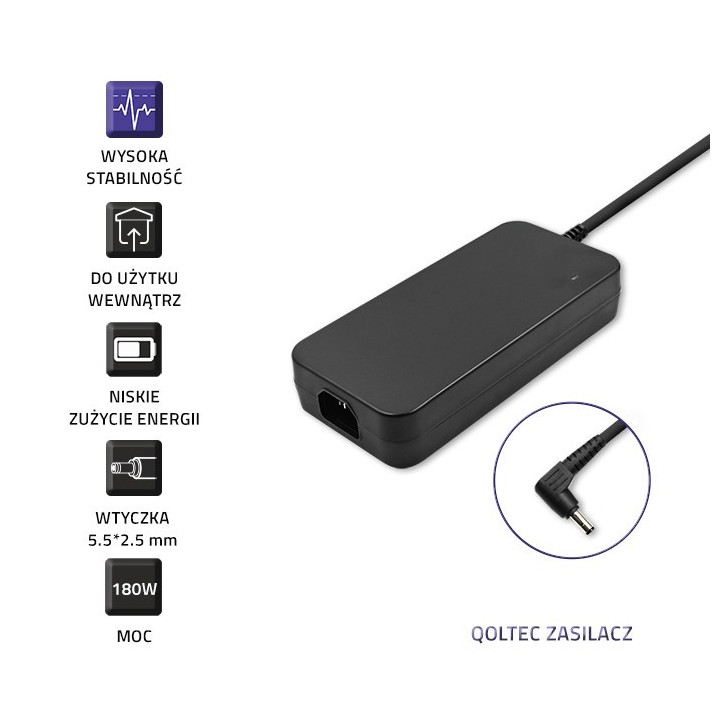
Zasilacz sieciowy cechuje się niskim zużyciem energii oraz wysoką wydajnością
Specyfikacja
- Opis produktu: Qoltec zasilacz 180 wat
- Rodzaj urządzenia: Zasilacz zewnętrzny
- Waga: 792 g
- Napięcie wejściowe: AC 220240 V
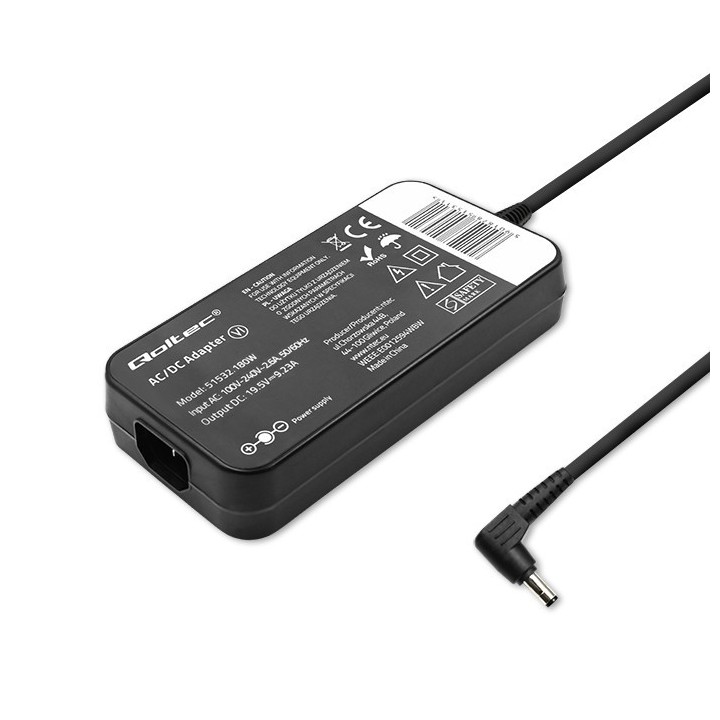
- Napięcie wyjściowe: 19.5 V
- Zasilanie: 180 wat
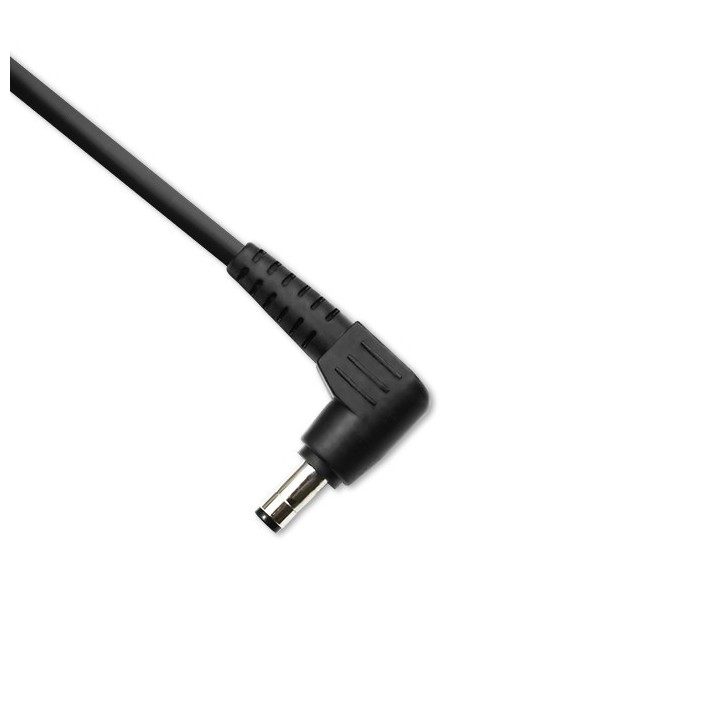
- Złącza wychodzące: 1 x zasilanie DC jack 5,5 mm (ID: 2,5 mm) 19.5 V 9.23 A
- Kolor: Czarny
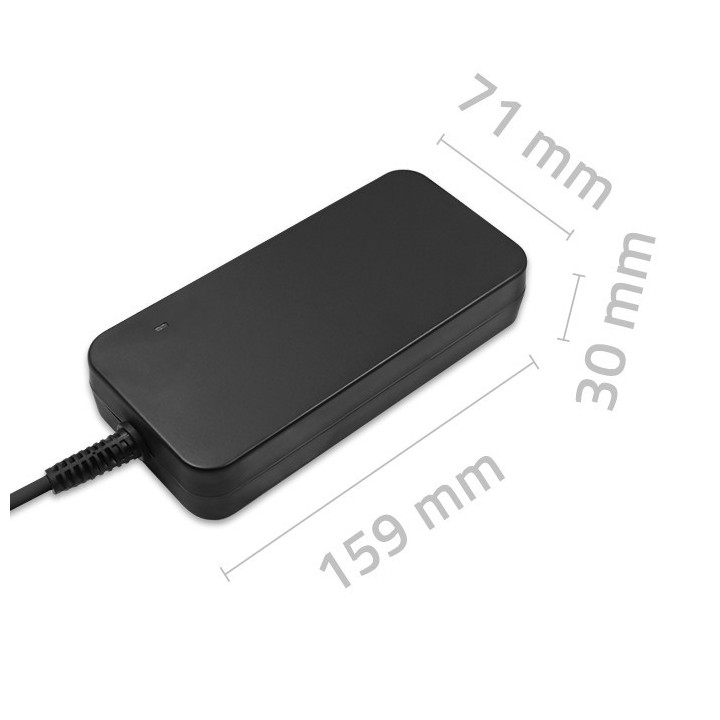
- Wymiary (szer.głęb.wys.): 15.9 cm x 7.1 cm x 3 cm
Szczegóły produktu
- Marka Qoltec
- Kod produktu 66101d0e71a267703cec257c
- Dostępność 68 Przedmioty
- EAN13 5901878515328
- MPN 51532
Specyfikacja
- Moc wyjściowa (W) 180 W
- Prąd wyjściowy (A) 9,23 A
- Typ wtyku 5,5*2,5
Producent
Producent
ntec sp. z o.o.
Chorzowska 44B 44-100 Gliwice Polska
E-mail: info@qoltec.pl
Telefon: +48 32 600 79 89
Bezpieczeństwo
Informacje o bezpieczeństwie
List of safety warnings Laptop power supplies based on the requirements of Regulation (EU) 2023/988 on General Product Safety (GPSR) 1. Risk of electric shock: * Make sure the power supply is connected to a working grounded outlet. * Do not touch the plug or cable with wet hands. * Avoid using the power supply in places with high humidity. * Regularly check the condition of cables and plugs for damage. 2. Risk of overheating: * Provide adequate ventilation around the power supply, do not block ventilation openings. * Do not cover the power supply during use. * Do not use the power supply near heat sources or in a sunny place. 3. Fire risk: * Use only the original power supplies recommended by the laptop manufacturer. * Do not leave the power supply on unattended near flammable materials. * Do not use damaged cables or plugs. 4. Risk of damage to the power supply: * Protect the power supply from drops and bumps. * Do not wrap the cable around the power supply when it is connected to electricity. * Store the power supply in a dry and clean place. 5. Compatibility risks: * Make sure that the power supply parameters (voltage and current) are in line with the requirements of your laptop. * Do not use a power adapter that is not designed for your laptop model. 6. Caution when cleaning: * Disconnect the power supply from the power supply before cleaning. * Use a soft, slightly damp cloth to clean the power supply. * Avoid using strong detergents that can damage the surface of the power supply. 7. Child warnings: * Keep the power supply and power cables out of reach of children. * Make sure kids don't play with the power supply or accessories. 8. Battery-related hazards (if the power supply contains a battery): * Avoid damaging the battery by impacts or punctures. * If the battery overheats or swells, stop using the power supply immediately. * Do not expose the battery to high temperatures. * When replacing batteries, follow the manufacturer's instructions. 9. Disposal: * Waste electrical and electronic equipment, including power supplies, must not be placed in municipal waste containers. They should be returned to special collection points or to the seller. * Dispose of the battery in the right place, according to local regulations. 10. Additional precautions: * If the power supply is flooded, immediately disconnect it from the power source and contact the service. * Do not try to repair the power supply yourself.
Zasilacze do laptopów
Ostatnio oglądane
Produkty, które ostatnio zwróciły Twoją uwagę.