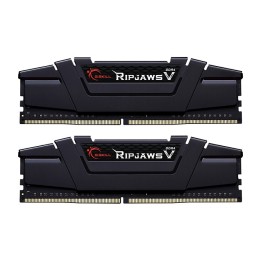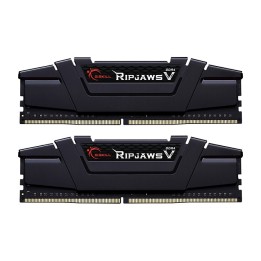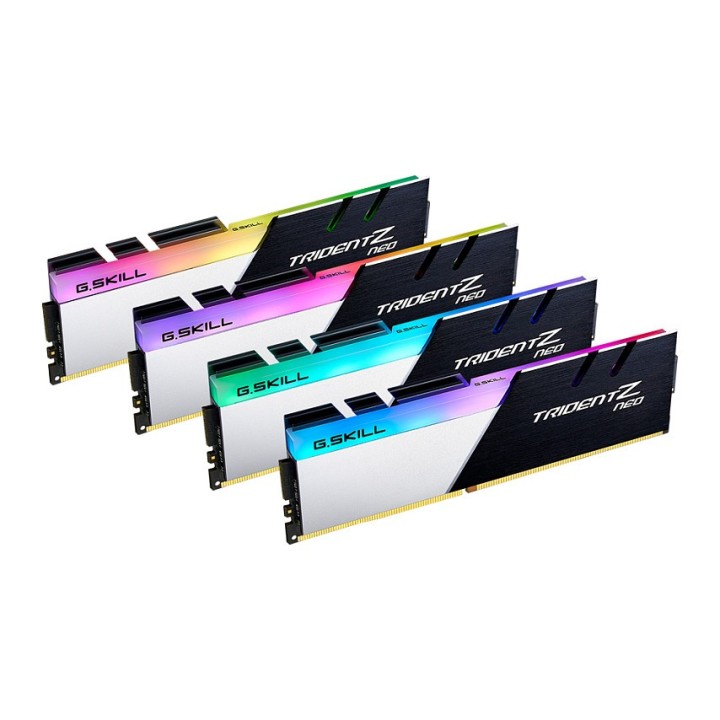
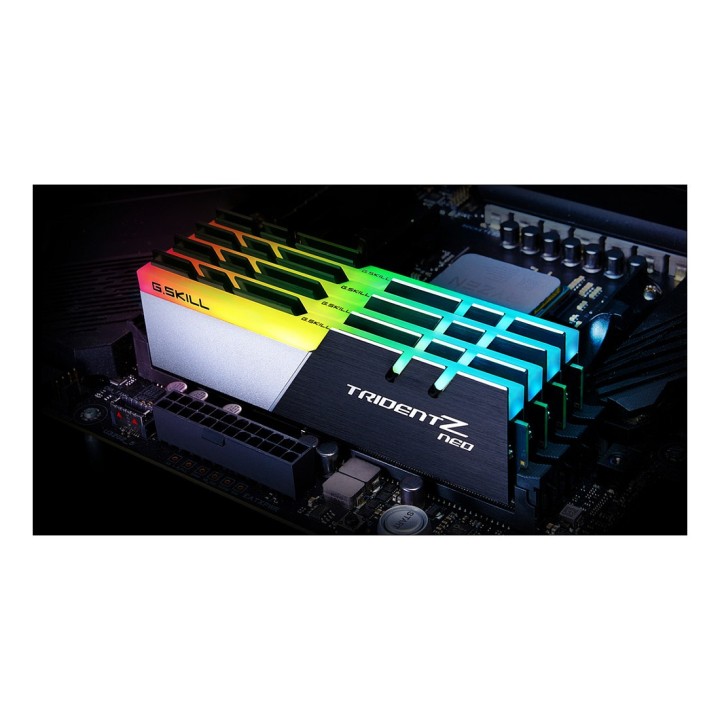
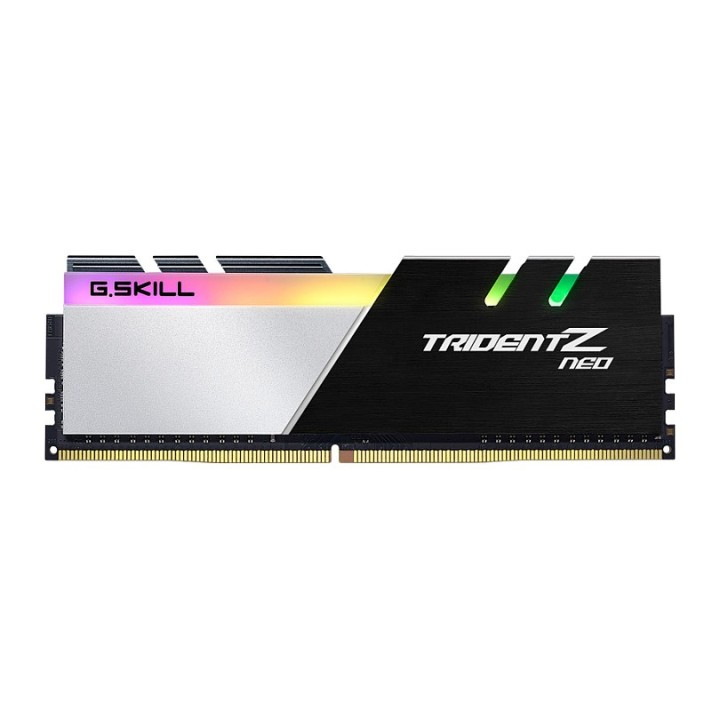
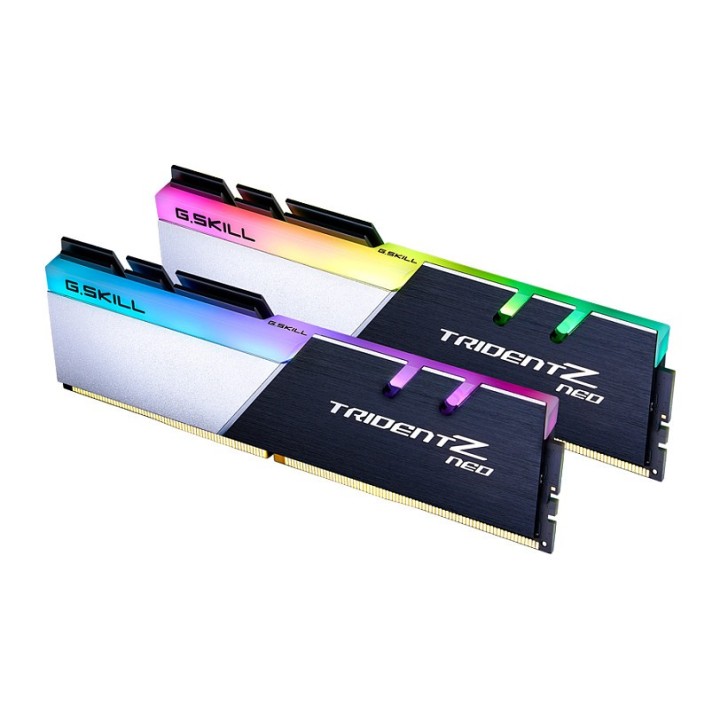
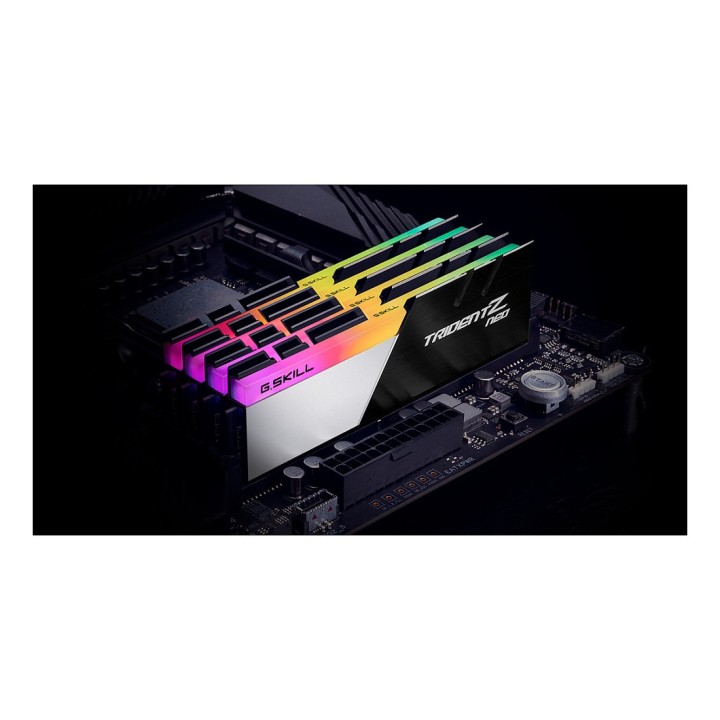
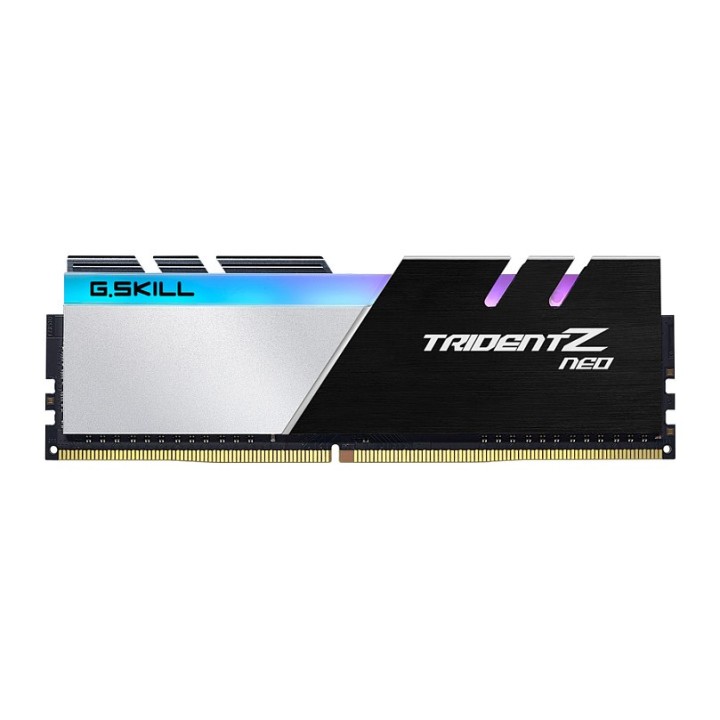
G.SKILL Trident Z Neo AMD Pamięć DDR4 32GB 4x8GB 3600MHz CL18 1.35V XMP 2.0
Opis produktu
G.Skill Trident Z Neo F4-3600C18Q-32GTZN. Przeznaczenie: PC/serwer. Pamięć wewnętrzna: 32 GB. Układ pamięci (moduły x rozmiar): 4 x 8 GB. Typ pamięci wewnętrznej: DDR4. Prędkość zegara pamięci: 3600 MHz. Rodzaj pamięci: 288-pin DIMM. Opóźnienie CAS: 18
Specyfikacja
- Opis produktu: G.Skill TridentZ Neo Series DDR4 zestaw 32 GB: 4 x 8 GB DIMM 288pin 3600 MHz PC428800 niebuforowana
- Typ produktu: Zestaw pamięci
- Pojemność: 32 GB: 4 x 8 GB
- Typ pamięci: DDR4 SDRAM DIMM 288pin
- Sposób rozbudowy: Standardowy
- Sprawdzenie intgralności danych: Bez ECC
- Szybkość: 3600 MHz (PC428800)
- Latency Timings: CL18 (18222242)
- Cechy: Aluminiowe rozpraszanie ciepła, podwójny kanał, poczwórny kanał, Intel Extreme Memory Profiles (XMP 2.0), żywe LED RGB, obsługa ASUS Aura Sync, obsługa MSI Mystic Light RGB, obsługa Gigabyte RGB Fusion, obsługa kontroli oświetlenia Trident Z RGB, obsługa ASRock Polychrome, konstrukcja Trident Z trifin, obsługa profilu OC, niebuforowana
- Napięcie: 1.35 V
Szczegóły produktu
- Marka G.SKILL
- Kod produktu 66101ea971a267703cece301
- Dostępność 9 Przedmioty
- EAN13 4713294223654
- MPN F43600C18Q32GTZN
Specyfikacja
- Typ pamięci RAM DDR4
- Opóźnienie CAS CL18
- Pojemność zestawu RAM (GB) 32 GB
- Format modułu RAM DIMM
- Pojemność jednego modułu (GB) 8 GB
- Liczba modułów (szt.) 4 szt.
- Napięcie pamięci (V) 1,35 V
Producent
Producent
eXtremeMem, Michał Chmura
Szyszkowa, nr 35/37 02-285 Warszawa Polska
E-mail: michal.chmura@extrememem.com
Telefon: +48 22 878 32 30
Osoba odpowiedzialna w UE
eXtremeMem, Michał Chmura
Szyszkowa, nr 35/37 02-285 Warszawa Polska
E-mail: michal.chmura@extrememem.com
Telefon: 48-22-40-799-40
Bezpieczeństwo
Informacje o bezpieczeństwie
List of RAM security warnings based on the requirements of Regulation (EU) 2023/988 on General Product Safety (GPSR) 1. Risk of hardware damage: * Make sure you shut down your computer before installing or disassembling RAM to avoid electrical damage. * Check the compatibility of RAM with your computer's motherboard to avoid problems with system operation. 2. Risk of cuts: * Be careful when manipulating RAM to avoid cuts to sharp edges. 3. Electrostatic hazard: * Protect your RAM from electrostatic discharge (ESD) that can damage electronic components. Use an antistatic band and work on an antistatic surface. 4. Risk of incorrect assembly: * Thoroughly insert RAM modules into the sockets to ensure proper connection and avoid problems with system operation. 5. Overheating: * Provide adequate ventilation in the computer case to prevent overheating of RAM, which can lead to unstable system operation. 6. Voltage: * Make sure the voltage settings in the BIOS are appropriate for the installed RAM to avoid damage or malfunction. 7. Hazard for children: * Keep RAM out of reach of children to prevent ingestion of small items. 8. Suitable use: * Use RAM for its intended purpose, avoid extreme conditions that can lead to damage. 9. Disassembly: * Carefully disassemble the RAM so as not to damage the modules or sockets on the motherboard. 10. Disposal: * Dispose of used RAM in accordance with local e-waste recycling regulations.