
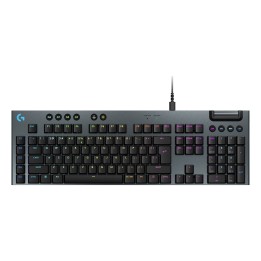
RAZER Gaming keypad Tartarus Pro Oprical
Opis produktu
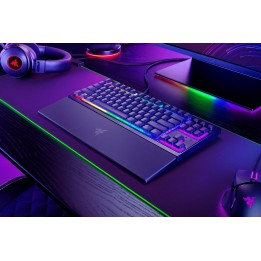
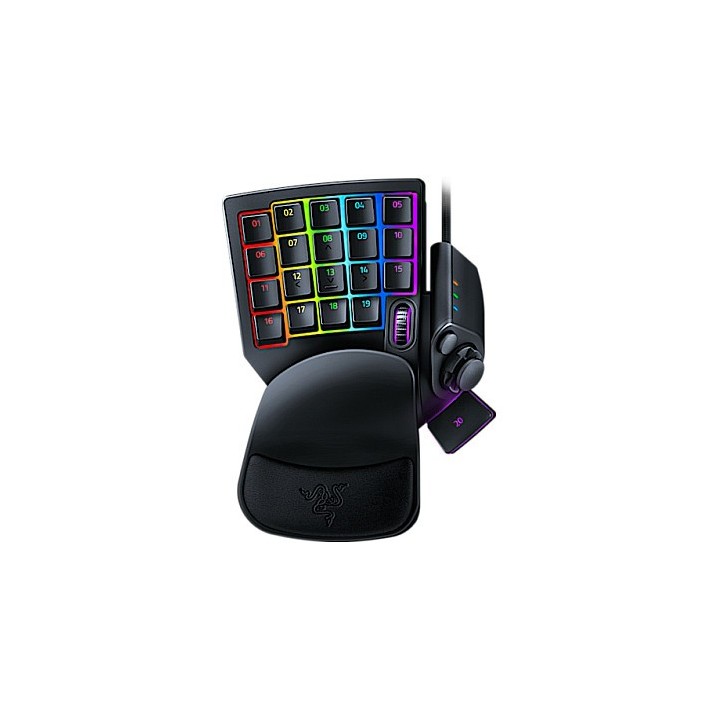
Przejmij kontrolę nad swoją grą dzięki Razer Tartarus Pro i nigdy nie pozwól, by zwycięstwo wymknęło Ci się z rąk. Doświadcz wyważonej, zniuansowanej kontroli dzięki optycznym przełącznikom analogowym Razer z regulacją aktywacji, jednocześnie uzbrajając się w śmiercionośny arsenał poleceń i makr na 32 programowalnych klawiszach.
Analogowy przełącznik optyczny Razer
Regulowana aktywacja
32 programowalne klawisze
8 profili szybkiego przełączania
Nieograniczona długość makr i przechowywanie profili
Klawisze dwufunkcyjne
Specyfikacja
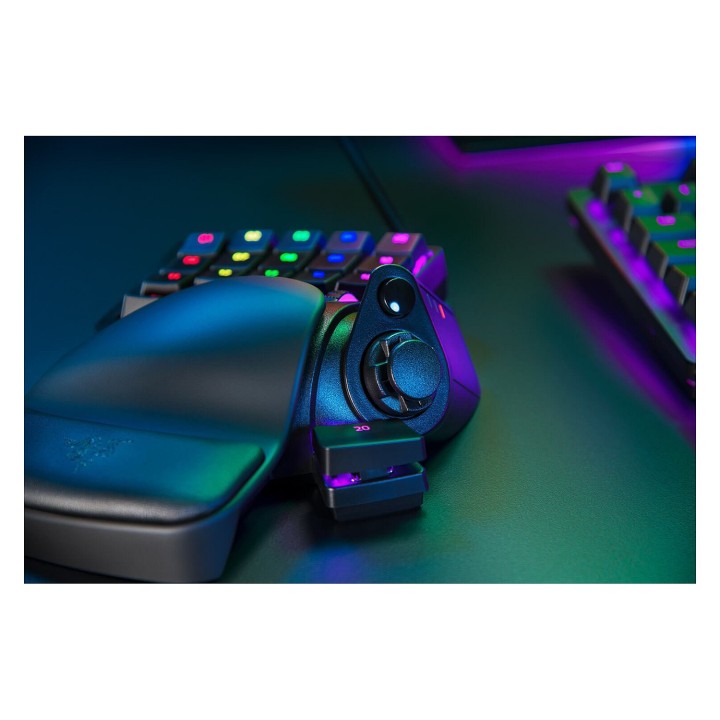
- Opis produktu: Razer Tartarus Pro klawiatura keypad z kółko przewijania, 8way directional thumbpad urządzenie wejściowe
- Rodzaj urządzenia: Klawiatura keypad
- Podświetlenie: 16,8 milionów kolorów
- Interfejs: USB
- Sposób podłączenia: Przewodowa
- Wbudowane urządzenia: Kółko przewijania, 8way directional thumbpad
- Ilość klawiszy: 32
- Funkcje Hot Keys: Programowalny
- Typ przełącznika kluczykowego: Razer Analog Optical Switches
- Wymiary (szer.głęb.wys.): 15.1 cm x 20.2 cm x 6.35 cm
- Waga: 362 g
Szczegóły produktu
- Marka Razer
- Kod produktu 66101fa971a267703ced5be6
- Dostępność 24 Przedmioty
- EAN13 8886419360193
- MPN RZ0703110100R3M1
Producent
Producent
Razer (Europe) GmbH
Alter Teichweg 25, 22081 Hamburg, Germany 22081 Hamburg Germany
E-mail: compliance@razer.com
Formularz kontaktowy: https://www.razer.com/eu-en/contact-us
Telefon: +49 (40) 4192 99300
Bezpieczeństwo
Informacje o bezpieczeństwie
List of keyboard safety warnings based on the requirements of General Product Safety Regulation (EU) 2023/988 (GPSR): * Make sure you use the keyboard as intended, avoid over-pressing or hitting the keys. * Protect your keyboard from flooding with liquids, as this can damage your electronics. * If you are using a wireless keyboard, be sure to replace the batteries regularly and dispose of them as per your regulations. * Keep your keyboard clean, vacuum it regularly, and clean with gentle agents to prevent dust and dirt buildup. * If the keyboard has LED backlighting, avoid staring at intense light for a long time, especially in dark environments. * Store your keyboard in a dry place, away from direct sunlight and heat sources. * Make sure that the keyboard cable is not an obstacle and does not threaten to trip. * If the keyboard has sharp edges, be careful to avoid cuts. * If you experience skin allergies to the materials from which the keyboard is made, stop using it and consult your doctor. * Do not use a damaged keyboard where the keys are loose or missing. * Keep your workstation organized to avoid accidental damage to your keyboard. * Avoid using the keyboard in conditions of high humidity or dustiness, as this can negatively affect its operation. * If you notice the keyboard overheating, disconnect it from the power source immediately. * If the keyboard is equipped with a USB receiver, store it in a safe place to avoid being swallowed by children. * Make sure that children do not play with the keyboard or its elements. * Do not try to repair the keyboard yourself if you are not qualified. * Pay attention to the ergonomics of the work to avoid problems with the wrists and hands during prolonged use of the keyboard.
Klawiatury
Ostatnio oglądane
Produkty, które ostatnio zwróciły Twoją uwagę.