- Nowy
DELL Laser Wired Mouse MS3220 Black obrazki
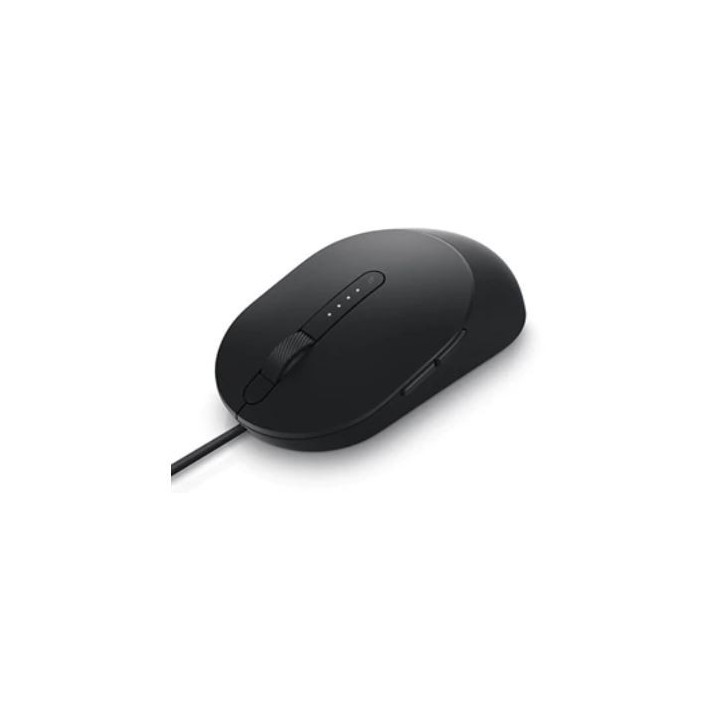
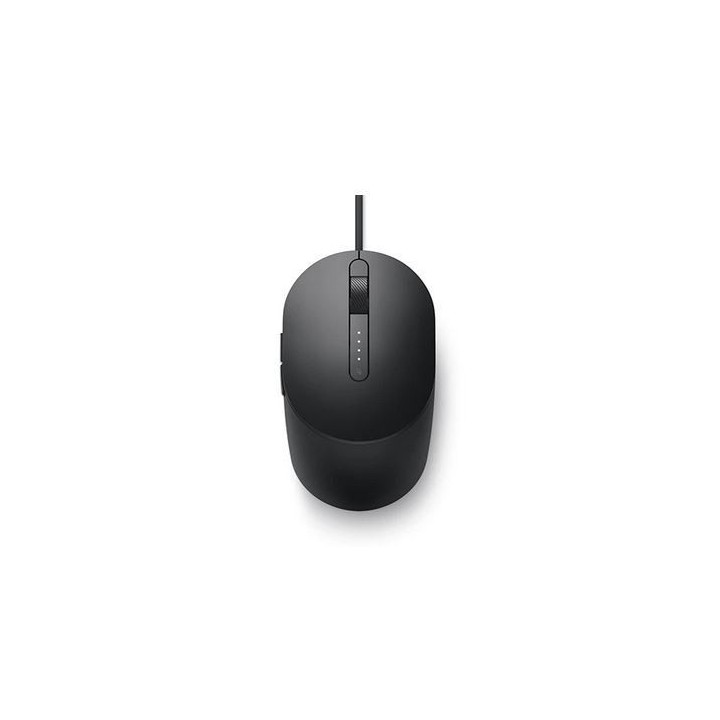
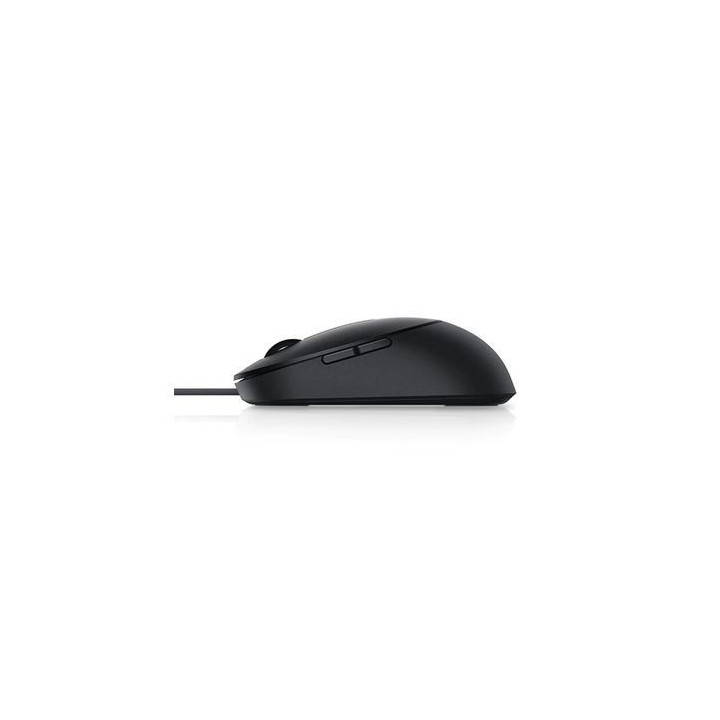
DELL Laser Wired Mouse MS3220 Black
Opis produktu
Zyskaj wysoką precyzję sterowania dzięki przewodowej myszy laserowej Dell MS3220. Wygodnie dostępne, wstępnie wprowadzone ustawienia dpi pozwalają bez trudu poruszać się po wielu ekranach, niezależnie od tego, czy mowa o wysokiej rozdzielczości 4K z 3200 dpi, czy niższej rozdzielczości przy znacznie mniejszej czułości.
Specyfikacja
- Opis produktu: Dell Pro MS3220 mysz USB 2.0 czarny
- Rodzaj urządzenia: Mysz
- Sposób podłączenia: Przewodowa USB 2.0
- Usługi powiązane: 3 lata Advanced Exchange Service
- Kolor: Czarny
- Wymiary (szer.głęb.wys.): 6.29 cm x 11.53 cm x 3.89 cm
- Waga: 98 g
- Technologia wykrywania ruchu: Laser
- Ilość przycisków: 5
- Zakres ruchu: 3200 dpi
- Cechy: Pokrętło przewijania
- Wymagany system operacyjny: Microsoft Windows 7 8 8.1 10, Google Chrome OS, Android, Linux
Szczegóły produktu
- Marka DELL TECHNOLOGIES
- Kod produktu 66102afc71a267703cf3dcc3
- Dostępność 30 Przedmioty
- EAN13 5397184289105
- MPN 570-ABHN
Specyfikacja
- Maksymalna czułość (DPI) 3200 DPI
- Profil dłoni Praworęczny
- Liczba przycisków (szt.) 5 szt.
- Masa (g) 98 g
Producent
Producent
Dell Sp. z o.o
ul. Inflancka 4A 00-189 Warszawa Poland
E-mail: regulatory.compliance@dell.com
Formularz kontaktowy: https://www.dell.com/regulatory
Telefon: 15 123 381 551
Osoba odpowiedzialna w UE
DELL sp. z.o.o.
Jerozolimskie 123A 02-017 Warszawa Polska
Telefon: 0226207898
Bezpieczeństwo
Informacje o bezpieczeństwie
List of mouse safety warnings based on the requirements of General Product Safety Regulation (EU) 2023/988 (GPSR): 1. Ergonomics and repetitive movements: I use the mouse ergonomically to avoid strains and injuries. I regularly take breaks to reduce the risk of carpal tunnel syndrome or other problems associated with repetitive movements. 2. Cleaning and Maintenance: I disconnect the mouse from the computer before cleaning. I use a soft, dry cloth to clean my mouse. I avoid using liquids that can get inside the unit and damage it. 3. Cable and Connections: I make sure the mouse cable is properly connected to the computer and is not damaged. A damaged cable may pose a risk of electric shock or cause the mouse to malfunction. 4. Batteries (if applicable): If I use a battery-operated wireless mouse, I use the right type of battery and insert it correctly. I remove the batteries when the mouse is not in use for extended periods of time to prevent leaks and damage. 5. LED lighting (if applicable): I avoid staring at the intense LED light for a long time, which can cause eye strain. 6. Kids: I store my mouse and small items (e.g. batteries) out of reach of children to avoid the risk of ingestion or choking. 7. Recycling: I return the used mouse to the appropriate recycling point to minimize the environmental impact. 8. Usage: I do not use a damaged mouse as this may result in electric shock or injury. 9. Repairs: I do not repair the mouse myself, I give it to the service. 10. Storage: I store the mouse in a dry place, away from moisture and extreme temperatures.
Myszy i trackballe
- Nowy
- Nowy
- Nowy

- Nowy
- Nowy
- Nowy

Ostatnio oglądane
Produkty, które ostatnio zwróciły Twoją uwagę.
- Nowy
- Nowy
- Nowy
- Nowy
- Nowy
- Nowy
- Nowy
- Nowy
- Nowy
- Nowy
- Nowy