- Nowy
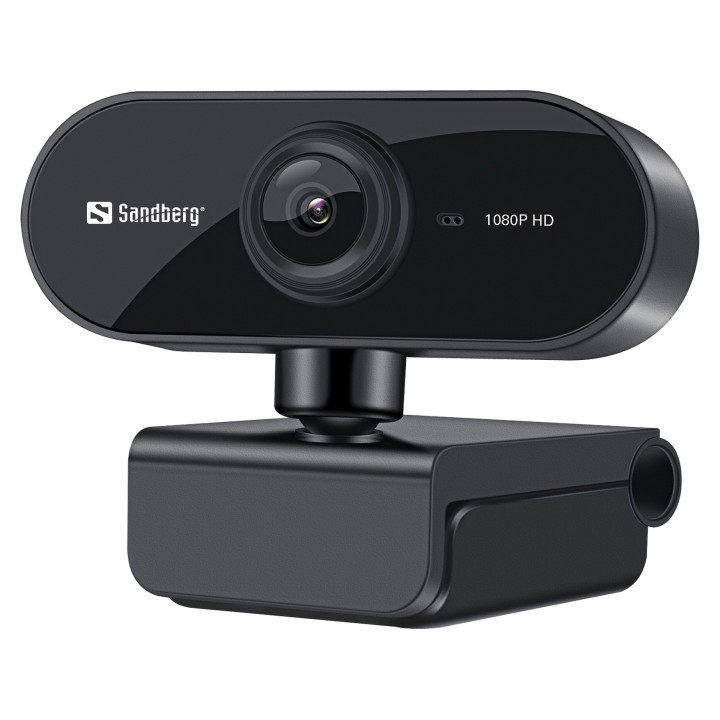
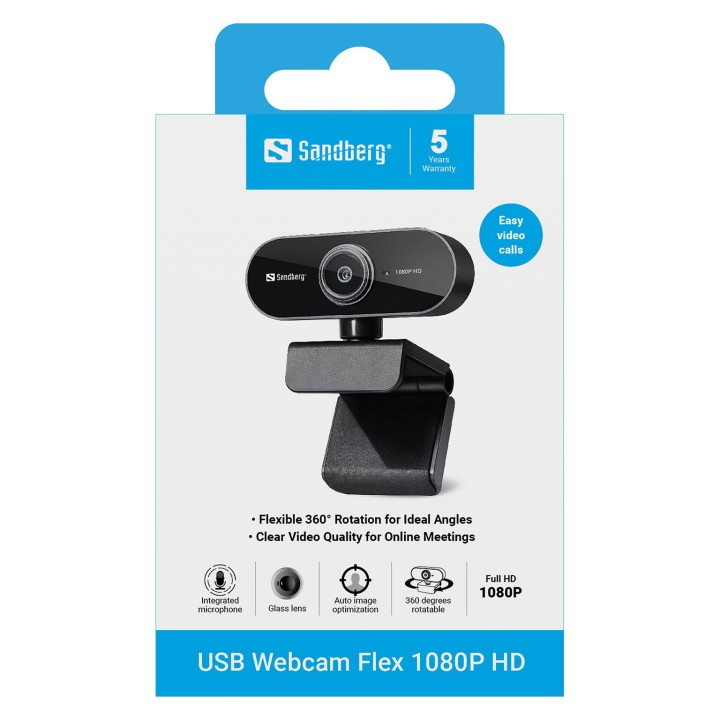
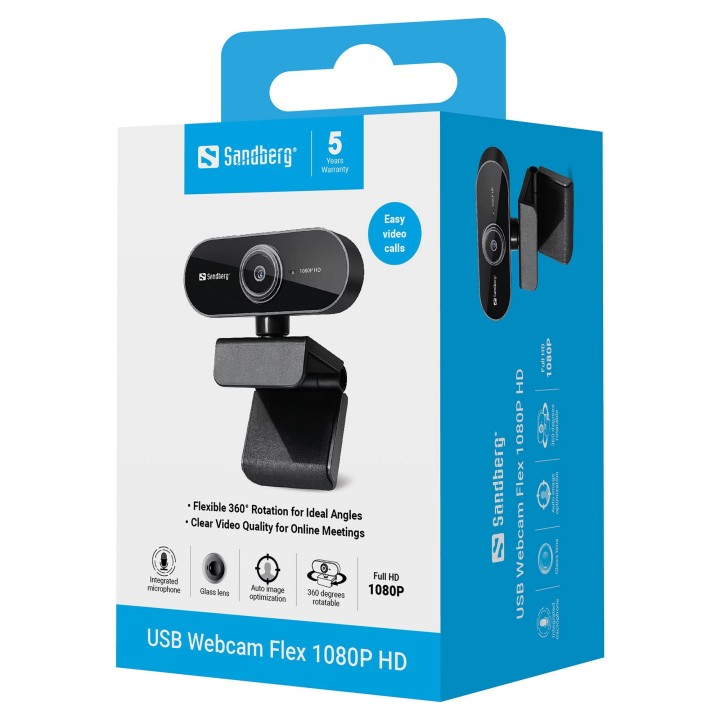
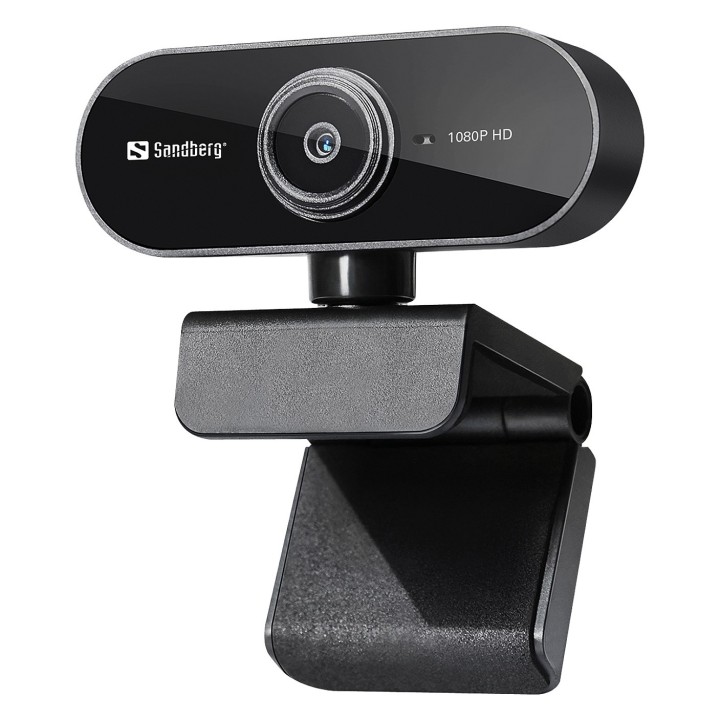
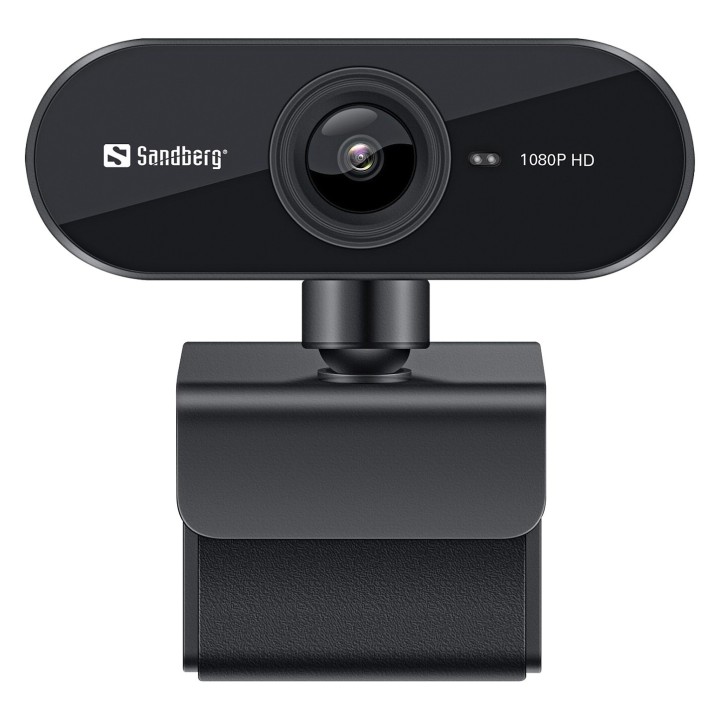

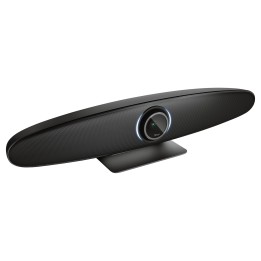
Kamera Sandberg USB Webcam Flex przekazuje ostry i czysty obraz. Działa natychmiast, bez instalacji sterowników. Ma także mikrofon.
Sandberg A/S.
Bregnerødvej 133D 3460 Birkerød Dania
E-mail: info@sandberg.world
Formularz kontaktowy: https://sandberg.world/pl-pl/contact
List of webcam safety warnings based on the requirements of General Product Safety Regulation (GPSR) 2023/988 1. Privacy Risk: * Make sure your webcam is turned off or obscured when not in use to prevent unauthorized access and potential privacy violations. 2. Security Risk: * Update your webcam software to the latest version to protect against known vulnerabilities. * Change your webcam passwords regularly to prevent unauthorized access. 3. Risk of equipment damage: * Do not place the webcam in places with high humidity or temperature to avoid damage to the equipment. * Protect your webcam from drops or bumps that can cause mechanical damage. 4. Risk for children: * Keep small webcam accessories out of reach of children to avoid the risk of ingestion. * Do not allow children to install the webcam themselves. 5. Connection risk: * Make sure your webcam cables are properly connected to avoid short circuits or other power problems. 6. Hygiene risk: * Clean your webcam regularly to prevent dust and dirt from accumulating. * Do not use harsh cleaning agents that can damage the lens or housing. 7. Risk of ergonomics: * Place the webcam on a stable surface to avoid accidental tipping over. * Set the camera at the right height and angle for comfortable use. 8. Risk of fire: * Do not place the webcam near flammable materials. 9. Health Risk: * Avoid prolonged use of the webcam in dark rooms to reduce eye strain. 10. Legal Risk: * Make sure that video and audio recording using your webcam complies with local privacy laws.
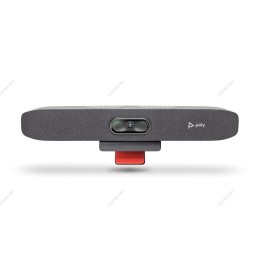
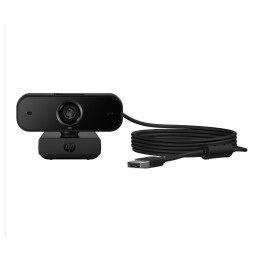
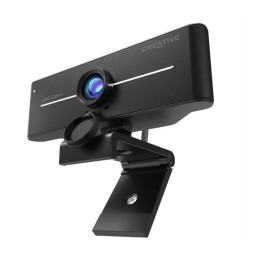
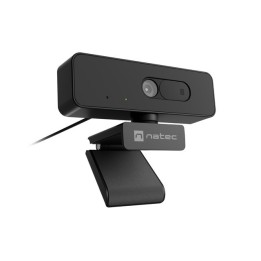
Produkty, które ostatnio zwróciły Twoją uwagę.