- Nowy
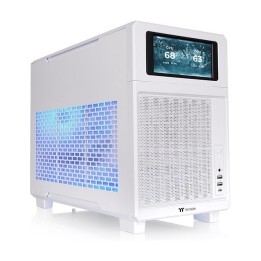
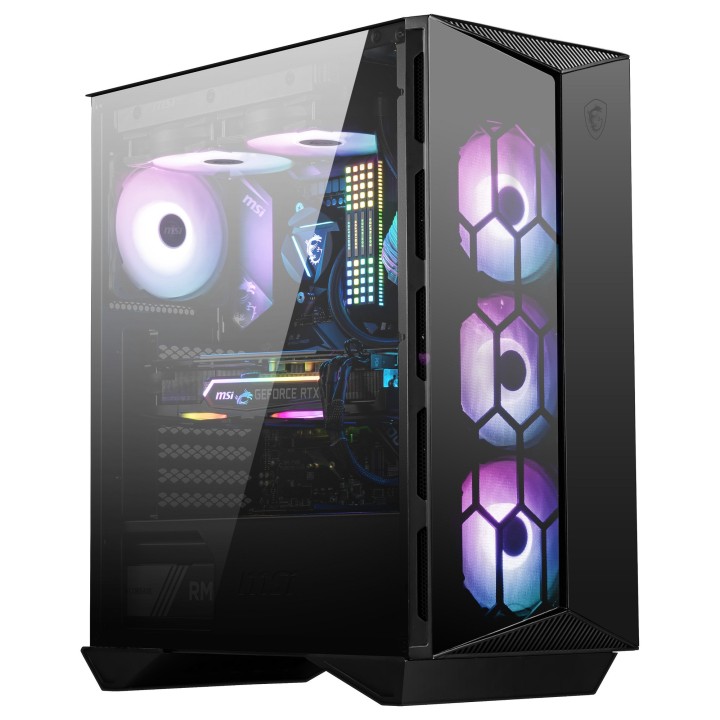
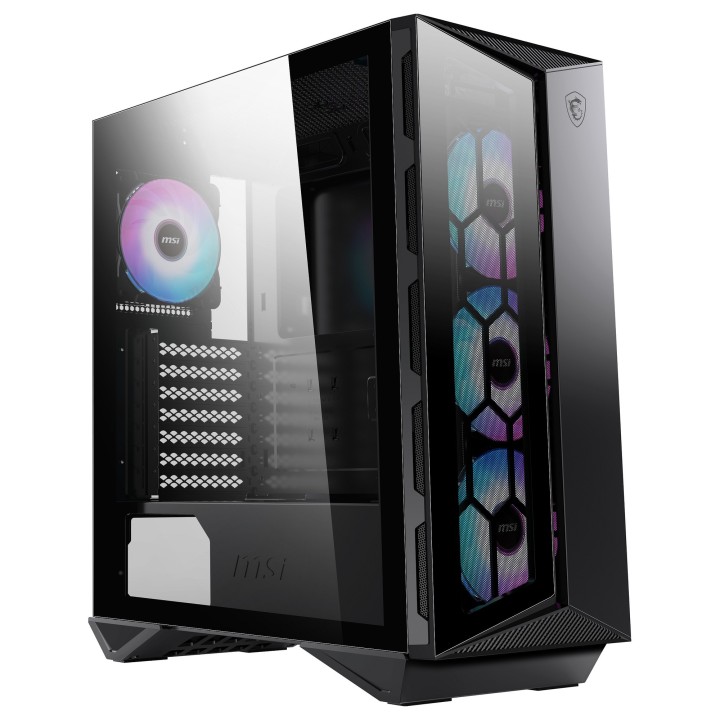
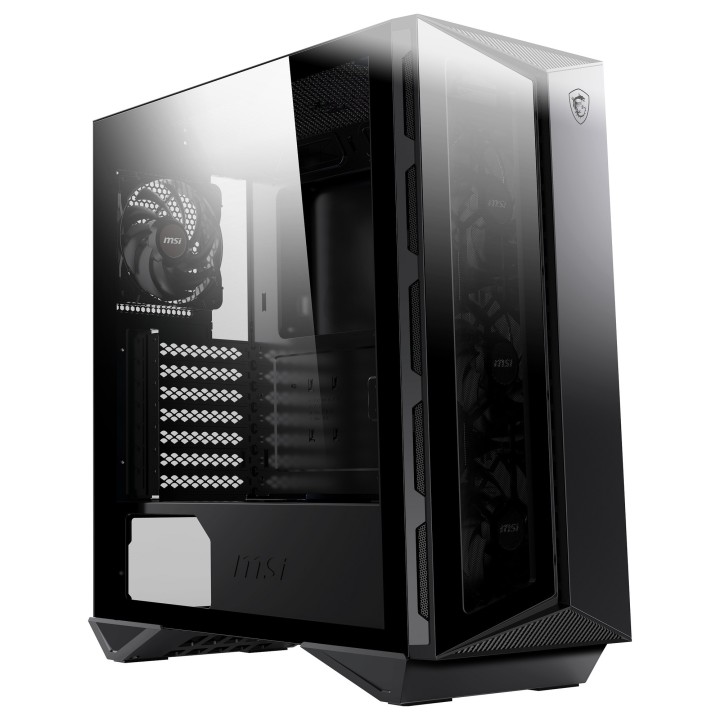
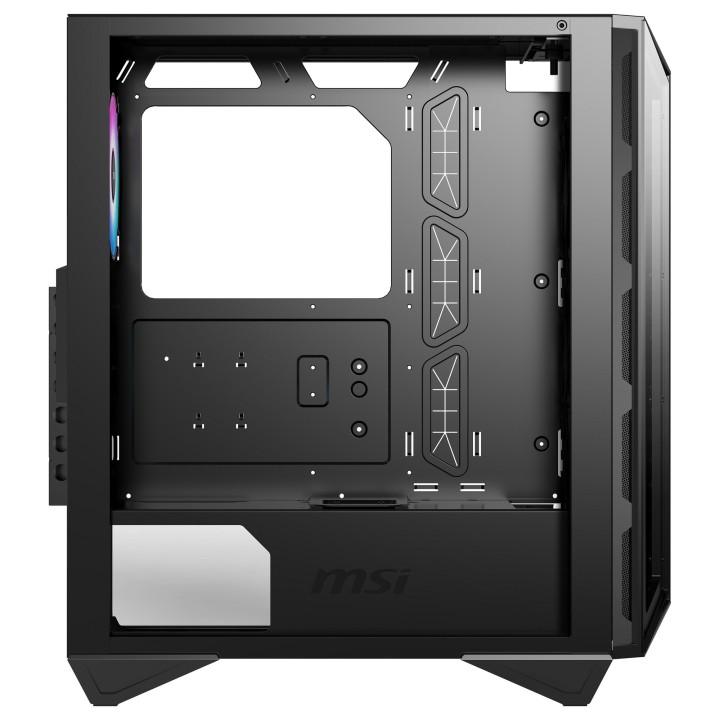
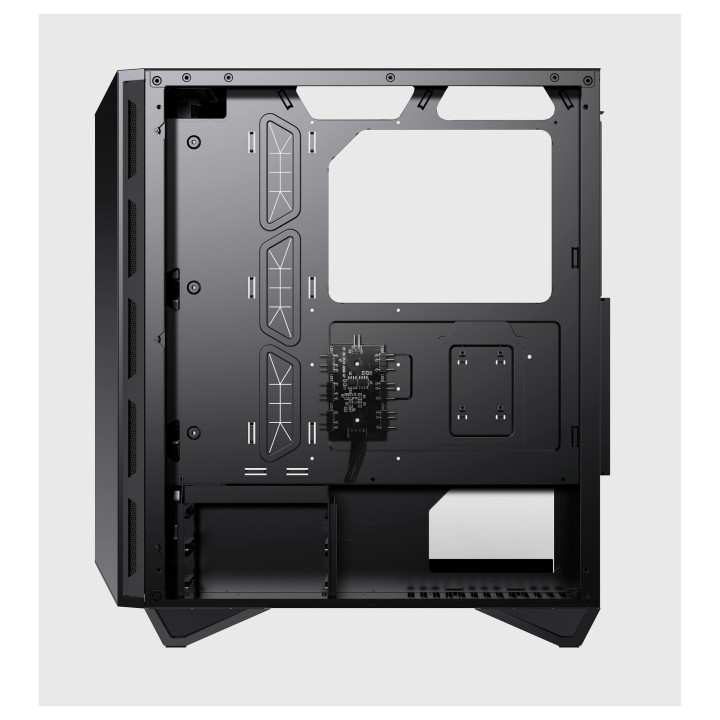
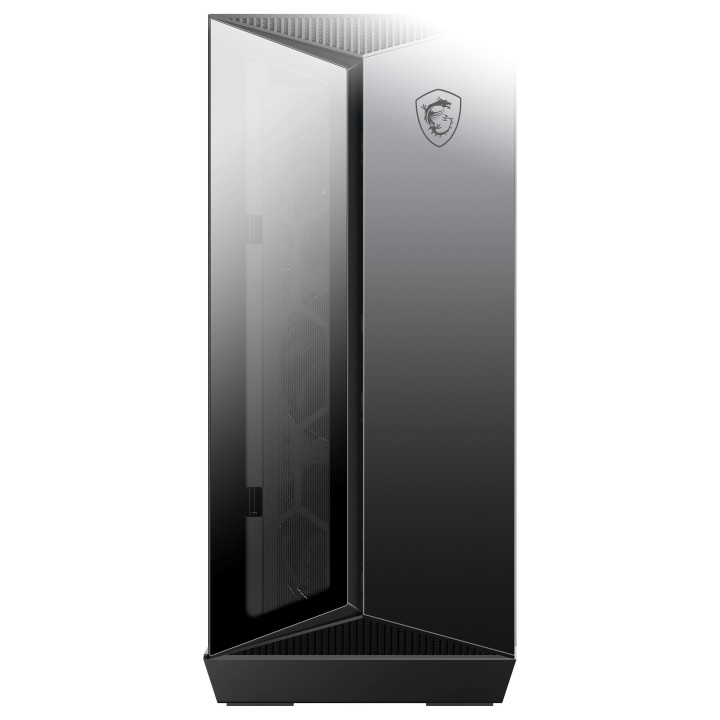
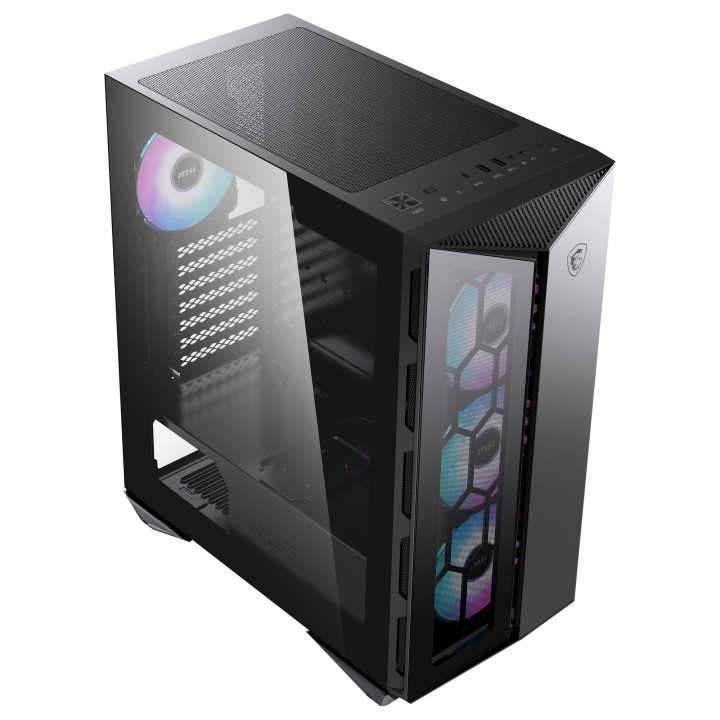
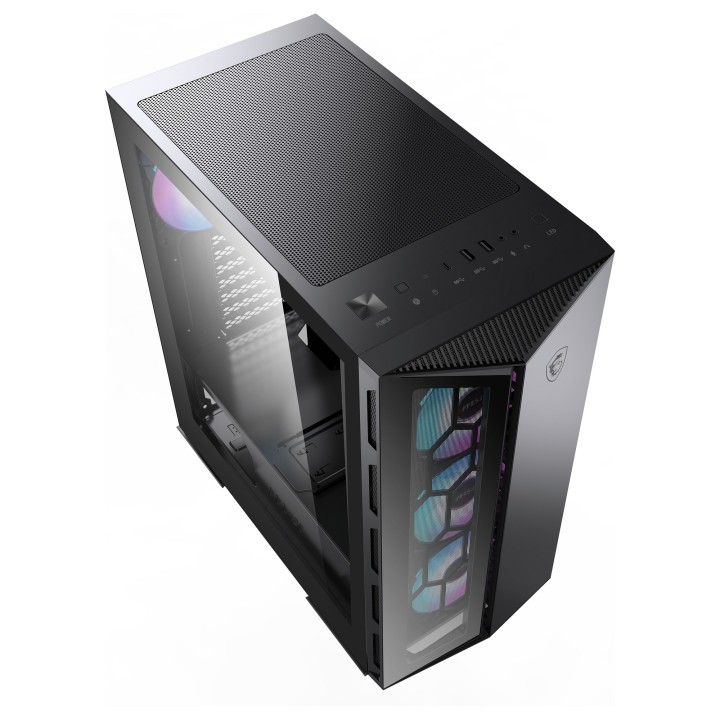
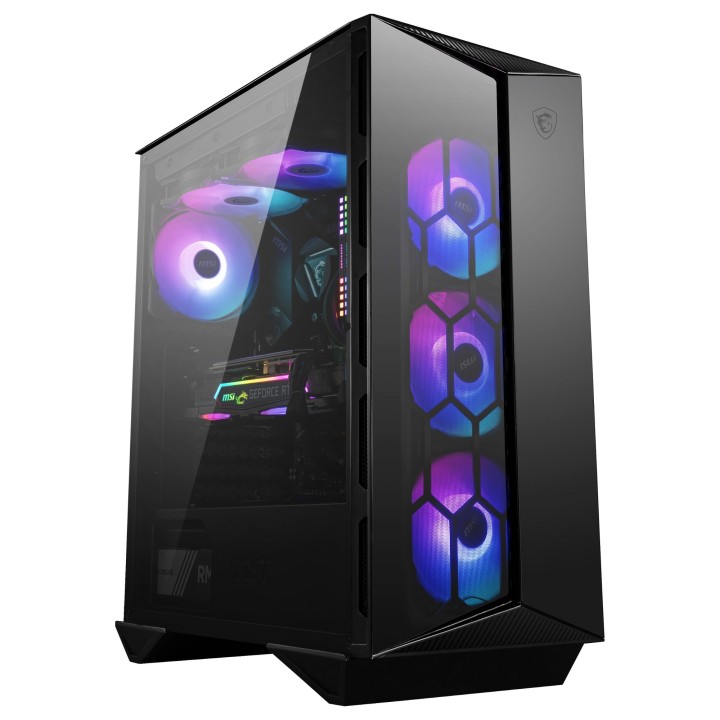
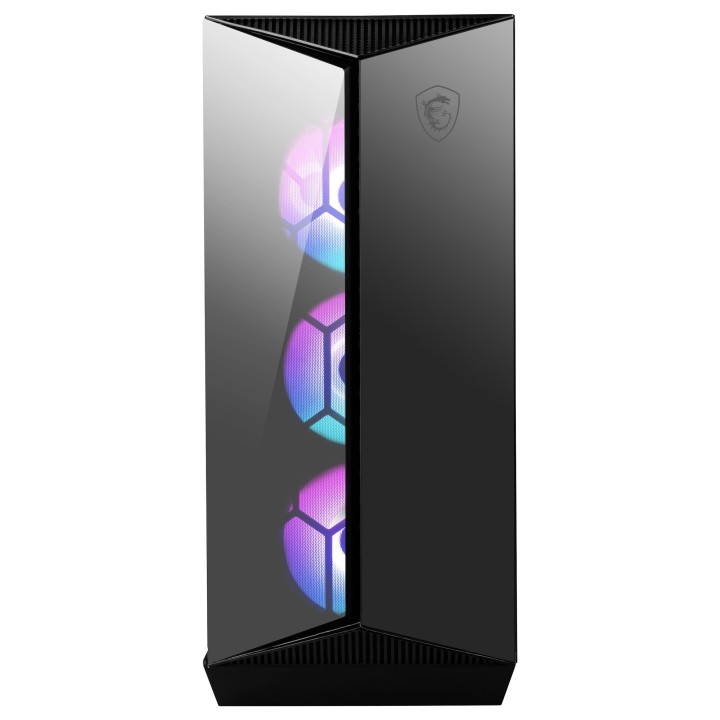
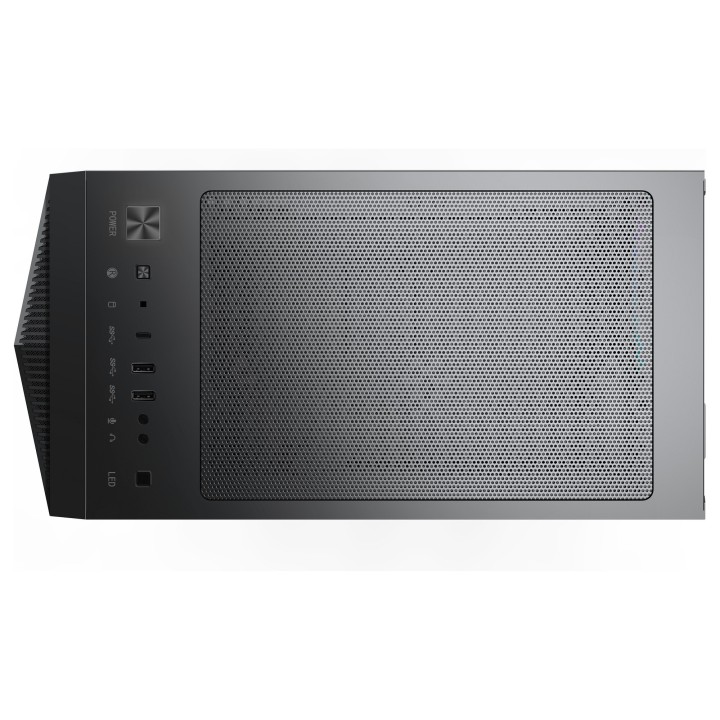
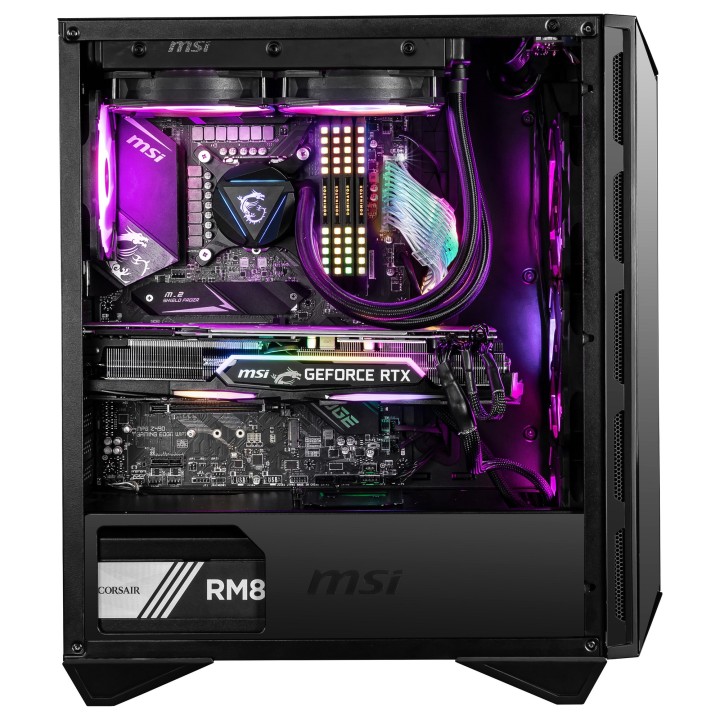
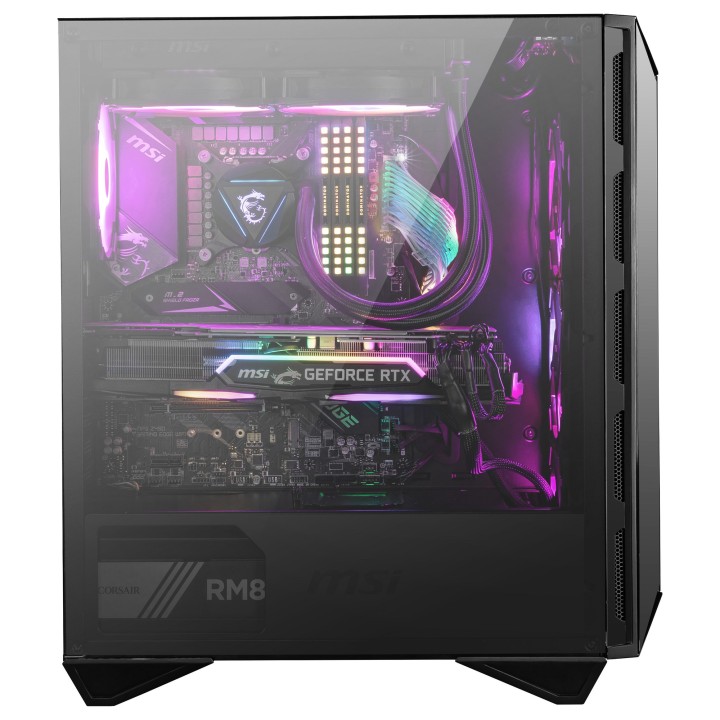
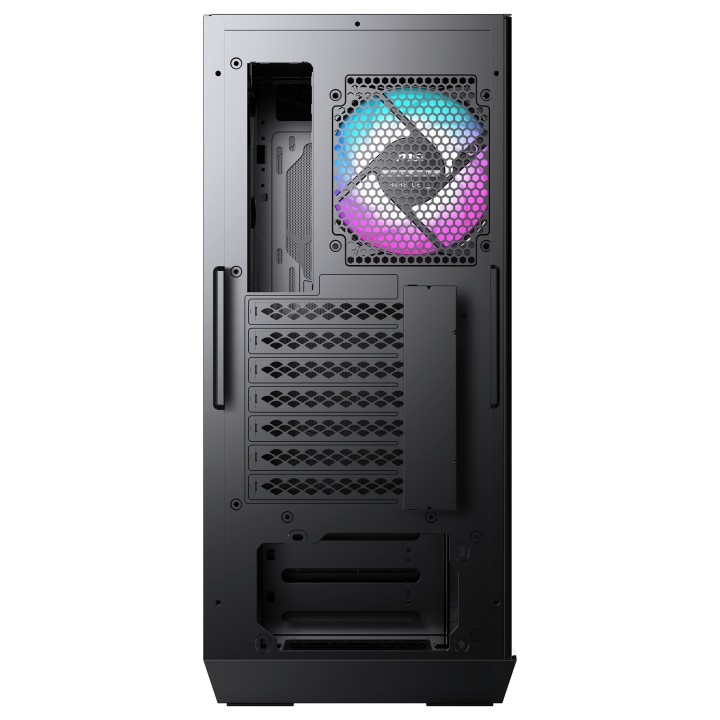
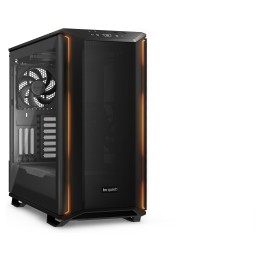
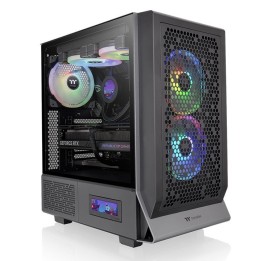
Sprzęt z rodziny MPG wydobywa z gier to, co najlepsze, umożliwiając pełną ekspresję kolorów dzięki zaawansowanej kontroli i synchronizacji oświetlenia RGB. Eksperymentuj na wyższym poziomie personalizacji korzystając z przedniej taśmą podświetleniowej LED, która pozwala na wygodne wyświetlanie powiadomień i statusów z gry w czasie rzeczywistym. Z serią MPG, możesz przekształć swój sprzęt w centrum informacyjne i stylową tablicę wyników.
Podstawa doskonałości
Niezwykły kunszt
Podświetlenie ARGB
Szyba z hartowanego szkła
Montowany magnetycznie filtr przeciwpyłowy
MSI Polska SP. z o. o.
Magazynowa 1 55-040 Kobierzyce Polska
E-mail: info.pl@msi.com
MSI Computer Europe B.V.
Science Park 5706 5692ER Son Eindhoven Netherlands
E-mail: GPSR@msi.com
Telefon: +31-40-267-6100
List of safety warnings for computer enclosures based on the requirements of General Product Safety Regulation (EU) 2023/988 (GPSR): 1. Risk of electric shock: * Make sure your computer's power supply is properly grounded. * Do not touch the power supply components with wet hands. * Disconnect the computer from power before opening the case. 2. Risk of cuts: * Beware of sharp metal edges when assembling components. * Secure the edges that can cause cuts. * Use protective gloves when working with the case. 3. Risk of fire: * Do not block ventilation openings in the housing. * Make sure that your computer components do not overheat. * Use a power supply with adequate power to avoid overloading. 4. Risk of damage to components: * Ensure proper air circulation in the housing. * Do not place heavy objects on the housing to avoid damage. * Make sure all components are properly fixed in the housing. 5. Hazards for children: * Keep small items (screws, jumpers) out of reach of children. * Do not allow children to open the computer case themselves. 6. Weight Hazards: * When moving your computer case, make sure you are able to support its weight. * Ask the other person for help if the case is too heavy. 7. Cleaning warnings: * Disconnect the computer from power before cleaning the case. * Use a soft, dry cloth to clean the case. * Do not use cleaning products containing corrosive substances. 8. Modification warnings: * Housing modifications may affect the safety and performance of your computer. * Perform modifications only if you have relevant experience and knowledge. 9. Warnings on Dust inhalation: * When cleaning components in the housing with compressed air, use a mask. * Take special care and ensure proper ventilation.