- Nowy
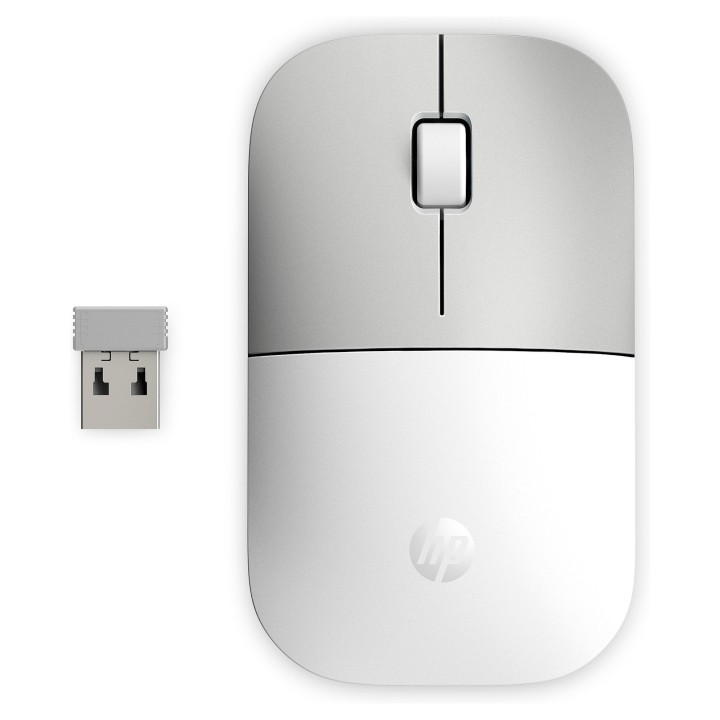
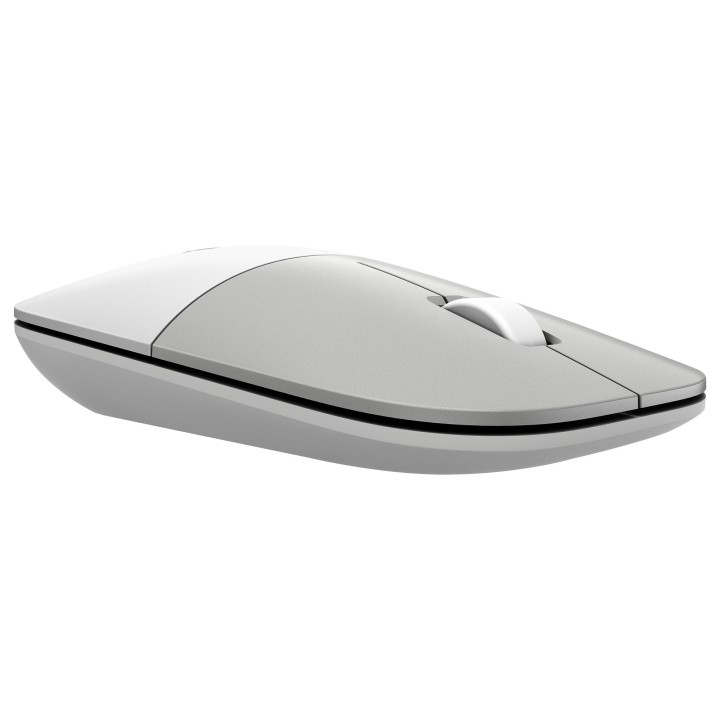
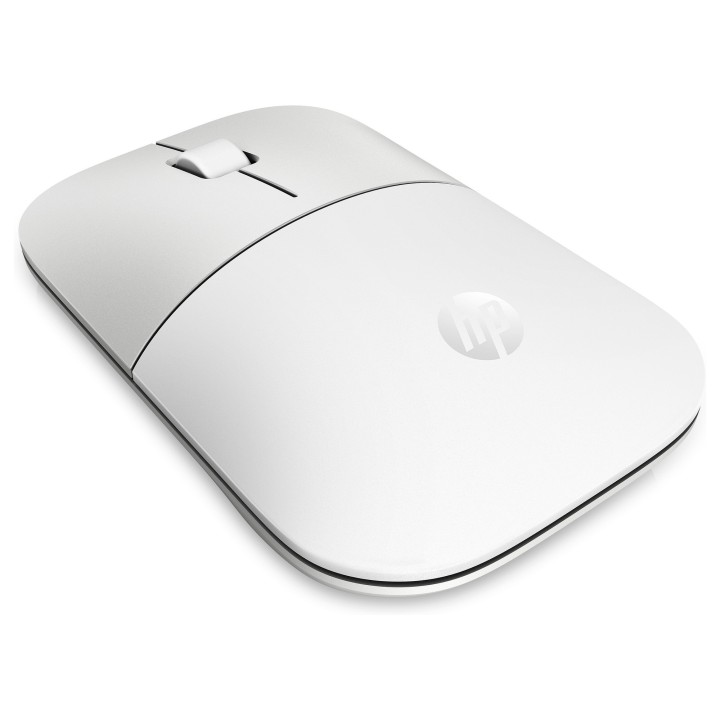
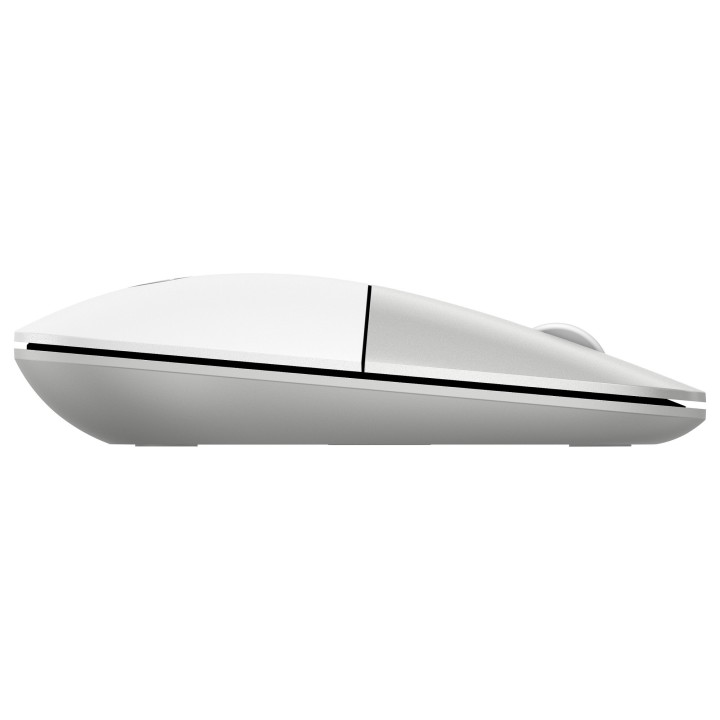
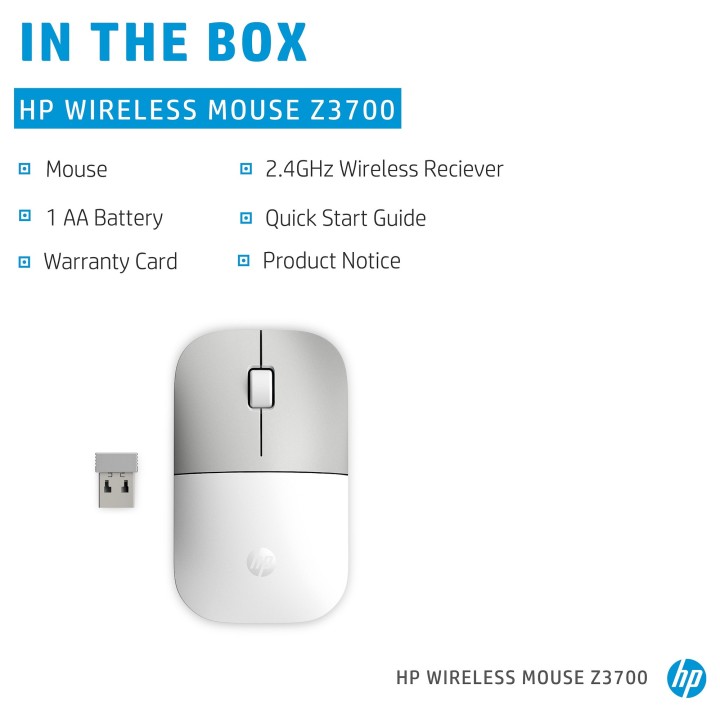
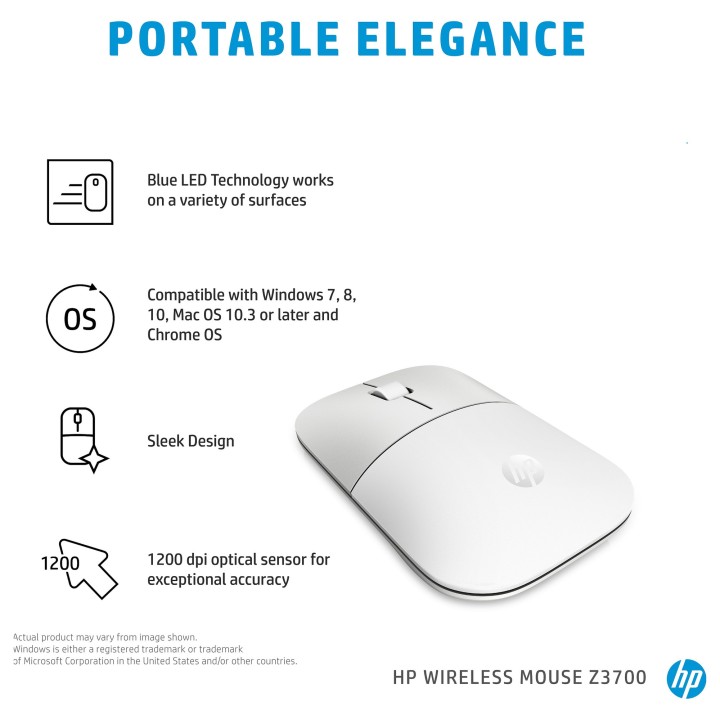
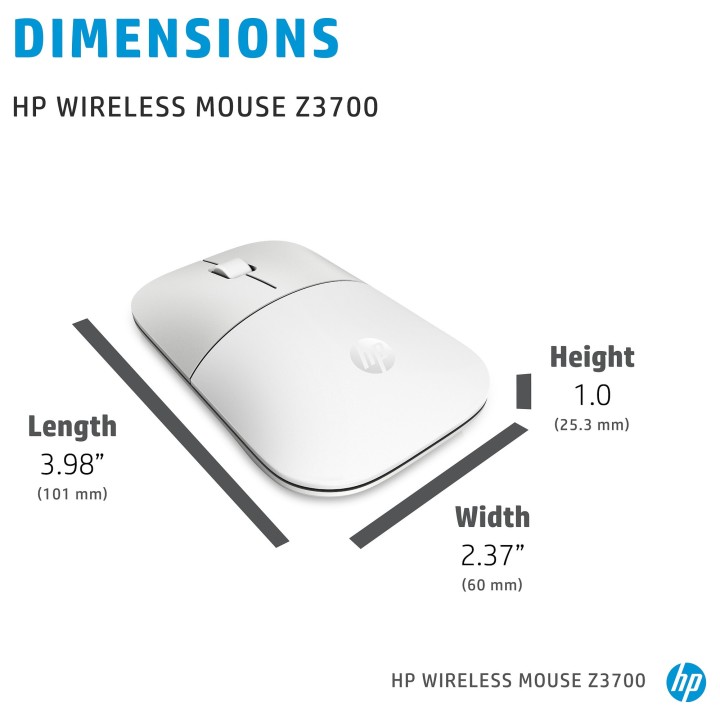
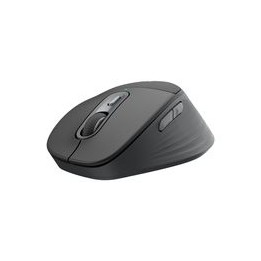
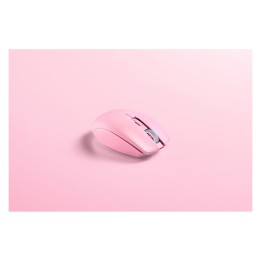
Najwyższa pora, by Twoje akcesoria spełniły Twoje potrzeby. Oto nowa, smukła, starannie zaprojektowana mysz bezprzewodowa, dzięki której Twoja praca nabierze stylu. Jest funkcjonalna. Jest przenośna. Jest modna. Jest Twoja.
Dzięki smukłej konstrukcji myszka stanowi stylowe uzupełnienie Twoich ulubionych urządzeń HP i bez problemu wkomponuje się w każdą przestrzeń.
Dzięki łączności bezprzewodowej oprędkości 2,4 GHz nigdy nie stracisz kontaktu ze światem.
Dzięki pojedynczemu akumulatorowi AA o czasie pracy do 16miesięcy ta mysz znosi dotychczasowe ograniczenia.
HP Inc Polska Sp. z o.o.
ul. Szturmowa 2a 02-678 Warszawa Polska
E-mail: support@hp.com
Formularz kontaktowy: https://www.hp.com/us-en/contact-hp/contact.html
Telefon: +1 650-857-1501
HP Inc Polska sp. z o.o
Plac marsz. Józefa Piłsudskiego 1 00-078 Warszawa Polska
E-mail: support@hp.com
List of mouse safety warnings based on the requirements of General Product Safety Regulation (EU) 2023/988 (GPSR): 1. Ergonomics and repetitive movements: I use the mouse ergonomically to avoid strains and injuries. I regularly take breaks to reduce the risk of carpal tunnel syndrome or other problems associated with repetitive movements. 2. Cleaning and Maintenance: I disconnect the mouse from the computer before cleaning. I use a soft, dry cloth to clean my mouse. I avoid using liquids that can get inside the unit and damage it. 3. Cable and Connections: I make sure the mouse cable is properly connected to the computer and is not damaged. A damaged cable may pose a risk of electric shock or cause the mouse to malfunction. 4. Batteries (if applicable): If I use a battery-operated wireless mouse, I use the right type of battery and insert it correctly. I remove the batteries when the mouse is not in use for extended periods of time to prevent leaks and damage. 5. LED lighting (if applicable): I avoid staring at the intense LED light for a long time, which can cause eye strain. 6. Kids: I store my mouse and small items (e.g. batteries) out of reach of children to avoid the risk of ingestion or choking. 7. Recycling: I return the used mouse to the appropriate recycling point to minimize the environmental impact. 8. Usage: I do not use a damaged mouse as this may result in electric shock or injury. 9. Repairs: I do not repair the mouse myself, I give it to the service. 10. Storage: I store the mouse in a dry place, away from moisture and extreme temperatures.
Produkty, które ostatnio zwróciły Twoją uwagę.