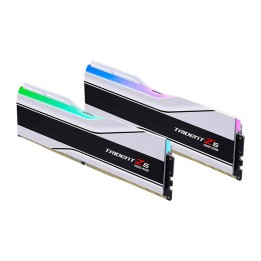
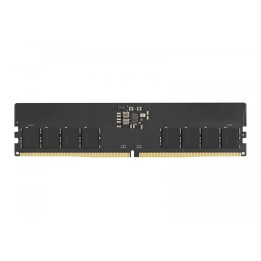
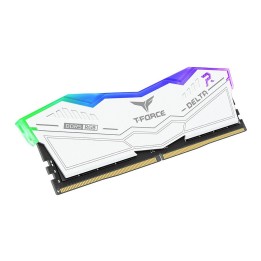
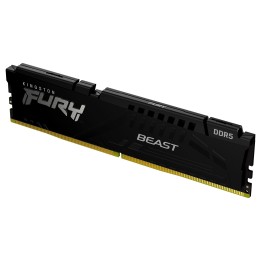
- Nowy
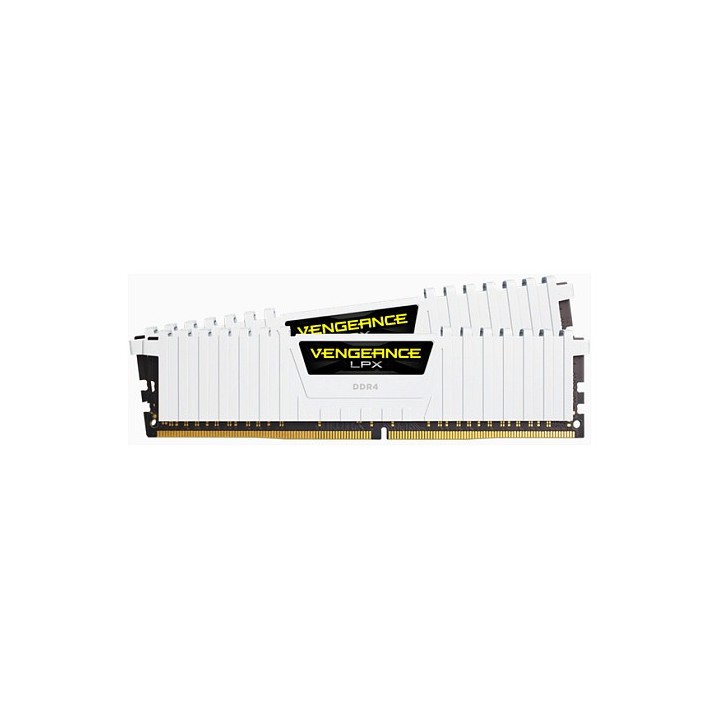
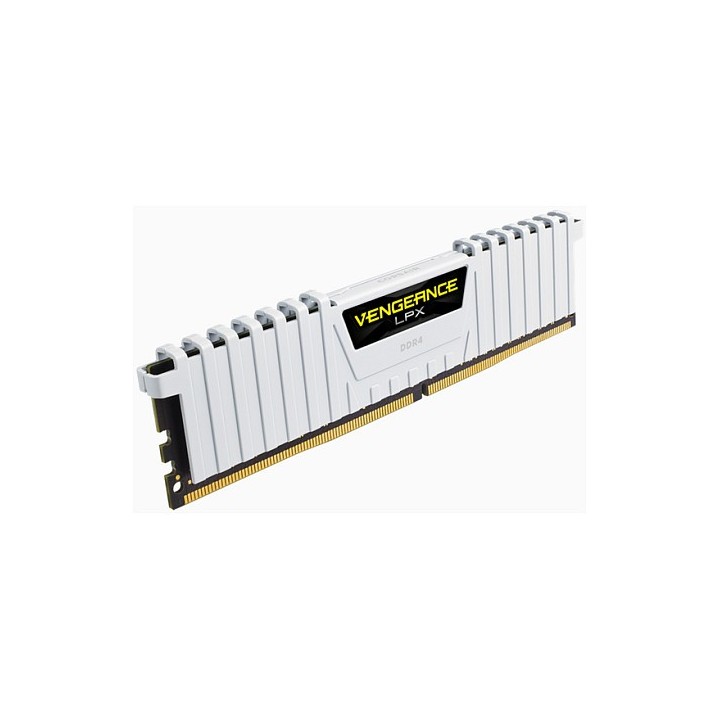
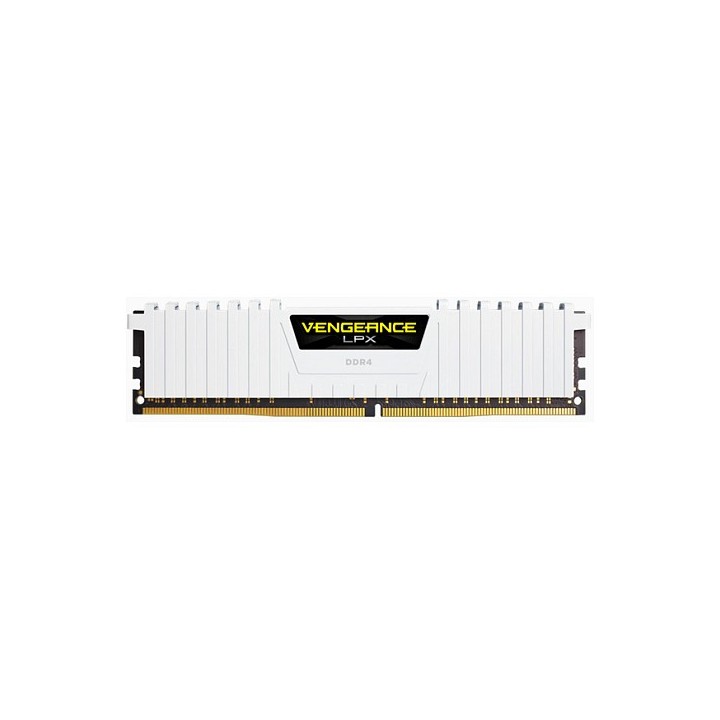
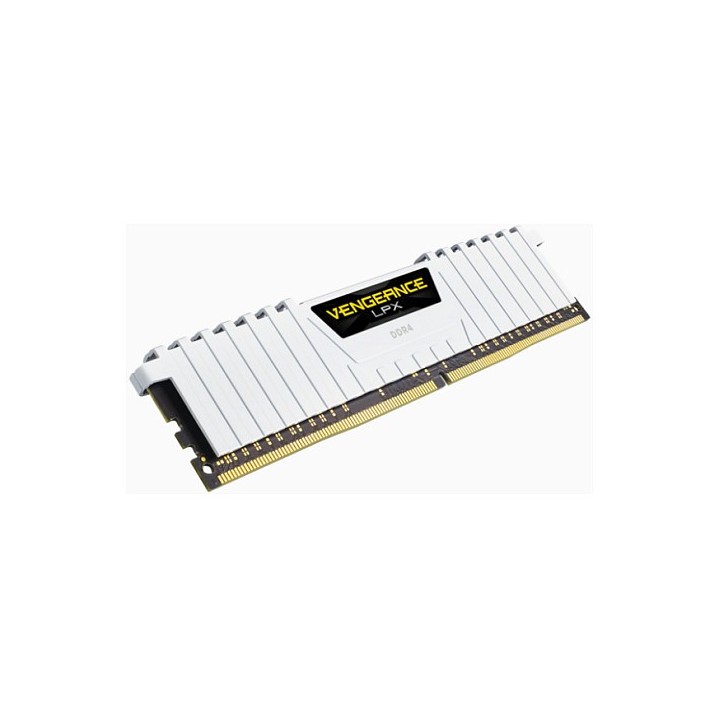
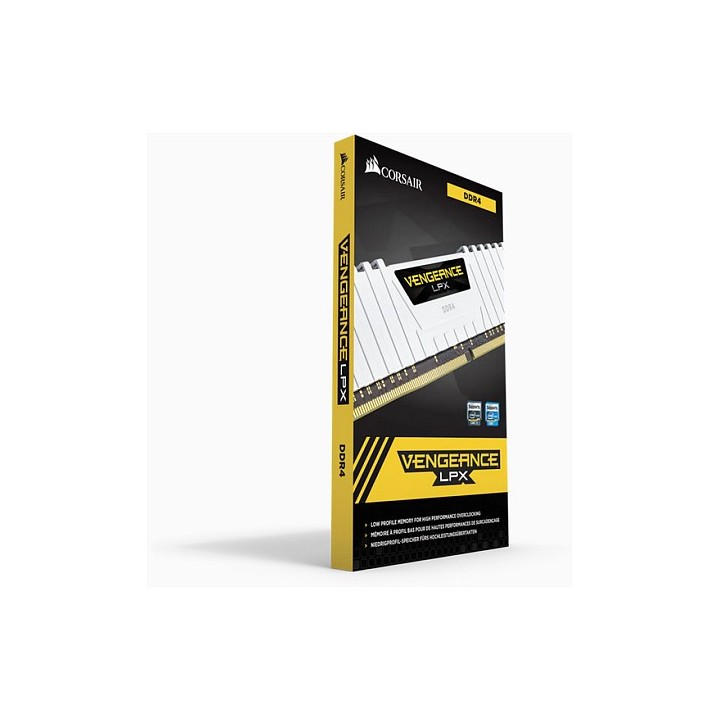
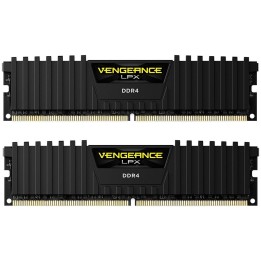
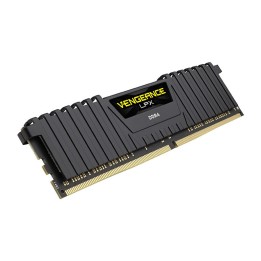
Niskoprofilowe rozpraszacze ciepła Vengeance mają zmniejszoną wysokość 1,03". Zostały one zaprojektowane z myślą o wysokowydajnych systemach z bardzo dużymi chłodnicami procesora, małych obudowach systemów lub innych zastosowaniach o ograniczonej przestrzeni, w których potrzebujesz wysokowydajnej pamięci, ale standardowe moduły Vengeance mogą się nie zmieścić.
Świetnie wyglądająca pamięć do podkręcania
Zoptymalizowane pod kątem kompatybilności z procesorami i płytami głównymi
Gęstość nowej generacji dla zaawansowanych użytkowników
Corsair Memory, B.V.
Wormerweg 1 1311 XA Almere Netherlands
Formularz kontaktowy: https://help.corsair.com/hc/en-us
Corsair Memory, BV
Wormerweg 8 1311 XB Almere Netherlands
Telefon: +31 365478360
List of RAM security warnings based on the requirements of Regulation (EU) 2023/988 on General Product Safety (GPSR) 1. Risk of hardware damage: * Make sure you shut down your computer before installing or disassembling RAM to avoid electrical damage. * Check the compatibility of RAM with your computer's motherboard to avoid problems with system operation. 2. Risk of cuts: * Be careful when manipulating RAM to avoid cuts to sharp edges. 3. Electrostatic hazard: * Protect your RAM from electrostatic discharge (ESD) that can damage electronic components. Use an antistatic band and work on an antistatic surface. 4. Risk of incorrect assembly: * Thoroughly insert RAM modules into the sockets to ensure proper connection and avoid problems with system operation. 5. Overheating: * Provide adequate ventilation in the computer case to prevent overheating of RAM, which can lead to unstable system operation. 6. Voltage: * Make sure the voltage settings in the BIOS are appropriate for the installed RAM to avoid damage or malfunction. 7. Hazard for children: * Keep RAM out of reach of children to prevent ingestion of small items. 8. Suitable use: * Use RAM for its intended purpose, avoid extreme conditions that can lead to damage. 9. Disassembly: * Carefully disassemble the RAM so as not to damage the modules or sockets on the motherboard. 10. Disposal: * Dispose of used RAM in accordance with local e-waste recycling regulations.