- Nowy
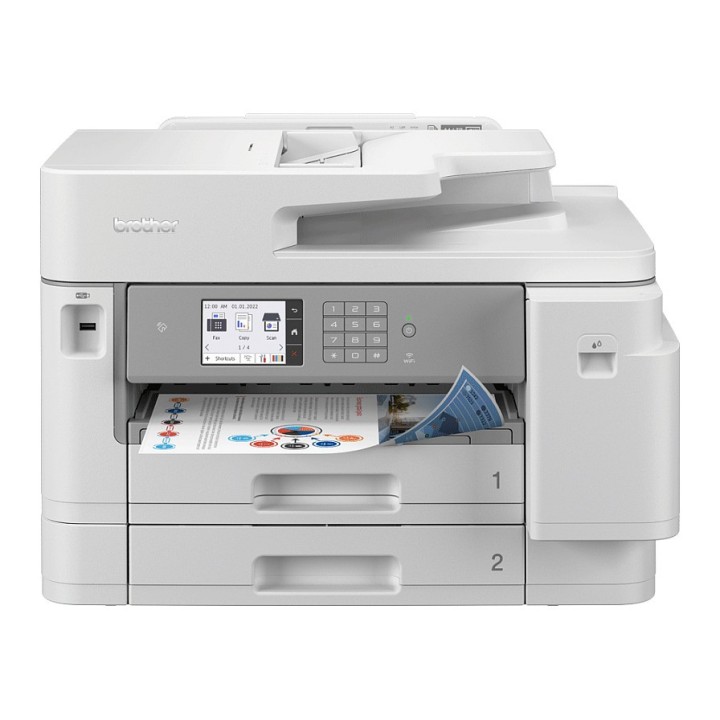
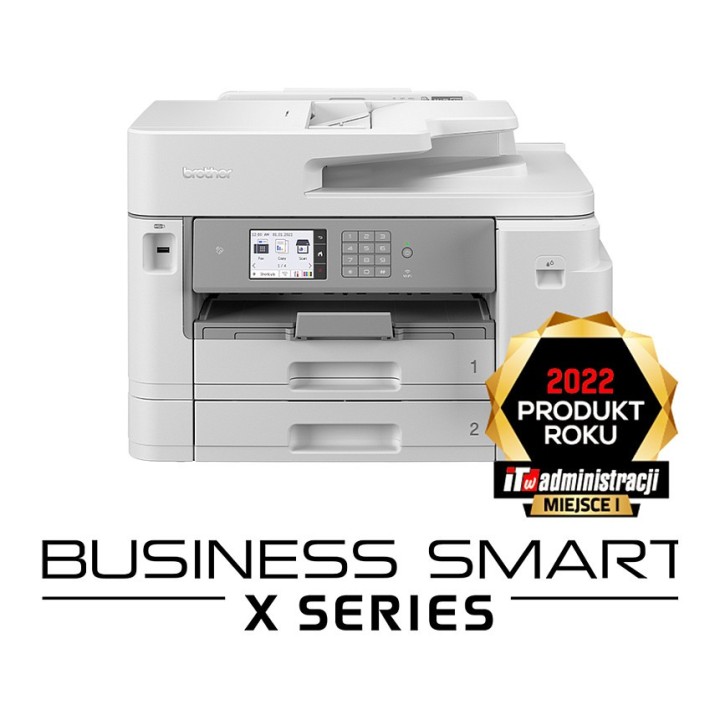
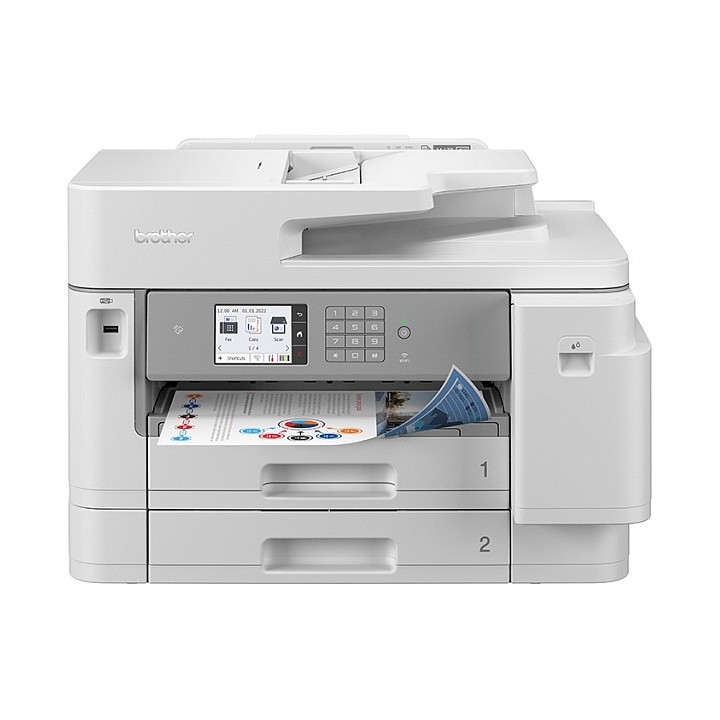
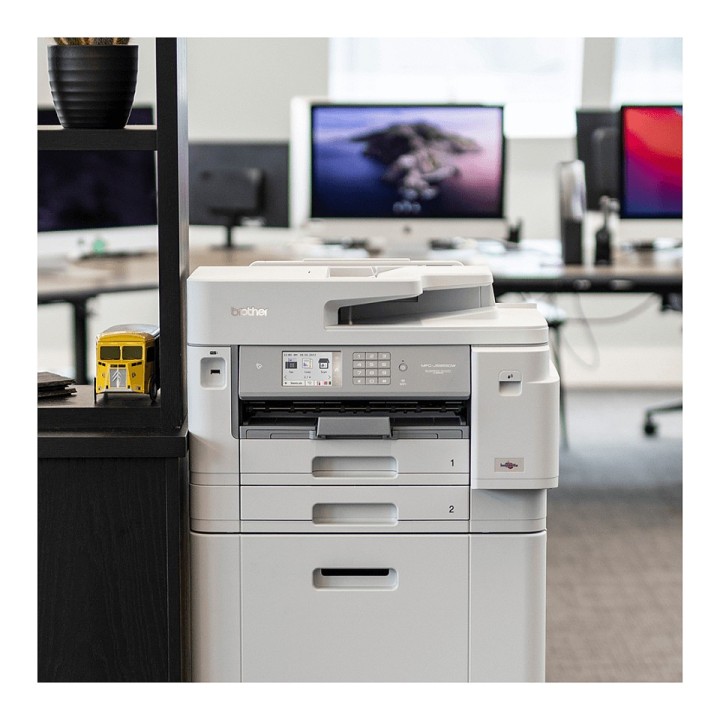
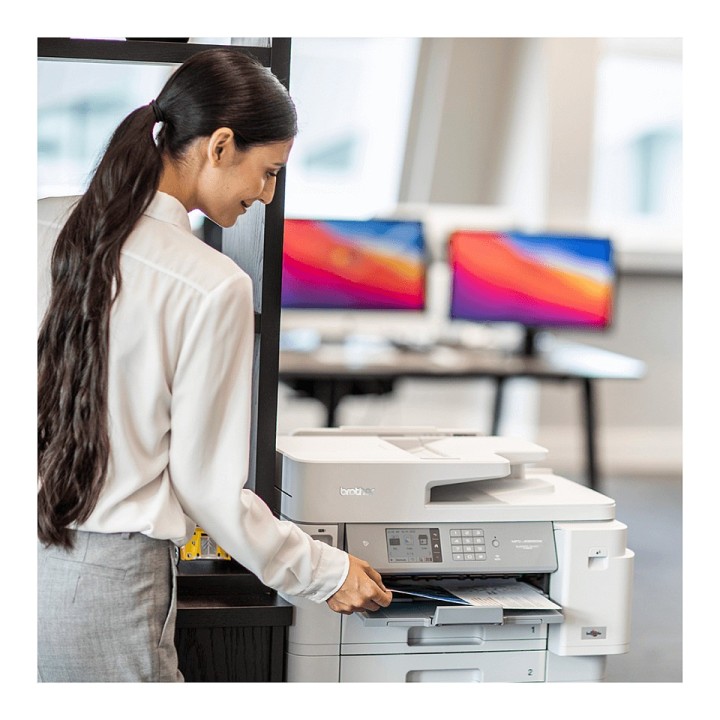
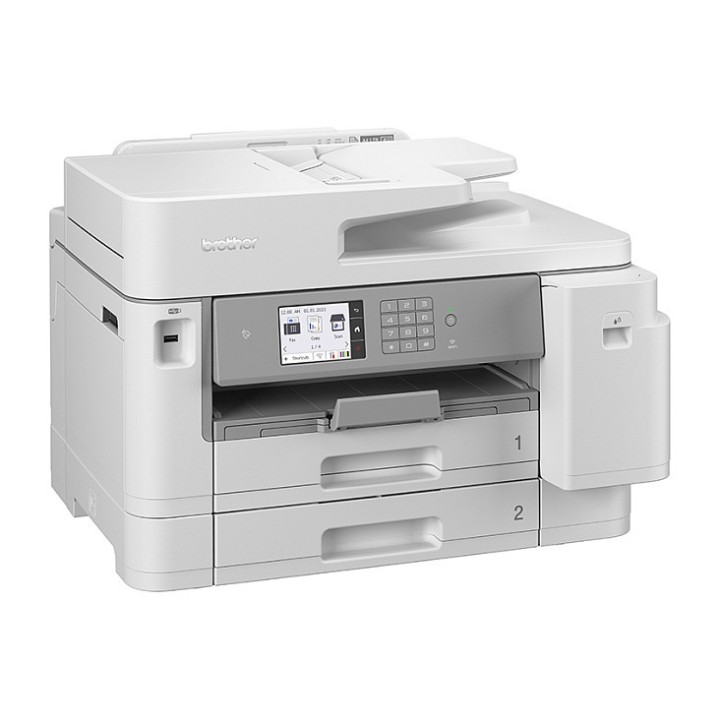
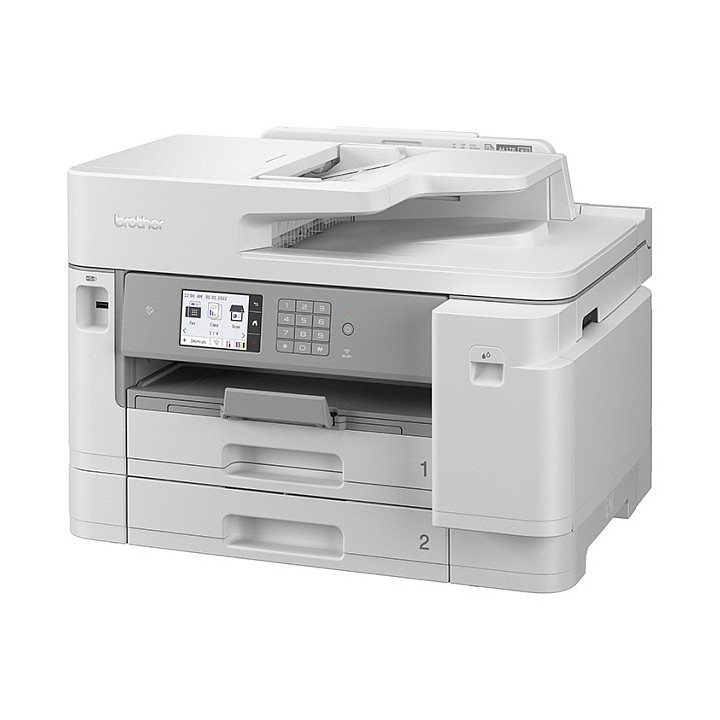
Brother MFC-J5955DW: profesjonalne, kolorowe, urządzenie wielofunkcyjne z funkcją drukowania w formacie A3
Łatwe drukowanie dokumentów w formacie A3 i A4. Idealne rozwiązanie dla biur potrzebujących urządzenia wielofunkcyjnego, które niezawodnie drukuje wysokiej jakości dokumenty.
MFC-J5955DW łączy biznesową funkcjonalność z efektywnością kosztową. Drukowanie do formatu A3 i korzystanie z podajnika dokumentów A4 na 50 arkuszy sprawia, że kopiowanie i skanowanie jest znacznie szybsze i łatwiejsze niż dotychczas. Dzięki technologii MAXIDRIVE, najnowszej generacji głowic drukujących, masz pewność, że ten model dostarczy Ci wydruków dokładnie wtedy, gdy ich potrzebujesz.
Brother Polska Sp. z o.o.
ul. Marynarska 15 02-674 Warszawa Polska
E-mail: support@brother.com
List of safety warnings for inkjet and laser printers based on the requirements of Regulation (EU) 2023/988 on General Product Safety (GPSR): 1. Risk of electric shock: * Make sure that the printer is connected to an outlet with grounding. * Do not touch the power cable with wet hands. 2. Risk of burns: * Wait for the printer to cool down before replacing consumables. 3. Risk to vision (laser printers): * Avoid looking at the laser beam while the printer is running. 4. Risk of fire: * Do not place the printer near flammable materials. * Regularly clean the inside of your printer to remove accumulated dust and paper debris. 5. Risk of hearing damage (needle printers): * Use the printer in a quiet environment or use protective headphones. 6. Risk for children: * Place the printer out of reach of children. * Do not allow children to play with consumables. 7. Risk of cuts: * Beware of sharp edges inside the printer. * Use protective gloves when replacing consumables. 8. Risk of poisoning: * Do not inhale toner fumes. * Dispose of used consumables in accordance with local regulations. 9. Risk of injury: * Place the printer on a stable surface to prevent it from tipping over. * Do not put heavy objects on the printer. 10. Maintenance risk: * Disconnect the printer from the power supply before cleaning. * Use only the intended cleaning products. 11. Warnings on battery (if applicable): * Do not throw the battery into the fire. * Keep batteries out of reach of children. 12. Allergy risk: * Use protective gloves when replacing toner.
Produkty, które ostatnio zwróciły Twoją uwagę.