- Nowy
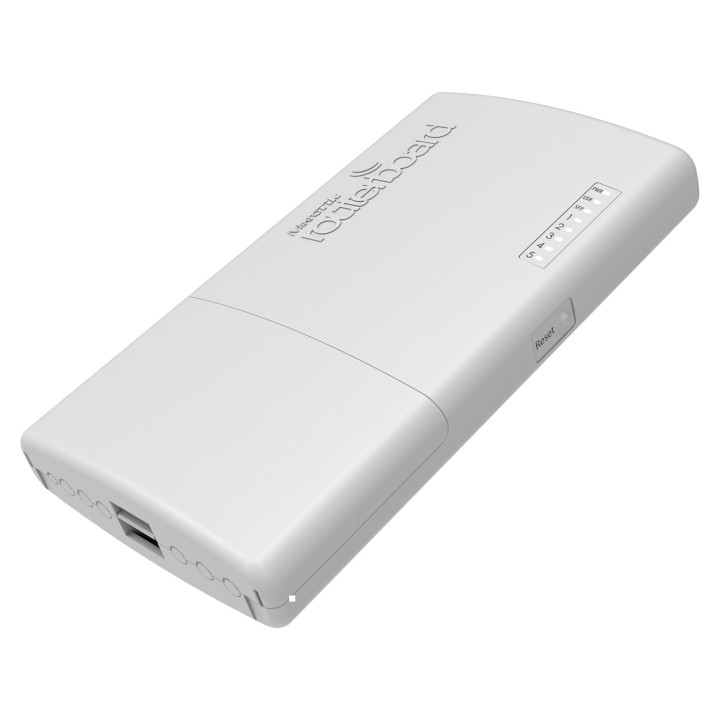
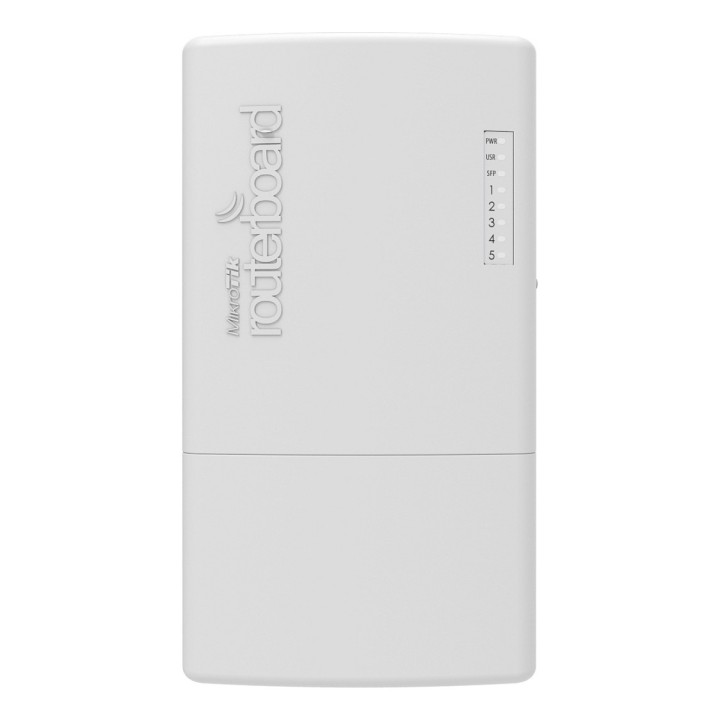
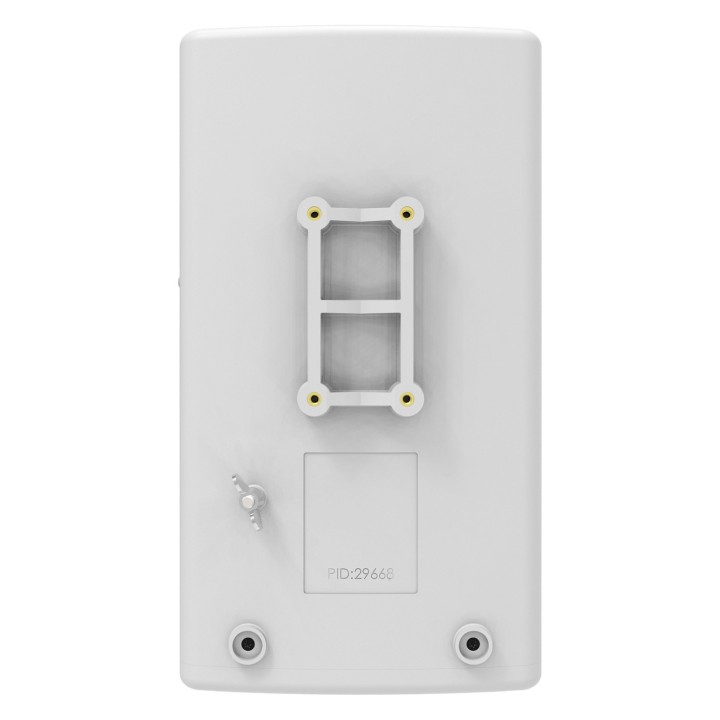
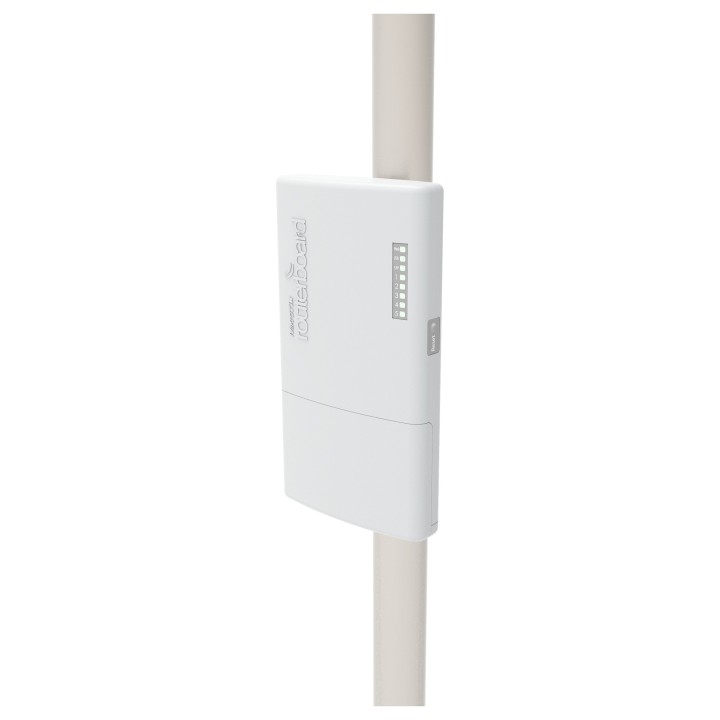
MIKROTIK RB960PGS-PB PowerBox Pro L4 128MB RAM 5xGig LAN 1xSFP 1xUSB port 2-5 802.3af/at obrazki
MIKROTIK RB960PGS-PB PowerBox Pro L4 128MB RAM 5xGig LAN 1xSFP 1xUSB port 2-5 802.3af/at
Opis produktu
Router zewnętrzny MikroTik PowerBox Pro RB960PGS-PB 5x 1GbE SFP PoE
Specyfikacja
- Opis produktu: MikroTik RouterBOARD PowerBox Pro router montowany na szynie DIN
- Rodzaj urządzenia: Router
- Rodzaj obudowy: Montowany na szynie DIN
- Protokół komunkacyjny danych: Ethernet, Fast Ethernet, Gigabit Ethernet
- Cechy: PoE
- Zgodność z normami: IEEE 802.3af, IEEE 802.3at
- Zasilanie: DC 12 57 V
- Wymiary (szer.głęb.wys.): 12.5 cm x 5.2 cm x 22.5 cm
Szczegóły produktu
- Marka Mikrotik
- Kod produktu 6610b081620507cf6eb19c2b
- Dostępność 6 Przedmioty
- EAN13 4752224003317
- MPN RB960PGS-PB
Producent
Producent
Mikrotikls SIA
Ūnijas iela 2 LV-1039 Rīga Latvia
E-mail: support@mikrotik.com
Formularz kontaktowy: https://mikrotik.com/support
Telefon: +371 67317700
Bezpieczeństwo
Informacje o bezpieczeństwie
List of safety warnings for wired routers based on the requirements of General Product Safety Regulation (EU) 2023/988 (GPSR): * Risk of electric shock: * Make sure the device is disconnected from power before touching the wires. * Do not touch cables with wet hands. * Do not use damaged cables. * Make sure the electrical outlet is grounded. * Risk of fire: * Do not place the router near heat sources or open fire. * Make sure the vents are not locked. * Use only the power supply included in the kit. * Do not cover the device. * Risk of damage: * Place the router on a stable surface to prevent falling. * Protect your device from moisture and extreme temperatures. * Do not open the device case. * Children's risk: * Keep your router and cables out of reach of young children. * Be careful that children do not put small items into the holes in the device. * Data security: * Secure your network with a strong password. * Update your device software regularly. * Change the default login and password for the device administration panel. * Maintenance: * Clean your device with a soft, dry cloth. * Disconnect the device from power before cleaning. * Disposal: * Dispose of your device in accordance with local electronics recycling regulations. * Do not throw the device into ordinary garbage.
Routery Wi-Fi i Access Pointy
- Nowy
- Nowy
- Nowy
- Nowy
- Nowy
- Nowy
- Nowy
- Nowy
- Nowy
Ostatnio oglądane
Produkty, które ostatnio zwróciły Twoją uwagę.
- Nowy
- Nowy
- Nowy
- Nowy