- Nowy
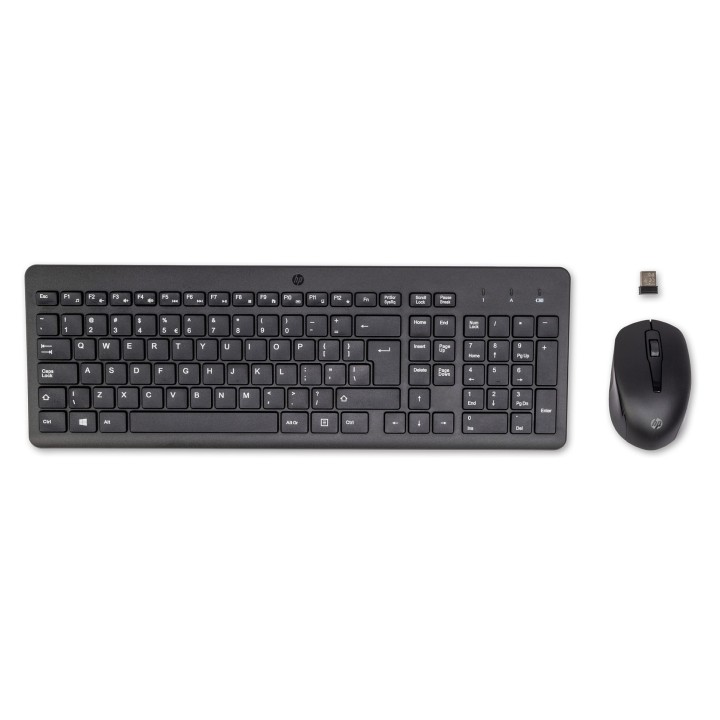
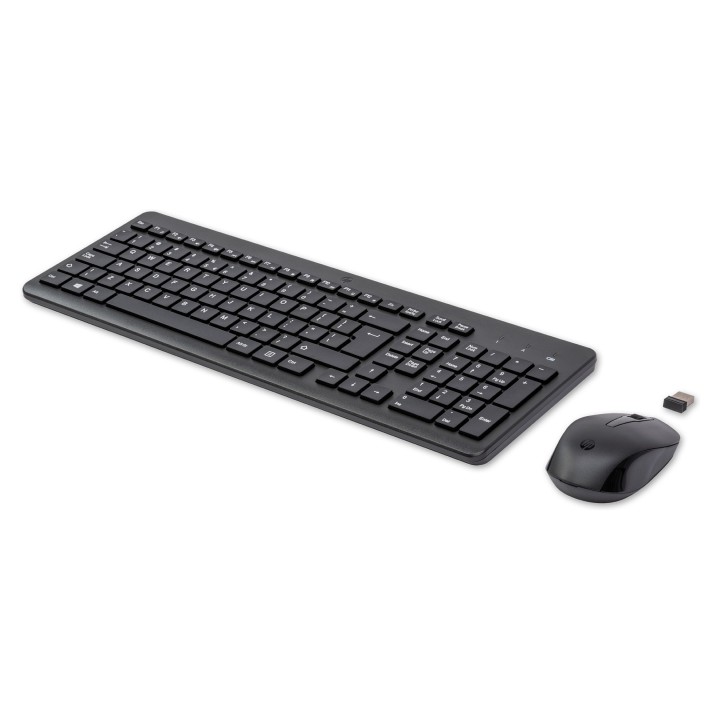
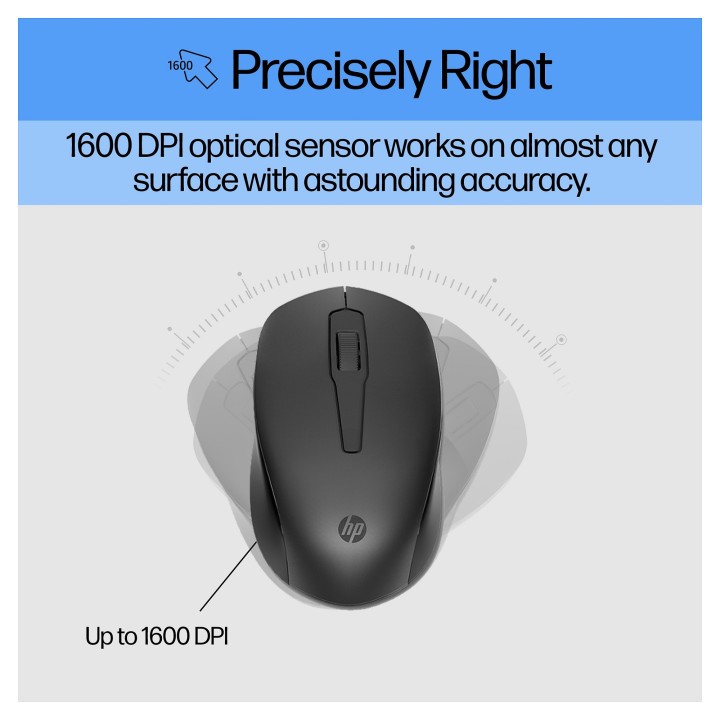
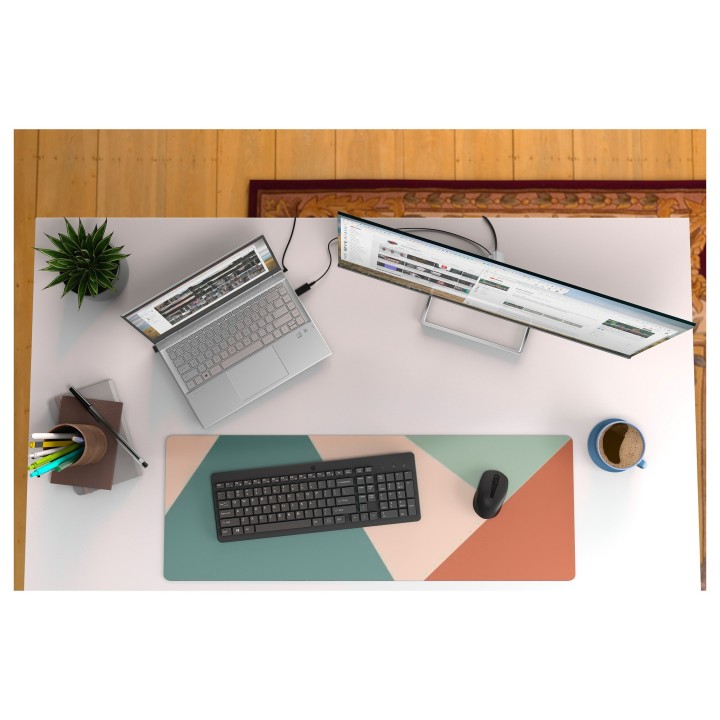
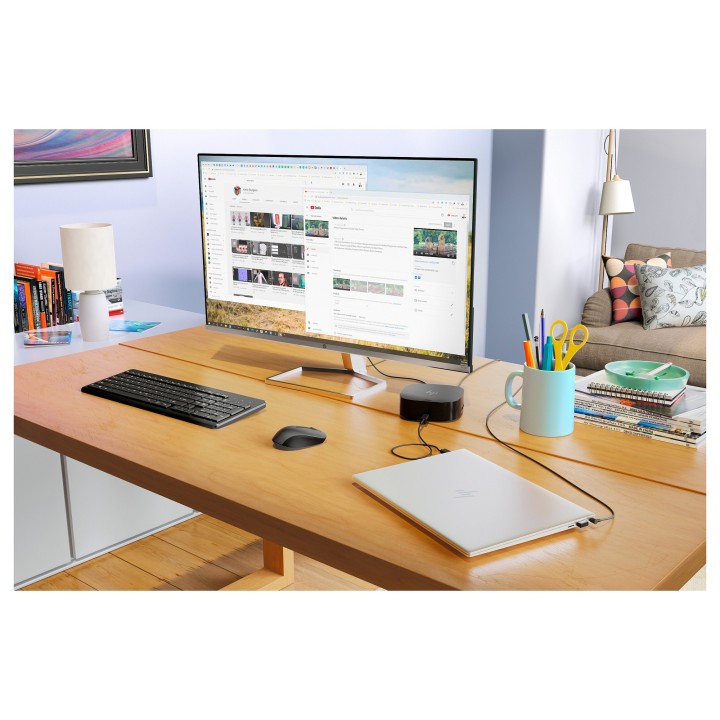
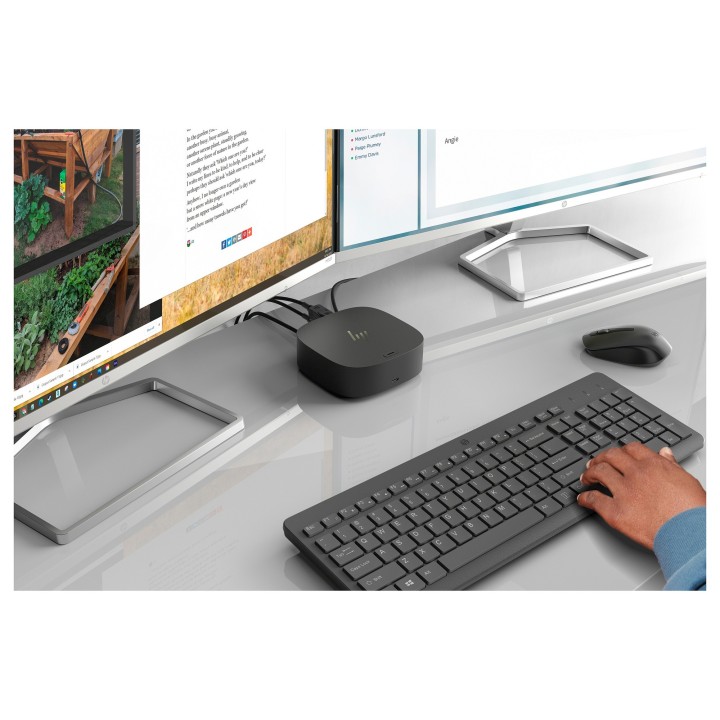
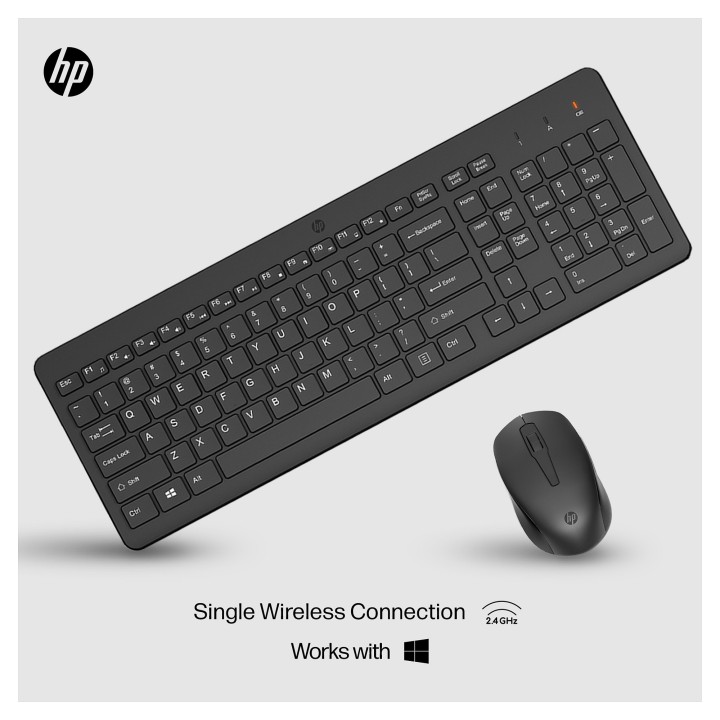
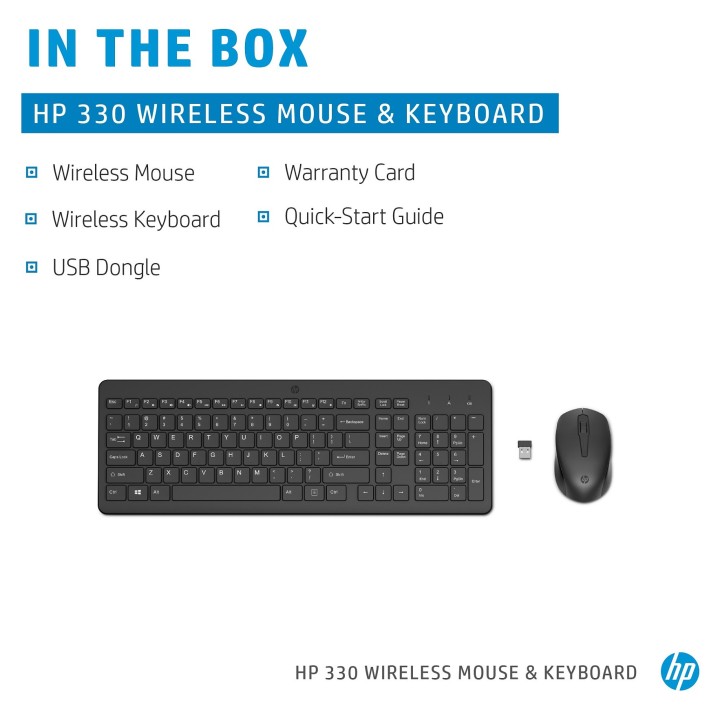
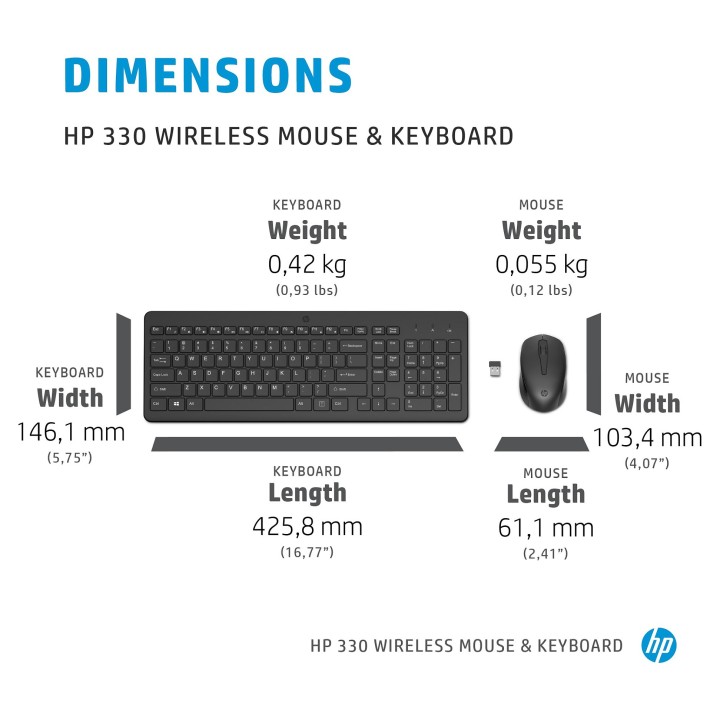
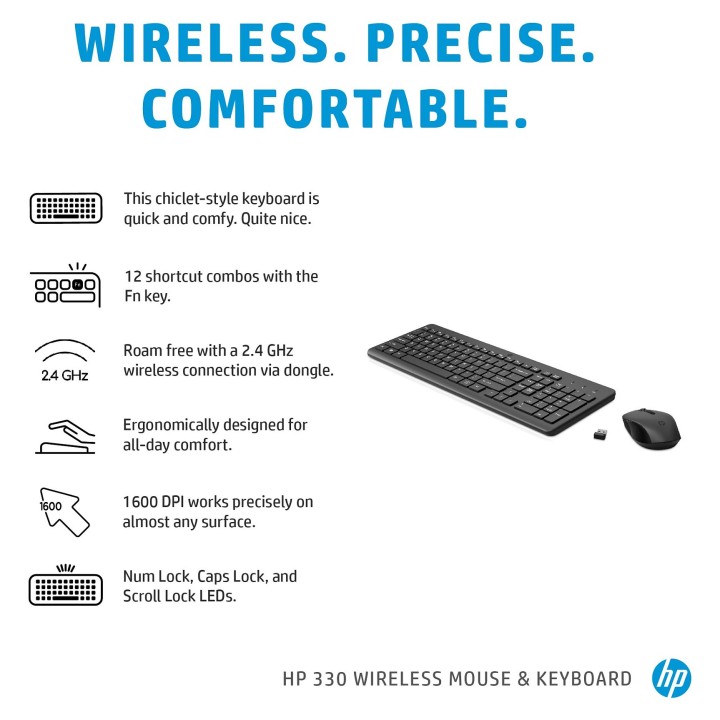
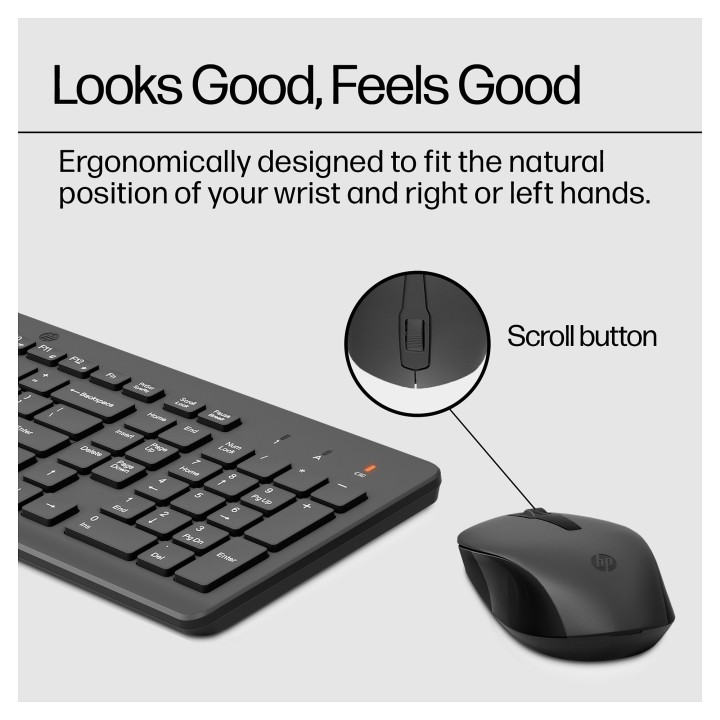
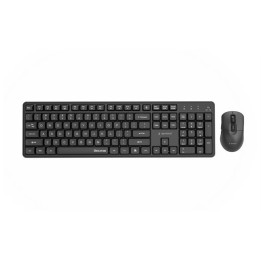
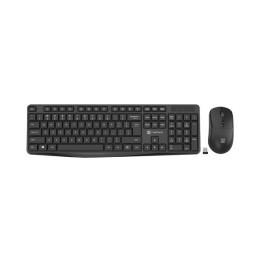
Weź do ręki i ruszaj w drogę z tymi doskonałymi bezprzewodowymi towarzyszami – precyzyjną myszą i ergonomiczną klawiaturą ze wszystkimi funkcjami, w tym klawiaturą numeryczną – gdziekolwiek zaprowadzi Cię droga.
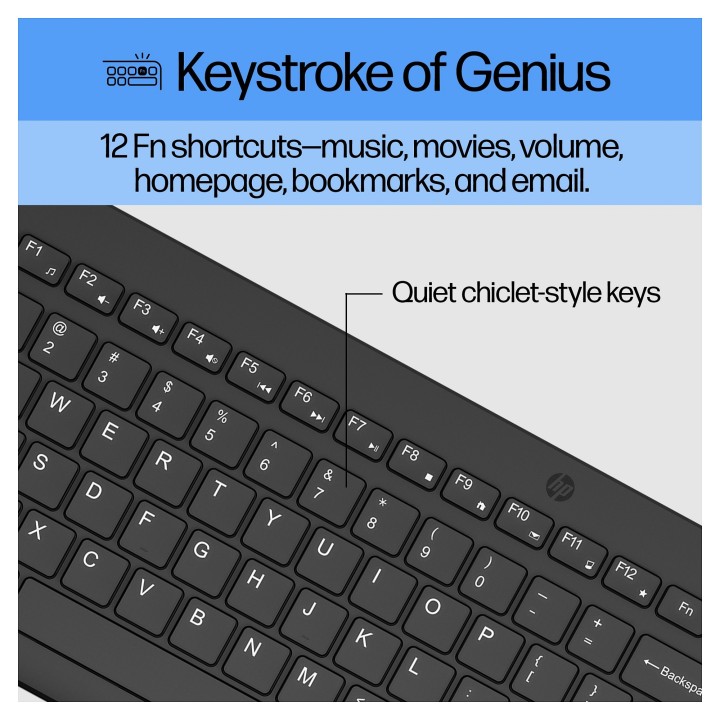
Ta klawiatura w stylu chiclet ma elegancki wygląd. Niskoprofilowa konstrukcja sprawia, że naciśnięcia klawiszy są szybkie, wygodne i dość dokładne… dokładnie w Twoim typie.
Klawiatura numeryczna i wspólne elementy sterujące są zintegrowane z 12 kombinacjami skrótów klawiszowych z klawiszem Fn – do muzyki, filmów, głośności, strony głównej, zakładek i poczty elektronicznej. Teraz to jest skrót powyżej.
Uwolnij się od przewodów, bałaganu i ocen dzięki bezprzewodowemu połączeniu 2,4 GHz za pomocą zwykłego klucza sprzętowego.
Ciesz się spokojnym użytkowaniem dzięki standardowej dwuletniej ograniczonej gwarancji HP.
HP Inc Polska Sp. z o.o.
ul. Szturmowa 2a 02-678 Warszawa Polska
E-mail: support@hp.com
Formularz kontaktowy: https://www.hp.com/us-en/contact-hp/contact.html
Telefon: +1 650-857-1501
HP Inc Polska sp. z o.o
Plac marsz. Józefa Piłsudskiego 1 00-078 Warszawa Polska
E-mail: support@hp.com
List of safety warnings for keyboard and mouse sets based on the requirements of General Product Safety Regulation (EU) 2023/988 (GPSR) * Risk of posture-related injuries: Long-term use of the keyboard and mouse in a non-ergonomic position can lead to problems with the wrists, shoulders, neck and back. Try to maintain the correct posture while working and take breaks regularly. * Eye Hazard: Long-term work at the computer, especially in low light, can cause eye strain, dry eyes, and other visual problems. Remember about regular breaks, eye exercises and proper lighting. * Wire Risk: Watch out for keyboard and mouse wires to avoid tripping or getting tangled. Make sure the wires are properly guided and secured. * Skin allergies: Some of the materials used to make the keyboard and mouse can cause allergic reactions in sensitive individuals. If you notice skin irritation, redness or itching, stop using the product and consult your doctor. * Cleaning and Maintenance: Regularly clean your keyboard and mouse to remove dust, dirt, and bacteria. Use a soft, damp cloth and gentle cleaning agents. Avoid using strong detergents and solvents. * Batteries: If your keyboard or mouse is wireless, make sure the batteries are properly installed and protected. Do not mix old and new batteries and different types of batteries. Used batteries should be disposed of appropriately. * Child Hazard: Small items, such as keys or battery components, can pose a threat to children. Keep your keyboard and mouse out of reach of children and do not allow them to play with these items. * Mechanical Damage: Beware of mechanical damage to your keyboard and mouse, such as cracks, fractures, or sharp edges. Damaged products can pose a safety risk. * Moisture: Avoid contact of the keyboard and mouse with moisture, as this can cause damage to electronics and the risk of electric shock. * Responsible use: Use the keyboard and mouse as intended and with the manufacturer's instructions. Do not modify or repair the product yourself, as this can lead to loss of warranty and safety risk.
Produkty, które ostatnio zwróciły Twoją uwagę.