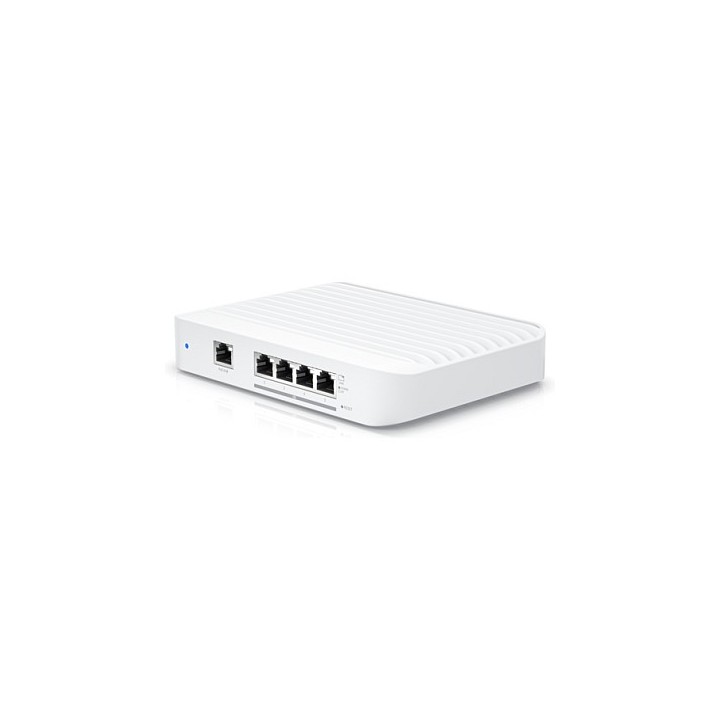
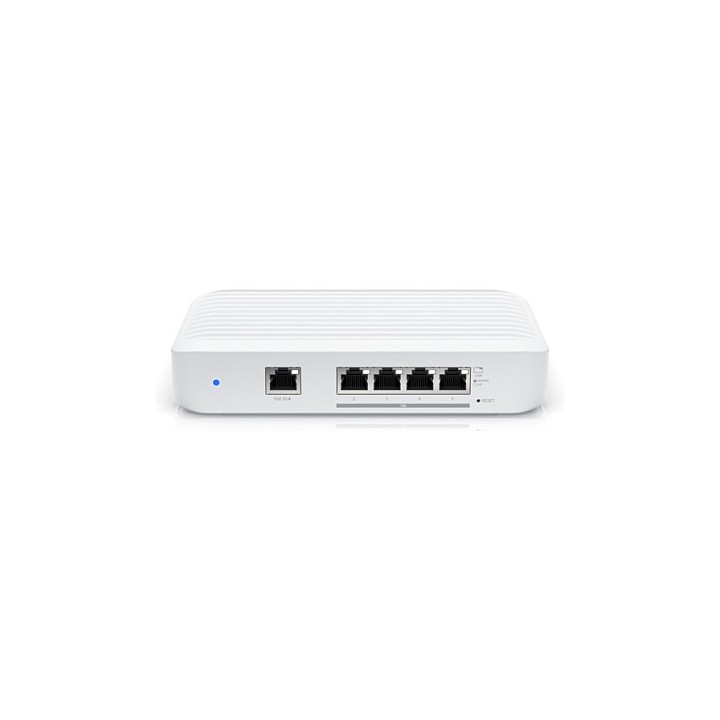
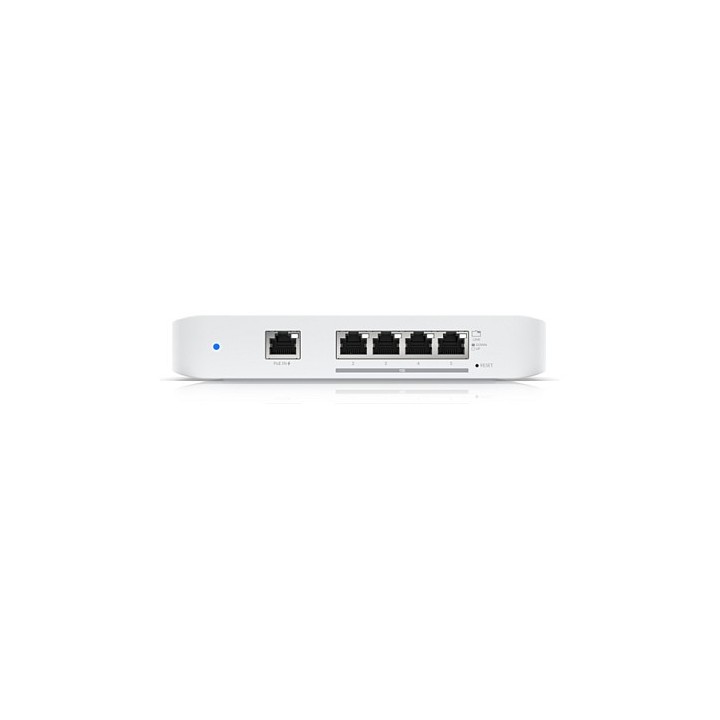
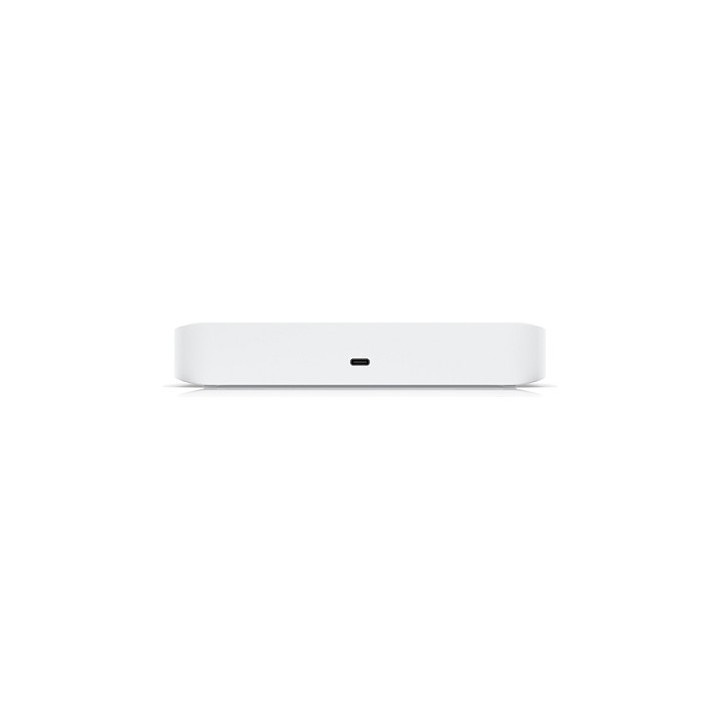
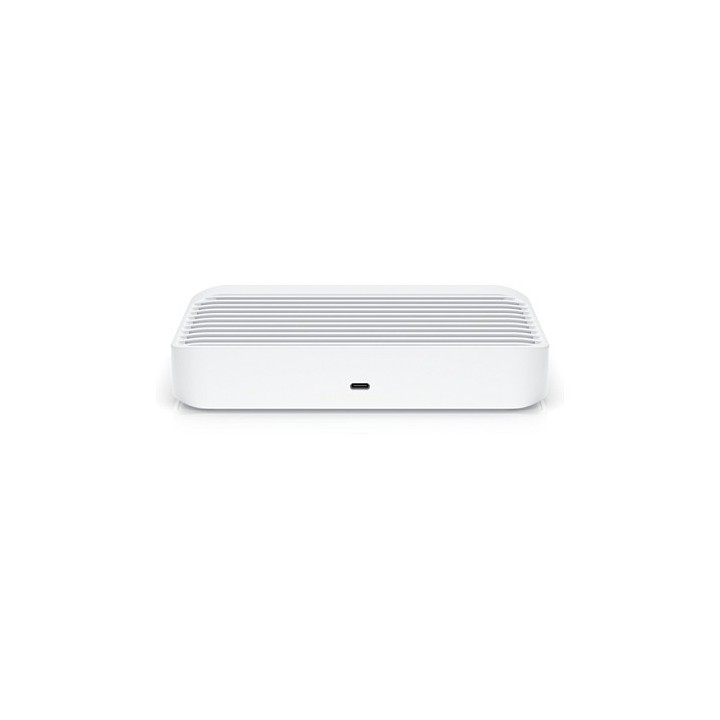
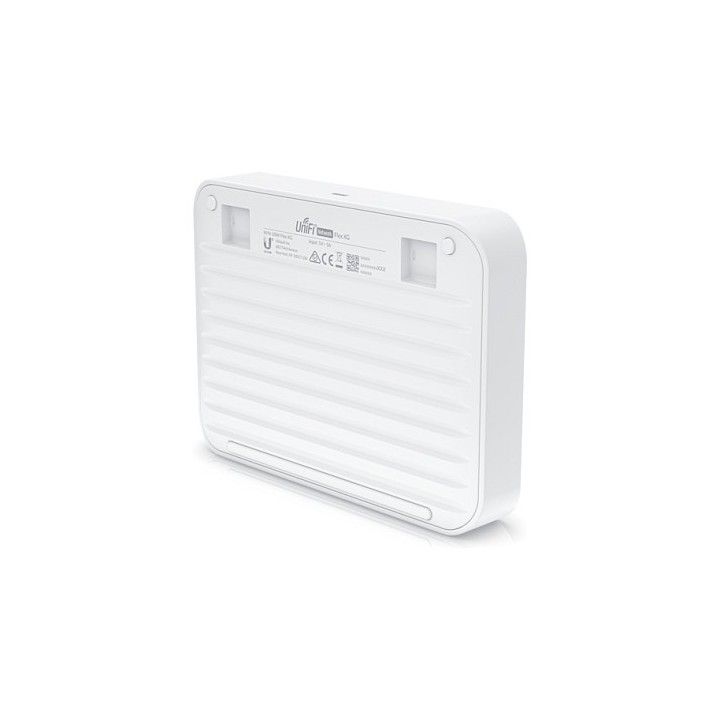
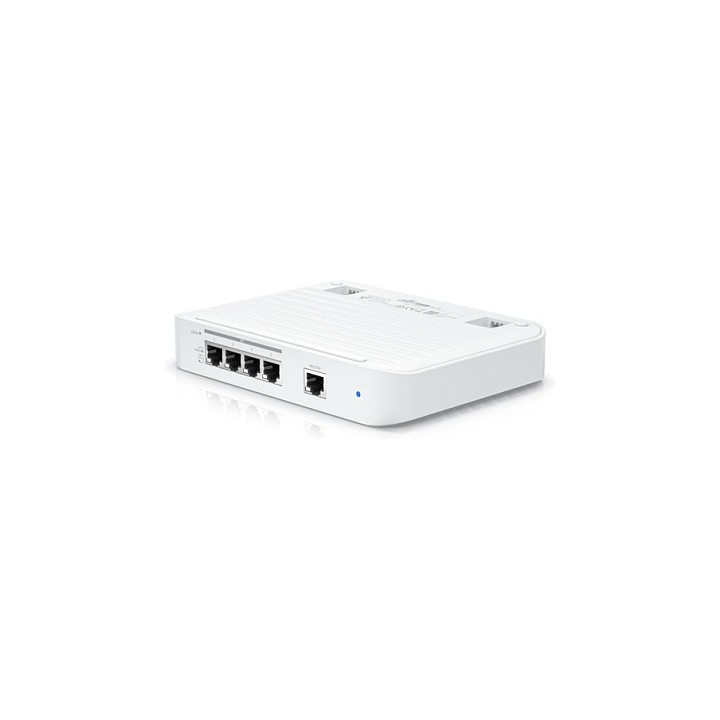
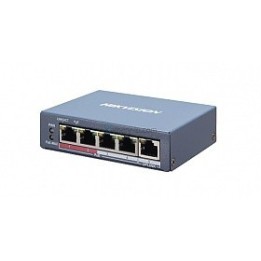
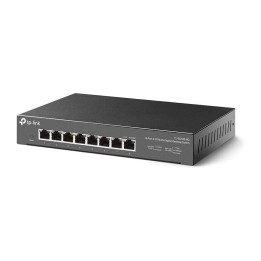
UBIQUITI USW-FLEX-XG UNIFI FULLY MANAGED DESKTOP SWITCH 4x 10GBE RJ45 1x 1GBE 802.3AT POE INPUT
Opis produktu
Ubiquiti UniFi Switch Flex XG. Typ przełącznika: Zarządzany. Warstwa przełącznika: L2. Podstawowe przełączania Ethernet RJ-45 porty typ: 10G Ethernet (100/1000/10000). Podstawowe przełączanie RJ-45 Liczba portów Ethernet: 4. Przepustowość rutowania/przełączania: 82 Gbit/s. Standardy komunikacyjne: IEEE 802.3at. Napięcie wejściowe DC: 5 V. Obsługa PoE
Specyfikacja
- Opis produktu: Ubiquiti USW Flex XG przełącznik 5 porty Tak
- Rodzaj urządzenia: Przełącznik 5 porty Tak
- Podtyp: 10 Gigabit Ethernet
- Porty: 4 x 10010002.5G5G10GBaseT 1 x 101001000 (PoE)
- Zasilanie przez Ethernet: PoE
- Wykonanie: Płynne przełączanie przepustowości: 41 Gbs Zdolność przełączania: 82 Gbs Szybkość przekierowywania: 61.012 Mpps
- Cechy: Przycisk resetu, przełączanie warstwy 2, plastikowa obudowa, Zabezpieczenie przed wyładowaniami elektrostatycznymi 12 kV (wyładowanie kontaktowe), Zabezpieczenie przed wyładowaniami elektrostatycznymi 16 kV (wyładowanie przez szczelinę powietrzną), możliwość aktualizacji firmwaru, możliwość montowania na ścianie
- Zgodność z normami: IEEE 802.3at
- Zasilanie: AC 90264 V
- Wymiary (szer.głęb.wys.): 18.5 cm x 13.5 cm x 3.2 cm
- Waga: 1.2 kg

Szczegóły produktu
- Marka UBIQUITI
- Kod produktu 6610b138620507cf6eb1ad86
- Dostępność 30 Przedmioty
- EAN13 0810010075864
- MPN USWFLEXXG
Producent
Producent
Ubiquiti SIA
Akmenuiela 14 LV-1048 Ryga Łotwa
E-mail: sales@cdr.pl
Formularz kontaktowy: https://www.ui.com/contact/
Bezpieczeństwo
Informacje o bezpieczeństwie
List of safety warnings for network equipment based on the requirements of General Product Safety Regulation (GPSR) 2023/988: 1. Risk of electric shock: * Make sure that the device is connected to a working socket with grounding. * Do not touch the plug or cable with wet hands. * Avoid using the device in places with high humidity. 2. Risk of overheating: * Provide adequate ventilation while maintaining at least 5 cm of free space around the device. * Do not block ventilation openings and avoid putting network equipment on soft surfaces such as blankets or pillows. 3. Fire risk: * Use only original power supplies and accessories recommended by the manufacturer. * Do not leave the device on unattended near flammable materials. 4. Risk of bodily injury: * Use the device on a stable surface to minimize the risk of falling. 5. Hazards in humid environments: * Do not use network equipment outdoors in rain or in places with high humidity. * If the device is flooded, immediately disconnect it from the power source and contact the service. 6. Hazards at high temperatures: * Do not expose the device to direct sunlight. * Avoid using network equipment at temperatures above the recommended range (usually 5-35°C). 7. Risk of damage during cleaning: * Before cleaning, disconnect the device from the power supply and use a soft, slightly damp cloth. * Avoid using strong detergents that can damage the surface of the device. 8. Caution when replacing accessories: * Use only the accessories recommended by the manufacturer. * When replacing batteries, follow the manufacturer's instructions and do not expose the battery to high temperatures. 9. Risks associated with battery use: * Avoid damage to the battery by impact or puncture. * If the battery overheats or swells, stop using the device immediately. 10. Warnings for children: * Keep power cables out of reach of children. * Make sure that children do not play with the device or accessories that can be dangerous. 11. Electromagnetic interference: * Using network equipment near medical devices such as pacemakers can cause electromagnetic interference. * Maintain a distance of at least 15 cm between network equipment and medical devices. 12. Fire hazard: * Storing network equipment near flammable materials or using non-original power supplies may increase the risk of fire. * Use your smartphone away from fabrics, paper, and other flammable materials. 13. Regular maintenance: * Failure to regularly clean ports and sockets can lead to damage or failure. * Clean ports and sockets regularly using a dry and clean cloth, avoiding moisture input.
Switche
Ostatnio oglądane
Produkty, które ostatnio zwróciły Twoją uwagę.