- Nowy
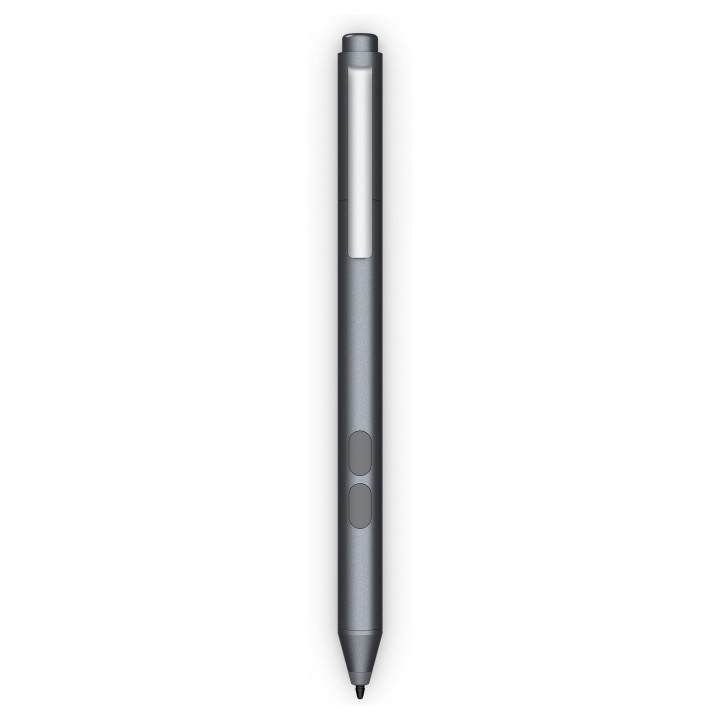
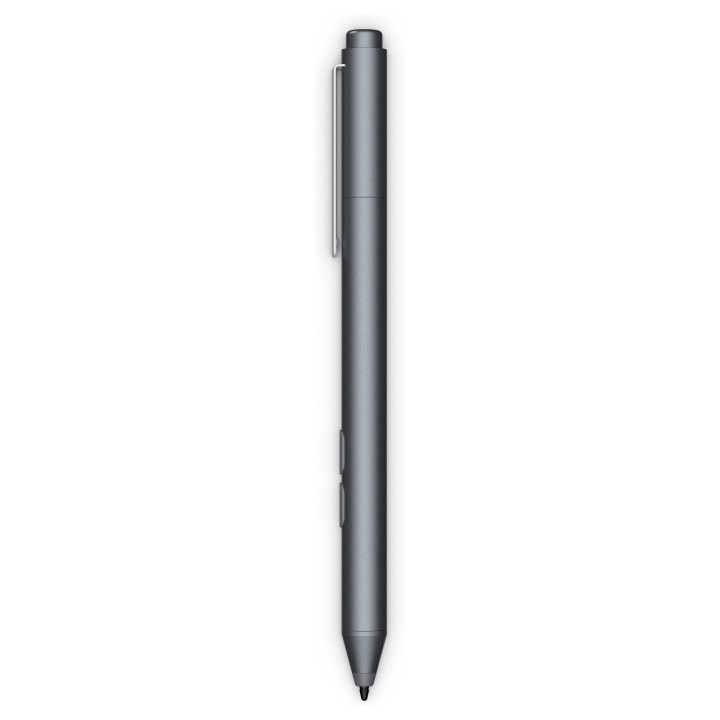
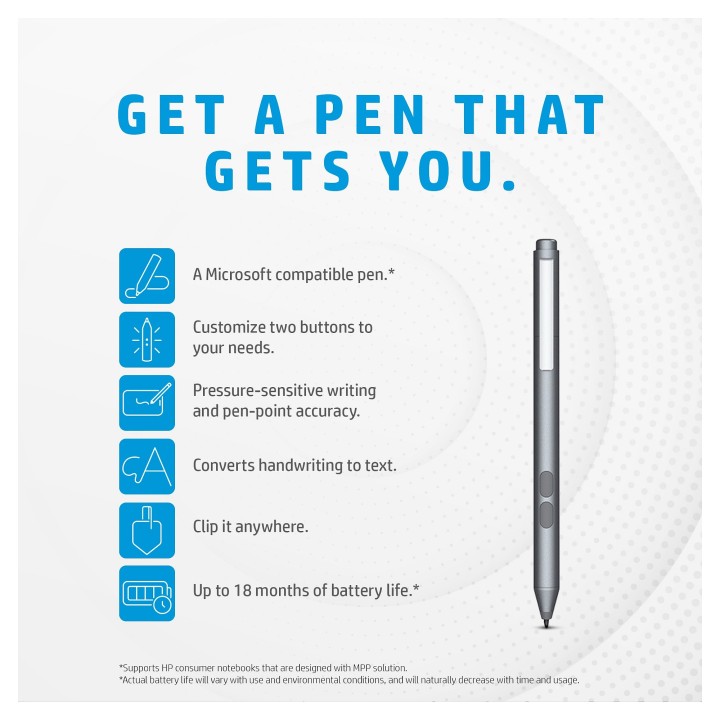
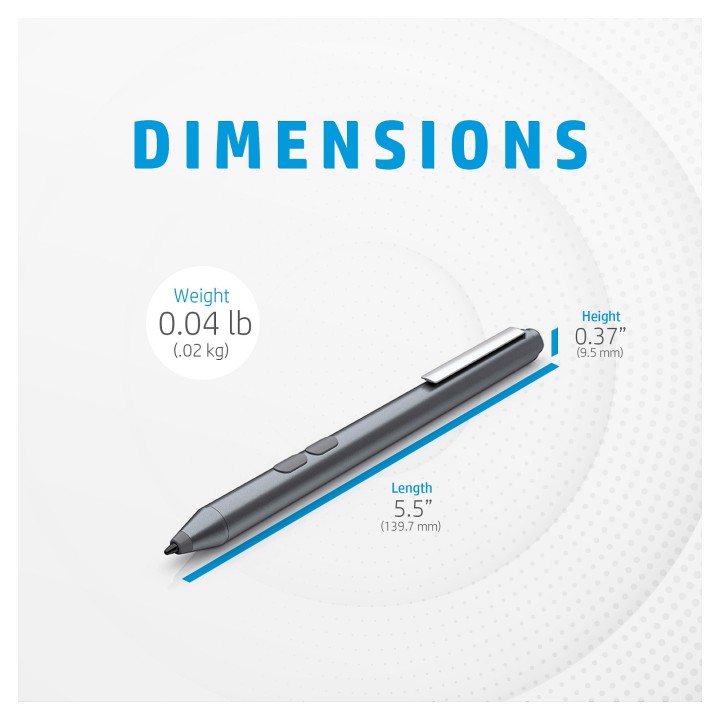
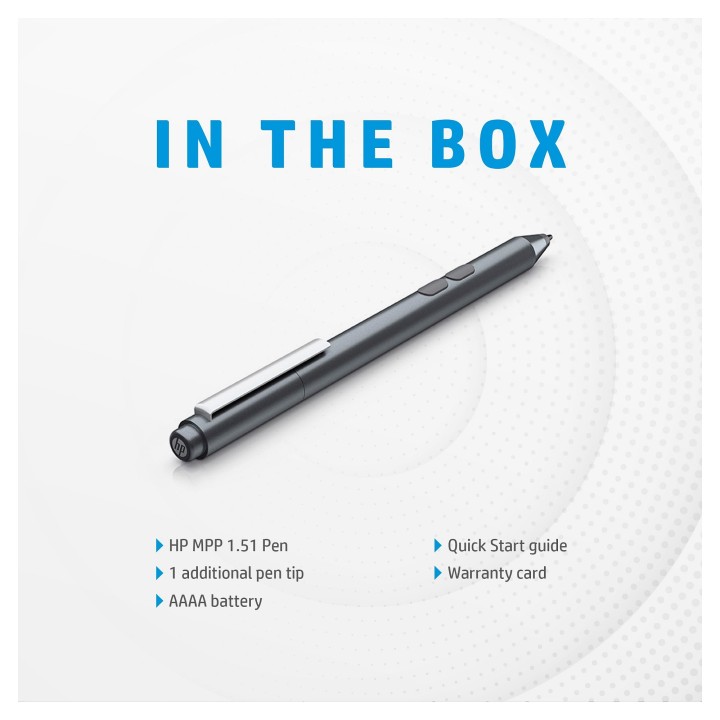
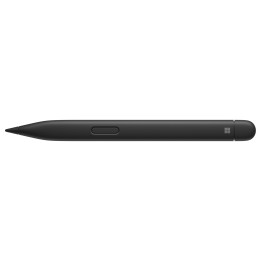
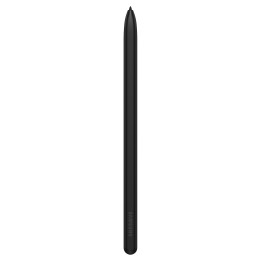
Notuj, podpisuj się lub rysuj i zapewnij sobie precyzję dzięki wykorzystaniu piórka HP MPP 1.51. Piórko kompatybilne z systemem Microsoft z dwoma konfigurowalnymi przyciskami, zapewniające dokładność, a także 18 miesięcy pracy akumulatora. Naturalne, sprawiające wrażenie prawdziwego długopisu piórko, zapewni Ci praktyczność, której potrzebujesz.
Rysuj, notuj i podpisuj się za pomocą kompatybilnego z systemem Microsoft piórka, które zapewnia płynną współpracę z laptopami HP.
Dostosuj klawisze, aby płynnie przełączać się pomiędzy różnymi funkcjami.
Edytuj, rysuj i pisz za pomocą piórka, które zapewnia wrażenia zbliżone do używania normalnego długopisu i charakteryzuje się precyzyjną końcówką, a także dokładnością.
Twoje odręczne zapiski będą natychmiast konwertowane na tekst.
Włóż je do książki, torby lub kieszeni i noś ze sobą wszędzie.
Pióro wytrzymuje do 18 miesięcy pracy na akumulatorze, dzięki czemu możesz pracować, gdzie tylko chcesz.
HP Inc Polska Sp. z o.o.
ul. Szturmowa 2a 02-678 Warszawa Polska
E-mail: support@hp.com
Formularz kontaktowy: https://www.hp.com/us-en/contact-hp/contact.html
Telefon: +1 650-857-1501
HP Inc Polska sp. z o.o
Plac marsz. Józefa Piłsudskiego 1 00-078 Warszawa Polska
E-mail: support@hp.com
List of stylus safety warnings based on the requirements of General Product Safety Regulation (EU) 2023/988 (GPSR): * Beware of sharp stylus tips that may cause cuts. * Do not use the stylus if it is damaged. This can lead to the touch screen malfunctioning or scratching. * Keep the stylus out of reach of children to avoid the risk of swallowing small items. * Do not try to repair the stylus yourself, as this can lead to damage or injury. * Avoid using the stylus in wet conditions, as this can damage your device or the stylus itself. * Clean the stylus with a gentle cloth to remove dirt and avoid touch screen scratches. * Use the stylus according to the manufacturer's instructions to ensure its proper operation and avoid damage. * Do not bend or press the stylus, as this may damage it. * For battery-powered styluses, make sure the battery is properly mounted and not damaged. * Do not expose the stylus to extreme temperatures or direct sunlight to prevent damage.
Produkty, które ostatnio zwróciły Twoją uwagę.