- Nowy
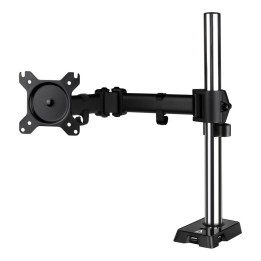
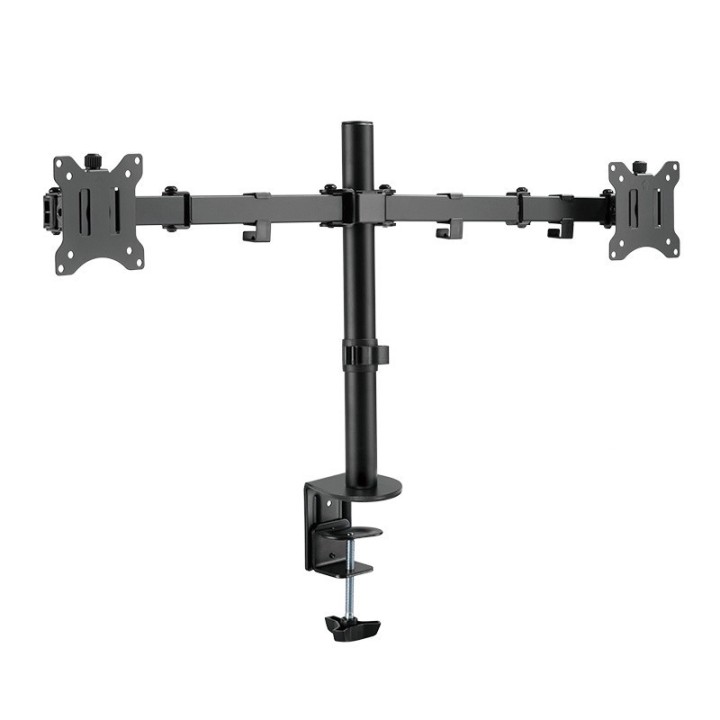
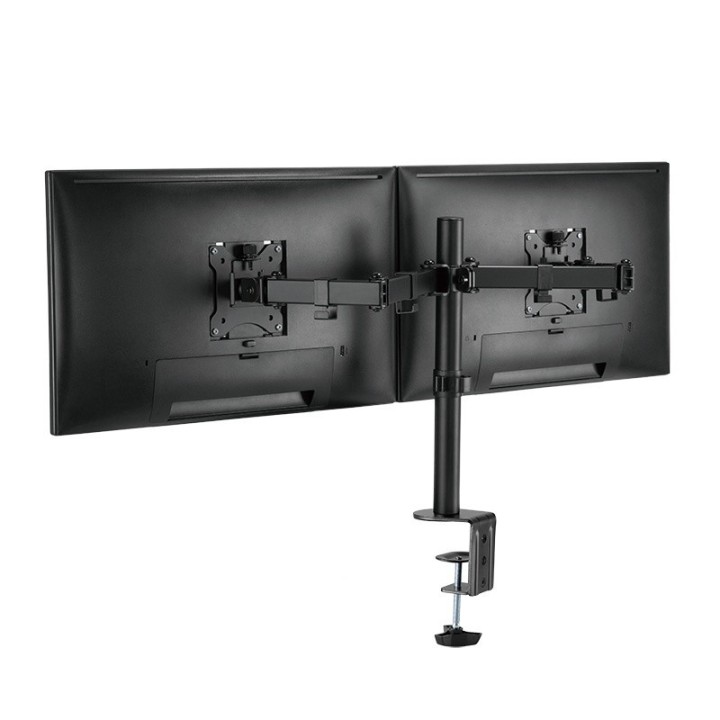
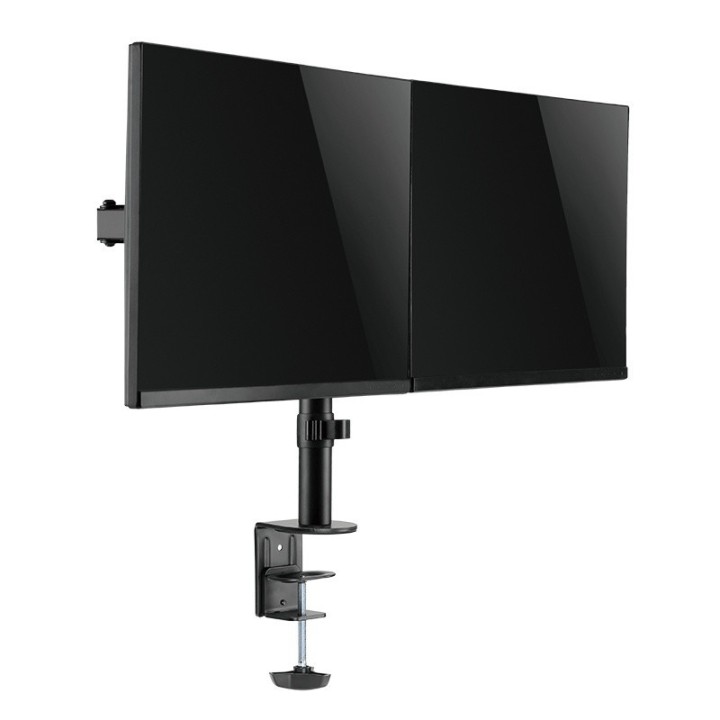
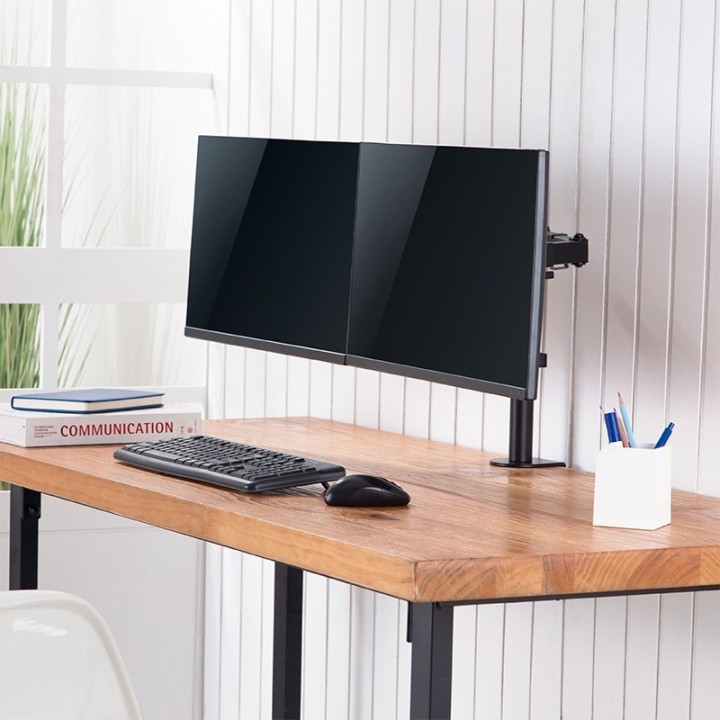
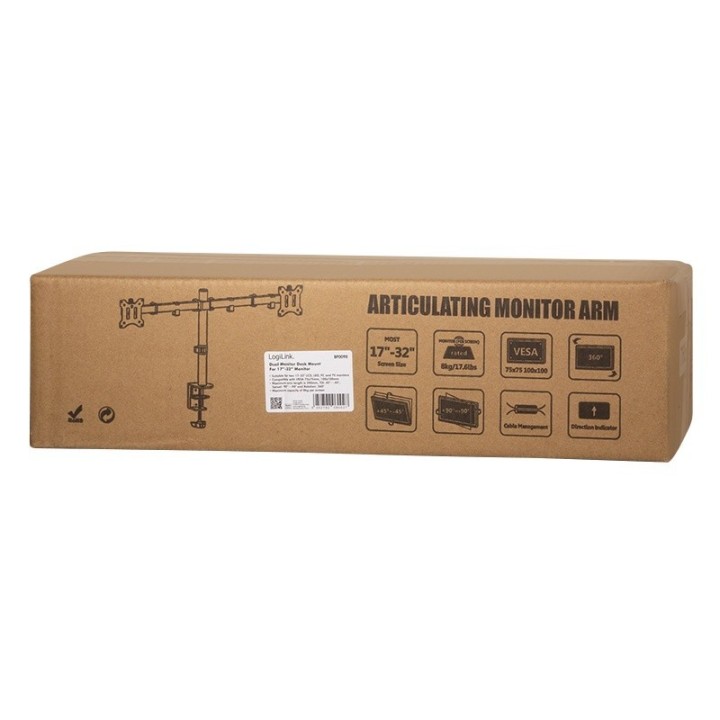
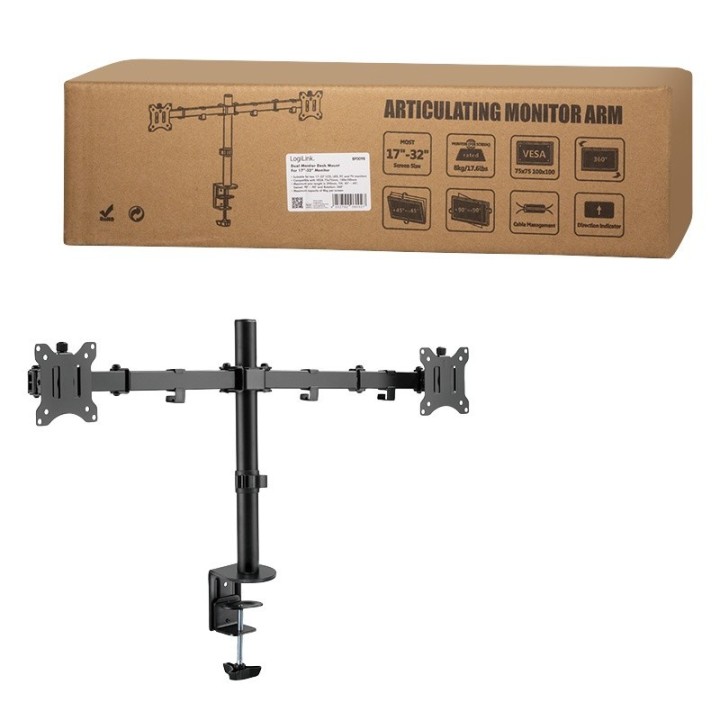
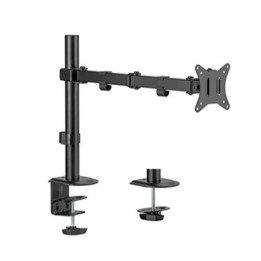
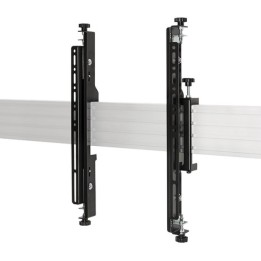
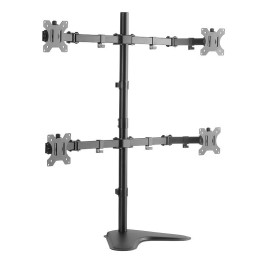
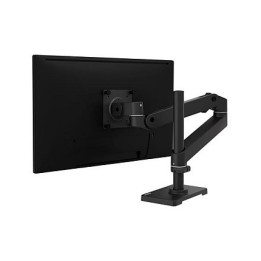
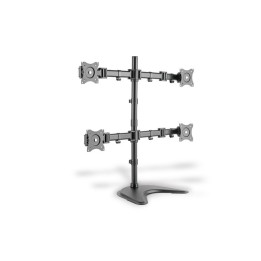
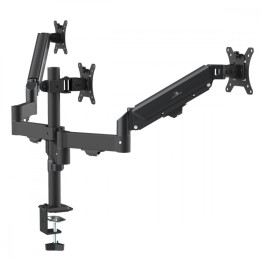
Przymocuj telewizor i monitory komputerowe bezpośrednio do biurka. W ten sposób możesz korzystać ze swoich ekranów z pełną swobodą ruchu i przechylać je, obracać lub obracać według własnego uznania. Cechą szczególną jest to, że ramiona można wysunąć maksymalnie do 390 mm. Oznacza to, że dowolną żądaną długość można indywidualnie dopasować. Maksymalne obciążenie: 8 kg.
2direct GmbH
Langenstuck 5 58579 Schalksmühle Germany
E-mail: info@2direct.de
Telefon: +49 2351 66887-0
List of safety warnings Computer monitor parts and accessories based on the requirements of General Product Safety Regulation (GPSR) 2023/988: 1. Risk of electric shock: * Make sure the accessories are compatible with the voltage and current in your country. * Do not use damaged power cables or plugs. * Disconnect accessories from power before cleaning or maintenance. * Do not touch accessories with wet hands. * Avoid using accessories in damp places. 2. Fire risk: * Use only accessories approved by the monitor manufacturer. * Do not cover accessories (e.g. power supply) during use to prevent overheating. * Do not use accessories near heat sources or open fire. 3. Risk of damage to monitor and accessories: * Make sure accessories are firmly fastened to avoid falling and damage. * Do not overload monitor ports with too many connected accessories. * Use accessories according to their purpose and instruction manual. 4. Health Risks: * Avoid prolonged staring at the monitor screen to prevent eye strain. * Maintain proper distance from the monitor and adjust screen brightness. * Ensure proper posture when working with your monitor. 5. Child safety: * Small accessory components (e.g. screws, end caps) may pose a choking hazard. Keep them out of reach of children. * Do not allow children to play with computer accessories. 6. Disposal: * Dispose of used electronic accessories in accordance with local environmental regulations. * Do not throw away accessories in ordinary garbage. 7. Cleaning: * Disconnect the accessories from the power supply before cleaning. * Use a soft, dry cloth to clean your accessories. * Do not use cleaning products containing alcohol, ammonia or abrasives. 8. Storage: * Store accessories in a dry and cool place, away from direct sunlight. * Protect accessories from moisture and extreme temperatures.
Produkty, które ostatnio zwróciły Twoją uwagę.