- Nowy
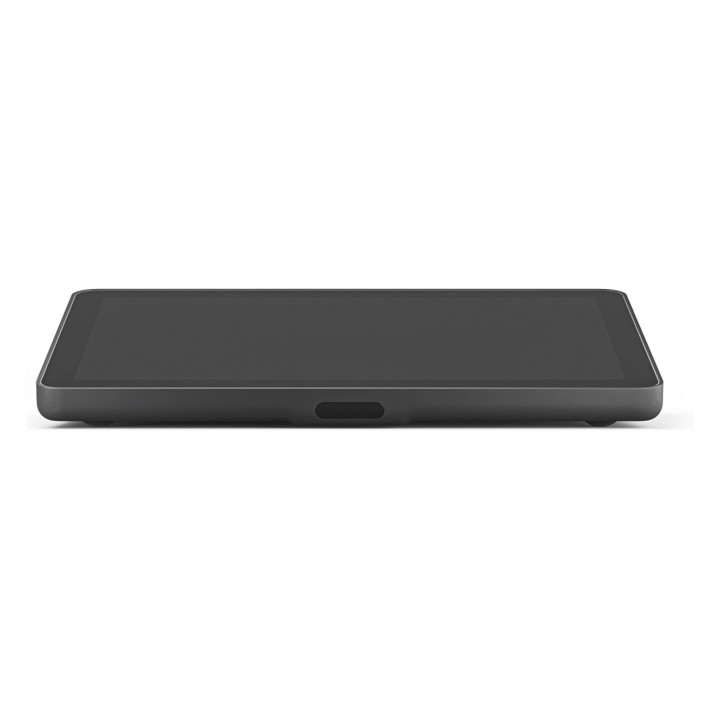
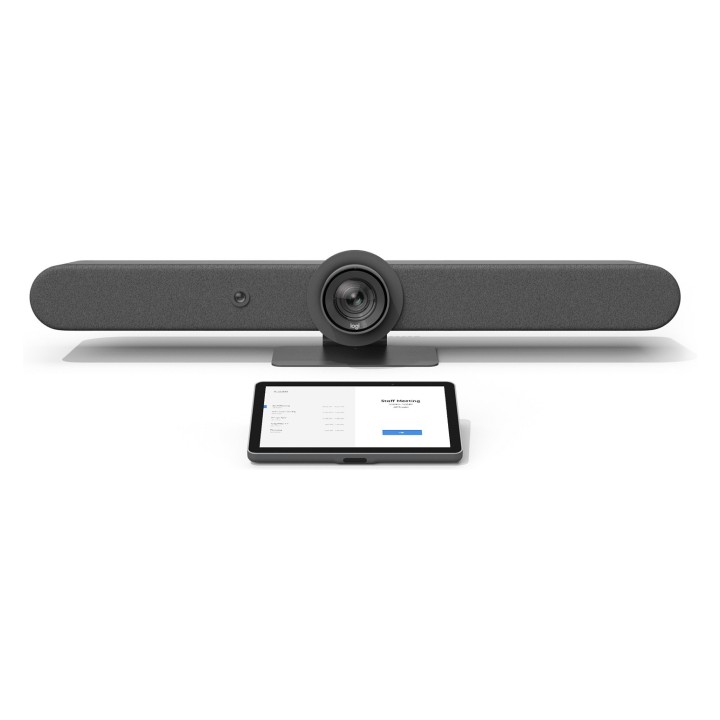
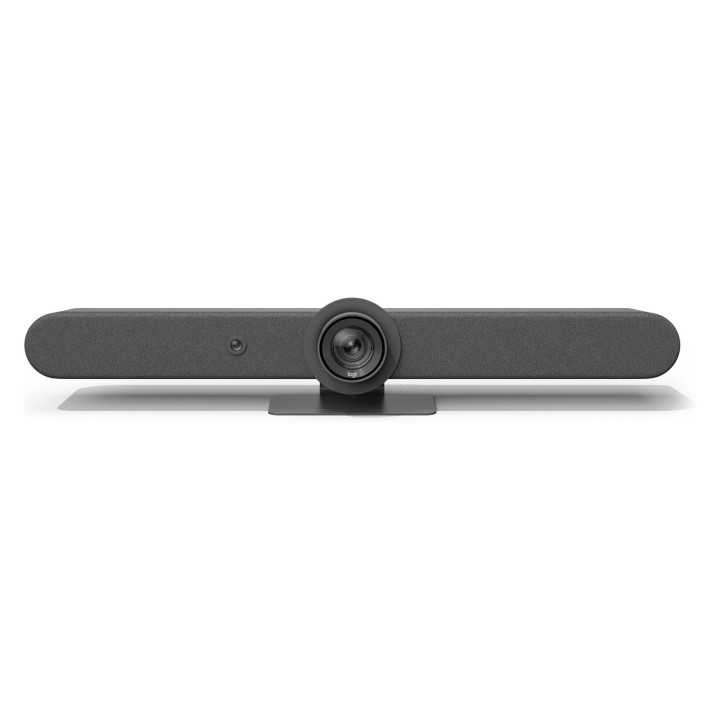
LOGITECH Video conferencing kit Tap IP Rally Bar Certified for Zoom Rooms Certified for Microsoft Teams Rooms obrazki
LOGITECH Video conferencing kit Tap IP Rally Bar Certified for Zoom Rooms Certified for Microsoft Teams Rooms
Opis produktu
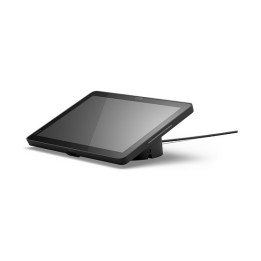
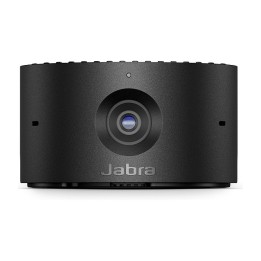
Logitech Rally Bar to zaawansowane rozwiązanie do wideokonferencji typu "wszystko w jednym". Jest wyposażone w doskonałą optykę i automatyczną funkcję PTZ oraz umożliwia uzyskanie wysokiej jakości dźwięku w średnich i dużych salach konferencyjnych. Dzięki Logitech Tap IP, działającemu w sieci kontrolerowi dotykowemu do rozwiązań Logitech dla sal konferencyjnych, możesz rozpocząć spotkanie po naciśnięciu jednego przycisku.
Panel wideo typu "wszystko w jednym"
Rozpoczynaj spotkania na ekranie Tap
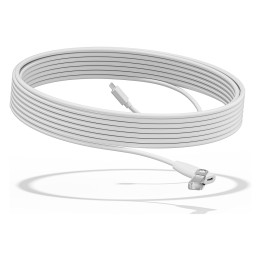
Proste i zabezpieczone okablowanie
Specyfikacja
- Opis produktu: Logitech zestaw do wideokonferencji power adapter included
- Rodzaj urządzenia: Zestaw do wideokonferencji
- Zawartość Zestawu: Logitech Tap IP, Logitech Rally Bar
- Wymiary (szer.głęb.wys.): 91 cm x 16.4 cm x 13.05 cm
- Waga: 7.08 kg
- Lokalizacja: Indonezja, Europa, South East Asia
- Wejście sygnału video: Kamera wideo cyfrowego SuperSpeed USB 3.0
- Wejście sygnału audio: Macierz 6 mikrofonów kształtowanie wiązki
- Wyjście sygnału audio: Głośnik(i)
- Urządzenie wejściowe: Zdalne sterowanie, ekran dotykowy 10,1" (bezprzewodowa, przewodowa)
- Praca w sieci: Bluetooth, IEEE 802.11b, IEEE 802.11a, IEEE 802.11g, IEEE 802.11n, IEEE 802.11ac
- Zasilanie: AC 100240 V
- Certyfikacja Oprogramowania: Certyfikat Zoom Rooms, Certyfikat Microsoft Teams Rooms, RingCentral Certified, Certyfikat Tencent Meeting
Szczegóły produktu
- Marka Logitech
- Kod produktu 6610bce3620507cf6eb7b02b
- Dostępność 5 Przedmioty
- EAN13 5099206102217
- MPN 991000422
Producent
Producent
Logitech Europe S.A.
Catharijnesingel 47 3511GC Utrecht Netherlands
Telefon: +41 0 21 863 55 11
Osoba odpowiedzialna w UE
Logitech Europe S.A.
Catharijnesingel 47 3511GC Utrecht Netherlands
Telefon: +41 0 21 863 55 11
Bezpieczeństwo
Informacje o bezpieczeństwie
List of safety warnings for video conferencing sets and cameras based on the requirements of Regulation (EU) 2023/988 on General Product Safety (GPSR) 1. Risk of electric shock: * Make sure that the device is connected to a working socket with grounding. * Do not touch the plug or cable with wet hands. * Avoid using the device in places with high humidity. 2. Risk of overheating: * Provide adequate ventilation while maintaining at least 5 cm of free space around the device. * Do not block ventilation openings. 3. Fire risk: * Use only original chargers and accessories recommended by the manufacturer. * Do not leave the device on unattended near flammable materials. 4. Risk of bodily injury: * Avoid using the device in a position that causes excessive heat pressure on the skin to prevent burns. * Use the device on a stable surface to minimize the risk of falling. 5. Hazards in humid environments: * Do not use the unit outdoors in rain or in areas with high humidity, such as bathrooms. * If the device is flooded, immediately disconnect it from the power source and contact the service. 6. Hazards at high temperatures: * Do not expose the device to direct sunlight. * Avoid using the device at temperatures exceeding the recommended range (usually 5-35°C). 7. Risk of damage during cleaning: * Before cleaning, disconnect the device from the power supply and use a soft, slightly damp cloth. * Avoid using strong detergents that can damage the surface of the device. 8. Caution when replacing accessories: * Use only the accessories recommended by the manufacturer. * When replacing batteries, follow the manufacturer's instructions and do not expose the battery to high temperatures. 9. Risks associated with battery use: * Avoid damage to the battery by impact or puncture. * If the battery overheats or swells, stop using the device immediately. 10. Child Hazards: * Keep power cables out of reach of children. * Make sure that children do not play with the device or accessories that can be dangerous. 11. Risk of mechanical damage and injury: * The device's fall may cause the screen to shatter, which can lead to user cuts. * Use durable protective cases and tempered glass for your screen. If the screen is damaged, do not use the device until repaired. 12. Risk of electromagnetic interference * Using the device near medical devices such as pacemakers can cause electromagnetic interference. * Maintain a distance of at least 15 cm between the device and medical devices. 13. Effects on vision * Long-term use of the device, especially in dark conditions, can lead to eye strain. * Use eye protection mode if available, and take breaks from the screen regularly. 14. Regular maintenance * Failure to regularly clean ports and sockets can lead to damage or failure. * Clean ports and sockets regularly using a dry and clean cloth, avoiding moisture input. 15. Allergic reactions to materials * Materials used in the device housing (e.g. silicone, metal) can cause skin irritation or allergic reactions. * In case of redness or discomfort, remove the device and consult a dermatologist. Clean the case regularly to avoid accumulation of sweat or dirt.
Zestawy do wideokonferencji
- Nowy
- Nowy
- Nowy
- Nowy
- Nowy
- Nowy
- Nowy
- Nowy
- Nowy
- Nowy
Ostatnio oglądane
Produkty, które ostatnio zwróciły Twoją uwagę.