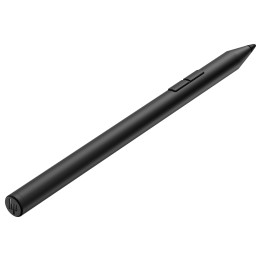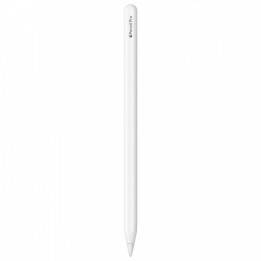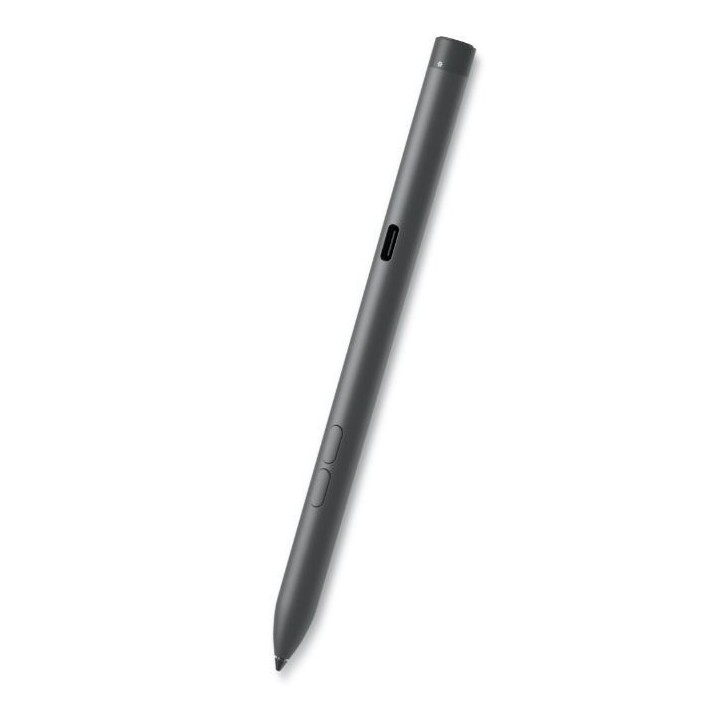
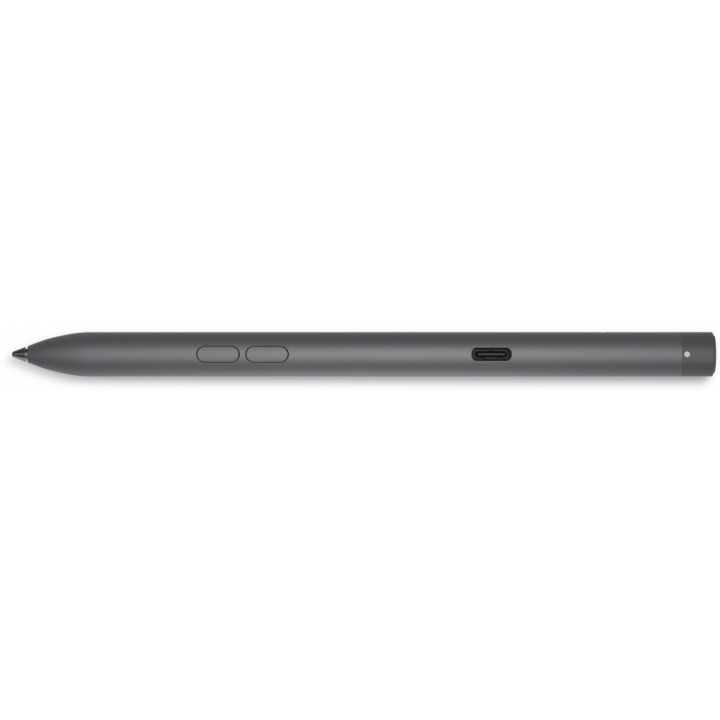
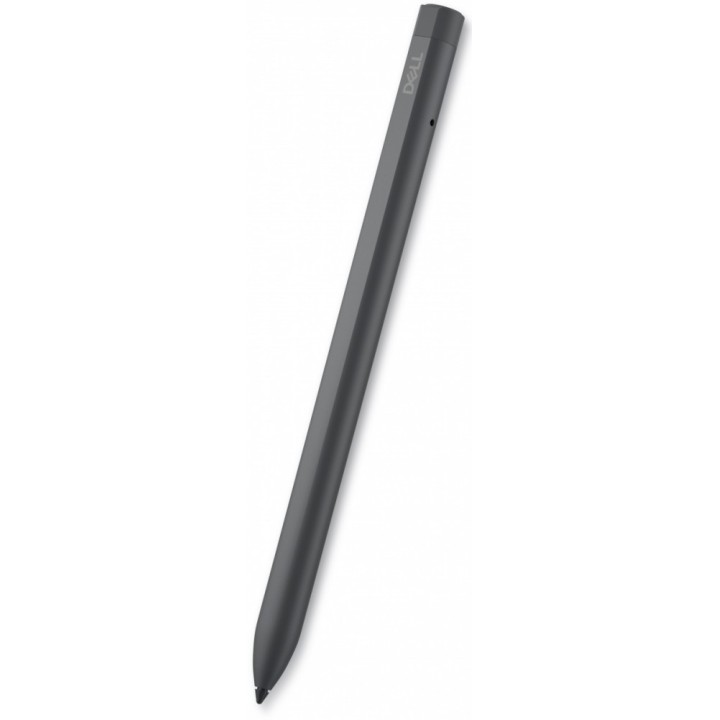
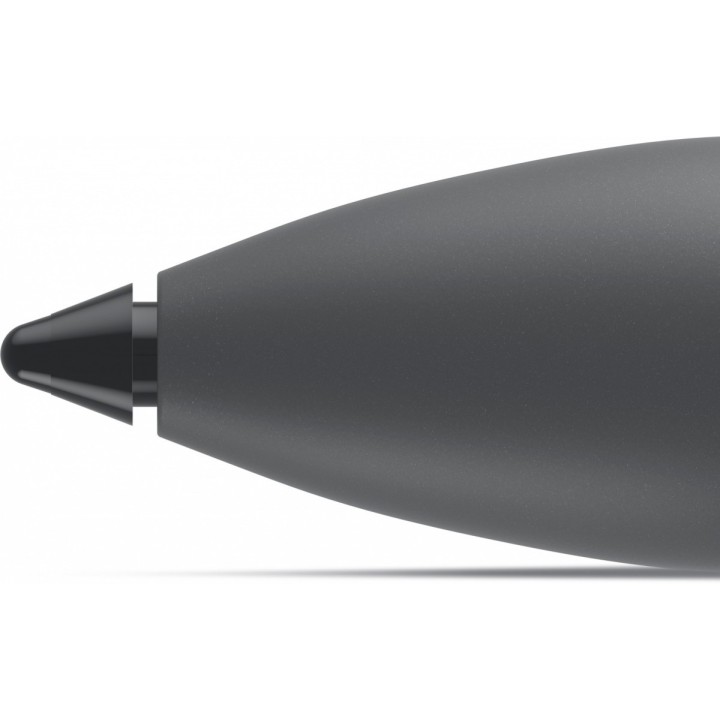
DELL Premier Rechargeable Active Pen - PN7522W

Cena: 378,99 zł
Brutto
Dostępność produktu: Dostępny 18 szt.
Czas dostawy Wysyłka w ciągu 2 dni roboczych
Koszt dostawy Bezpłatna dostawa od 250 zł.

Opis produktu

Pisz naturalnie i twórz precyzyjnie dzięki aktywnemu pióru klasy premium z możliwością wielokrotnego ładowania.

Przebłysk geniuszu

Łatwy dostęp do poleceń
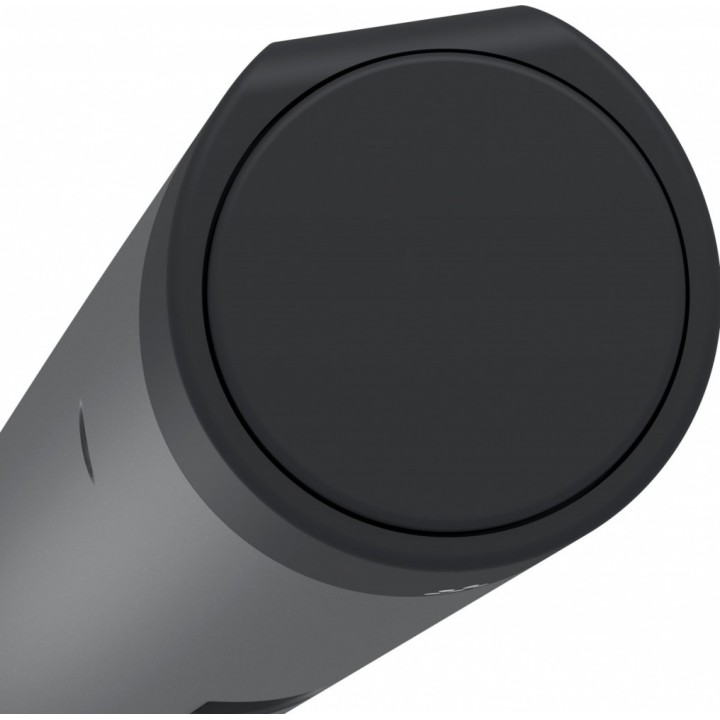
Smycz magnetyczna
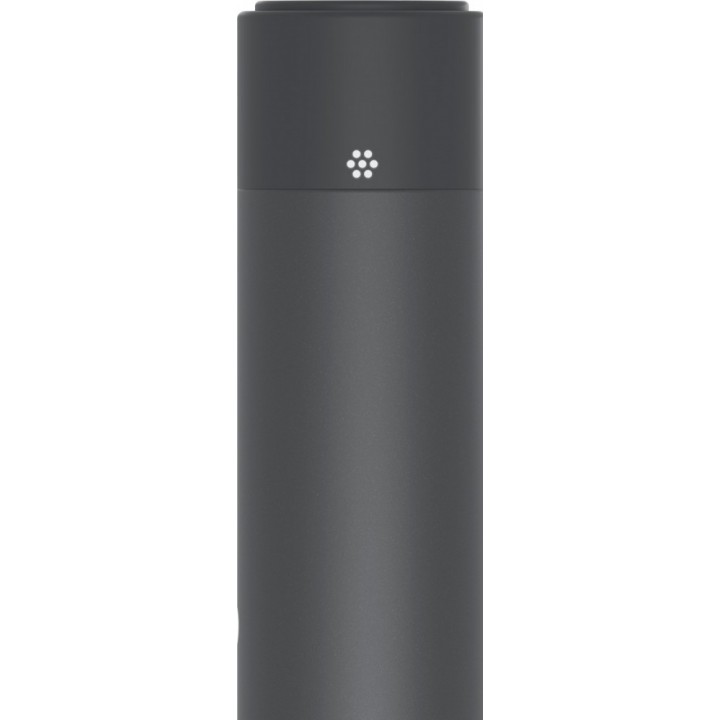
Przypomnienia wizualne

Specyfikacja

  • Opis produktu: Dell Pro Premium PN7522W rysik aktywny Bluetooth 5.0 czarny
  • Rodzaj urządzenia: Rysik aktywny
  • Sposób podłączenia: Bluetooth 5.0
  • Usługi powiązane: 3 lata Advanced Exchange Service
  • Kolor: Czarny
  • Wymiary (szer.głęb.wys.): 0.98 cm x 0.98 cm x 15.5 cm
  • Waga: 14.2 g
  • Ilość przycisków: 3
  • Cechy: Akumulator, czułość nacisku, czułość na nachylenie, wskaźnik LED, funkcja znajdowania pióra
  • Wymagany system operacyjny: Windows 10, Windows 11
  • Zaprojektowany dla: Inspiron 14 74XX, 16 7620; Latitude 53XX 2in1, 7210 2in1, 73XX, 73XX 2in1, 74XX 2in1, 9330 2in1, 94XX 2in1, 95XX 2in1; Precision 54XX; XPS 13 93XX

Szczegóły produktu

  • Marka Dell
  • Kod produktu 6610be56620507cf6ebc0665
  • Dostępność 18 Przedmioty
  • EAN13 5397184635414
  • MPN 750ADRC

Specyfikacja

  • Kolor Czarny

Producent

Producent

Dell Sp. z o.o.

ul. Inflancka 4A 00-189 Warszawa Poland

E-mail: regulatory.compliance@dell.com

Telefon: 15 123 381 551

Bezpieczeństwo

Informacje o bezpieczeństwie

List of stylus safety warnings based on the requirements of General Product Safety Regulation (EU) 2023/988 (GPSR): * Beware of sharp stylus tips that may cause cuts. * Do not use the stylus if it is damaged. This can lead to the touch screen malfunctioning or scratching. * Keep the stylus out of reach of children to avoid the risk of swallowing small items. * Do not try to repair the stylus yourself, as this can lead to damage or injury. * Avoid using the stylus in wet conditions, as this can damage your device or the stylus itself. * Clean the stylus with a gentle cloth to remove dirt and avoid touch screen scratches. * Use the stylus according to the manufacturer's instructions to ensure its proper operation and avoid damage. * Do not bend or press the stylus, as this may damage it. * For battery-powered styluses, make sure the battery is properly mounted and not damaged. * Do not expose the stylus to extreme temperatures or direct sunlight to prevent damage.

Ładowanie...
Wróć na górę