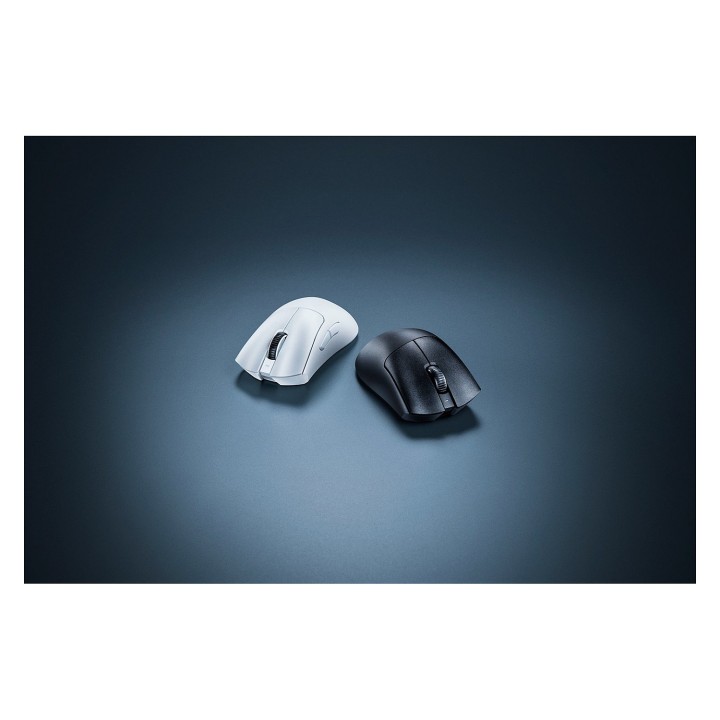
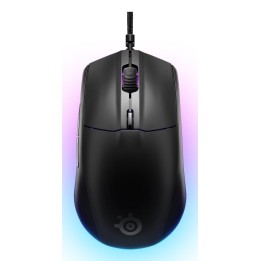
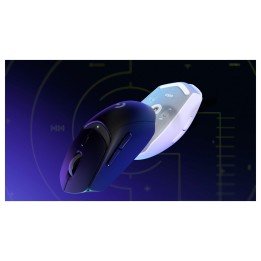
RAZER DeathAdder V3 Pro Mouse - Black
Opis produktu
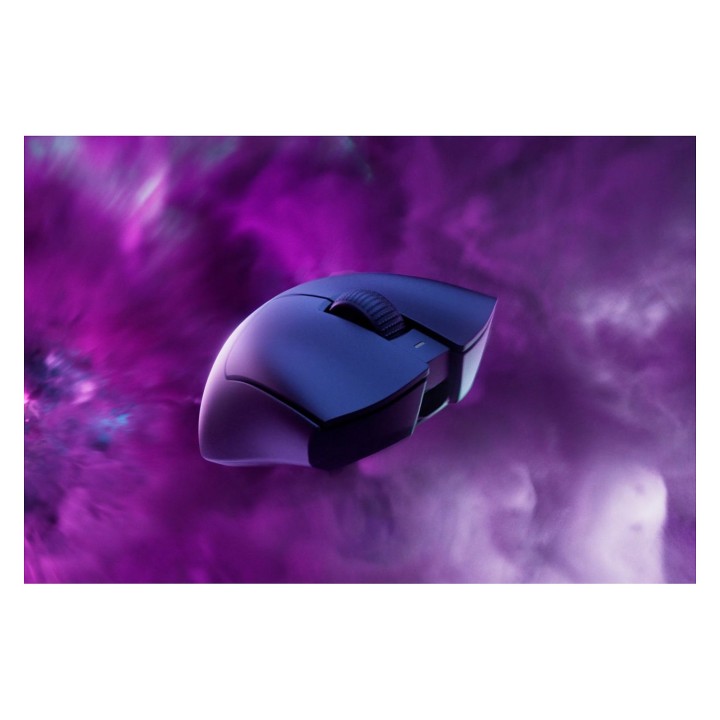
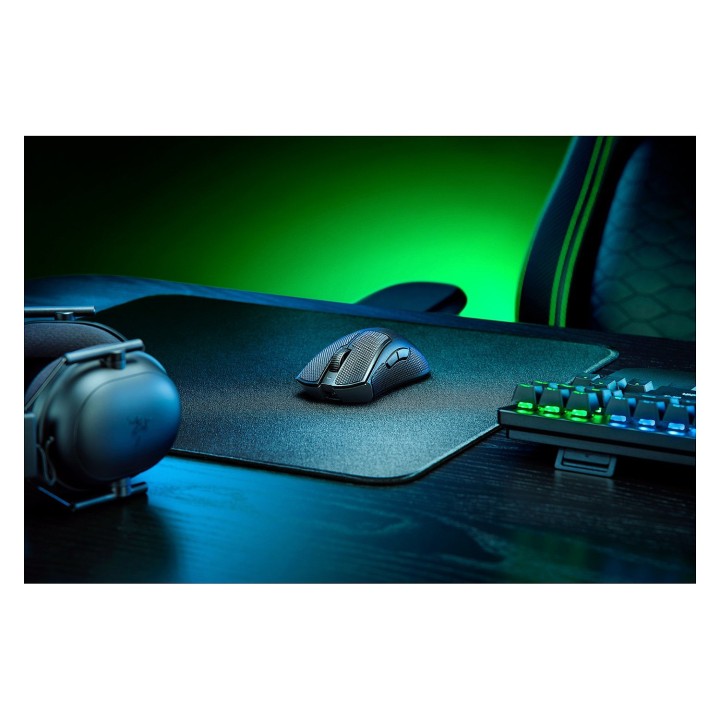
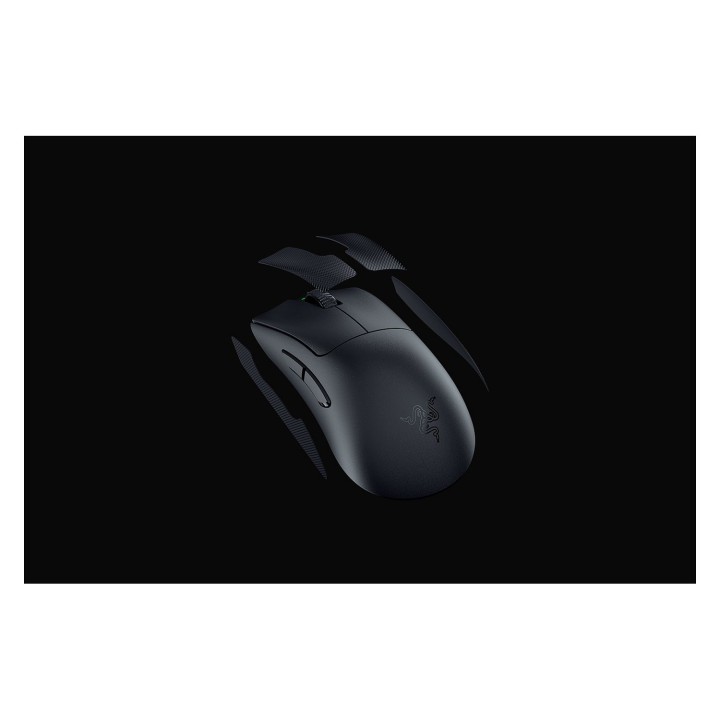
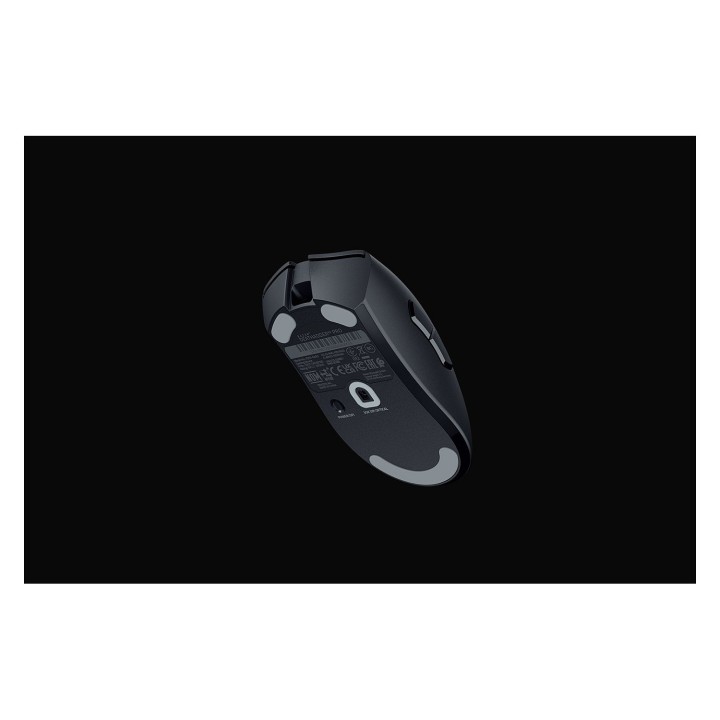
Zwycięstwo nabiera kształtu dzięki Razer DeathAdder V3 Pro. Wyrafinowany i udoskonalony z pomocą najlepszych profesjonalistów e-sportowych, jego kultowy ergonomiczny kształt jest teraz o ponad 25% lżejszy niż jego poprzednik, wspierany przez zestaw najnowocześniejszych ulepszeń, aby przesunąć granice rywalizacji.
Zero nadmiaru, pełna wydajność
Możliwość uaktualnienia do prawdziwej bezprzewodowej częstotliwości odpytywania 4000 Hz
Odblokowanie bardzo precyzyjnych regulacji
Kontrola DPI na myszy
Wbudowana pamięć
Specyfikacja
- Opis produktu: Razer DeathAdder V3 Pro mysz Bluetooth, USB czarny
- Rodzaj urządzenia: Mysz ergonomiczna
- Sposób podłączenia: Bezprzewodowa Bluetooth, USB
- Kolor: Czarny
- Orientacja: Praworęczna
- Wymiary (szer.głęb.wys.): 6.8 cm x 12.8 cm x 4.4 cm
- Waga: 63 g
- Technologia wykrywania ruchu: Optyczna
- Ilość przycisków: 5
- Zakres ruchu: 30000 dpi
- Wykonanie: 90 milionów kliknięć, maks. przyspieszenie 70 G, 750 cali na sekundę
- Gaming: Tak
- Cechy: 5 programowalnych przycisków, technologia Razer Hyperspeed Wireless, Razer Speedflex Cable, stopa z polytetrafluoroethylene (PTFE), czujnik optyczny Focus Pro, 3. generacji optyczne przełączniki myszy Razer, profil pamięci pokładowej

Szczegóły produktu
- Marka Razer
- Kod produktu 6610bf6c620507cf6ebde444
- Dostępność 100 Przedmioty
- EAN13 8886419334057
- MPN RZ0104630100R3G1
Specyfikacja
- Typ sensora Optyczny
- Maksymalna czułość (DPI) 30000 DPI
- Profil dłoni Praworęczny
- Masa (g) 92 g
Producent
Producent
Razer (Europe) GmbH
Alter Teichweg 25, 22081 Hamburg, Germany 22081 Hamburg Germany
E-mail: compliance@razer.com
Formularz kontaktowy: https://www.razer.com/eu-en/contact-us
Telefon: +49 (40) 4192 99300
Bezpieczeństwo
Informacje o bezpieczeństwie
List of mouse safety warnings based on the requirements of General Product Safety Regulation (EU) 2023/988 (GPSR): 1. Ergonomics and repetitive movements: I use the mouse ergonomically to avoid strains and injuries. I regularly take breaks to reduce the risk of carpal tunnel syndrome or other problems associated with repetitive movements. 2. Cleaning and Maintenance: I disconnect the mouse from the computer before cleaning. I use a soft, dry cloth to clean my mouse. I avoid using liquids that can get inside the unit and damage it. 3. Cable and Connections: I make sure the mouse cable is properly connected to the computer and is not damaged. A damaged cable may pose a risk of electric shock or cause the mouse to malfunction. 4. Batteries (if applicable): If I use a battery-operated wireless mouse, I use the right type of battery and insert it correctly. I remove the batteries when the mouse is not in use for extended periods of time to prevent leaks and damage. 5. LED lighting (if applicable): I avoid staring at the intense LED light for a long time, which can cause eye strain. 6. Kids: I store my mouse and small items (e.g. batteries) out of reach of children to avoid the risk of ingestion or choking. 7. Recycling: I return the used mouse to the appropriate recycling point to minimize the environmental impact. 8. Usage: I do not use a damaged mouse as this may result in electric shock or injury. 9. Repairs: I do not repair the mouse myself, I give it to the service. 10. Storage: I store the mouse in a dry place, away from moisture and extreme temperatures.
Myszy i trackballe
Ostatnio oglądane
Produkty, które ostatnio zwróciły Twoją uwagę.