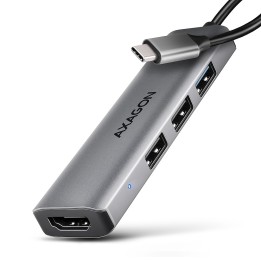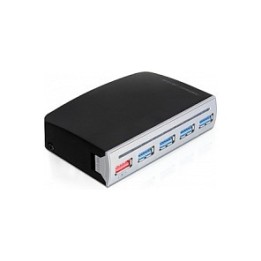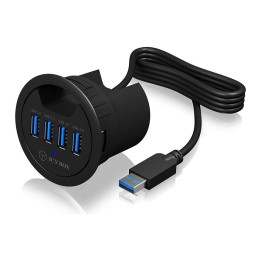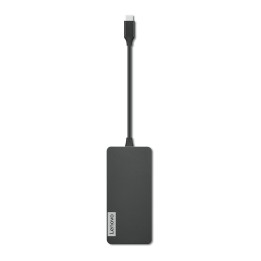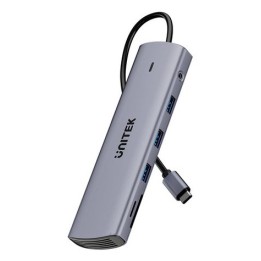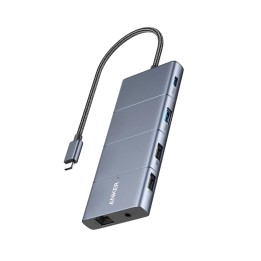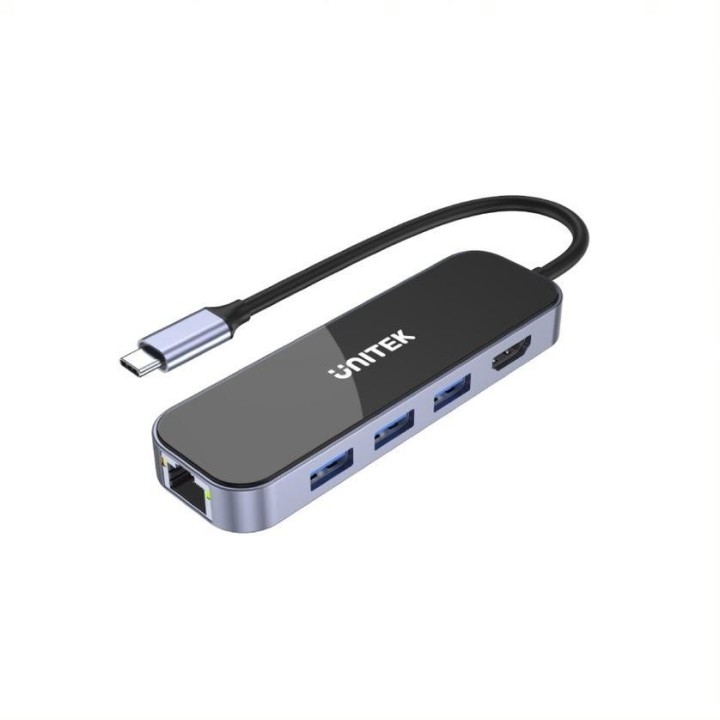


UNITEK D1084A Hub USB-C 3x USB-A 3.1 HDMI 4K PD 100W

Cena: 135,49 zł
Brutto
Dostępność produktu: Dostępny 146 szt.
Czas dostawy Wysyłka w ciągu 2 dni roboczych
Koszt dostawy Bezpłatna dostawa od 250 zł.

Opis produktu

HUB USB-C Unitek D1084A 3.1, RJ-45, 3xUSB-A, HDMI 4K, PD 100W

Specyfikacja

  • Opis produktu: Unitek uHUB H6 D1084A stacja dokująca USBC HDMI 1GbE
  • Typ produktu: Stacja dokująca
  • Stacja Dokująca: USBC
  • Interfejsy Wideo: HDMI
  • Wymiary (szer.głęb.wys.): 11.05 cm x 3.47 cm x 1.34 cm
  • Kolor: Kosmiczna szarość
  • Praca w sieci: Gigabit Ethernet

Szczegóły produktu

  • Marka Unitek
  • Kod produktu 6610c57f620507cf6ebec437
  • Dostępność 146 Przedmioty
  • EAN13 4894160048097
  • MPN D1084A

Producent

Producent

Konsorcjum FEN Sp. z o.o.

ul. Czarnkowska 13 60-415 Poznań Polska

E-mail: sekretariat@fen.pl

Telefon: +48 61 669 07 00

Osoba odpowiedzialna w UE

Konsorcjum FEN Sp. z o.o.

ul. Czarnkowska 13 60-415 Poznań Polska

E-mail: sekretariat@fen.pl

Telefon: +48 61 669 07 00

Bezpieczeństwo

Informacje o bezpieczeństwie

List of safety warnings for USB hubs based on the requirements of General Product Safety Regulation (EU) 2023/988 (GPSR): * Risk of electric shock: * Do not use damaged USB cables. * Do not touch the USB hub with wet hands. * Avoid contact with water and moisture. * Risk of overheating: * Do not cover the USB hub during use. * Make sure the USB hub has adequate ventilation. * Do not place the USB hub near heat sources. * Risk of short circuit and damage to devices: * Do not connect devices with too high power consumption. * Use a power supply with the appropriate parameters (if required). * Disconnect unused devices. * Risk of data corruption: * Securely disconnect USB devices before removing the plug from the hub port. * Avoid sudden power disconnection. * Restrictions on use: * Do not use the USB hub as intended. * Do not modify or repair the device yourself. * Child-related hazards: * Keep your USB hub and small accessories out of reach of children. * Do not allow children to play with the USB hub. * Maintenance and cleaning: * Clean the USB hub regularly with a dry cloth. * Do not use aggressive cleaners. * When connecting peripherals, especially external drives: * Use dedicated power supply for the USB hub to provide enough power.

Ładowanie...
Wróć na górę