- Nowy
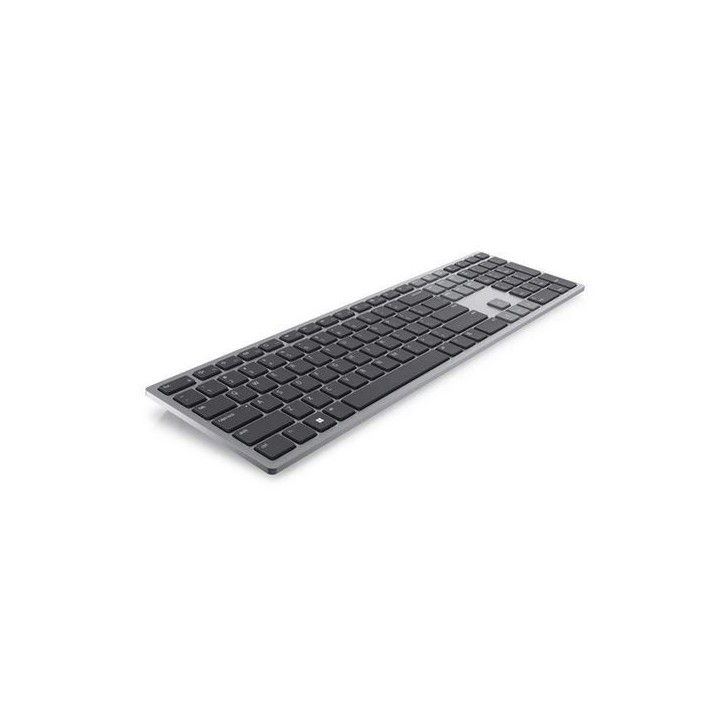
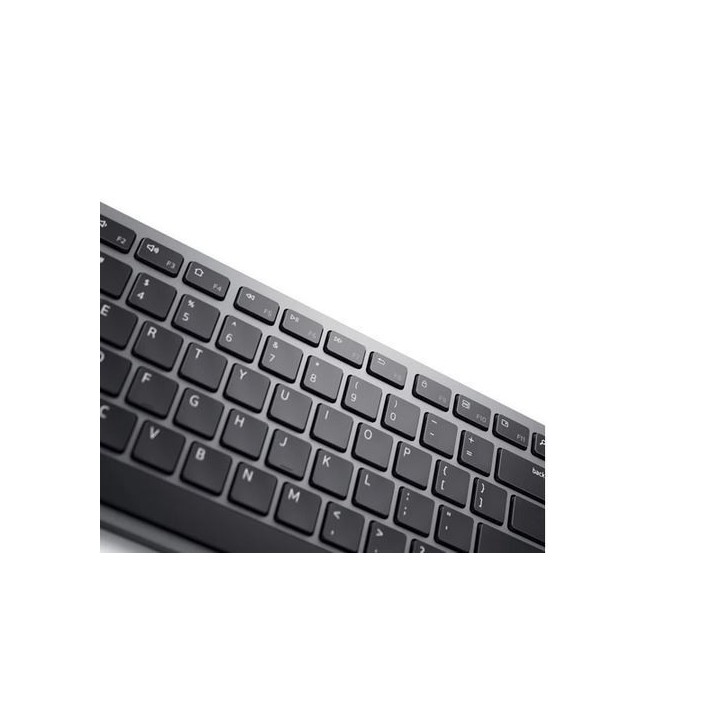
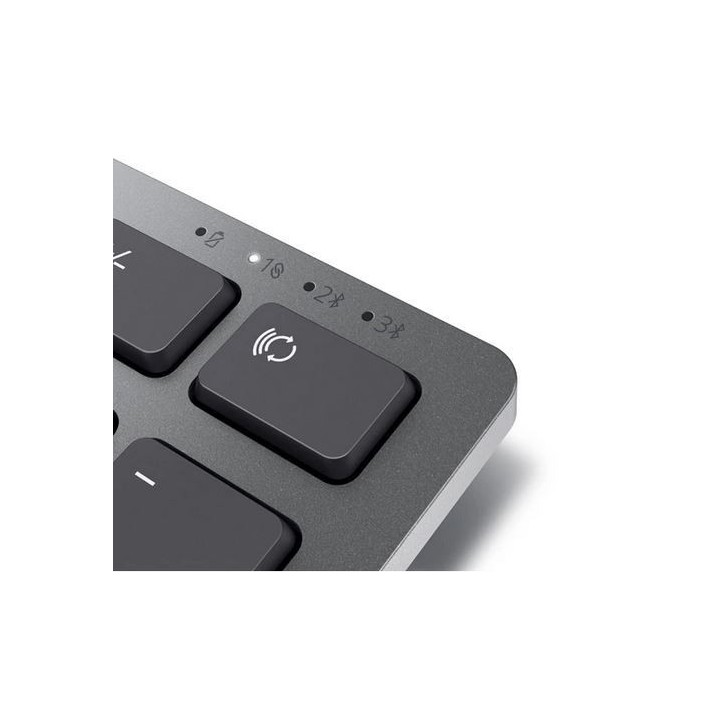
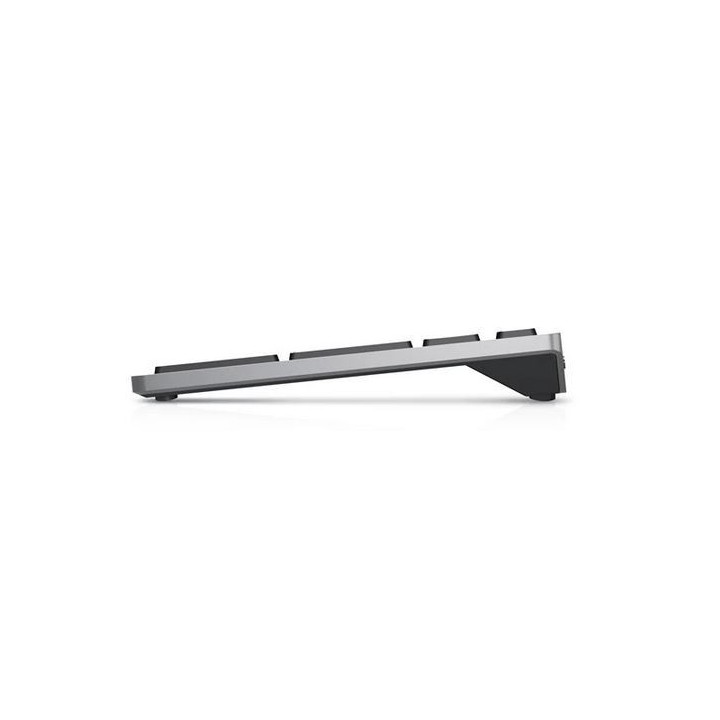
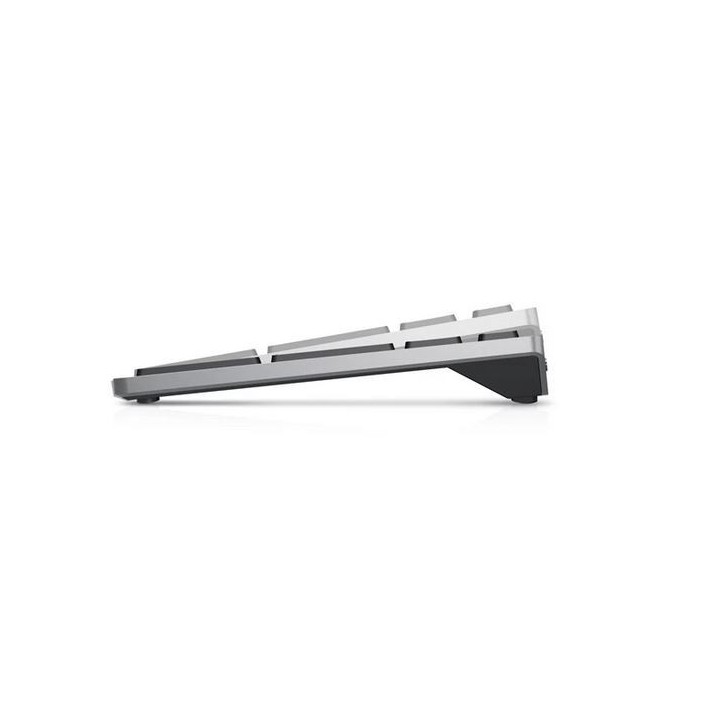
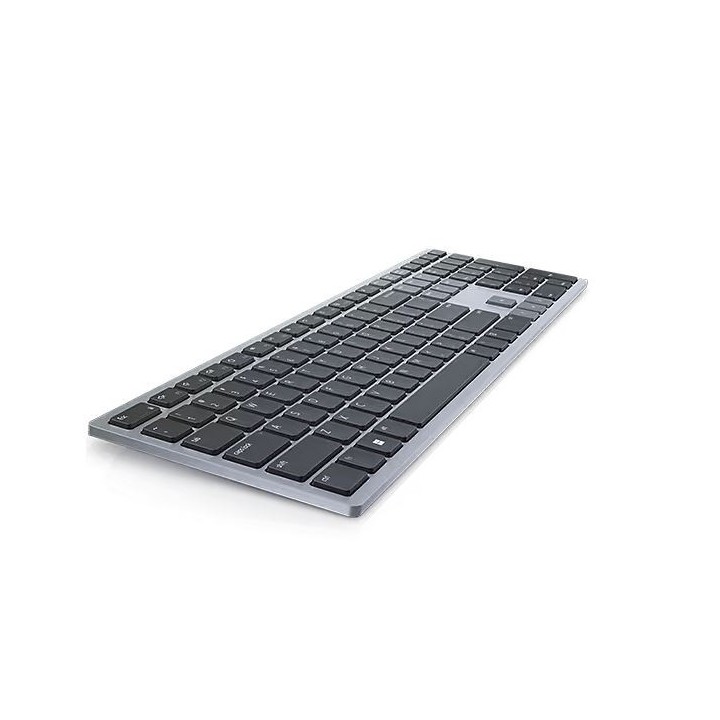
DELL Multi-Device Wireless Keyboard - KB700 - US International QWERTY obrazki
DELL Multi-Device Wireless Keyboard - KB700 - US International QWERTY
Opis produktu
Wydajnie wykonuj wiele zadań dzięki stylowej i wygodnej klawiaturze klasy premium. Dzięki dłuższemu czasowi eksploatacji baterii zdążysz skończyć wszystkie swoje zadania.
Elastyczne wykonywanie wielu zadań
Pełna personalizacja
Przemyślana konstrukcja
Specyfikacja
- Opis produktu: Dell Pro Plus KB700 klawiatura QWERTY Międzynarodowy USA tytanowoszary urządzenie wejściowe
- Rodzaj urządzenia: Klawiatura
- Interfejs: 2.4 GHz, Bluetooth 5.0
- Odbiornik bezprzewodowy: Odbiornik bezprzewodowy USB
- Sposób podłączenia: Bezprzewodowa
- Lokalizacja i układ: QWERTY Międzynarodowy USA
- Funkcje Hot Keys: Volume (głośność ), volume (głośność ), wyciszenie
- Klawiatura numeryczna: Tak
- Kolor: Tytanowoszary
- Wymiary (szer.głęb.wys.): 43.33 cm x 12.15 cm x 2.836 cm
- Waga: 561 g
- Usługi powiązane: 3 lata Advanced Exchange Service
Szczegóły produktu
- Marka Dell
- Kod produktu 6610c6ce620507cf6ebef61c
- Dostępność 30 Przedmioty
- EAN13 5397184687741
- MPN 580-AKPT
Specyfikacja
- Układ klawiatury QWERTY
- Język klawiatury US International
- Podświetlenie klawiatury Nie
- Sposób połączenia Bluetooth
Producent
Producent
Dell Sp. z o.o.
ul. Inflancka 4A 00-189 Warszawa Poland
E-mail: regulatory.compliance@dell.com
Telefon: 15 123 381 551
Bezpieczeństwo
Informacje o bezpieczeństwie
List of keyboard safety warnings based on the requirements of General Product Safety Regulation (EU) 2023/988 (GPSR): * Make sure you use the keyboard as intended, avoid over-pressing or hitting the keys. * Protect your keyboard from flooding with liquids, as this can damage your electronics. * If you are using a wireless keyboard, be sure to replace the batteries regularly and dispose of them as per your regulations. * Keep your keyboard clean, vacuum it regularly, and clean with gentle agents to prevent dust and dirt buildup. * If the keyboard has LED backlighting, avoid staring at intense light for a long time, especially in dark environments. * Store your keyboard in a dry place, away from direct sunlight and heat sources. * Make sure that the keyboard cable is not an obstacle and does not threaten to trip. * If the keyboard has sharp edges, be careful to avoid cuts. * If you experience skin allergies to the materials from which the keyboard is made, stop using it and consult your doctor. * Do not use a damaged keyboard where the keys are loose or missing. * Keep your workstation organized to avoid accidental damage to your keyboard. * Avoid using the keyboard in conditions of high humidity or dustiness, as this can negatively affect its operation. * If you notice the keyboard overheating, disconnect it from the power source immediately. * If the keyboard is equipped with a USB receiver, store it in a safe place to avoid being swallowed by children. * Make sure that children do not play with the keyboard or its elements. * Do not try to repair the keyboard yourself if you are not qualified. * Pay attention to the ergonomics of the work to avoid problems with the wrists and hands during prolonged use of the keyboard.
Zestawy klawiatura i mysz
Ostatnio oglądane
Produkty, które ostatnio zwróciły Twoją uwagę.
- Nowy
- Nowy
- Nowy
- Nowy