- Nowy
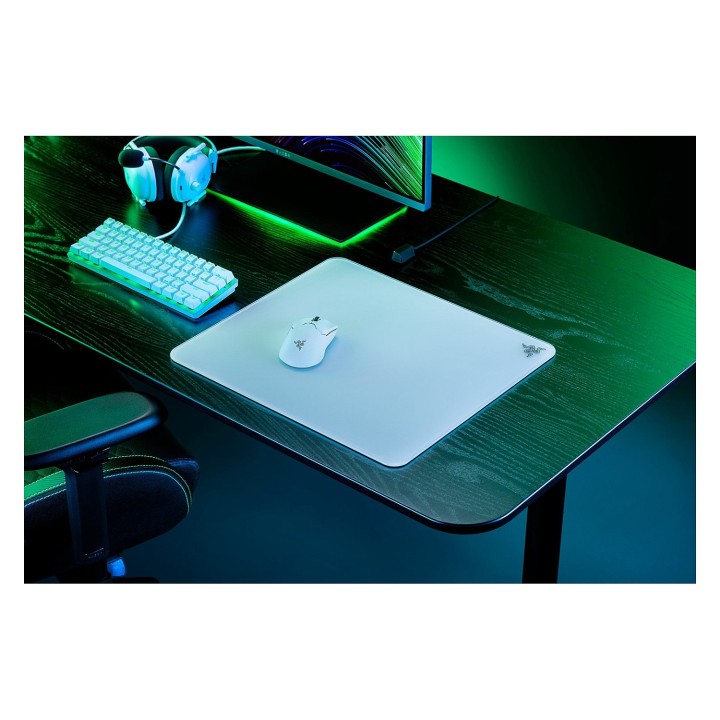
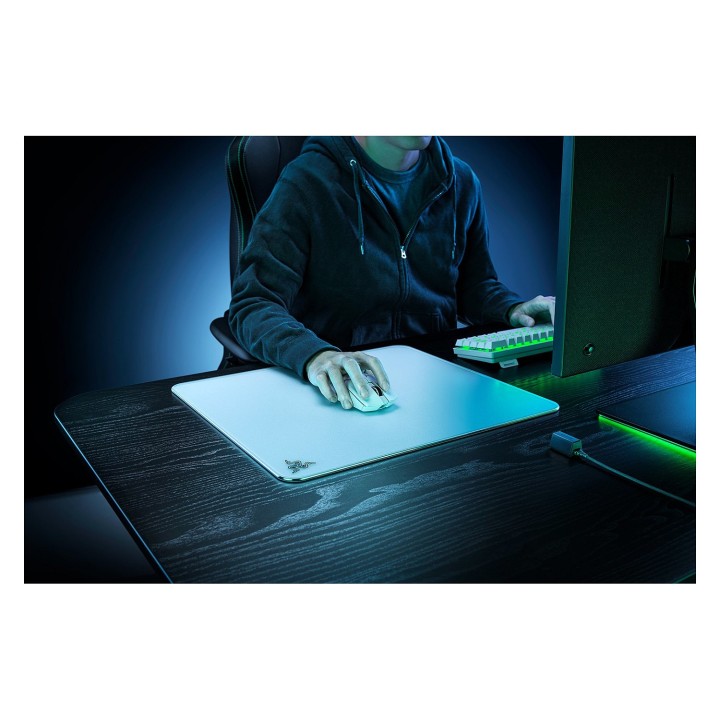

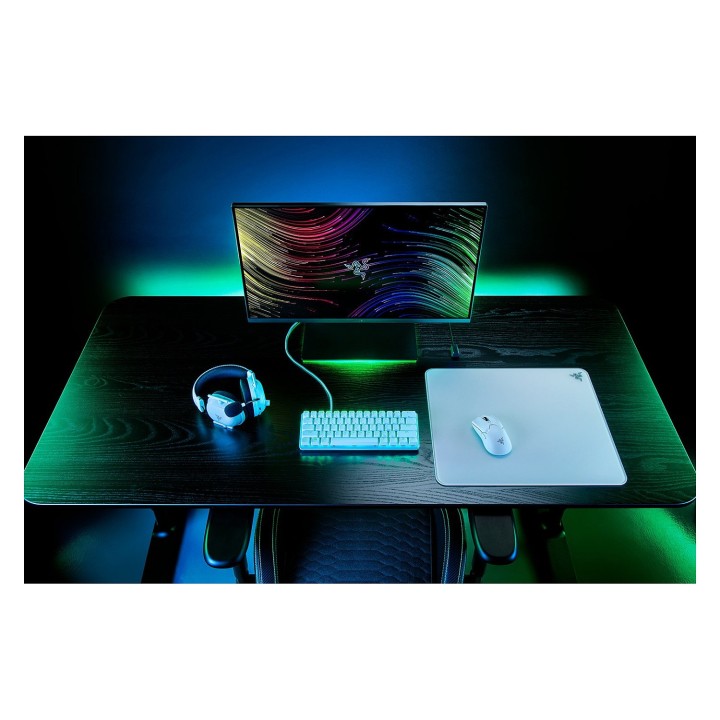
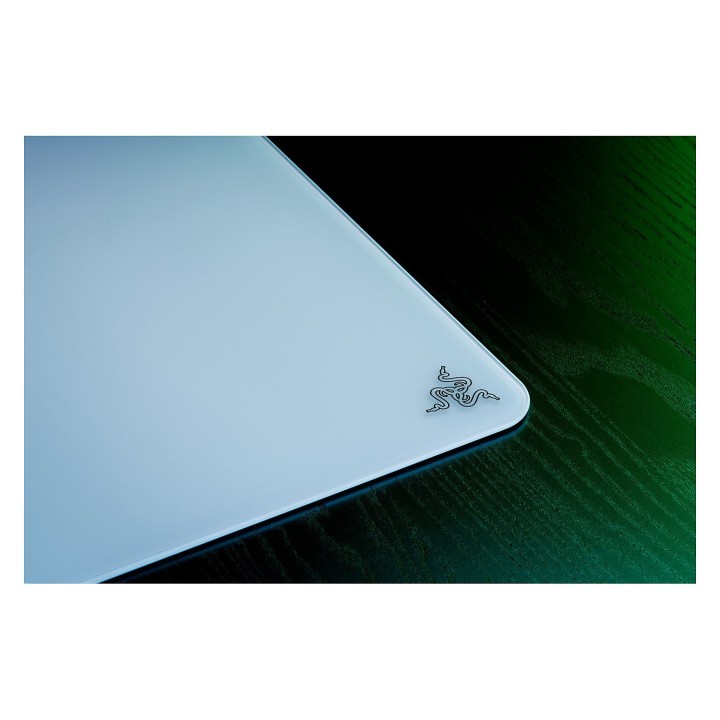
Odkryj Razer Atlas, podkładkę pod mysz zaprojektowaną specjalnie dla wymagających graczy. Zbudowana z wytrzymałego szkła hartowanego, wytrzymuje rygory intensywnych sesji gamingowych, zapewniając jednocześnie elegancką, nowoczesną estetykę. Superpłynna powierzchnia zapewnia poślizg myszy bez wysiłku, umożliwiając szybkie i precyzyjne ruchy, które mogą być różnicą między zwycięstwem a porażką. Stabilność jest kluczowa w ogniu walki, a antypoślizgowa gumowana podstawa oznacza, że podkładka pod mysz pozostaje na swoim miejscu, nawet gdy akcja staje się szalona. Dla graczy szukających precyzji, mikrotrawiona powierzchnia zapewnia wyjątkową dokładność, dzięki czemu liczy się każdy ruch. Podnieś poziom swojej konfiguracji gamingowej dzięki podkładce pod mysz Razer Atlas, w której trwałość łączy się z wydajnością.
Konstrukcja z hartowanego szkła dla większej trwałości
Superpłynna powierzchnia dla płynnych ruchów myszy
Antypoślizgowa gumowana podstawa dla stabilnej gry
Mikrotrawiona powierzchnia dla precyzyjnej dokładności
Razer (Europe) GmbH
Alter Teichweg 25, 22081 Hamburg, Germany 22081 Hamburg Germany
E-mail: compliance@razer.com
Formularz kontaktowy: https://www.razer.com/eu-en/contact-us
Telefon: +49 (40) 4192 99300
List of mouse safety warnings based on the requirements of General Product Safety Regulation (EU) 2023/988 (GPSR): 1. Ergonomics and repetitive movements: I use the mouse ergonomically to avoid strains and injuries. I regularly take breaks to reduce the risk of carpal tunnel syndrome or other problems associated with repetitive movements. 2. Cleaning and Maintenance: I disconnect the mouse from the computer before cleaning. I use a soft, dry cloth to clean my mouse. I avoid using liquids that can get inside the unit and damage it. 3. Cable and Connections: I make sure the mouse cable is properly connected to the computer and is not damaged. A damaged cable may pose a risk of electric shock or cause the mouse to malfunction. 4. Batteries (if applicable): If I use a battery-operated wireless mouse, I use the right type of battery and insert it correctly. I remove the batteries when the mouse is not in use for extended periods of time to prevent leaks and damage. 5. LED lighting (if applicable): I avoid staring at the intense LED light for a long time, which can cause eye strain. 6. Kids: I store my mouse and small items (e.g. batteries) out of reach of children to avoid the risk of ingestion or choking. 7. Recycling: I return the used mouse to the appropriate recycling point to minimize the environmental impact. 8. Usage: I do not use a damaged mouse as this may result in electric shock or injury. 9. Repairs: I do not repair the mouse myself, I give it to the service. 10. Storage: I store the mouse in a dry place, away from moisture and extreme temperatures.
Produkty, które ostatnio zwróciły Twoją uwagę.