- Nowy
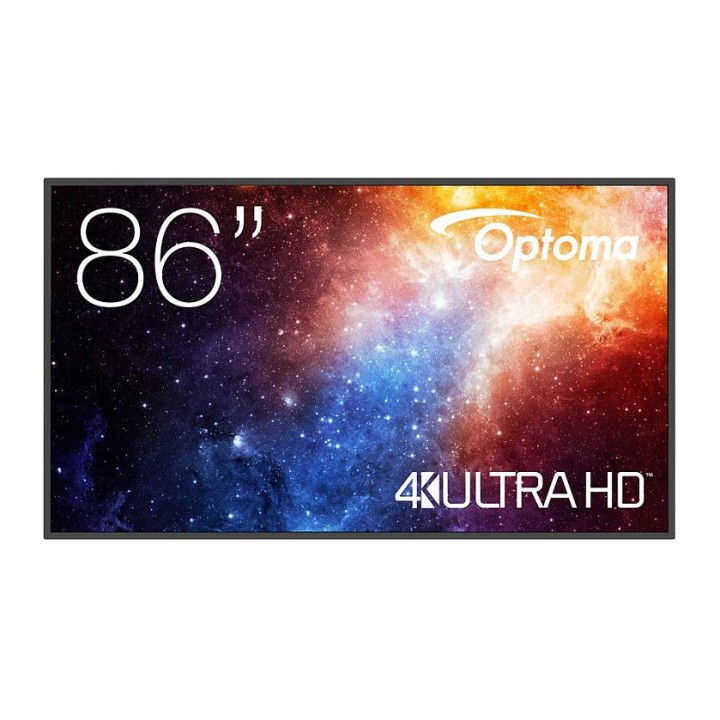
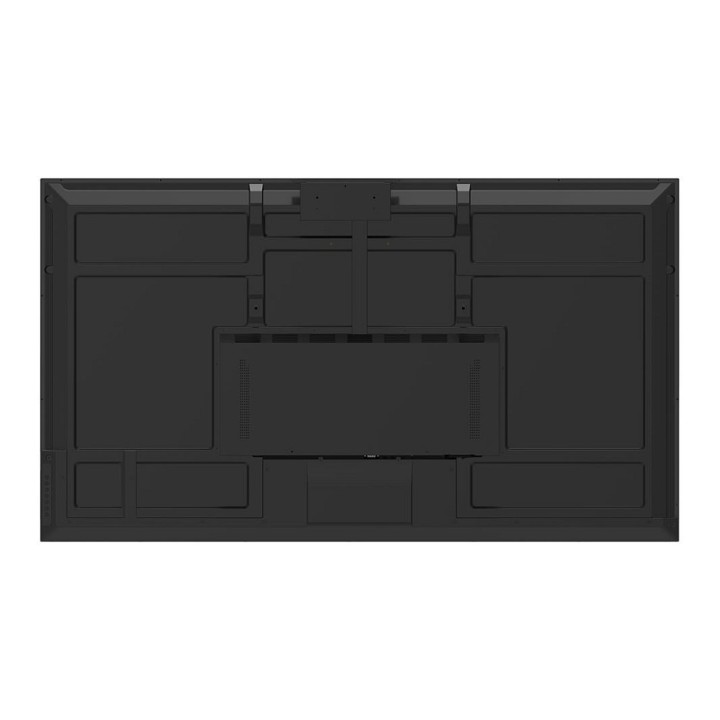

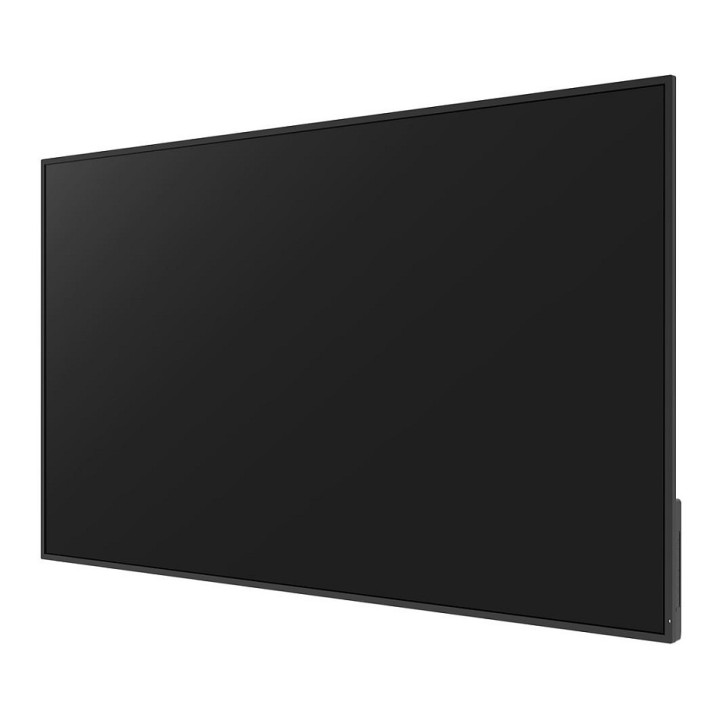
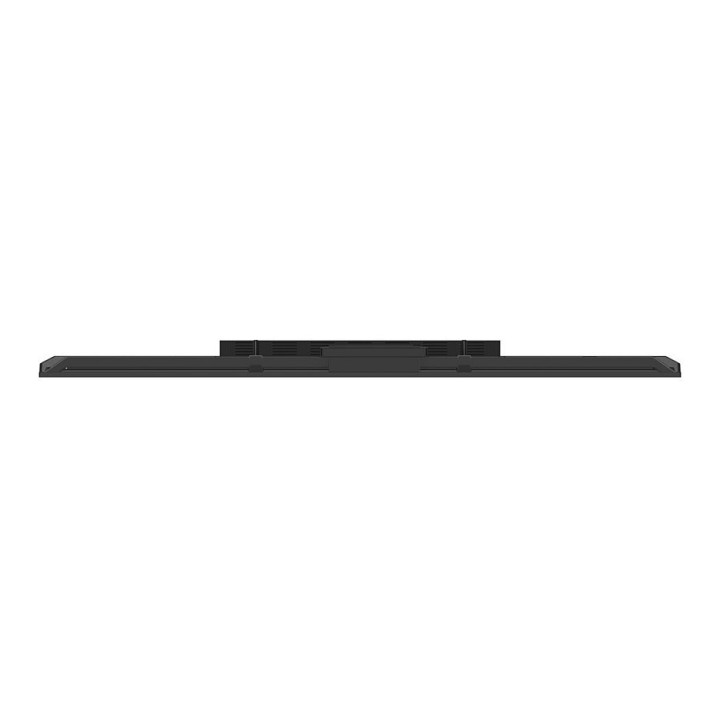
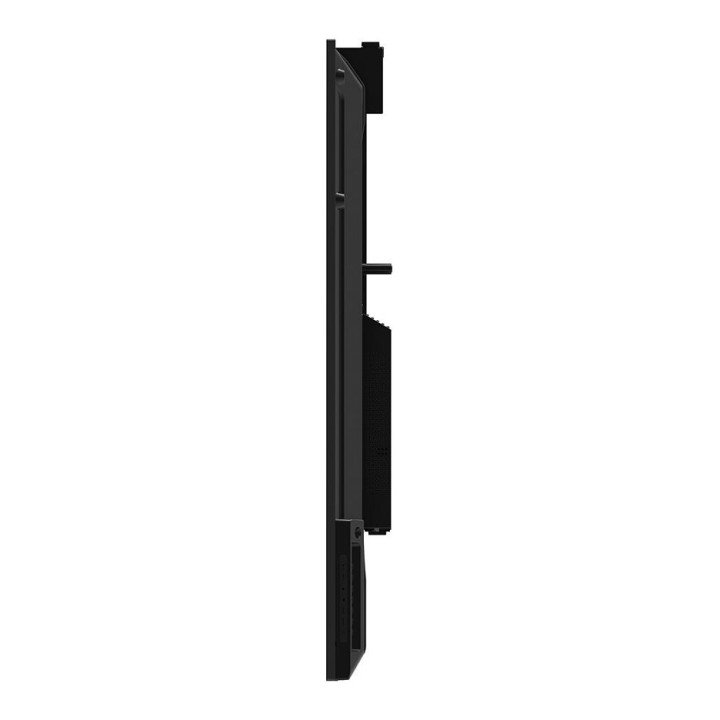
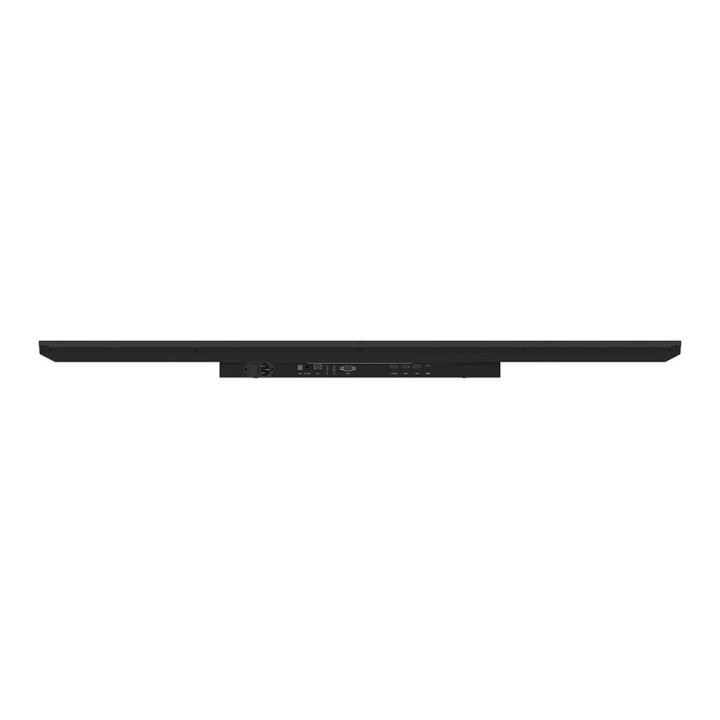
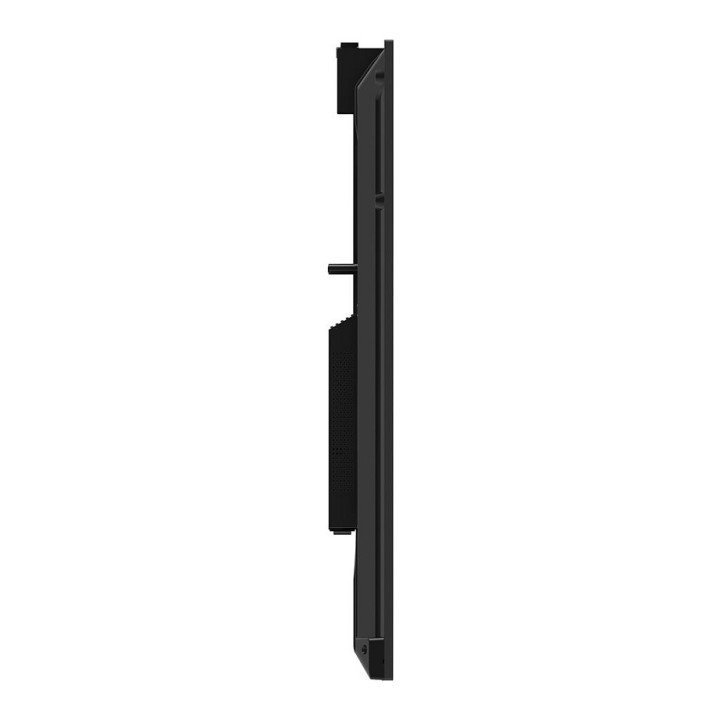
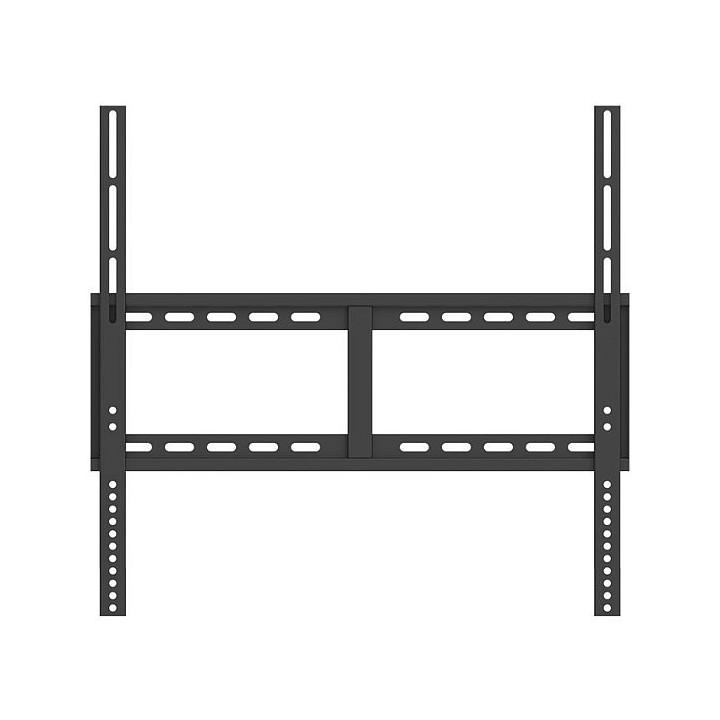
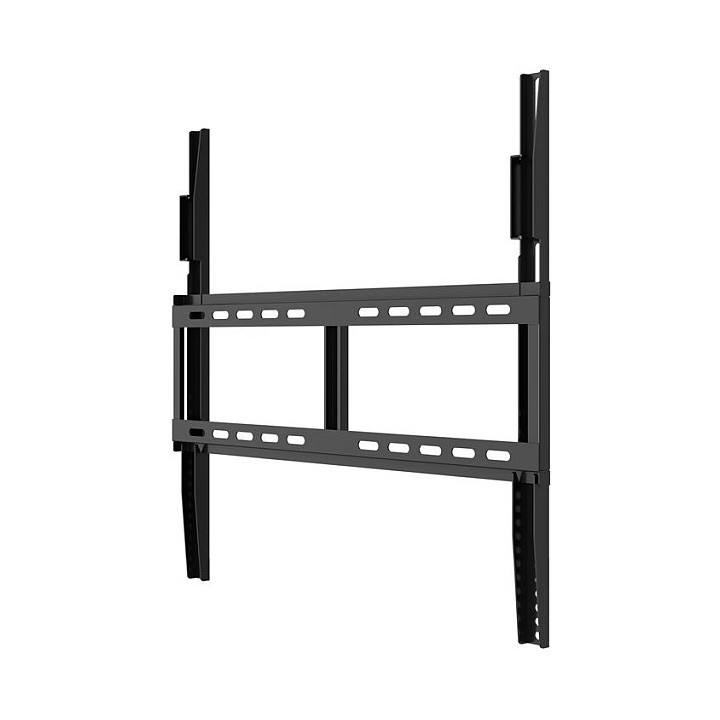
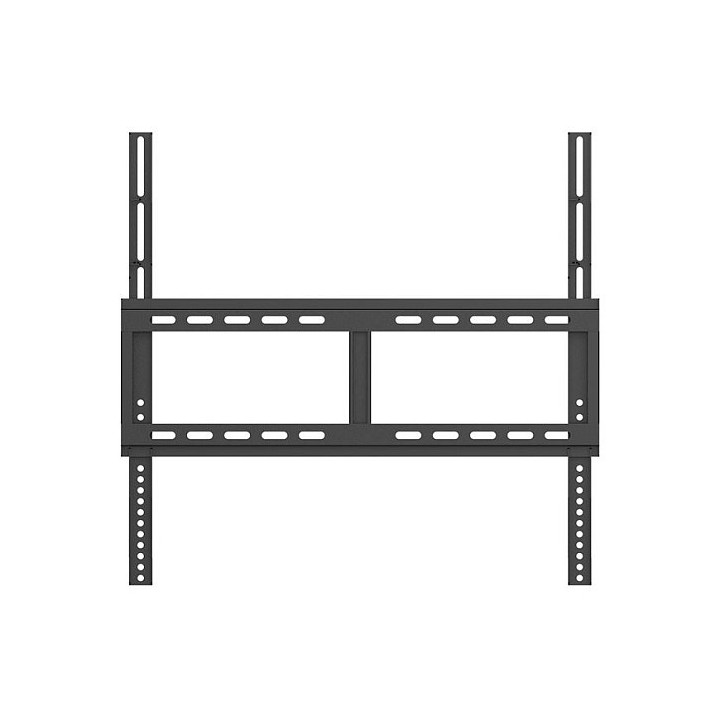

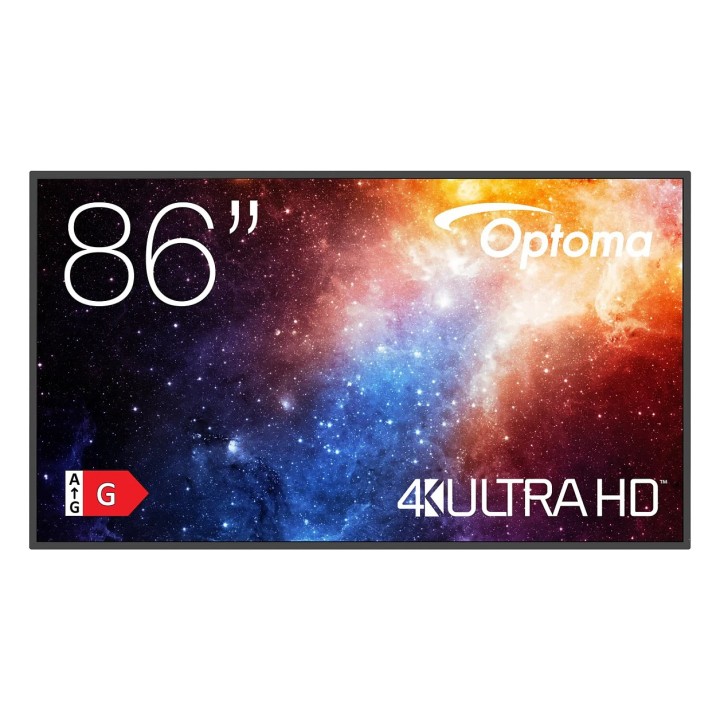
OPTOMA N3861K 86inch LED 3840x2160 450cd/m2 Android 11 obrazki
OPTOMA N3861K 86inch LED 3840x2160 450cd/m2 Android 11
Opis produktu
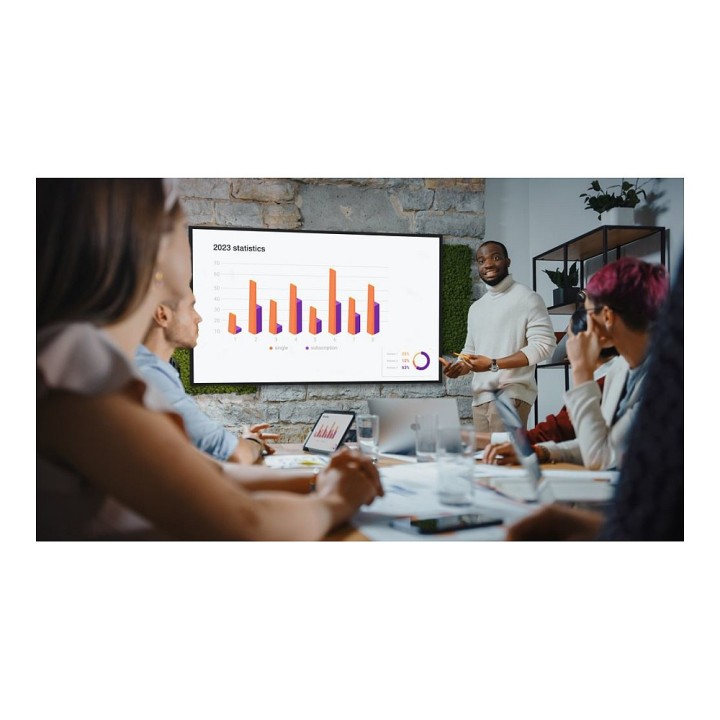
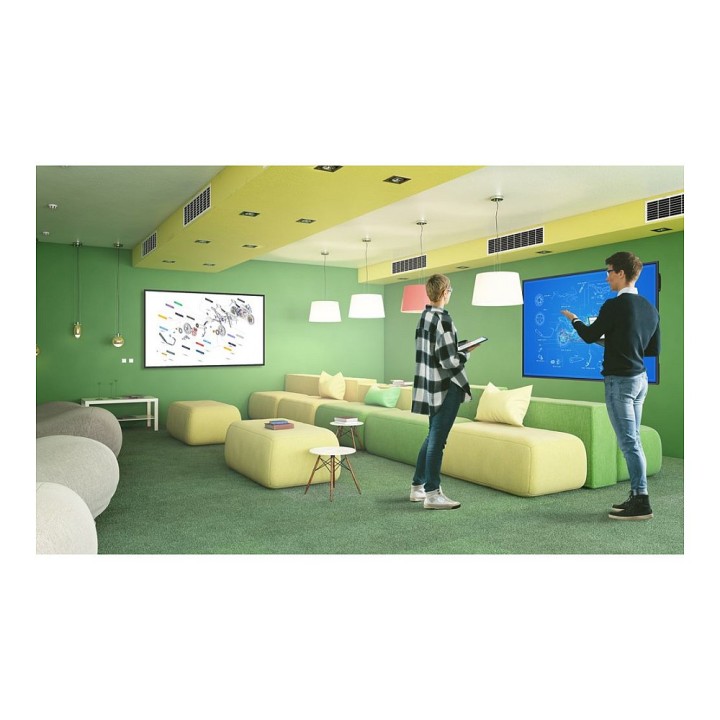
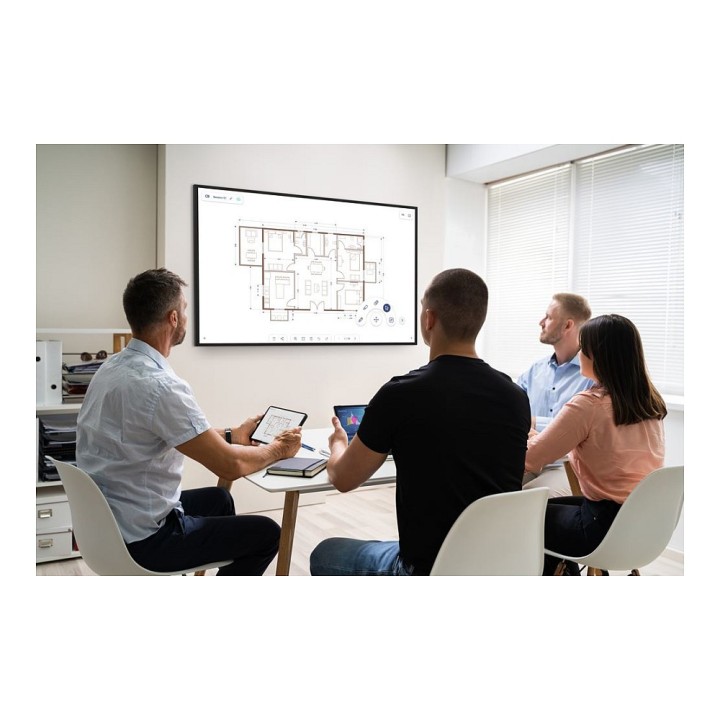
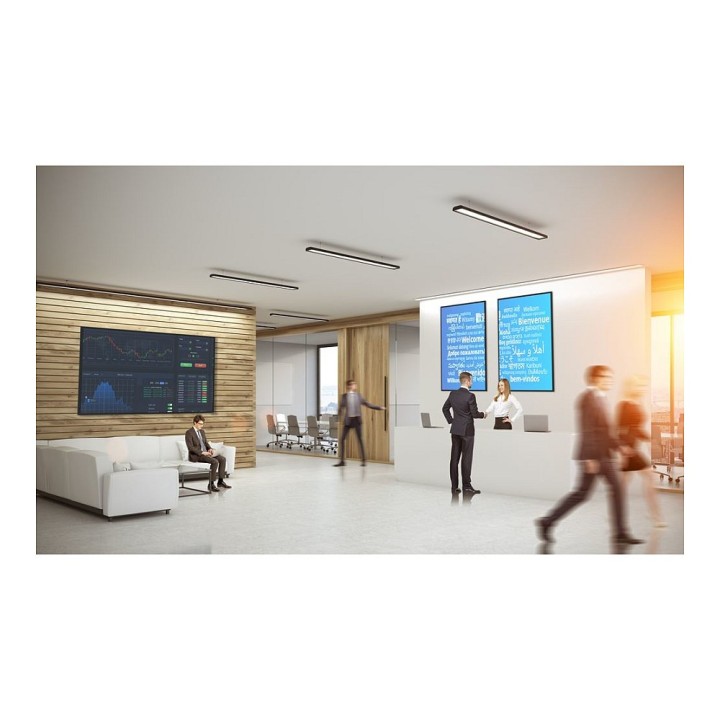
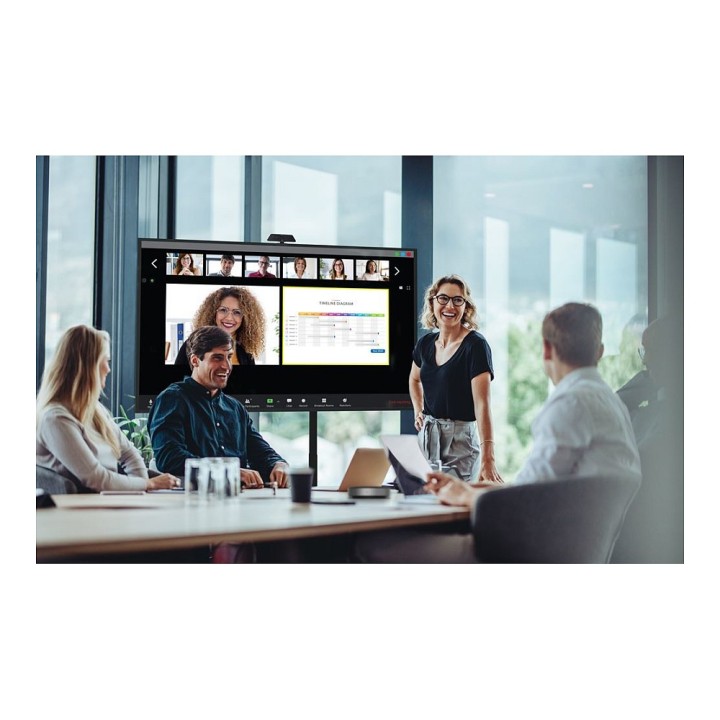
Profesjonalne wyświetlacze z serii N zostały zaprojektowane w celu ulepszenia obecnych konfiguracji konferencyjnych w środowiskach korporacyjnych i edukacyjnych, aby dostosować je do pracy hybrydowej i scenariuszy nauczania na odległość. Intuicyjne i przyjazne oprogramowanie pozwala użytkownikom łączyć się, prezentować i współpracować na całym świecie, zarówno osobiście, jak i zdalnie.Dzięki orientacji pionowej i poziomej, monitory z serii N są przeznaczone do użytku w lobby korporacyjnym i recepcjach, salach konferencyjnych, salach wykładowych, digital signage i innych profesjonalnych środowiskach.Zaprojektowane z myślą o uproszczonej łączności i zwiększonym zaangażowaniu, treści mogą być udostępniane bezprzewodowo za pomocą Creative Cast, wraz z przeglądaniem treści na żywo i współpracą w czasie rzeczywistym z interaktywnymi płaskimi wyświetlaczami Optoma za pośrednictwem Creative Board. Dzięki wbudowanemu odtwarzaczowi multimedialnemu użytkownicy mogą wyświetlać informacje, tworzyć i dostosowywać własne listy odtwarzania.Dodatkowo użytkownicy mogą również przesyłać pliki bezprzewodowo i uzyskiwać dostęp do chmury w popularnych systemach, takich jak Google, Microsoft i Dropbox za pośrednictwem menedżera plików Optoma.
Wyświetlanie informacji na swój sposób
Współpraca w czasie rzeczywistym
Łączenie ludzi
Współpraca hybrydowa
Dostarczaj informacje w efektowny sposób
Specyfikacja
- Opis produktu: Optoma N3861K NSeries 86" wyświetlacz LCD z podświetleniem LED 4K dla digital signage konferencja
- Typ produktu: Wyświetlacz z panelem płaskim LCD z podświetleniem LED
- Klasa przekątnej: 86"
- Użytek handlowy: Tak digital signage konferencja
- Rozdzielczość: 3840 x 2160
- Format wyświetlacza: 4K UHD (2160p)
- Interfejs video: HDMI
- Ilość portów HDMI: 3 porty
- Łączność: LAN
- Interfejs PC: Szer. RS232
- Technologia podświetlenia LCD: Direct LED
- Stosunek proporcji obrazu: 16:9
- Tuner TV: Brak tunera
- Funkcji handlowych: Contents Scheduling, rozwiązanie Optoma Management Suite (OMS)
- System głośników: 2 głośniki
- Pojemność Pamięci: 32 GB
- USB: 3 porty
- Dołączone akcesoria: Pilot
- Napięcie: AC 100240 V (5060 Hz)
- Zużycie energii w trybie aktywności: 335 wat
- Zużycie energii w stanie czuwania: 0.5 wat
- Wymiary (szer.głęb.wys.): 193.1 cm x 8.16 cm x 110.2 cm
- Waga: 43.1 kg
Szczegóły produktu
- Marka Optoma
- Kod produktu 6610cc01620507cf6ec9225f
- Dostępność 4 Przedmioty
- EAN13 5055387666870
- MPN H1F2C0HBW101
Specyfikacja
- Przekątna ekranu (cal) 86 cal
- Rozdzielczość natywna 3840 × 2160
- Ekran dotykowy Nie
- Zakrzywiony ekran Nie
- Standard VESA 800 × 600
- Pivot Nie
Producent
Producent
Optoma EMEA B.V.
Hullenbergweg 313 1101 Amsterdam Holandia
E-mail: consumer@optoma.pl
Osoba odpowiedzialna w UE
Optoma Benelux B.V.
Europalaan 770 D 1363 BM Almere Netherlands
E-mail: safety@optoma.com
Formularz kontaktowy: https://www.optomaeurope.com/service-and-support
Telefon: +31 (0) 36 8200 250
Bezpieczeństwo
Informacje o bezpieczeństwie
List of computer monitor safety warnings based on the requirements of General Product Safety Regulation (EU) 2023/988 (GPSR): * Risk to vision: Long-term gazing at the monitor screen may cause eye strain, dry eyes or headaches. * Limit the working time with the monitor. * Take regular breaks. * Maintain proper distance from the screen. * Ensure proper lighting in the room. * Set the brightness and contrast of the monitor to a comfortable level. * Ergonomics: Incorrect position when working with the monitor can lead to back, neck, and shoulder pain. * Set the monitor to the correct height so that the top edge of the screen is at eye level or slightly below. * Use an adjustable chair and desk to ensure an ergonomic position. * Maintain proper posture while sitting. * Risk of electric shock: Improper use or damage to the monitor can lead to electric shock. * Do not use the monitor in humid environments. * Do not touch the monitor with wet hands. * Do not put any items inside the monitor. * If the power cable is damaged, replace it with a new one. * Disconnect the monitor from power before cleaning. * Fire risk: Overheating or short circuiting in the monitor can cause a fire. * Do not cover the ventilation holes of the monitor. * Do not place the monitor near heat sources. * Use only the original power supply that came with your monitor. * If the monitor overheats, disconnect it from power immediately. * Mechanical damage: The fall of the monitor can cause damage and pose a threat to the user. * Set the monitor on a stable surface. * Secure cables to avoid accidental tripping. * For monitor transport, use appropriate protective packaging. * Cleaning: Improper cleaning of the monitor can damage the screen or cause other problems. * Use only a soft, dry cloth to clean the screen. * Do not use cleaning products containing alcohol, ammonia or other corrosive substances. * Disconnect the monitor from power before cleaning. * Disposal: Incorrect disposal of the monitor can pose a threat to the environment. * Return the used monitor to the e-waste collection point. * Do not throw the monitor in a regular trash can. * Children: The monitor is not a toy and should not be used by children without supervision. * Make sure children do not touch the power cables. * Make sure kids don't play around with the monitor packaging. * Repairs: Do not try to repair the monitor yourself. * Any repairs should be done by qualified personnel. * Monitor portability: Be careful when moving your monitor. * Disconnect all cables before moving. * Use appropriate packaging. * Weather conditions: Do not expose the monitor to extreme temperatures or moisture. * Protect your monitor from direct sunlight. * Adjustable settings: Do not use extreme brightness or contrast settings. * These can cause faster eye strain. * Noise: If the monitor makes disturbing noises, turn it off immediately. * Contact the technical service. * Environmental protection: Be sure to turn off the monitor when not in use. * You save energy this way. * Software: Use only the software provided by the manufacturer. * You will avoid compatibility issues.
Monitory
- Nowy
- Nowy

- Nowy

- Nowy
- Nowy
- Nowy
- Nowy
Ostatnio oglądane
Produkty, które ostatnio zwróciły Twoją uwagę.
- Nowy
- Nowy
- Nowy