VERBATIM PMT-14 Portable Touchscreen Monitor 14inch Full HD 1080p Metal Housing
Opis produktu
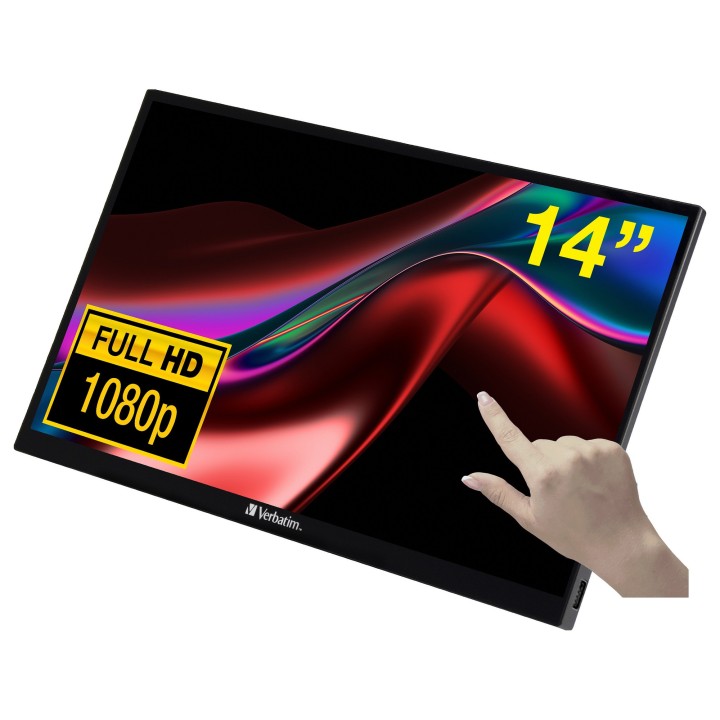
Przenośny monitor Verbatim PMT-14 z ekranem dotykowym to kompaktowe i wszechstronne rozwiązanie, które wprowadza nowy wymiar pracy, nauki i rozrywki. Dzięki 14-calowemu ekranowi z funkcją dotyku zapewnia elastyczność i wygodę użytkowania, wspierając produktywność, ułatwiając prowadzenie prezentacji, a młodszym użytkownikom oferując dodatkową rozrywkę także w podróży.
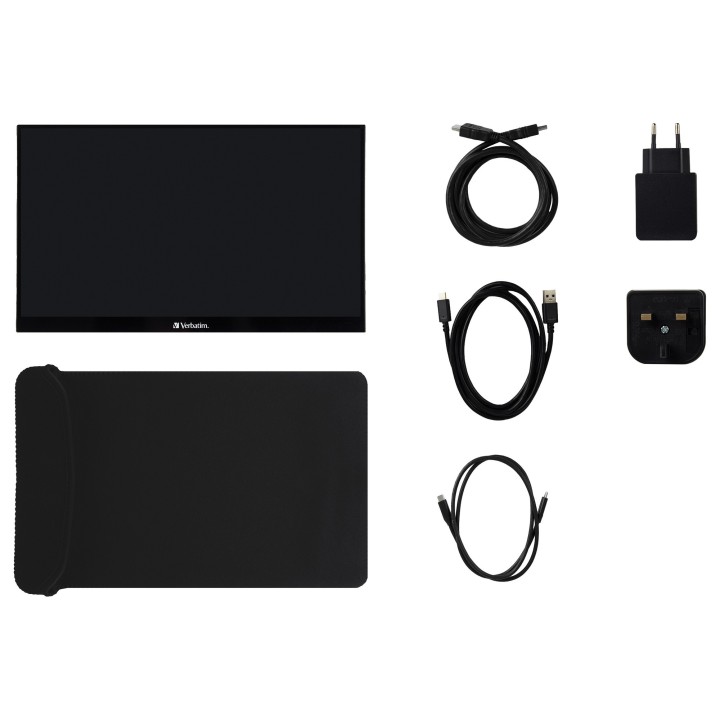
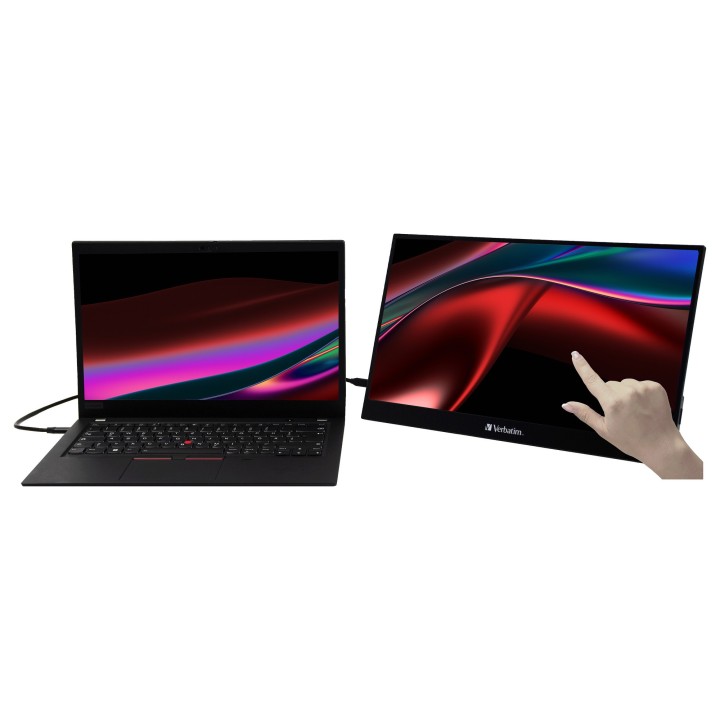
Urządzenie podłącza się za pomocą jednego kabla USB-C, który odpowiada jednocześnie za przesyłanie obrazu, danych oraz zasilanie. Wystarczy podpiąć monitor do laptopa, komputera Mac, tabletu, telefonu czy konsoli, aby natychmiast korzystać z dodatkowego ekranu. W zestawie znajduje się również kabel HDMI w tym przypadku wymagane jest podłączenie zewnętrznego źródła zasilania, które również zostało dołączone. Funkcje dotykowe obsługiwane są przy użyciu dodatkowego kabla USB.
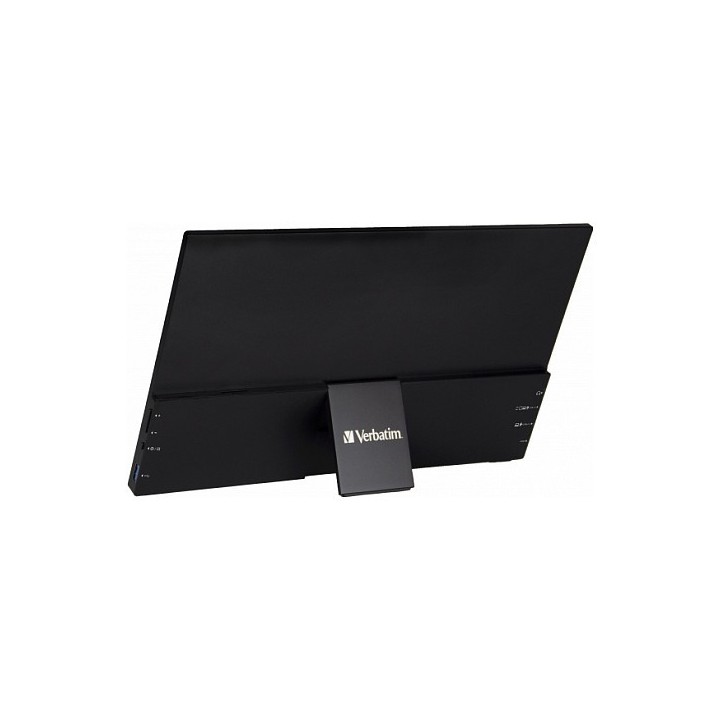
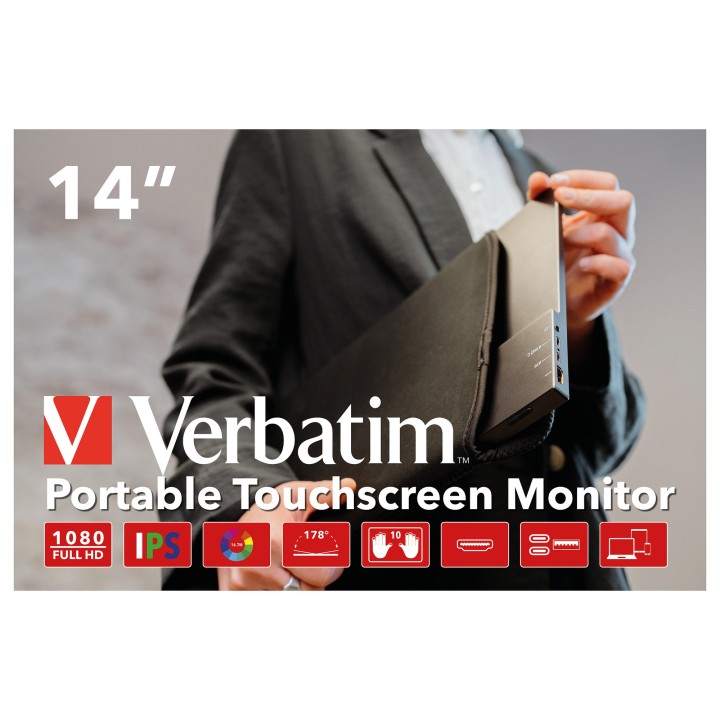
Lekka konstrukcja i smukły design sprawiają, że monitor można zabrać niemal wszędzie. Dzięki aluminiowej obudowie oraz dołączonemu neoprenowemu etui urządzenie jest dobrze zabezpieczone i idealnie sprawdzi się w podróży służbowej czy podczas wyjazdu.
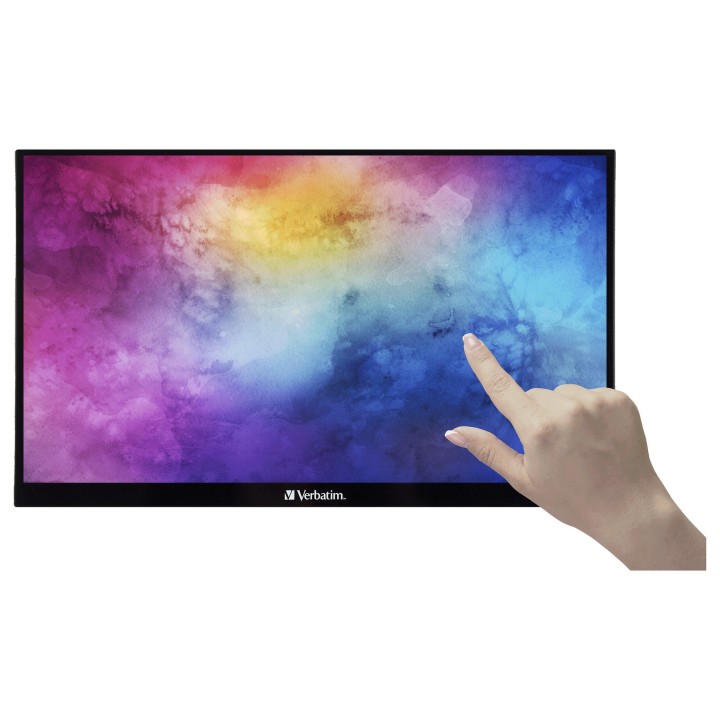
Dotykowy ekran z obsługą 10 punktów jednocześnie jest intuicyjny i responsywny. Umożliwia wygodne korzystanie z gestów takich jak przewijanie, przesuwanie, powiększanie czy przeciąganie, co zwiększa efektywność i komfort pracy. To praktyczne rozwiązanie dla osób, które chcą korzystać z wielu ekranów również poza biurem.
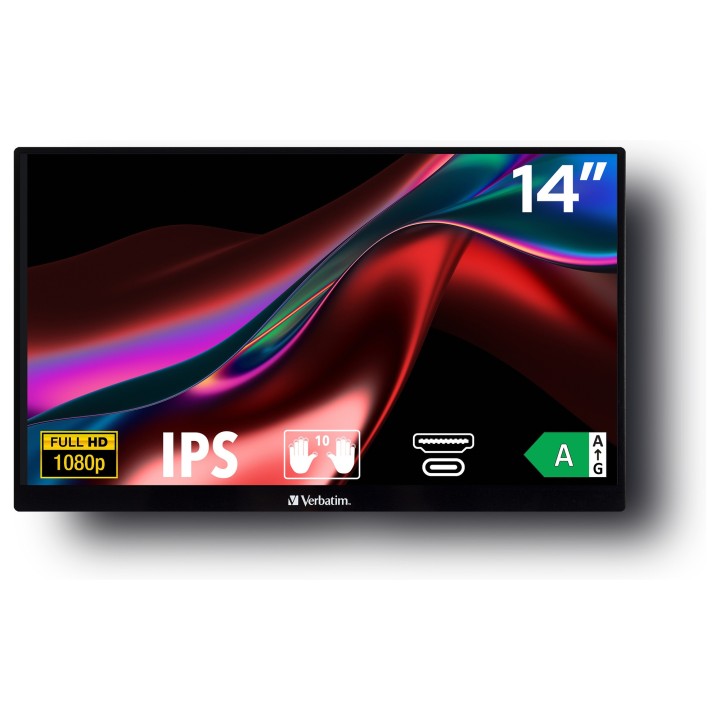
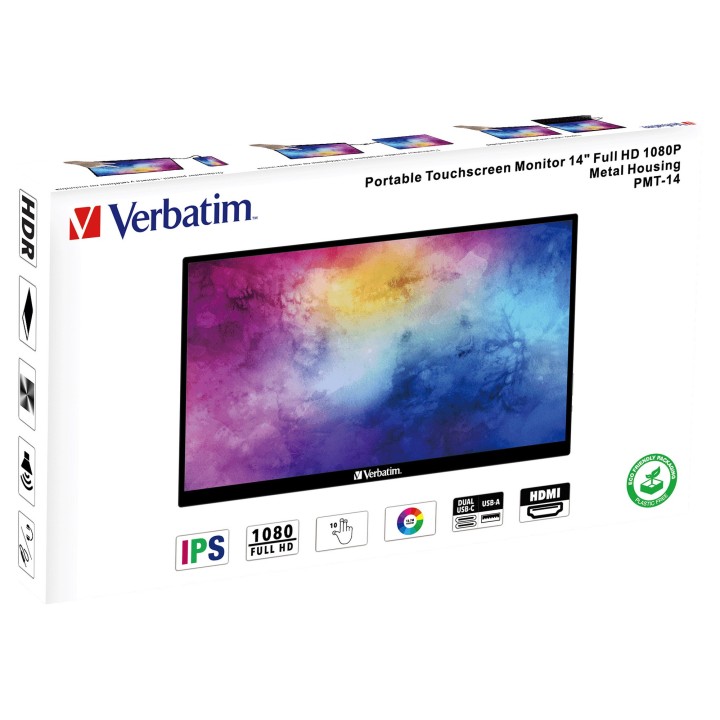
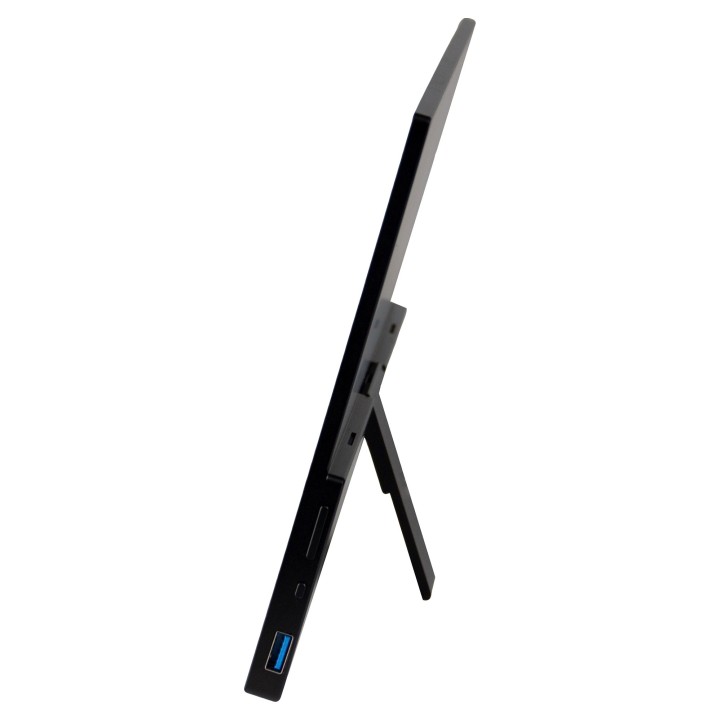
Monitor oferuje rozdzielczość Full HD (1920 × 1080) i wyświetla 16,7 mln kolorów. Panel IPS gwarantuje ostrość obrazu, precyzyjne odwzorowanie barw i szerokie kąty widzenia do 178°, co zapewnia wysoką jakość zarówno w pracy, jak i w rozrywce. Wbudowany stojak umożliwia regulację kąta nachylenia w zakresie 085°, co pozwala dopasować ekran do indywidualnych potrzeb. Technologia HDR dodatkowo poprawia kontrast i głębię kolorów, oferując jeszcze lepsze wrażenia wizualne.
Specyfikacja techniczna:
- Rozmiar: 14 cali
- Wymiary: 328,92 × 209,05 × 6/12 mm
- Waga: 860 g
- Panel: IPS, pojemnościowy, multitouch 10-punktowy (technologia G+FF)
- Rozdzielczość: 1920 × 1080 (Full HD)
- Kontrast: 1000:1
- Jasność: 220250 cd/m
- Czas reakcji: 6 ms (GTG), 11+9 ms (Tr+Tf), 10 ms (BtW)
- Format obrazu: 16:9
- Kąty widzenia: 178° (poziomo i pionowo)
- Wyświetlane kolory: 16,7 mln
- Funkcje: HDR, FreeSync, Low Blue Light
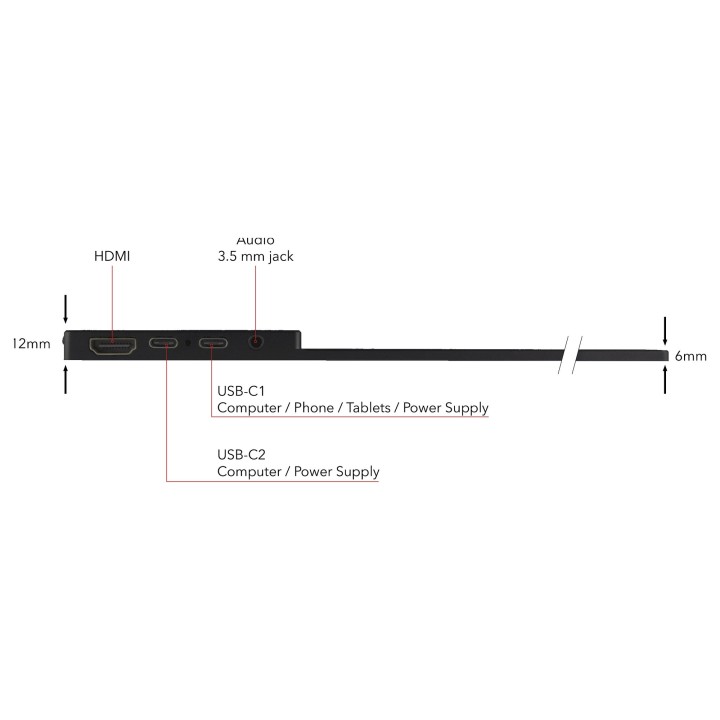
- Złącza: 2 × USB-C (DisplayPort Alt Mode), 1 × HDMI 1.4, 1 × USB 2.0, 1 × audio jack 3,5 mm
- Stojak: wbudowany, regulacja 085°
- Materiał obudowy: aluminium
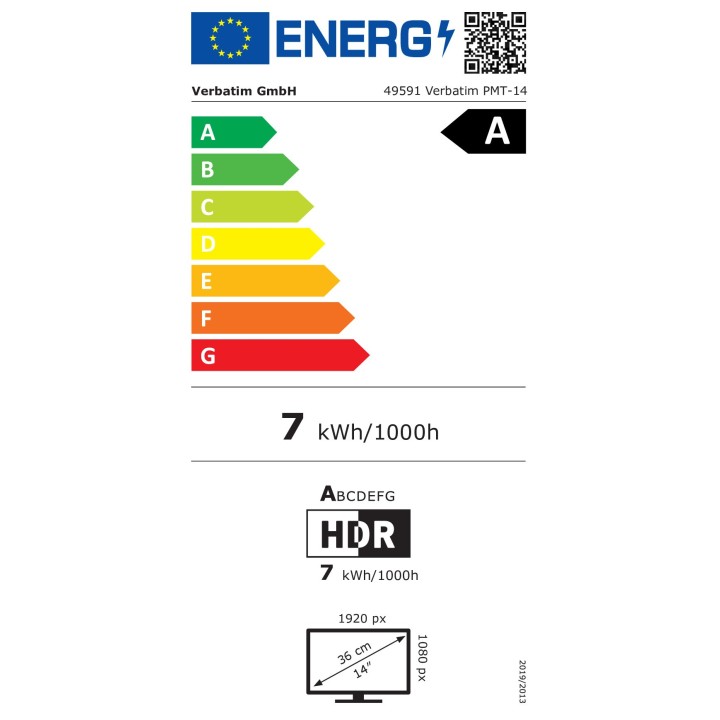
- Klasa energetyczna: A
Specyfikacja
- Opis produktu: Verbatim PMT14 monitor LED Full HD (1080p) 14"
- Rodzaj urządzenia: Monitor LCD z podświetleniem LED 14" ekran dotykowy
- Adres URL kodu QR Etykiety Efektywności Energetycznej: Https:eprel.ec.europa.euqr1435908
- Klasa energii: Klasa A
- Konsumpcja energii (w trybie ON): 7 W
- Typ panela: IPS
- Współczynnik kształtu: 16:9
- Rozdzielczość natywna: Full HD (1080p) 1920 x 1080
- Współczynnik kontrastu: 1000:1
- Obsługa kolorów: 16,7 miliony kolorów
- Złącza wejściowe: HDMI, 2xUSBC
- Napięcie: AC 110240 V (5060 Hz)
- Zgodność z normami: Plug and Play

Szczegóły produktu
- Marka Verbatim
- Kod produktu 6610cc29620507cf6ec9b1c7
- Dostępność 1 Przedmiot
- EAN13 0023942495918
- MPN 49591
Specyfikacja
- Przekątna ekranu (cal) 14 cal
- Rozdzielczość natywna 1920 × 1080
- Czas reakcji MPRT (ms) 6 ms
- Typ matrycy IPS
- Częstotliwość odświeżania (Hz) 60 Hz
- Ekran dotykowy Tak
- Zakrzywiony ekran Nie
- Pivot Nie
- USB-C z obrazem Tak
Producent
Producent
Verbatim GmbH
Dusseldorfer Strasse 65 65760 Eschborn Germany
E-mail: Info.germany@verbatim-europe.com
Formularz kontaktowy: https://www.verbatim-europe.com/pl/support
Telefon: +49 6196 9001
Bezpieczeństwo
Informacje o bezpieczeństwie
List of computer monitor safety warnings based on the requirements of General Product Safety Regulation (EU) 2023/988 (GPSR): * Risk to vision: Long-term gazing at the monitor screen may cause eye strain, dry eyes or headaches. * Limit the working time with the monitor. * Take regular breaks. * Maintain proper distance from the screen. * Ensure proper lighting in the room. * Set the brightness and contrast of the monitor to a comfortable level. * Ergonomics: Incorrect position when working with the monitor can lead to back, neck, and shoulder pain. * Set the monitor to the correct height so that the top edge of the screen is at eye level or slightly below. * Use an adjustable chair and desk to ensure an ergonomic position. * Maintain proper posture while sitting. * Risk of electric shock: Improper use or damage to the monitor can lead to electric shock. * Do not use the monitor in humid environments. * Do not touch the monitor with wet hands. * Do not put any items inside the monitor. * If the power cable is damaged, replace it with a new one. * Disconnect the monitor from power before cleaning. * Fire risk: Overheating or short circuiting in the monitor can cause a fire. * Do not cover the ventilation holes of the monitor. * Do not place the monitor near heat sources. * Use only the original power supply that came with your monitor. * If the monitor overheats, disconnect it from power immediately. * Mechanical damage: The fall of the monitor can cause damage and pose a threat to the user. * Set the monitor on a stable surface. * Secure cables to avoid accidental tripping. * For monitor transport, use appropriate protective packaging. * Cleaning: Improper cleaning of the monitor can damage the screen or cause other problems. * Use only a soft, dry cloth to clean the screen. * Do not use cleaning products containing alcohol, ammonia or other corrosive substances. * Disconnect the monitor from power before cleaning. * Disposal: Incorrect disposal of the monitor can pose a threat to the environment. * Return the used monitor to the e-waste collection point. * Do not throw the monitor in a regular trash can. * Children: The monitor is not a toy and should not be used by children without supervision. * Make sure children do not touch the power cables. * Make sure kids don't play around with the monitor packaging. * Repairs: Do not try to repair the monitor yourself. * Any repairs should be done by qualified personnel. * Monitor portability: Be careful when moving your monitor. * Disconnect all cables before moving. * Use appropriate packaging. * Weather conditions: Do not expose the monitor to extreme temperatures or moisture. * Protect your monitor from direct sunlight. * Adjustable settings: Do not use extreme brightness or contrast settings. * These can cause faster eye strain. * Noise: If the monitor makes disturbing noises, turn it off immediately. * Contact the technical service. * Environmental protection: Be sure to turn off the monitor when not in use. * You save energy this way. * Software: Use only the software provided by the manufacturer. * You will avoid compatibility issues.
Monitory
Ostatnio oglądane
Produkty, które ostatnio zwróciły Twoją uwagę.