- Nowy
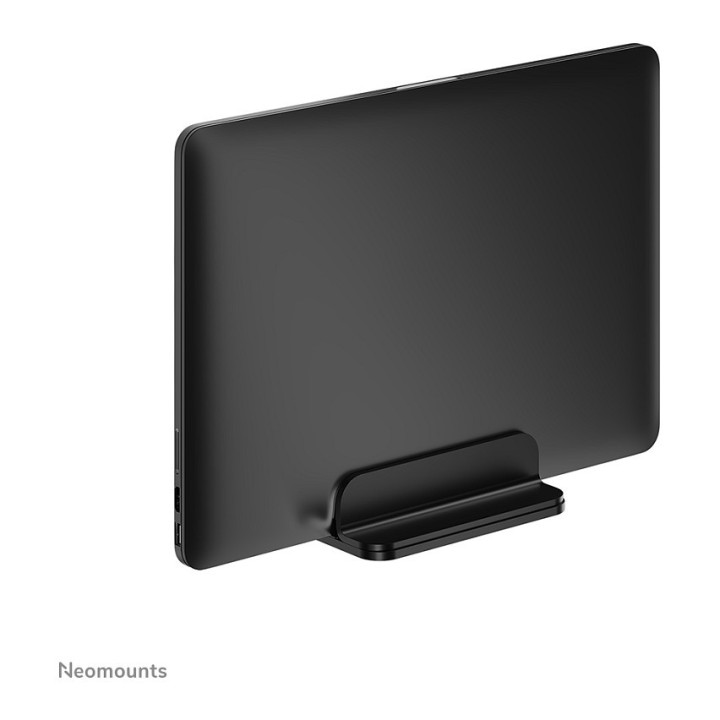
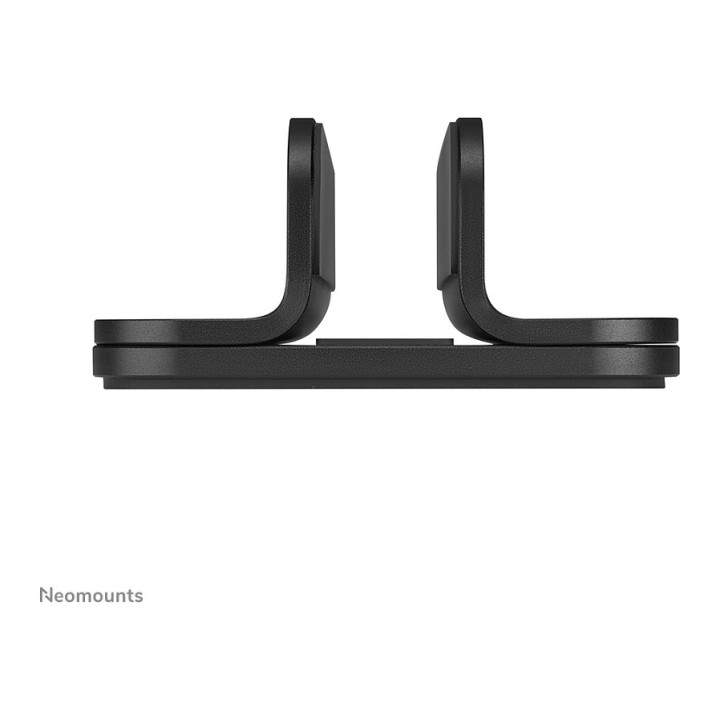
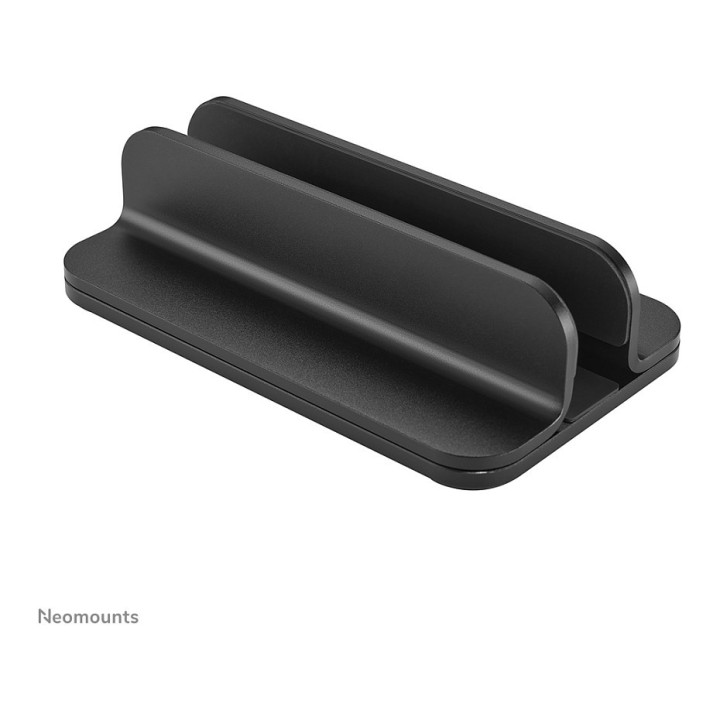
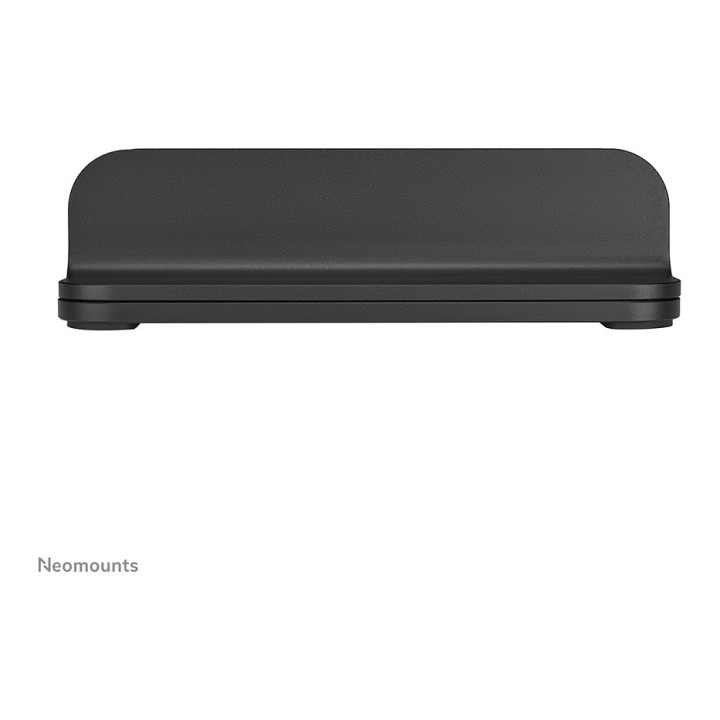
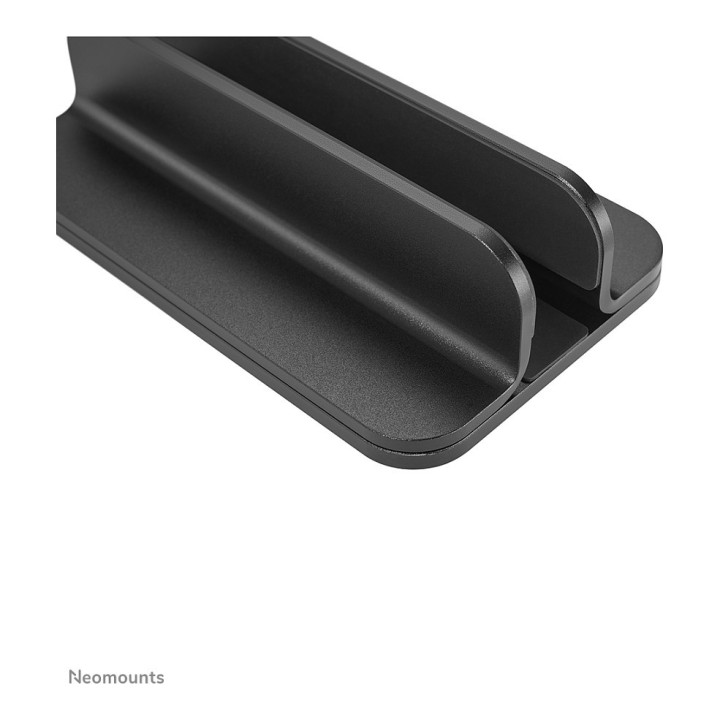
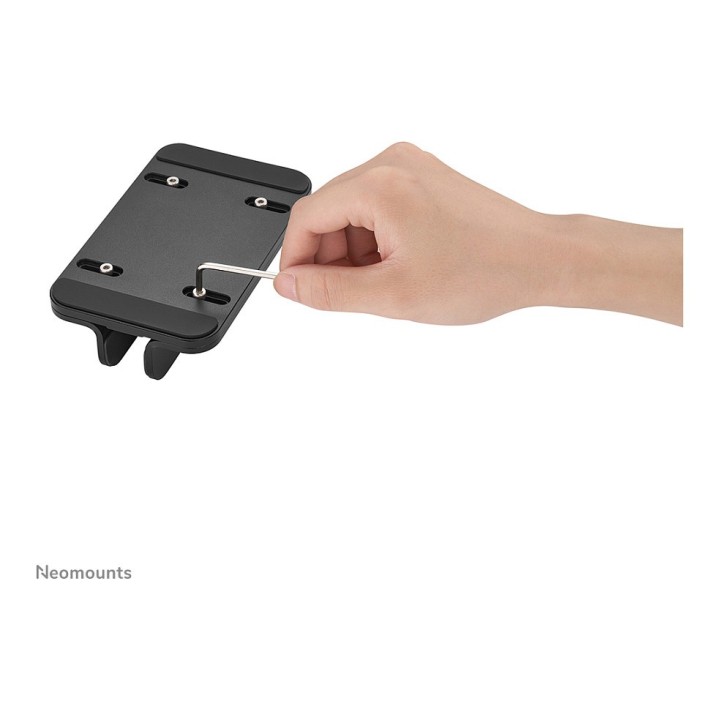
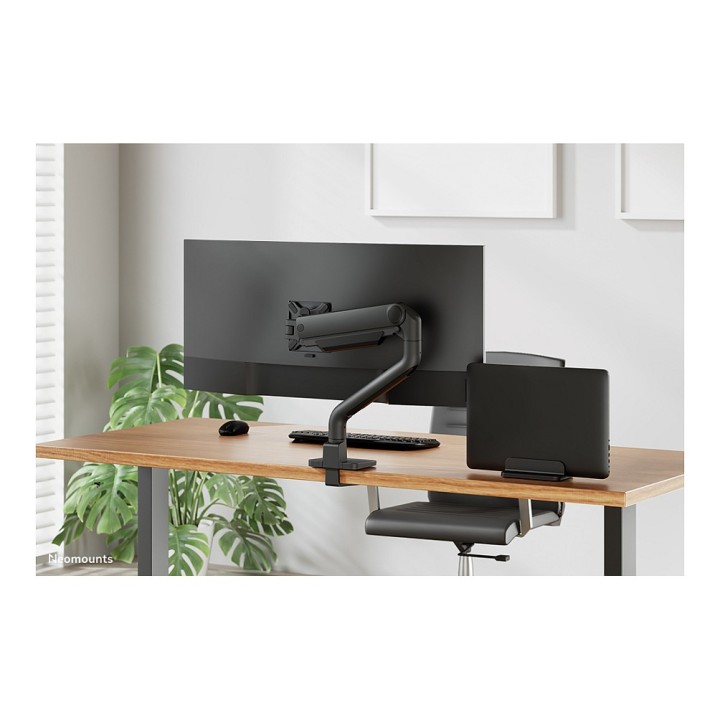
NEOMOUNTS Vertical Laptop Stand obrazki
NEOMOUNTS Vertical Laptop Stand
Opis produktu
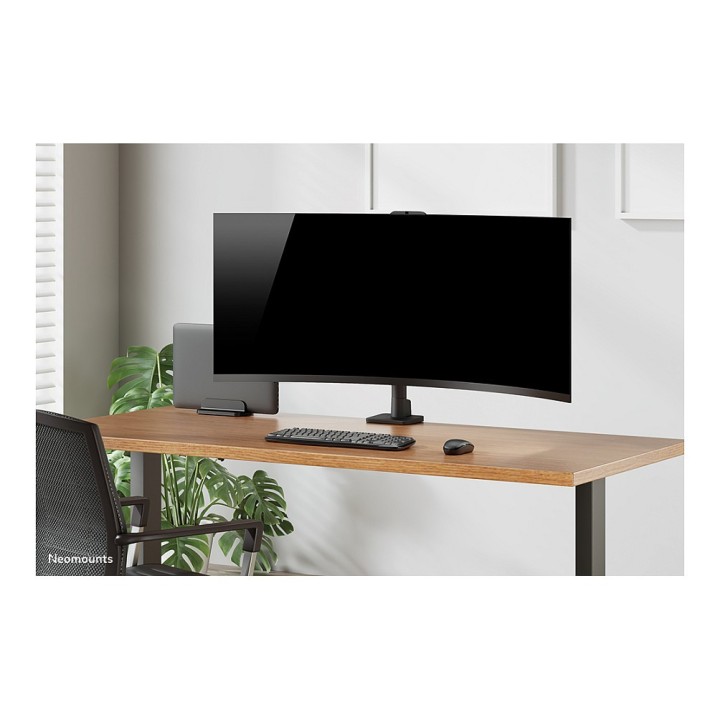
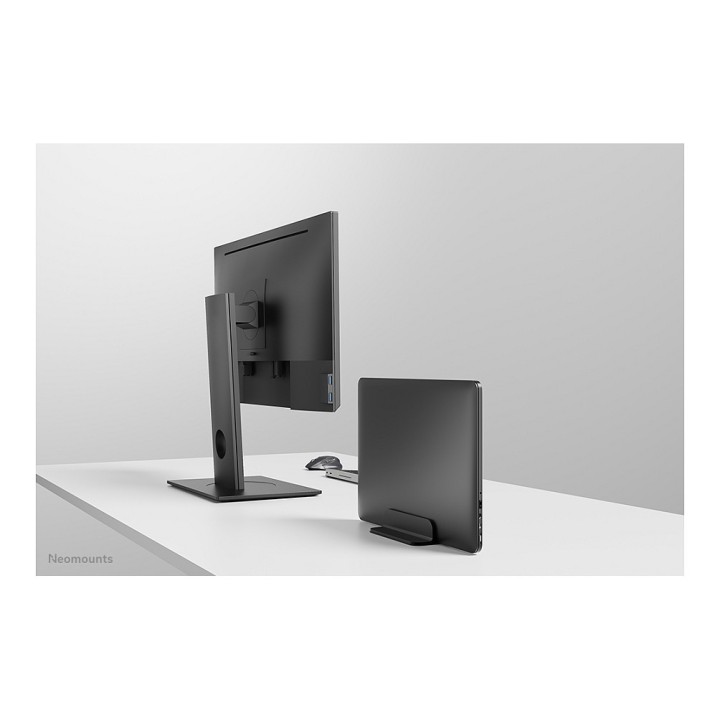
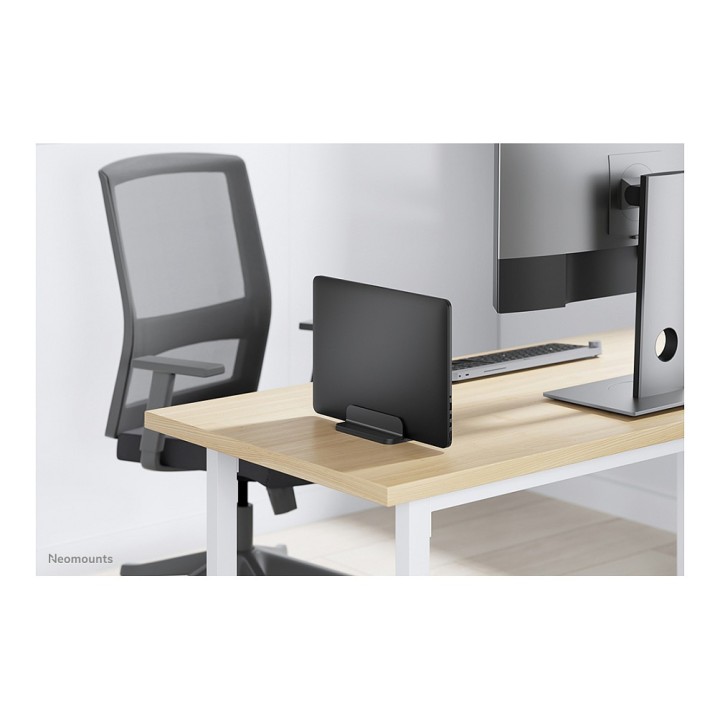
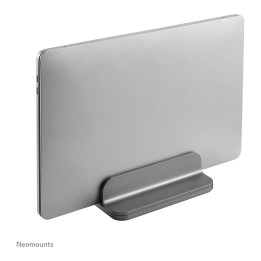
Uchwyt na laptopa Neomounts NSLS300BLACK jest niezbędnym akcesorium dla każdego, kto chce ulepszyć swoją konfigurację biurkową. Dzięki regulowanej szerokości może pomieścić notebooki o przekątnej od 11" do 17", co czyni go wszechstronną opcją dla różnych rozmiarów laptopów. Wykonana z wytrzymałego aluminium, obsługuje urządzenia o wadze do 5 kg, zapewniając bezpieczeństwo i stabilność laptopa. Pionowa orientacja nie tylko oszczędza miejsce na biurku, ale także promuje ergonomiczną postawę, podnosząc ekran do poziomu oczu, zmniejszając obciążenie szyi podczas długotrwałego użytkowania. Czy to w pracy, czy w domu, ta podstawka pod notebooka łączy funkcjonalność z trwałością, co czyni ją idealnym wyborem do poprawy komfortu pracy z komputerem.
Obsługuje szeroki zakres rozmiarów notebooków od 11" do 17"
Wykonana z wytrzymałego aluminium, wytrzymuje obciążenie do 5 kg
Orientacja pionowa zapewnia ergonomiczną konfigurację na biurku
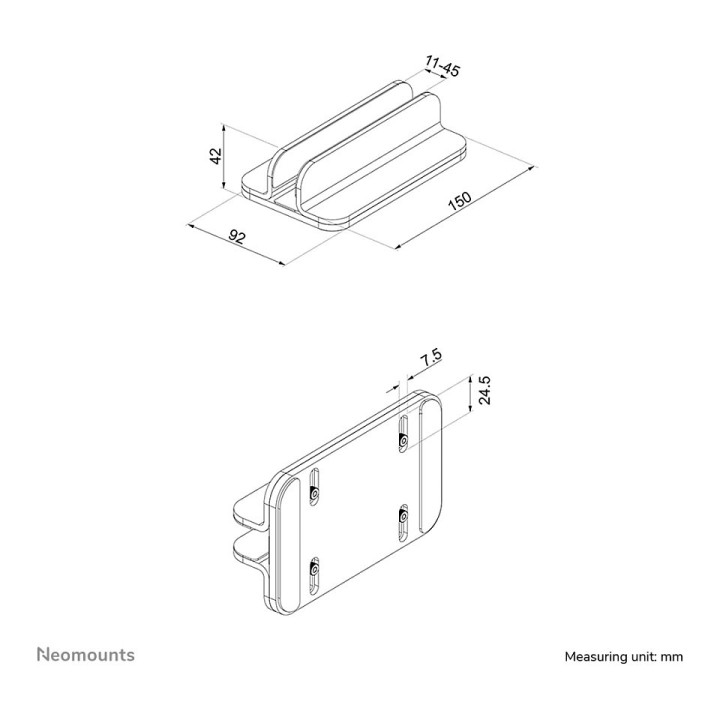
Regulowana szerokość dla idealnego dopasowania do urządzenia
Zaprojektowany z myślą o łatwym umieszczeniu na biurku
Specyfikacja
- Opis produktu: Neomounts NSLS300BLACK podstawka pod notebook
- Rodzaj produktu: Podstawka pod notebook
- Umiejscowienie Montaż: Biurko
- Kolor: Czarny
- Tworzywo produktu: Aluminium
- Wymiary (szer.głęb.wys.): 15 cm x 9.2 cm x 4.2 cm
- Kompatybilność notebooka: 17"
- Zgodne Rozmiary Notebooków: 11" 17" 27.9 cm 43.2 cm
- Cechy: Regulacja szerokości, orientacja pionowa
Szczegóły produktu
- Marka Neomounts
- Kod produktu 6610d1a7620507cf6ecbb195
- Dostępność 22 Przedmioty
- EAN13 8717371442583
- MPN NSLS300BLACK
Specyfikacja
- Materiał Aluminium
- Maksymalne obciążenie (kg) 5 kg
- Aktywne chłodzenie Nie
- Hub USB Nie
- Regulacja wysokości Tak
Producent
Producent
Neomounts B.V.
Wateringweg 62 2031 EJ Haarlem Netherlands
E-mail: info@neomounts.com
Formularz kontaktowy: https://www.neomounts.com/contact/
Telefon: +31 23 547 8 888
Bezpieczeństwo
Informacje o bezpieczeństwie
List of safety warnings for laptop tables based on the requirements of Regulation (EU) 2023/988 on General Product Safety (GPSR) 1. Stability: Make sure the table is stable and positioned on an even surface to avoid the laptop accidentally tipping over. 2. Ventilation: Do not block your laptop's vents to prevent overheating. 3. Overload: Do not overload the table with excessive weight to avoid damage or tipping over. 4. Height adjustment: If the table is adjustable in height, make sure the locking mechanism is properly secured before use. 5. Storage: Store the table in a safe place, away from children, to avoid potential injuries. 6. Cleaning: Clean the table according to the manufacturer's instructions, using appropriate cleaning agents to avoid damage to the material. 7. Use on soft surfaces: Avoid placing the table on soft surfaces, such as a bed or carpet, to ensure proper ventilation of the laptop. 8. Cables: Watch out for power cables and other wires to avoid tripping or damage. 9. Long-term use: During long-term use of the table, be sure to have an ergonomic position to avoid back and vision problems. 10. Damage: Regularly check the condition of the table, and if you notice damage (e.g. cracks, sharp edges) stop using.
Podstawki i stoliki
- Nowy
- Nowy
- Nowy
- Nowy
- Nowy
- Nowy
- Nowy
- Nowy