- Nowy
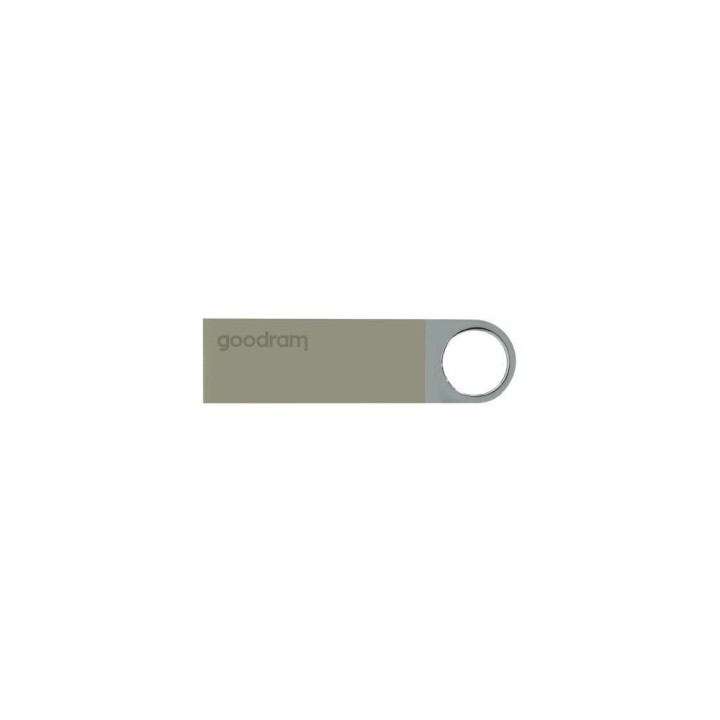
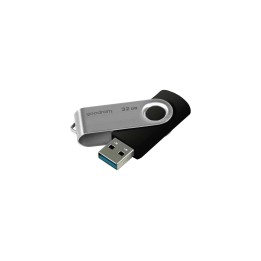
Pendrive GOODRAM 64GB UUN2 USB 2.0 Silver
Wilk Elektronik S.A.
ul. Mikołowska 42, 43-173 Łaziska Górne 43-173 Łaziska Górne Poland
E-mail: sales@goodram.com
Formularz kontaktowy: https://www.goodram.com/dane-podstawowe-i-kontaktowe
Telefon: +48 32 736 90 00
List of warnings regarding the security of portable memory based on the requirements of Regulation (EU) 2023/988 on general product safety (GPSR): 1. Risk of data corruption: * Make sure the memory is properly disconnected from the device before removing. Sudden disconnection can cause data loss or memory corruption. * Make regular backups of data from memory on another media. * Avoid inserting a USB stick into devices you are not familiar with. They may be infected with malware. 2. Risk of mechanical damage: * Protect your memory from drops, bumps, and other mechanical damage. * Do not expose memory to excessive pressure or bending. 3. Risk of overheating: * Do not leave memory in places exposed to direct sunlight or at high temperatures. * Avoid prolonged memory use in enclosed spaces without proper ventilation. 4. Risk of contact with liquids: * Protect memory from contact with water and other liquids. * If memory is flooded, dry it immediately and do not use it until you are sure it is completely dry. 5. Electrical risk: * Do not use a damaged USB stick. * Do not touch the metal parts of the USB stick with wet hands. 6. Choking risk (small parts): * Keep memory and its components out of reach of children to prevent accidental ingestion. 7. Compatibility: * Make sure the memory is compatible with the device you are connecting it to. 8. Cleaning: * Clean memory with a dry, soft cloth. Do not use cleaners containing solvents. 9. Storage: * Store your memory in a dry and clean place. 10. Disposal: * Dispose of used memory in accordance with local regulations on electronic waste.