- Nowy
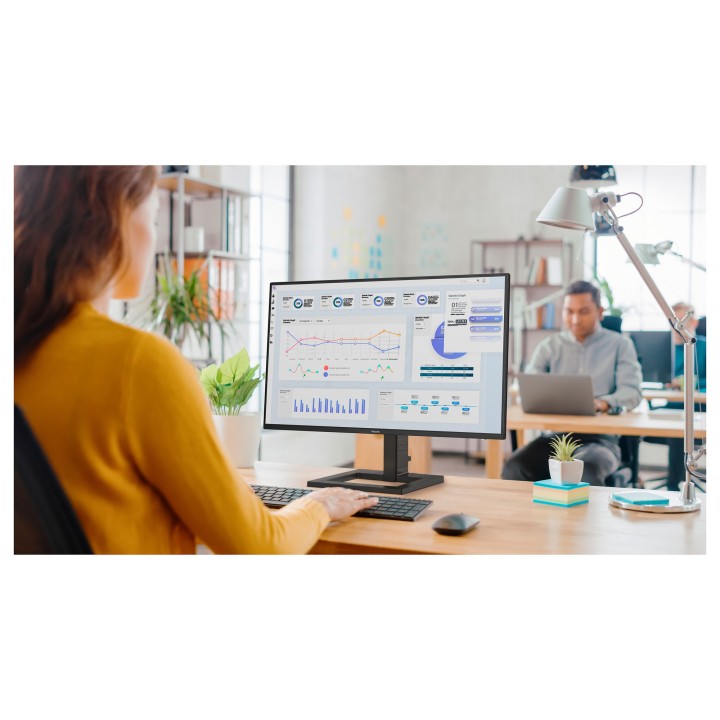
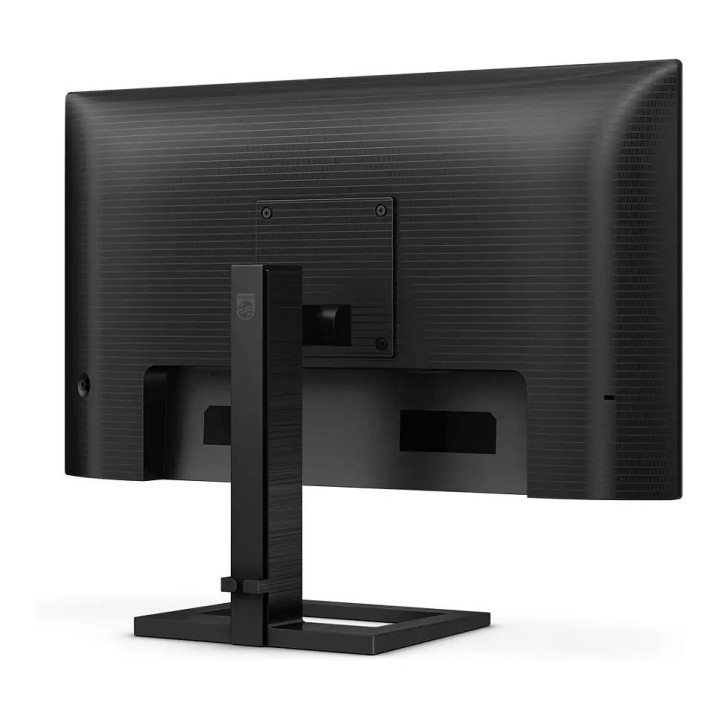
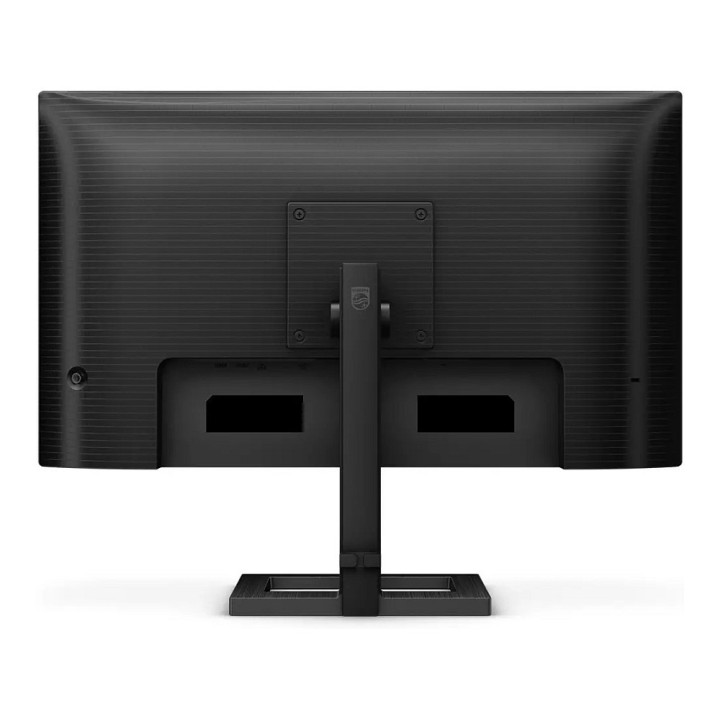
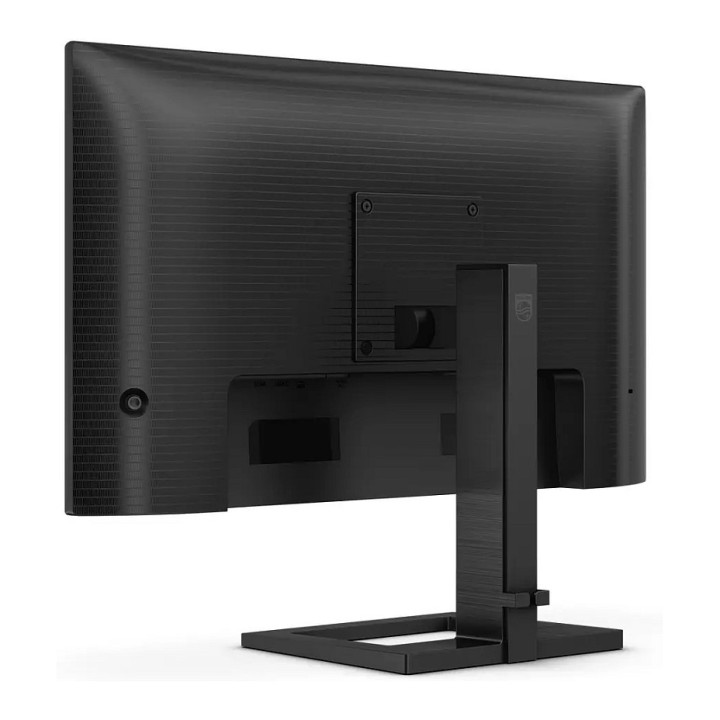
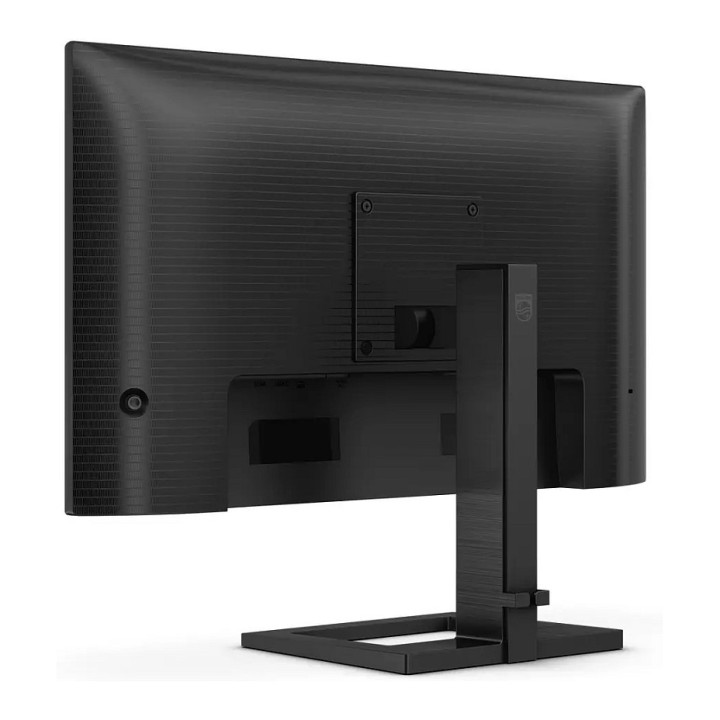
Philips 24E1N1300AE/00 23.8 in IPS Full HD 100Hz USB-C HDMI obrazki
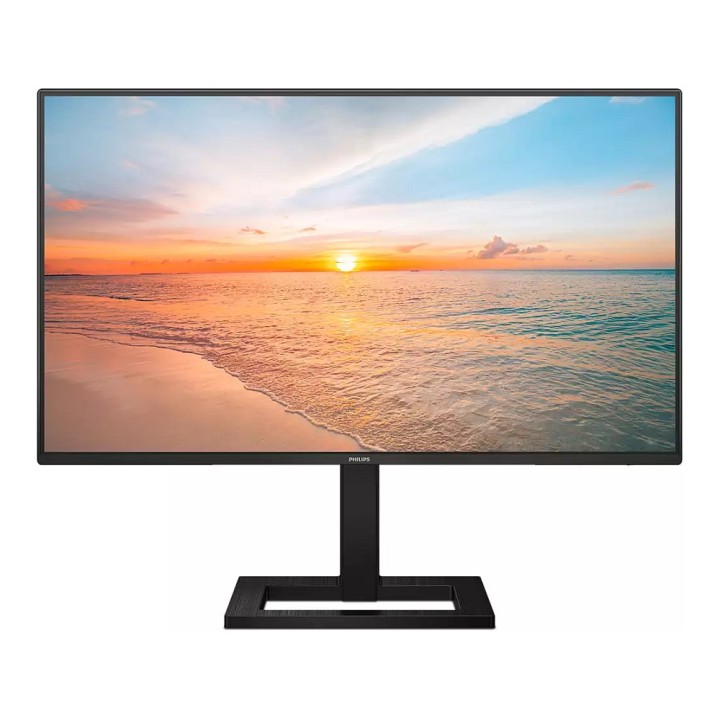
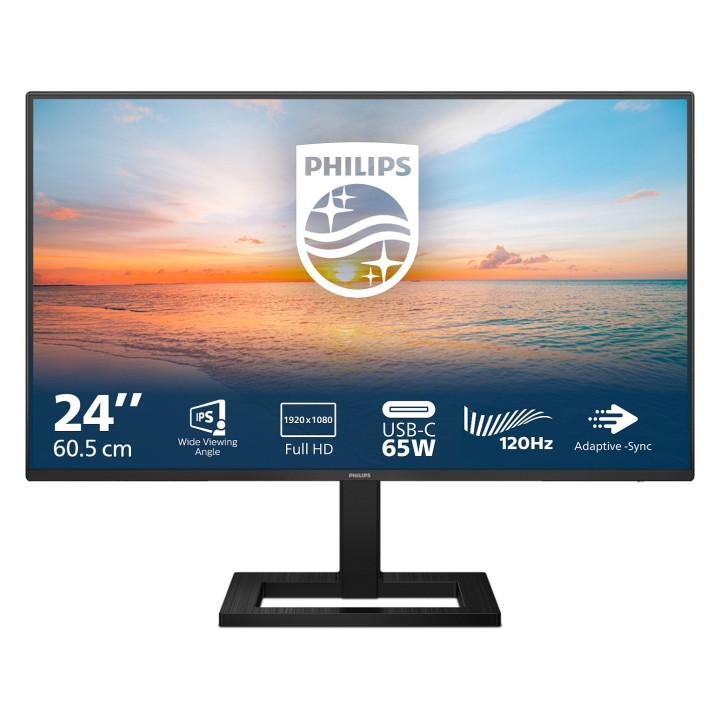
Philips 24E1N1300AE/00 23.8 in IPS Full HD 100Hz USB-C HDMI
Opis produktu
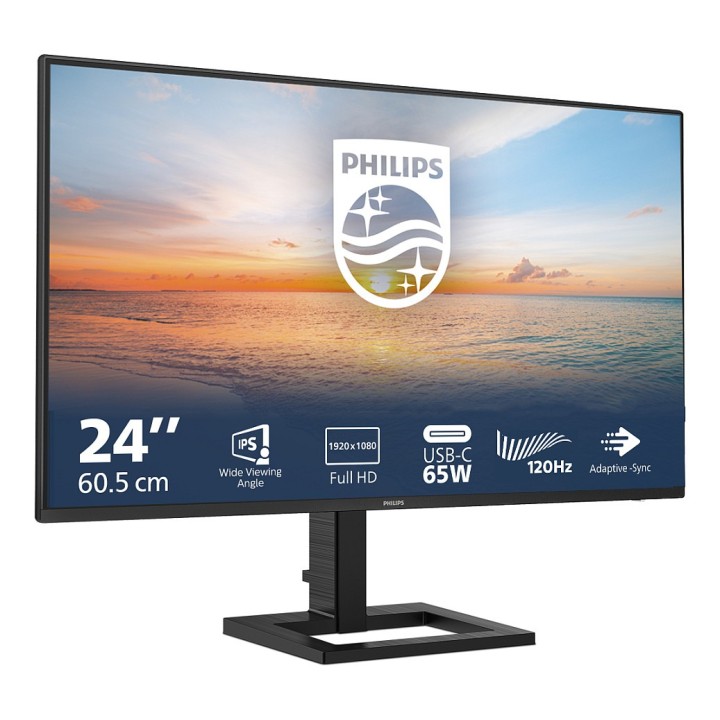
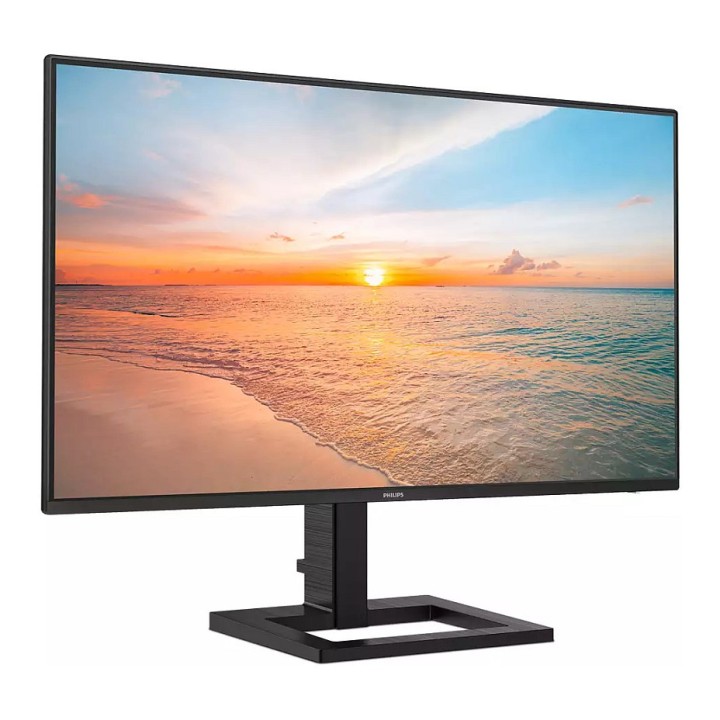
Philips 24E1N1300AE/00 to 23,8-calowy monitor z panelem IPS oferujący natywną rozdzielczość Full HD (1920 x 1080). Zastosowane podświetlenie WLED oraz szerokie kąty widzenia 178°/178° zapewniają spójne odwzorowanie obrazu i dobrą czytelność z różnych pozycji. Kontrast statyczny 1300:1 i paleta 16,7 miliona kolorów umożliwiają wyraźne odwzorowanie szczegółów i żywe barwy.
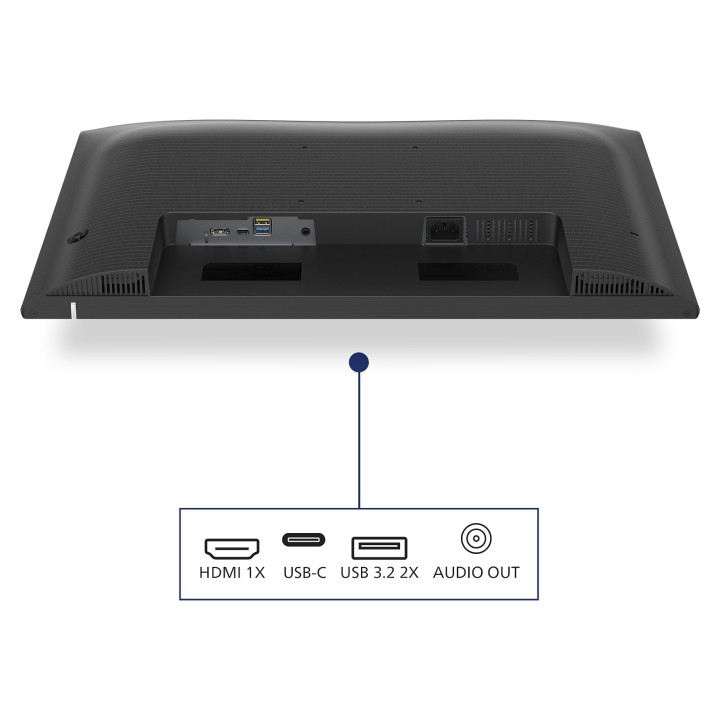
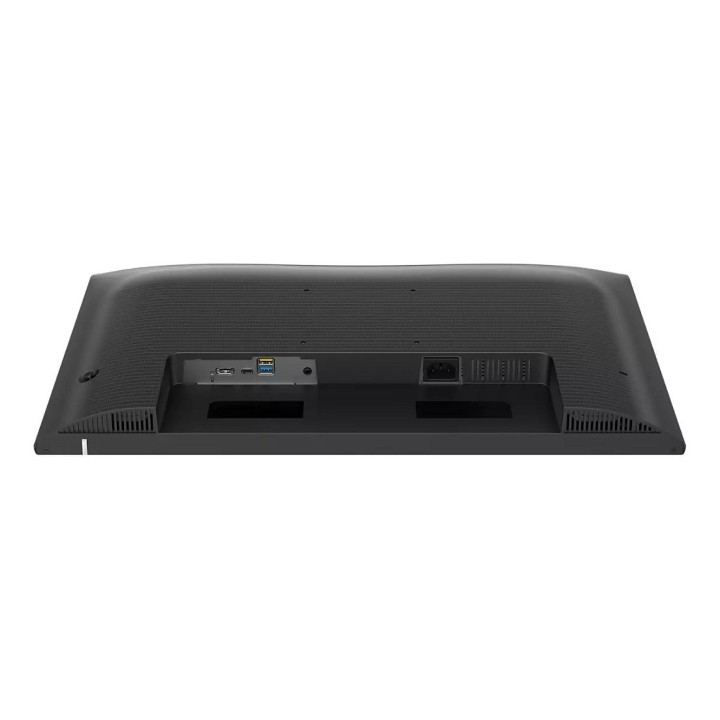
Urządzenie oferuje odświeżanie do 100 Hz i wsparcie dla AMD AdaptiveSync, co przekłada się na płynniejszą zmianę klatek przy pracy z ruchomym obrazem. Łączność obejmuje złącza HDMI oraz USB-C oraz zintegrowany hub USB, co ułatwia podłączenie laptopa i akcesoriów. W obudowie znajdują się wbudowane głośniki 2 x 2W do podstawowego odtwarzania dźwięku.
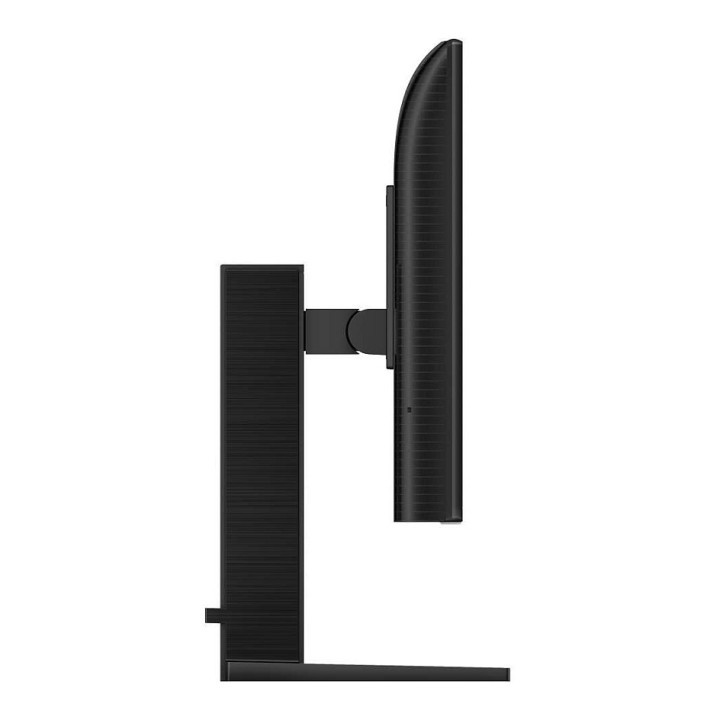
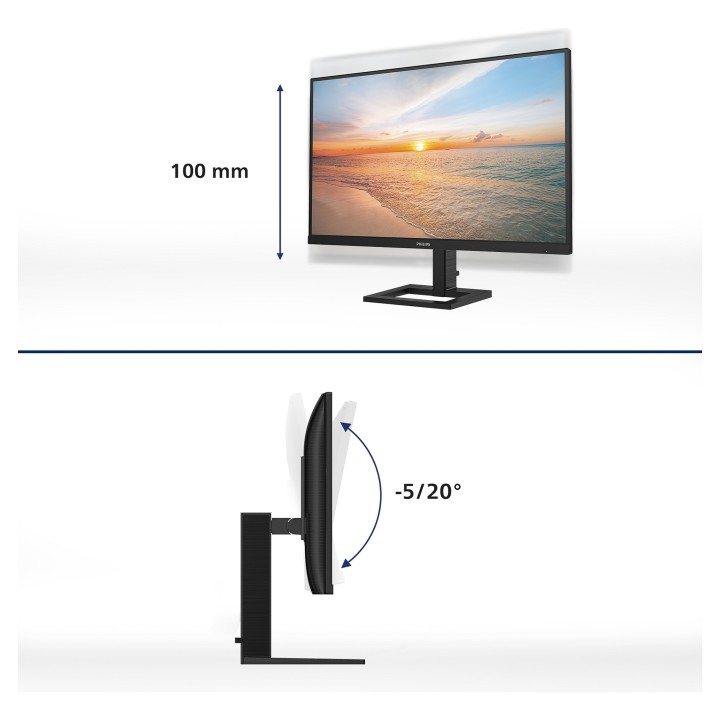
Monitor wyposażono w funkcje poprawiające komfort użytkowania: regulację wysokości (100 mm) i zakres odchylenia -5°/+20° dla ergonomicznego ustawienia, powłokę antyrefleksyjną z twardością 3H oraz technologie Flicker-Free i LowBlue redukujące zmęczenie wzroku. Model jest zgodny z normami HDCP 1.4, FCC oraz szeregiem standardów ekologicznymi i sterowania (Plug and Play, DDCCI, RoHS).
Specyfikacja
- Model: 24E1N1300AE/00
- Przekątna ekranu: 23,8 cala
- Typ matrycy: IPS (In-Plane Switching)
- Rozdzielczość natywna: 1920 x 1080 (Full HD)
- Format obrazu: 16:9
- Częstotliwość odświeżania: 48–100 Hz
- Obsługa kolorów: 16,7 miliona (8-bit)
- Technologia podświetlania: WLED
- Kontrast statyczny: 1300:1
- Jasność: 250 cd/m²
- Kąt widzenia (H/V): 178° / 178°
- Powłoka ekranu: Antyrefleksyjna; 3H Hard Coating; mętność 25
- Złącza: HDMI, USB-C
- Hub USB: Tak
- AdaptiveSync: AMD AdaptiveSync
- Ochrona wzroku: Flicker-Free, LowBlue
- Wbudowane głośniki: 2 x 2 W
- Regulacja wysokości: 100 mm
- Regulacja kąta nachylenia: -5° / +20°
- Montaż VESA: 100 x 100 mm
- Normy i zgodność: HDCP 1.4; FCC; Plug and Play; DDCCI; RoHS; bez rtęci; bez BFR; PVC-free
- Wymiary z podstawą - szerokość: 542 mm
- Wymiary z podstawą - wysokość: 442 mm
- Wymiary z podstawą - głębokość: 187 mm
- Wymiary bez podstawy - szerokość: 542 mm
- Wymiary bez podstawy - wysokość: 316 mm
- Wymiary bez podstawy - głębokość: 45 mm
- Waga z podstawą: 4,68 kg
- Waga bez podstawy: 3,06 kg
- Napięcie zasilania: AC 100–240 V, 50/60 Hz
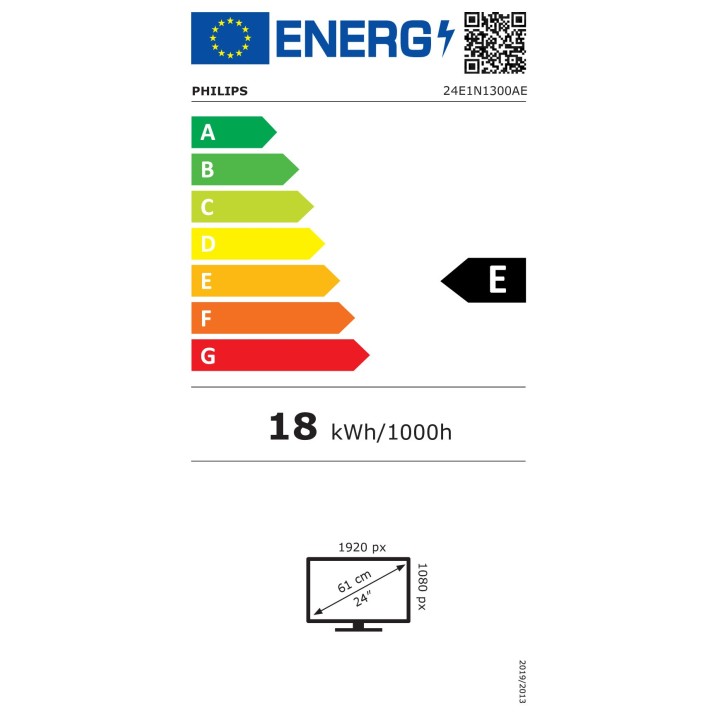
- Klasa energetyczna: E
Szczegóły produktu
- Marka Philips
- Kod produktu 6610d72e620507cf6eccd237
- Dostępność 23 Przedmioty
- EAN13 8712581804268
- MPN 24E1N1300AE/00
Specyfikacja
- Przekątna ekranu (cal) 23,8 cal
- Czas reakcji GtG (ms) 4 ms
- Rozdzielczość natywna 1920 × 1080
- Czas reakcji MPRT (ms) 1 ms
- Typ matrycy IPS
- Częstotliwość odświeżania (Hz) 100 Hz
- Ekran dotykowy Nie
- Zakrzywiony ekran Nie
- Standard VESA 100 × 100
Producent
Producent
Philips Polska Sp. z o.o.
Al. Jerozolimskie 195B 02-222 Warszawa Polska
E-mail: consumer.care@philips.com
Bezpieczeństwo
Informacje o bezpieczeństwie
List of computer monitor safety warnings based on the requirements of General Product Safety Regulation (EU) 2023/988 (GPSR): * Risk to vision: Long-term gazing at the monitor screen may cause eye strain, dry eyes or headaches. * Limit the working time with the monitor. * Take regular breaks. * Maintain proper distance from the screen. * Ensure proper lighting in the room. * Set the brightness and contrast of the monitor to a comfortable level. * Ergonomics: Incorrect position when working with the monitor can lead to back, neck, and shoulder pain. * Set the monitor to the correct height so that the top edge of the screen is at eye level or slightly below. * Use an adjustable chair and desk to ensure an ergonomic position. * Maintain proper posture while sitting. * Risk of electric shock: Improper use or damage to the monitor can lead to electric shock. * Do not use the monitor in humid environments. * Do not touch the monitor with wet hands. * Do not put any items inside the monitor. * If the power cable is damaged, replace it with a new one. * Disconnect the monitor from power before cleaning. * Fire risk: Overheating or short circuiting in the monitor can cause a fire. * Do not cover the ventilation holes of the monitor. * Do not place the monitor near heat sources. * Use only the original power supply that came with your monitor. * If the monitor overheats, disconnect it from power immediately. * Mechanical damage: The fall of the monitor can cause damage and pose a threat to the user. * Set the monitor on a stable surface. * Secure cables to avoid accidental tripping. * For monitor transport, use appropriate protective packaging. * Cleaning: Improper cleaning of the monitor can damage the screen or cause other problems. * Use only a soft, dry cloth to clean the screen. * Do not use cleaning products containing alcohol, ammonia or other corrosive substances. * Disconnect the monitor from power before cleaning. * Disposal: Incorrect disposal of the monitor can pose a threat to the environment. * Return the used monitor to the e-waste collection point. * Do not throw the monitor in a regular trash can. * Children: The monitor is not a toy and should not be used by children without supervision. * Make sure children do not touch the power cables. * Make sure kids don't play around with the monitor packaging. * Repairs: Do not try to repair the monitor yourself. * Any repairs should be done by qualified personnel. * Monitor portability: Be careful when moving your monitor. * Disconnect all cables before moving. * Use appropriate packaging. * Weather conditions: Do not expose the monitor to extreme temperatures or moisture. * Protect your monitor from direct sunlight. * Adjustable settings: Do not use extreme brightness or contrast settings. * These can cause faster eye strain. * Noise: If the monitor makes disturbing noises, turn it off immediately. * Contact the technical service. * Environmental protection: Be sure to turn off the monitor when not in use. * You save energy this way. * Software: Use only the software provided by the manufacturer. * You will avoid compatibility issues.
Monitory
- Nowy
- Nowy
- Nowy
- Nowy
- Nowy
- Nowy
- Nowy
- Nowy
- Nowy
Ostatnio oglądane
Produkty, które ostatnio zwróciły Twoją uwagę.
- Nowy
- Nowy
- Nowy
- Nowy
- Nowy
- Nowy