- Nowy
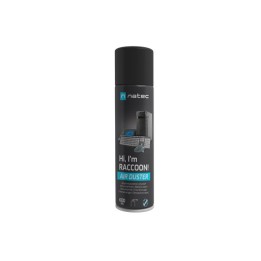
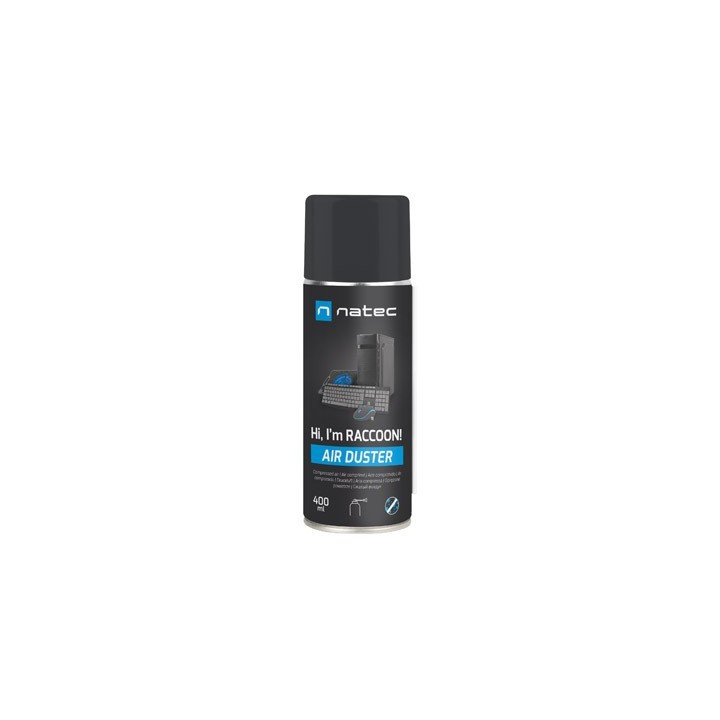
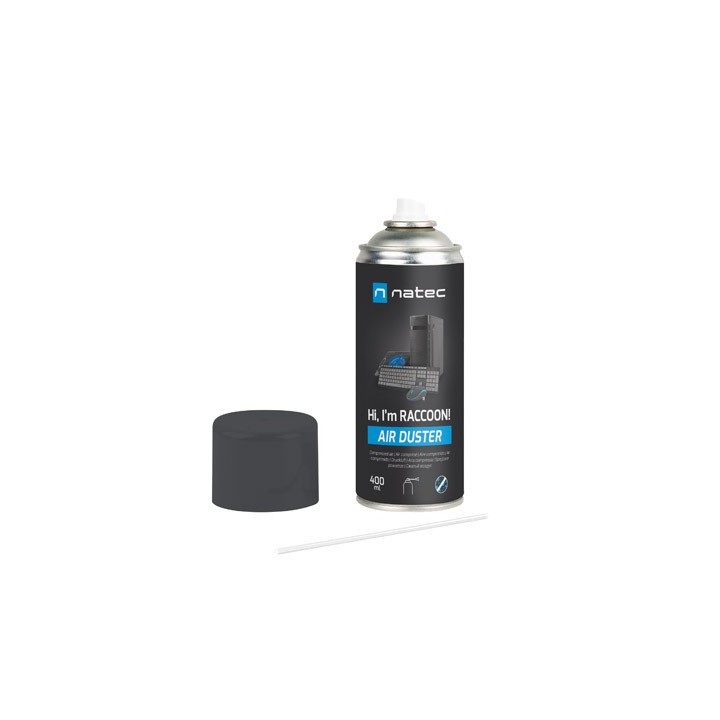
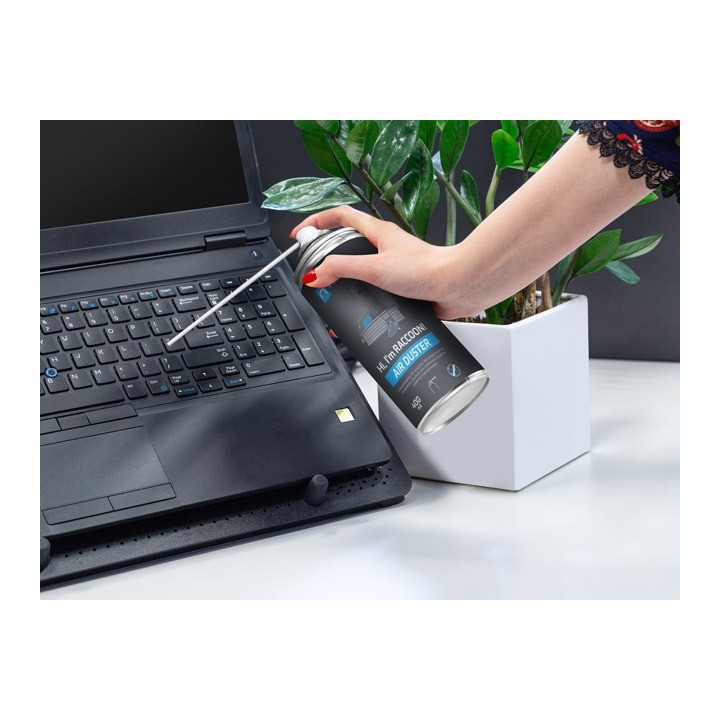
Odkurzacz Natec RACCOON 400 jest niezbędnym akcesorium do utrzymania czystości i funkcjonalności urządzeń elektronicznych. Ten odkurzacz o pojemności 400 ml został specjalnie opracowany, aby bezpiecznie usuwać kurz, kłaczki i zanieczyszczenia z wrażliwego sprzętu bez pozostawiania śladów. Jego silny podmuch zapewnia, że nawet najbardziej uporczywe cząsteczki są usuwane z trudno dostępnych miejsc, co czyni go idealnym rozwiązaniem dla klawiatur, drukarek, aparatów fotograficznych i innych urządzeń elektronicznych. Ukierunkowana dysza RACCOON 400 pozwala na precyzyjną aplikację, dzięki czemu proces czyszczenia jest zarówno wydajny, jak i skuteczny. Utrzymuj swoje urządzenia w doskonałym stanie dzięki odkurzaczowi Natec RACCOON 400.
Kanister o pojemności 400 ml zapewnia wystarczający zapas na wiele sesji czyszczenia
Zaprojektowany do bezpiecznego stosowania na urządzeniach elektronicznych
Nie pozostawia osadów, zapewniając czyste wykończenie za każdym razem
Łatwy w użyciu z dyszą do precyzyjnej aplikacji
Impakt S.A.
Stanisława Lema 16 62-050 Mosina Polska
E-mail: info@impakt.com.pl
Formularz kontaktowy: https://pl.natec-zone.com/kontakt
Telefon: (+48) 611 010 230
List of safety warnings for electronic equipment cleaners (Laptop, PC) based on the requirements of Regulation (EU) 2023/988 on general product safety (GPSR) * Risk of skin and eye irritation: Avoid direct contact with skin and eyes. In case of contact, rinse with plenty of water and consult a doctor. * Risk of inhalation: Use in a well-ventilated area. Avoid inhaling fumes. * Risk of fire: Do not use near open fire or heat sources. Some cleaning products may contain flammable substances. * Risk of damage to equipment: Check the performance of the cleaner on a small, invisible surface before use. Some preparations can damage fragile electronic components or coatings. * Short-circuit risk: Make sure the equipment is turned off and disconnected from power before cleaning. Avoid the penetration of fluid into the device. * Risk of poisoning: Keep out of reach of children and pets. Do not consume. If swallowed, contact your doctor immediately. * Risk of allergic reactions: Understand the composition of the preparation before use. People with allergies should be extremely careful. * Risk of environmental damage: Follow the instructions for disposal of used packaging and leftovers. Do not pour into the sewer. * Danger of explosion: Some aerosol cleaners may contain pressurized gases. Do not pierce or throw into the fire. * Loss of warranty: Some cleaning products may violate the warranty terms of the equipment manufacturer. Check the user manual of the device. * Do not mix agents: Never mix different cleaning agents, as this can result in hazardous chemical reactions. * First aid: If you experience alarming symptoms (e.g. dizziness, nausea, difficulty breathing) when using the cleaner, stop working and consult a doctor. * Screen cleaning: Use only specially designed preparations and a soft cloth to clean LCD/LED screens to avoid scratches. * Keyboard cleaning: When cleaning keyboards, especially laptops, be careful not to flood the key mechanism. It is best to apply the agent on the cloth, not directly on the keyboard. * Computer interior cleaning: Use compressed air or a soft tip vacuum cleaner to clean the inside of your desktop computer case to remove dust. Avoid touching electronic components. * Storage: Store cleaning products in their original sealed packaging, in a dry and cool place, away from heat and sunlight sources. * Safe disconnection: Always make sure the device is turned off and disconnected from power before cleaning. This applies to both laptops (disconnection from the charger) and desktop computers.
Produkty, które ostatnio zwróciły Twoją uwagę.