- Nowy
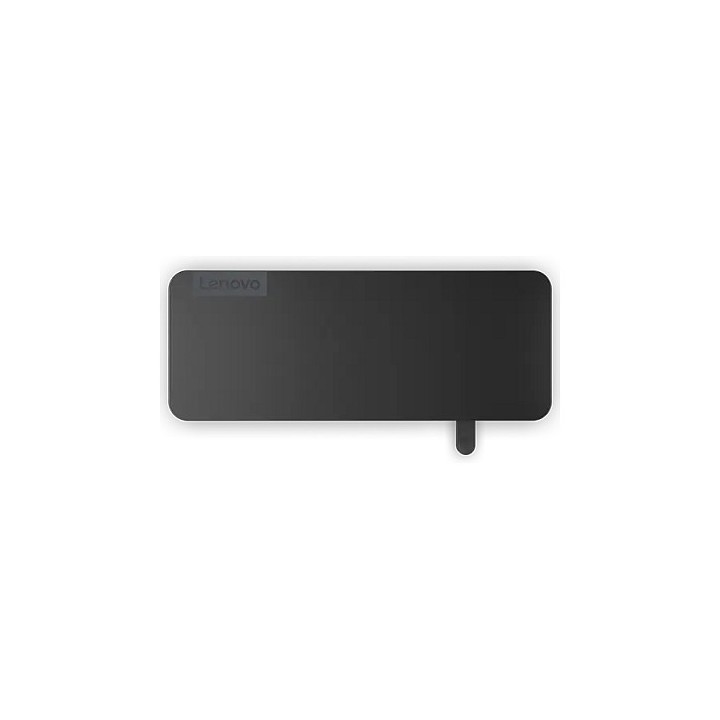
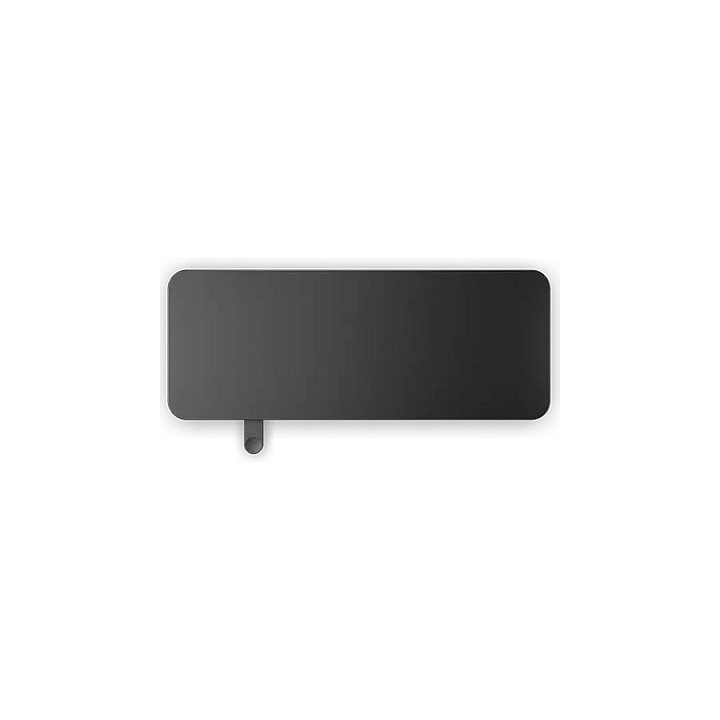
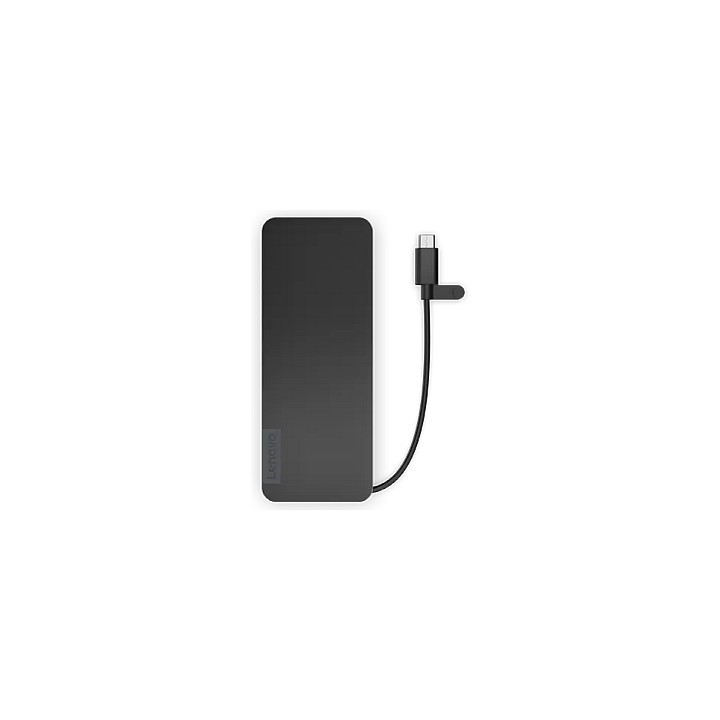
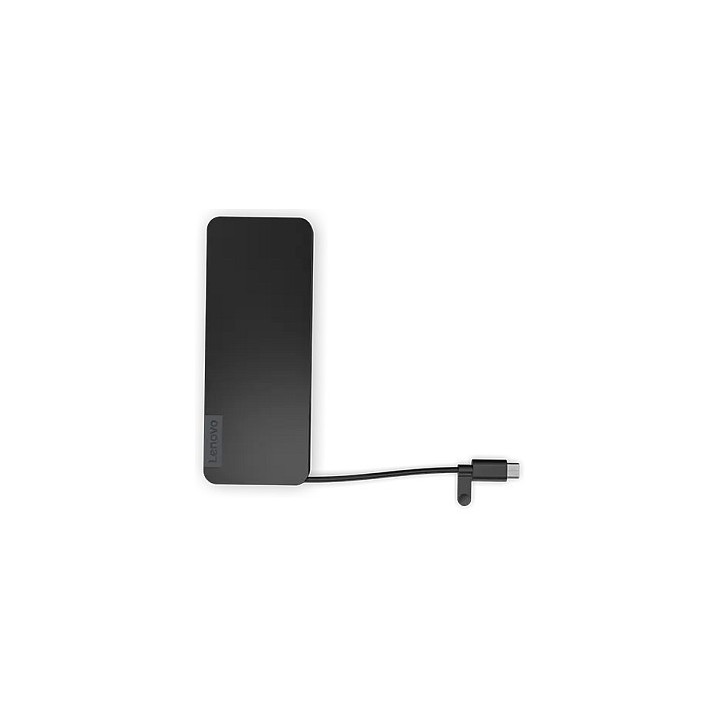
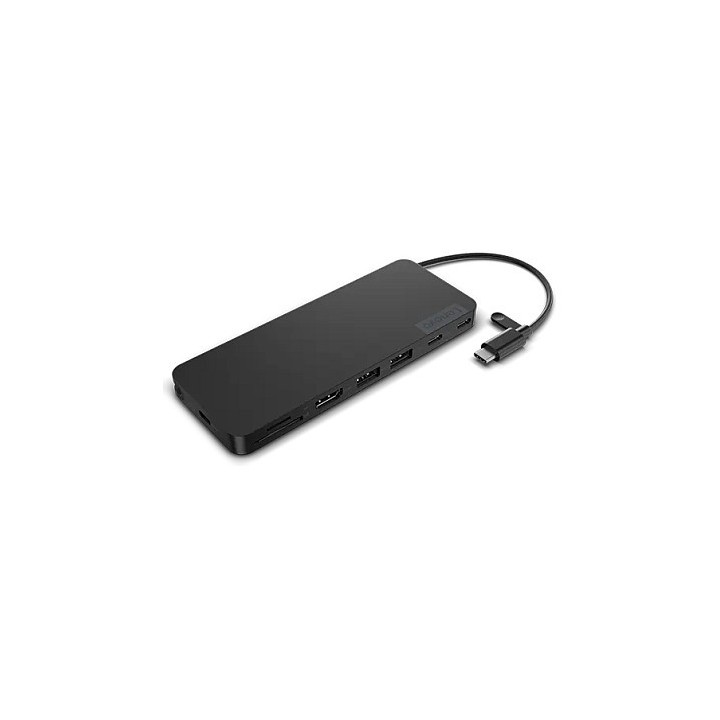
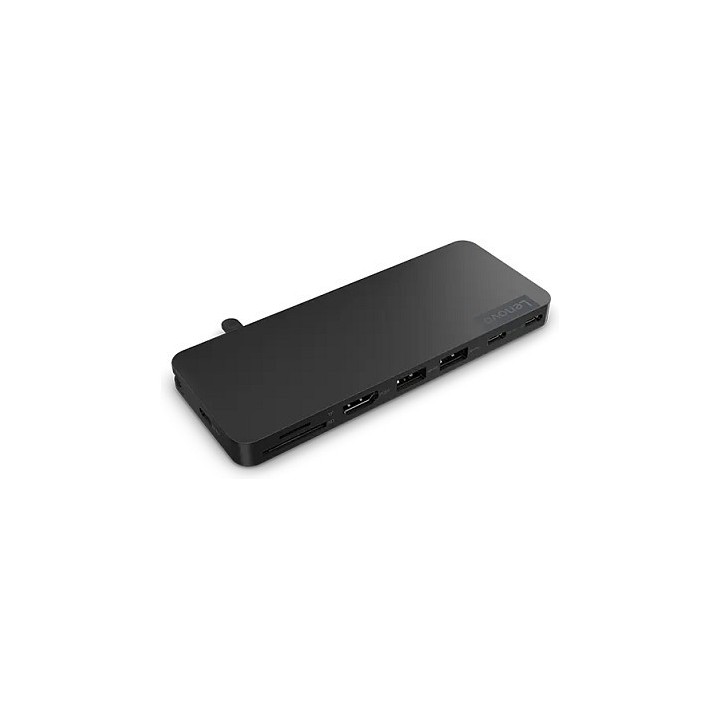
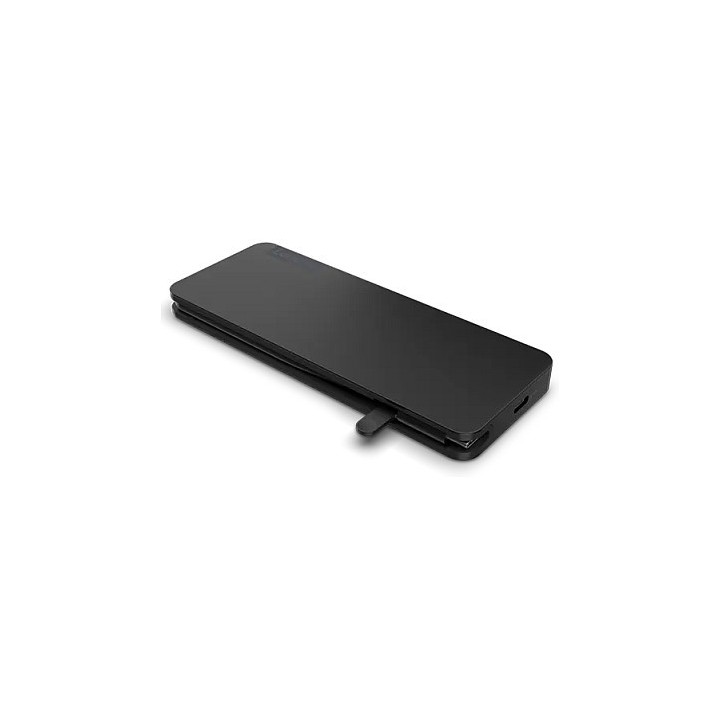
LENOVO USB-C Slim Travel Dock obrazki
LENOVO USB-C Slim Travel Dock
Opis produktu
Odkryj rozwiązanie Lenovo do rozszerzania portów, zaprojektowane w celu zwiększenia produktywności i łączności. Ta stacja dokująca, wyposażona w szereg portów, w tym HDMI do wyświetlania / wideo oraz USB 2.0 i USB-C 3.1 Gen 2 do szybkiego przesyłania danych, zaspokaja wszystkie potrzeby w zakresie łączności. Dzięki obsłudze rozdzielczości 4K przy częstotliwości odświeżania 60 Hz, zapewnia oszałamiające efekty wizualne podczas prezentacji i multimediów. Moc 65 W zapewnia ładowanie urządzeń przez cały dzień, a zgodność z międzynarodowymi standardami, takimi jak BSMI, FCC i inne, gwarantuje niezawodność i bezpieczeństwo. Niezależnie od tego, czy pracujesz w domu, czy w biurze, ta stacja dokująca jest idealnym dodatkiem do Twojej konfiguracji, zapewniając połączenia potrzebne do zachowania produktywności.
Obsługuje rozdzielczość 4K przy 60 Hz, zapewniając krystalicznie czysty obraz wideo
Zawiera wiele portów USB dla wszechstronnej łączności z urządzeniami
Moc 65 W zapewnia wydajne ładowanie
Kompatybilność z szeroką gamą urządzeń dzięki interfejsowi dokującemu USB-C
Spełnia liczne standardy zgodności do użytku globalnego
Specyfikacja
- Opis produktu: Lenovo stacja dokująca USBC HDMI
- Typ produktu: Stacja dokująca
- Stacja Dokująca: USBC
- Interfejsy Wideo: HDMI
- Wymiary (szer.głęb.wys.): 14 cm x 5.5 cm x 1.08 cm
- Waga: 108 g
- Kolor: Czarne zaćmienie
Szczegóły produktu
- Marka Lenovo
- Kod produktu 6610d8ad620507cf6ed1d94c
- Dostępność 351 Przedmioty
- EAN13 0195892095453
- MPN 4X11N40212
Specyfikacja
- Złącze do komputera USB 3.2 Gen 1 (3.1 Gen 1) Type-C
- Maksymalna rozdzielczość wyjścia 3840 × 2160
- Liczba portów USB-A (szt.) 2 szt.
- Liczba obsługiwanych monitorów (szt.) 1 szt.
- Liczba portów USB-C (szt.) 2 szt.
- Moc ładowania laptopa (W) 65 W
- Obsługiwane systemy Windows 10
- Port Ethernet Nie
Producent
Producent
Lenovo Technology B.V. Sp. z o.o. Oddział w Polsce
ul. Gottlieba Daimlera 1 02-460 Warszawa Polska
Osoba odpowiedzialna w UE
Lenovo (Slovakia) s.r.o.
Landererova 12 811 09 Bratislava SLOVAKIA
E-mail: balenovo_sk@lenovo.com
Telefon: +421 2/686 880 00
Bezpieczeństwo
Informacje o bezpieczeństwie
List of safety warnings for docking stations based on the requirements of General Product Safety Regulation (EU) 2023/988 (GPSR) * Risk of electric shock: * Make sure that the docking station is connected to an efficient grounded outlet. * Do not touch the plug or cable with wet hands. * Avoid using the docking station in areas with high humidity. * Risk of overheating: * Provide adequate ventilation while maintaining at least 5 cm of free space around the docking station. * Do not block ventilation openings. * Do not place the docking station on soft surfaces such as blankets or pillows. * Fire risk: * Use only original power supplies and accessories recommended by the manufacturer. * Do not leave the docking station on unattended near flammable materials. * Risk of bodily injury: * Use the docking station on a stable surface to minimize the risk of falling connected devices. * Avoid using the docking station in a position that causes excessive heat pressure on the skin to prevent burns. * Hazards in humid environments: * Do not use the docking station outdoors in rain or in places with high humidity, such as bathrooms. * If the docking station is flooded, immediately disconnect it from the power source and contact the service. * Hazards at high temperatures: * Do not expose the docking station to direct sunlight. * Avoid using the docking station at temperatures above the recommended range (usually 5-35°C). * Risk of damage during cleaning: * Disconnect the docking station from the power supply before cleaning and use a soft, slightly damp cloth. * Avoid using strong detergents that can damage the surface of the docking station. * Caution when replacing accessories: * Use only accessories recommended by the manufacturer. * When replacing batteries, follow the manufacturer's instructions and do not expose the battery to high temperatures. * Battery Use Hazards: * Avoid damaging the battery by impact or puncture. * If the battery overheats or swells, stop using the docking station immediately. * Child warnings: * Keep power cables out of reach of children. * Make sure your kids don't play with the docking station or accessories that can be dangerous. * Cleanliness: * Failure to regularly clean ports and sockets can lead to damage or failure. * Clean ports and sockets regularly using a dry and clean cloth, avoiding moisture input.
Stacje dokujące
Ostatnio oglądane
Produkty, które ostatnio zwróciły Twoją uwagę.
- Nowy

- Nowy

- Nowy
- Nowy
- Nowy
- Nowy
- Nowy
- Nowy
- Nowy
- Nowy
- Nowy
- Nowy