- Nowy
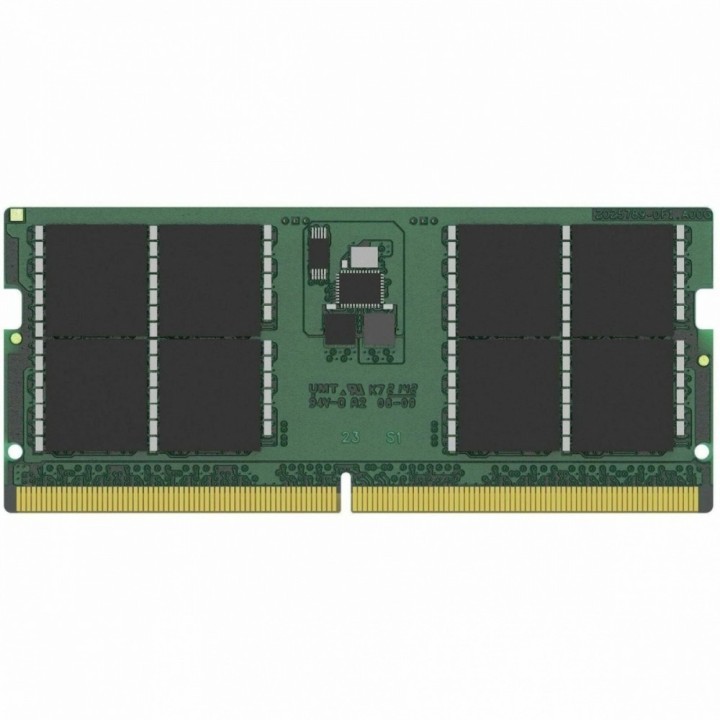
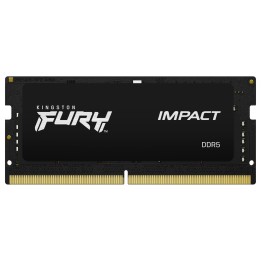
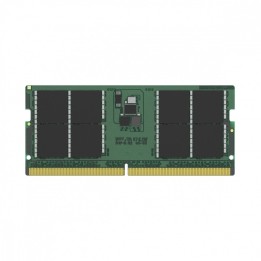
Pamięć do notebooka DDR5 48GB(1*48GB)/5600
Pamięć ta to nie tylko gwarancja doskonałej jakości, ale także pewność, że Twój notebook będzie działał z niezwykłą szybkością i efektywnością. Dzięki pojemności 48 GB oraz częstotliwości szyny pamięci wynoszącej 5600 MHz, możesz być pewien, że nawet najbardziej wymagające zadania będą wykonywane płynnie i bez opóźnień.
Kingston Technology International Ltd
Blanchardstown Road North D15 PEC4 Dublin Irlandia
E-mail: customerservice@kingston.eu
List of RAM security warnings based on the requirements of General Product Safety Regulation (GPSR) 2023/988 * Short circuit risk: Ensure that RAM modules are properly installed and secured in the slots on the laptop motherboard. Incorrect connection can lead to short circuit and damage to components. * Risk of Electrostatic Damage (ESD): Before touching the RAM modules, ground yourself to avoid electrostatic discharges that can damage electronic components. * Risk of overheating: Provide adequate ventilation inside the laptop to prevent RAM modules from overheating during heavy use. * Compatibility: Make sure the RAM modules you purchase are compatible with your laptop model and motherboard specifications. Incompatible modules can cause operating problems or system corruption. * Installation: Turn off your laptop and disconnect it from power before installing or replacing RAM modules. Follow the laptop manufacturer's instructions for proper installation. * Mechanical Damage: Avoid dropping or hitting RAM modules, as they can be damaged and stop working. * Kids: Keep RAM modules out of reach of children, as small items can pose a choking hazard. * Recycling: Recycle used RAM modules at appropriate collection points to avoid negative environmental impacts. * Moisture and liquids: Avoid contact of RAM modules with moisture and liquids that can cause corrosion and damage.
Produkty, które ostatnio zwróciły Twoją uwagę.