- Nowy
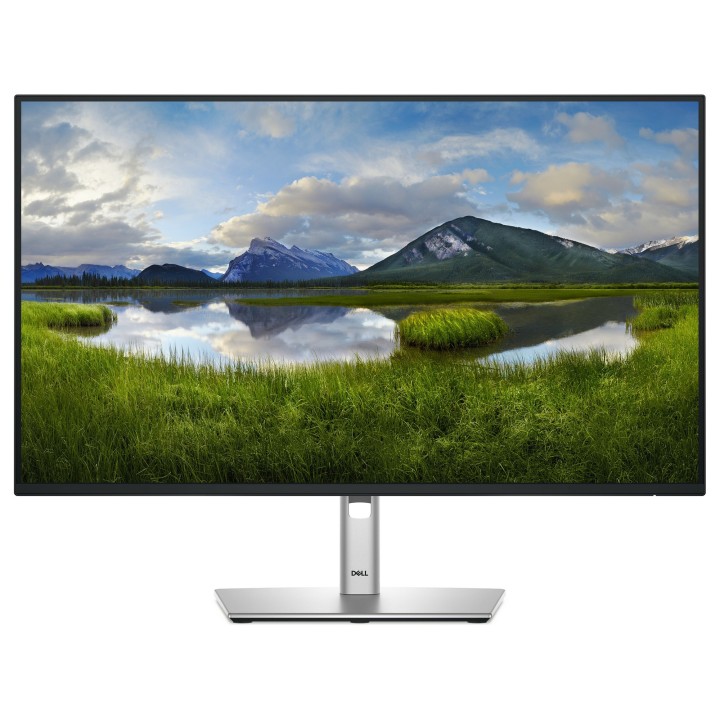
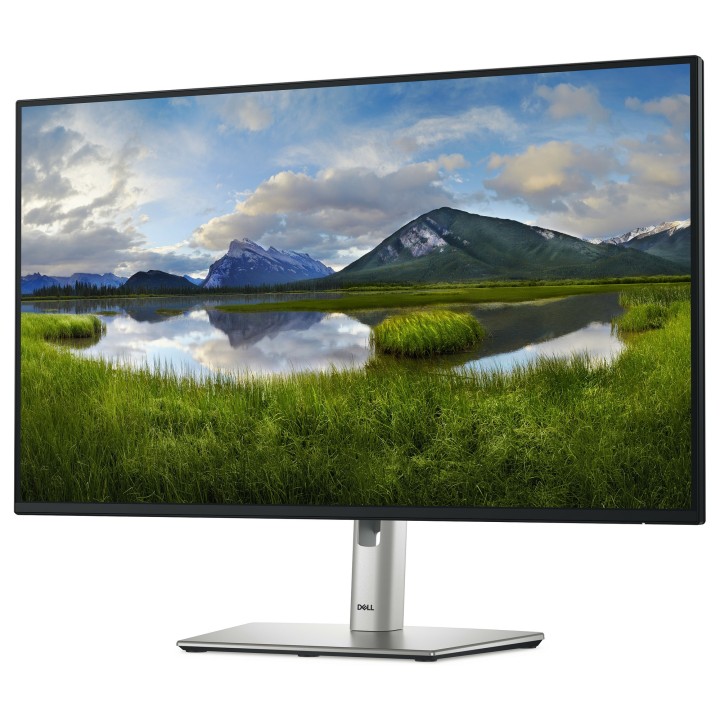
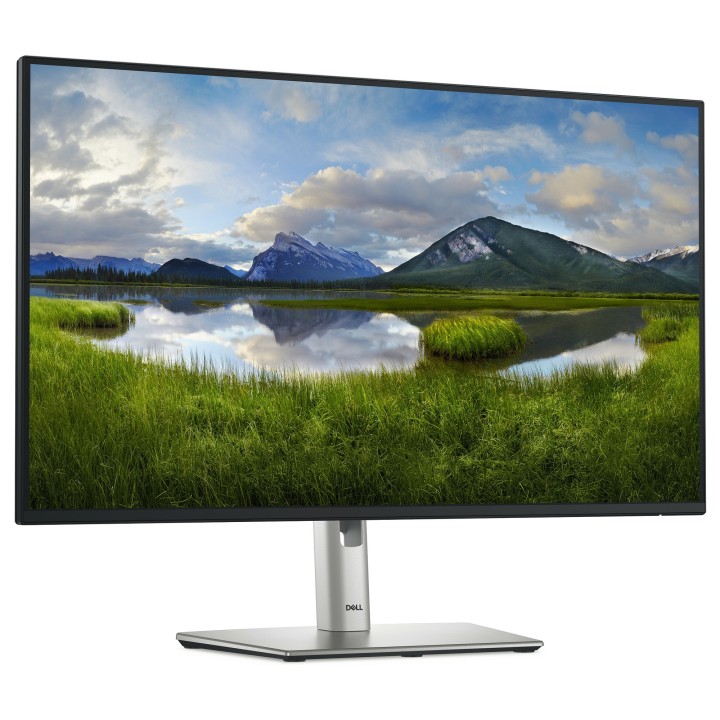
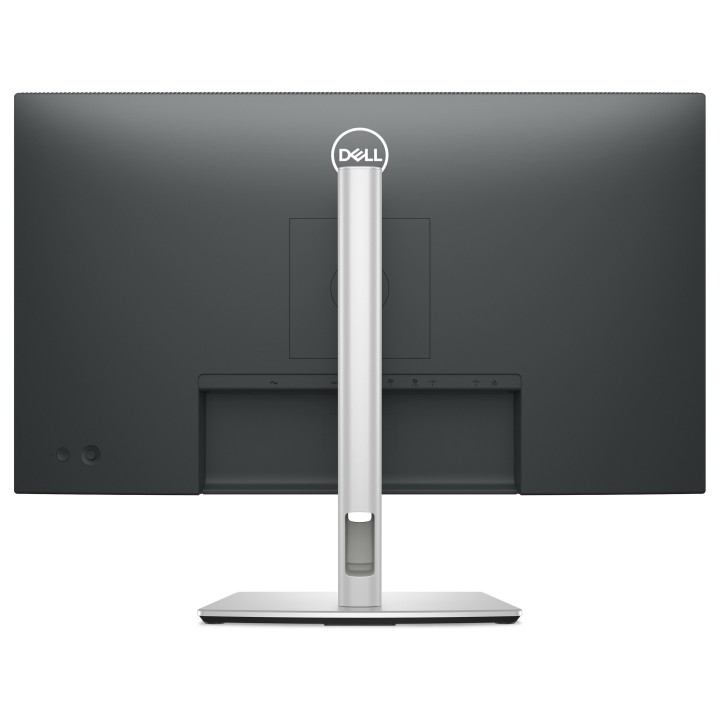
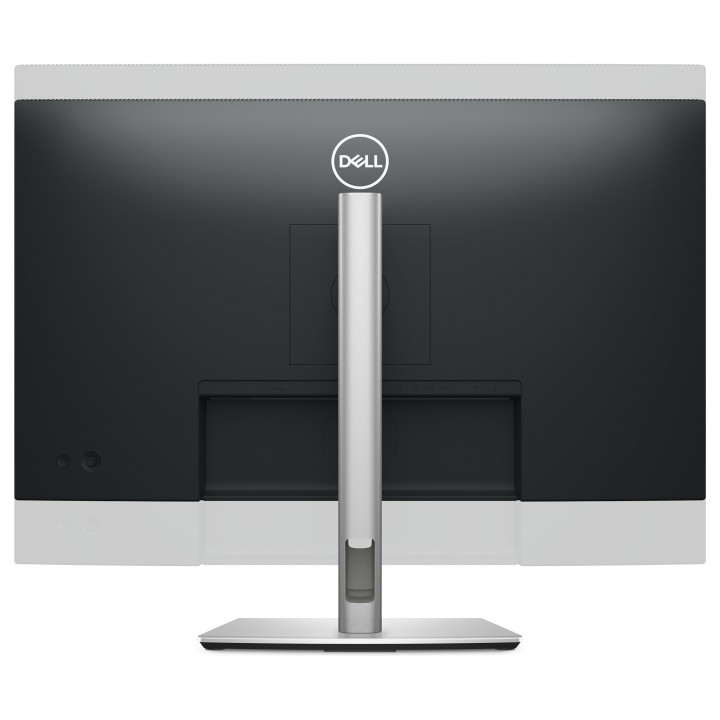
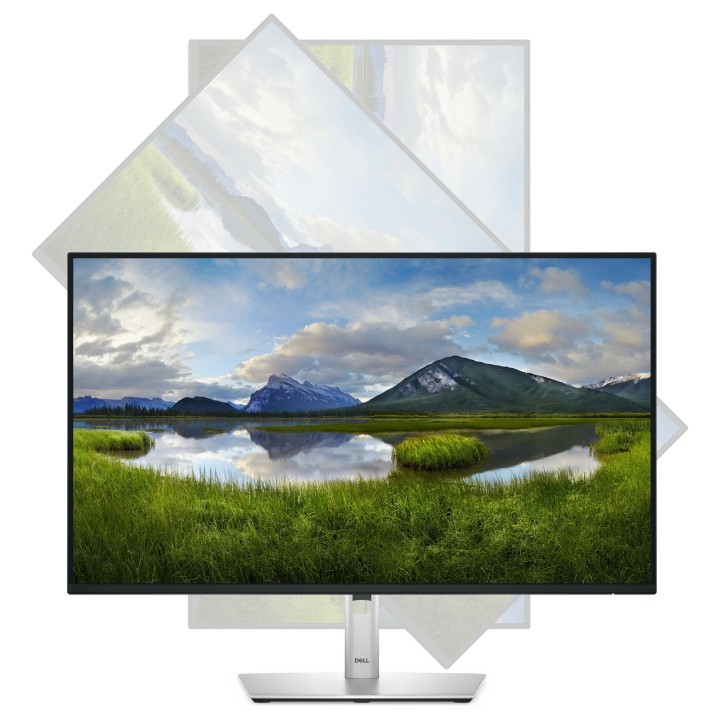
DELL 27 Monitor P2725HE 27inch FHD IPS LED HDMI DP 4xUSB 1xUSB-C 90W PD RJ-45 3YPPG AE obrazki
DELL 27 Monitor P2725HE 27inch FHD IPS LED HDMI DP 4xUSB 1xUSB-C 90W PD RJ-45 3YPPG AE
Opis produktu
Odkryj idealne połączenie wydajności i komfortu dzięki monitorowi Dell P2725HE. Zaprojektowany dla profesjonalistów, którzy wymagają niezawodności i jakości, ten 27-calowy monitor zapewnia rozdzielczość Full HD z 99% gamą kolorów sRGB dla precyzyjnej dokładności kolorów. Ergonomiczna konstrukcja umożliwia regulację wysokości, obrotu, obrotu i pochylenia, zapewniając optymalny komfort podczas długich sesji roboczych. Zaawansowane opcje łączności, w tym HDMI, DisplayPort i USB-C, zapewniają płynną integrację z miejscem pracy, a wbudowane koncentratory USB i Ethernet zapewniają dodatkową wygodę. Dzięki technologiom ComfortView Plus i Flicker-Free firmy Dell, zmęczenie oczu jest zminimalizowane, co ułatwia pracę przez dłuższy czas. Jako wybór świadomy ekologicznie, P2725HE posiada certyfikat ENERGY STAR i EPEAT Gold, odzwierciedlając zaangażowanie firmy Dell w zrównoważony rozwój. Monitor, który spełnia potrzeby profesjonalistów, jednocześnie stawiając na pierwszym miejscu dobre samopoczucie i ochronę środowiska.
27-calowy wyświetlacz Full HD 1080p z podświetleniem LED zapewniający wyrazistość obrazu
99% gama kolorów sRGB i 16,7 miliona kolorów dla wyjątkowej dokładności kolorów
Wszechstronna łączność z HDMI, DisplayPort i USB-C, obsługująca zasilanie do 90 W
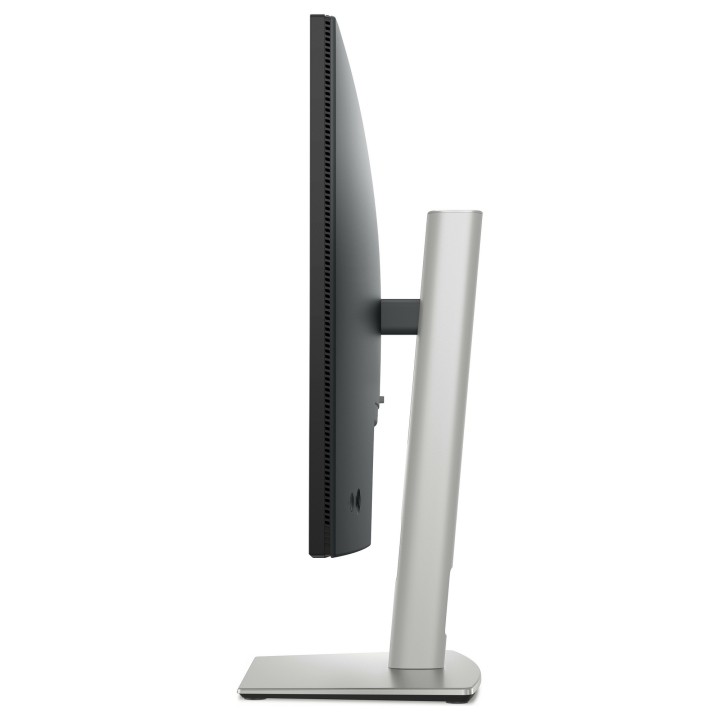
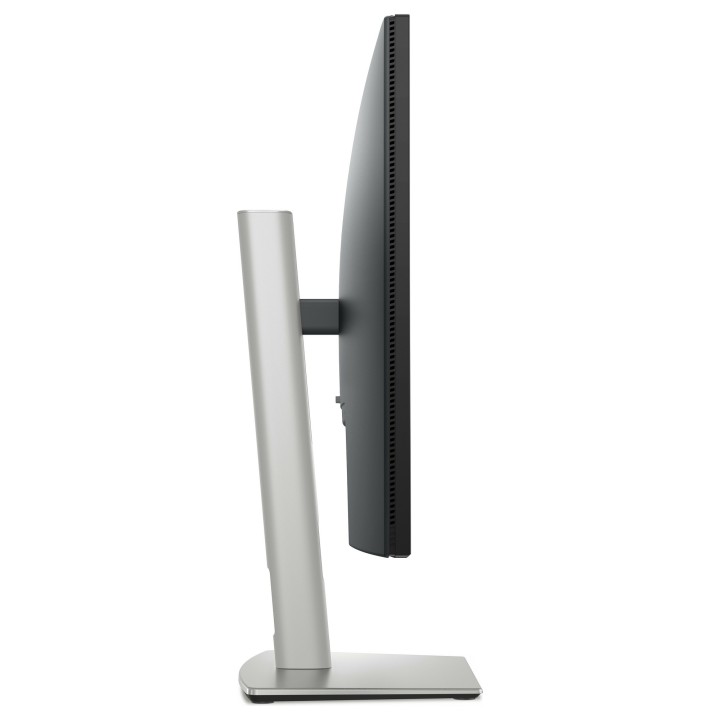
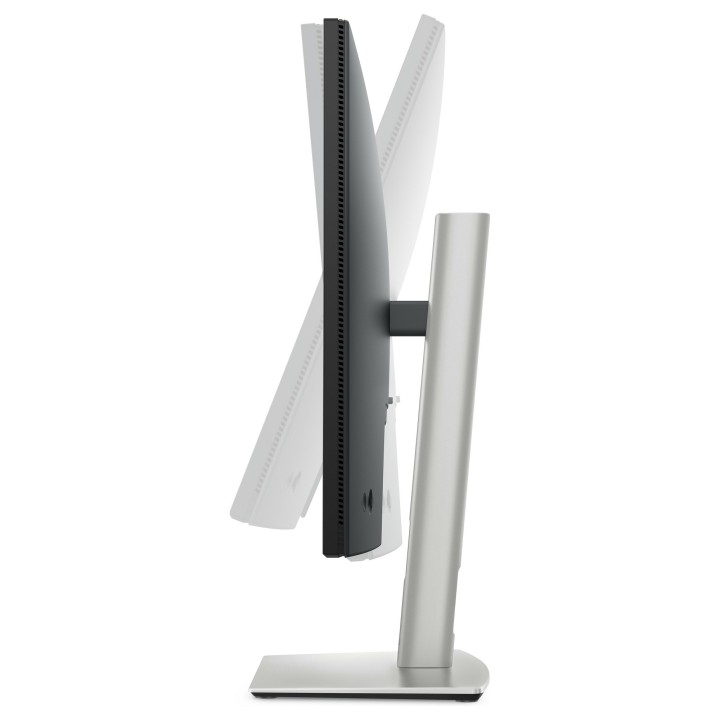
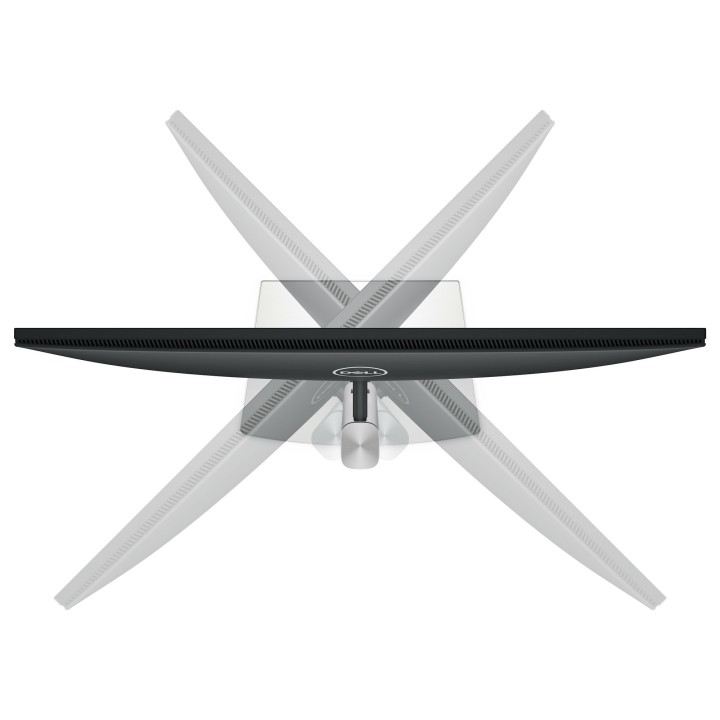
Ergonomiczna konstrukcja z wieloma możliwościami regulacji dla wygodnego oglądania
Certyfikat ENERGY STAR i EPEAT Gold dla zrównoważenia środowiskowego
Specyfikacja
- Opis produktu: Dell P2725HE monitor LED Full HD (1080p) 27"
- Rodzaj urządzenia: Monitor LCD z podświetleniem LED 27"
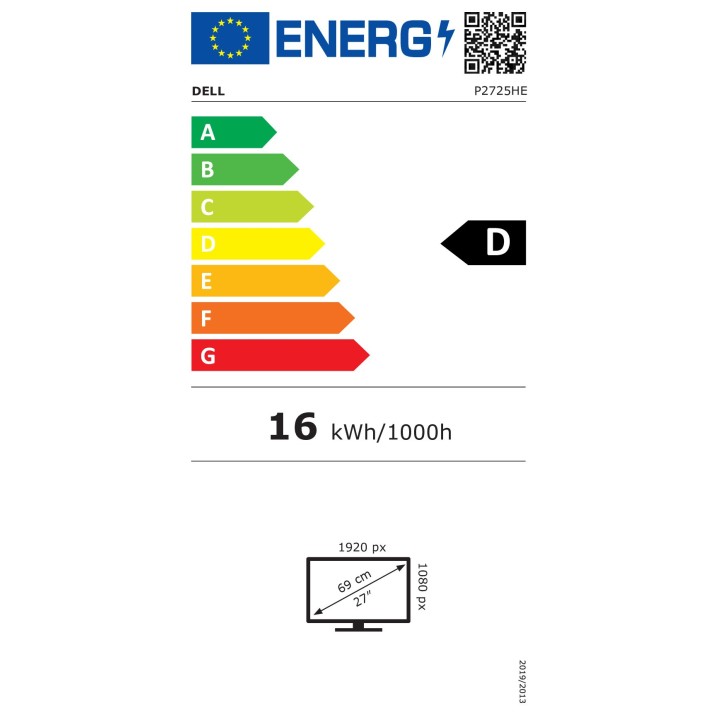
- Adres URL kodu QR Etykiety Efektywności Energetycznej: Https:eprel.ec.europa.euqr1874340
- Klasa energii: Klasa D
- Konsumpcja energii (w trybie ON): 16.2 W
- Cechy: Koncentrator USB 3.2 Gen 1USBC, PD USB 90 wat
- Typ panela: IPS
- Współczynnik kształtu: 16:9
- Rozdzielczość natywna: Full HD (1080p) 1920 x 1080 przy 100 Hz
- Rozstaw pikseli: 0.3114 mm
- Jasność: 300 cdm
- Współczynnik kontrastu: 1500:1
- Czas reakcji: 5 ms (szybki szarydoszarego), 8 ms (normalny szarydoszarego)
- Obsługa kolorów: 16,7 miliony kolorów
- Paleta Kolorów: 99 sRGB
- Złącza wejściowe: HDMI, DisplayPort, USBC
- Wbudowany Ethernet: Tak
- Regulacja pozycji ekranu: Wysokość, pivot (obrót), pokrętło, odchylenie
- Powłoka ekranu: Antiglare 3H hardness
- Napięcie: AC 100240 V (5060 Hz)
- Wymiary (szer.głęb.wys.) z podstawką (najniższa pozycja): 61.068 cm x 19.228 cm x 38.456 cm
- Waga: 6.01 kg
- Standardy ochrony środowiska: TCO Certified Edge Displays, TCO Certified Displays 9, TCO Certified, generacja 10, dla wyświetlaczy, Tak EPEAT Gold
- Zgodność z normami: Plug and Play, RoHS, bez BFR, PVCfree
- Usługi powiązane: 3 lata Limited Hardware Warranty with Advanced Exchange Service and Premium Panel Exchange
Szczegóły produktu
- Marka Dell
- Kod produktu 6610d979620507cf6ed3d0e7
- Dostępność 49 Przedmioty
- EAN13 5397184821763
- MPN 210-BMJC
Specyfikacja
- Przekątna ekranu (cal) 27 cal
- Rozdzielczość natywna 1920 × 1080
- Typ matrycy IPS
- Częstotliwość odświeżania (Hz) 100 Hz
- Moc ładowania USB-C (W) 90 W
- Ekran dotykowy Nie
- Zakrzywiony ekran Nie
- Standard VESA 100 × 100
- USB-C z obrazem Tak
Producent
Producent
Dell Sp. z o.o.
ul. Inflancka 4A 00-189 Warszawa Poland
E-mail: regulatory.compliance@dell.com
Telefon: 15 123 381 551
Bezpieczeństwo
Informacje o bezpieczeństwie
List of computer monitor safety warnings based on the requirements of General Product Safety Regulation (EU) 2023/988 (GPSR): * Risk to vision: Long-term gazing at the monitor screen may cause eye strain, dry eyes or headaches. * Limit the working time with the monitor. * Take regular breaks. * Maintain proper distance from the screen. * Ensure proper lighting in the room. * Set the brightness and contrast of the monitor to a comfortable level. * Ergonomics: Incorrect position when working with the monitor can lead to back, neck, and shoulder pain. * Set the monitor to the correct height so that the top edge of the screen is at eye level or slightly below. * Use an adjustable chair and desk to ensure an ergonomic position. * Maintain proper posture while sitting. * Risk of electric shock: Improper use or damage to the monitor can lead to electric shock. * Do not use the monitor in humid environments. * Do not touch the monitor with wet hands. * Do not put any items inside the monitor. * If the power cable is damaged, replace it with a new one. * Disconnect the monitor from power before cleaning. * Fire risk: Overheating or short circuiting in the monitor can cause a fire. * Do not cover the ventilation holes of the monitor. * Do not place the monitor near heat sources. * Use only the original power supply that came with your monitor. * If the monitor overheats, disconnect it from power immediately. * Mechanical damage: The fall of the monitor can cause damage and pose a threat to the user. * Set the monitor on a stable surface. * Secure cables to avoid accidental tripping. * For monitor transport, use appropriate protective packaging. * Cleaning: Improper cleaning of the monitor can damage the screen or cause other problems. * Use only a soft, dry cloth to clean the screen. * Do not use cleaning products containing alcohol, ammonia or other corrosive substances. * Disconnect the monitor from power before cleaning. * Disposal: Incorrect disposal of the monitor can pose a threat to the environment. * Return the used monitor to the e-waste collection point. * Do not throw the monitor in a regular trash can. * Children: The monitor is not a toy and should not be used by children without supervision. * Make sure children do not touch the power cables. * Make sure kids don't play around with the monitor packaging. * Repairs: Do not try to repair the monitor yourself. * Any repairs should be done by qualified personnel. * Monitor portability: Be careful when moving your monitor. * Disconnect all cables before moving. * Use appropriate packaging. * Weather conditions: Do not expose the monitor to extreme temperatures or moisture. * Protect your monitor from direct sunlight. * Adjustable settings: Do not use extreme brightness or contrast settings. * These can cause faster eye strain. * Noise: If the monitor makes disturbing noises, turn it off immediately. * Contact the technical service. * Environmental protection: Be sure to turn off the monitor when not in use. * You save energy this way. * Software: Use only the software provided by the manufacturer. * You will avoid compatibility issues.
Monitory
Ostatnio oglądane
Produkty, które ostatnio zwróciły Twoją uwagę.