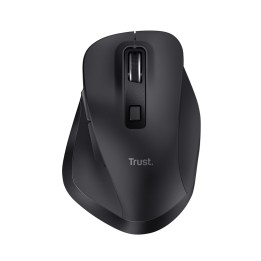
Mysz HP 220 (czerwona)
Opis produktu
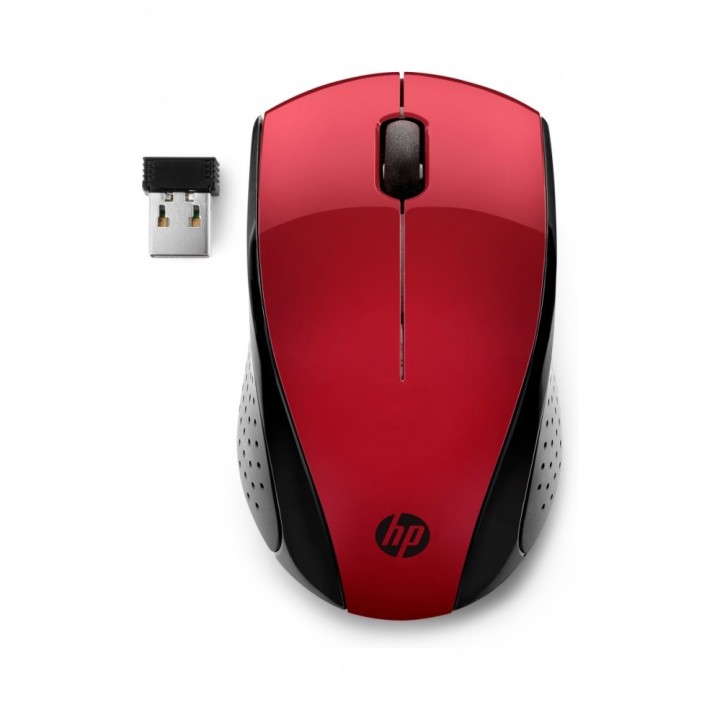
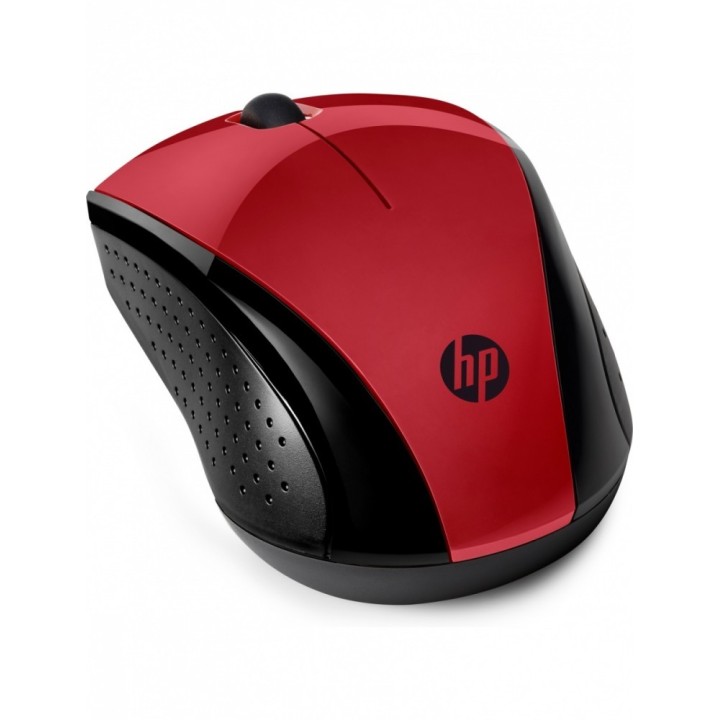
HP Wireless Mouse 220 S to bezprzewodowa mysz optyczna zaprojektowana do codziennej pracy przy komputerze i laptopie. Model oferuje precyzyjny sensor o rozdzielczości 1600 DPI, co pozwala na dokładne sterowanie kursorem przy zadaniach biurowych i multimedialnych.
Konstrukcja symetryczna (ambidextrous) zapewnia komfort użytkowania dla osób prawo- i leworęcznych. Prosty, funkcjonalny układ przycisków i kompaktowe wymiary ułatwiają obsługę oraz przenoszenie urządzenia.
Łączność radiowa (RF) umożliwia pracę bez przewodów, zapewniając swobodę ruchu bez konieczności stosowania kabla. Urządzenie jest przeznaczone do typowych zastosowań komputerowych, gdzie liczy się wygoda i precyzja kontroli kursora.
Specyfikacja
- Gwarancja producenta: 24 miesiące
- Interfejs: radiowy (nano odbiornik USB)
- Wymiary: 95 x 58,5 x 34 mm
- Kolor: czerwony
- Masa: 78 g
- Komunikacja: bezprzewodowa
- Rodzaj sensora: optyczny
- Zasilanie: 1 x AAA
- Ilość przycisków: 3
Szczegóły produktu
- Marka HP Inc.
- Kod produktu 6610fca831376fee776501e0
- Dostępność 5 Przedmioty
- EAN13 0193905408610
- MPN 7KX10AA
Specyfikacja
- Sposób połączenia Bezprzewodowe
- Typ sensora Optyczny
- Maksymalna czułość (DPI) 1600 DPI
- Profil dłoni Uniwersalny
- Liczba przycisków (szt.) 3 szt.
- Masa (g) 80 g
Producent
Producent
HP Inc Polska Sp. z o.o.
ul. Szturmowa 2a 02-678 Warszawa Polska
E-mail: support@hp.com
Formularz kontaktowy: https://www.hp.com/us-en/contact-hp/contact.html
Telefon: +1 650-857-1501
Osoba odpowiedzialna w UE
HP Inc Polska sp. z o.o
Plac marsz. Józefa Piłsudskiego 1 00-078 Warszawa Polska
E-mail: support@hp.com
Bezpieczeństwo
Informacje o bezpieczeństwie
List of mouse safety warnings based on the requirements of General Product Safety Regulation (EU) 2023/988 (GPSR): 1. Ergonomics and repetitive movements: I use the mouse ergonomically to avoid strains and injuries. I regularly take breaks to reduce the risk of carpal tunnel syndrome or other problems associated with repetitive movements. 2. Cleaning and Maintenance: I disconnect the mouse from the computer before cleaning. I use a soft, dry cloth to clean my mouse. I avoid using liquids that can get inside the unit and damage it. 3. Cable and Connections: I make sure the mouse cable is properly connected to the computer and is not damaged. A damaged cable may pose a risk of electric shock or cause the mouse to malfunction. 4. Batteries (if applicable): If I use a battery-operated wireless mouse, I use the right type of battery and insert it correctly. I remove the batteries when the mouse is not in use for extended periods of time to prevent leaks and damage. 5. LED lighting (if applicable): I avoid staring at the intense LED light for a long time, which can cause eye strain. 6. Kids: I store my mouse and small items (e.g. batteries) out of reach of children to avoid the risk of ingestion or choking. 7. Recycling: I return the used mouse to the appropriate recycling point to minimize the environmental impact. 8. Usage: I do not use a damaged mouse as this may result in electric shock or injury. 9. Repairs: I do not repair the mouse myself, I give it to the service. 10. Storage: I store the mouse in a dry place, away from moisture and extreme temperatures.
Myszy i trackballe
Ostatnio oglądane
Produkty, które ostatnio zwróciły Twoją uwagę.