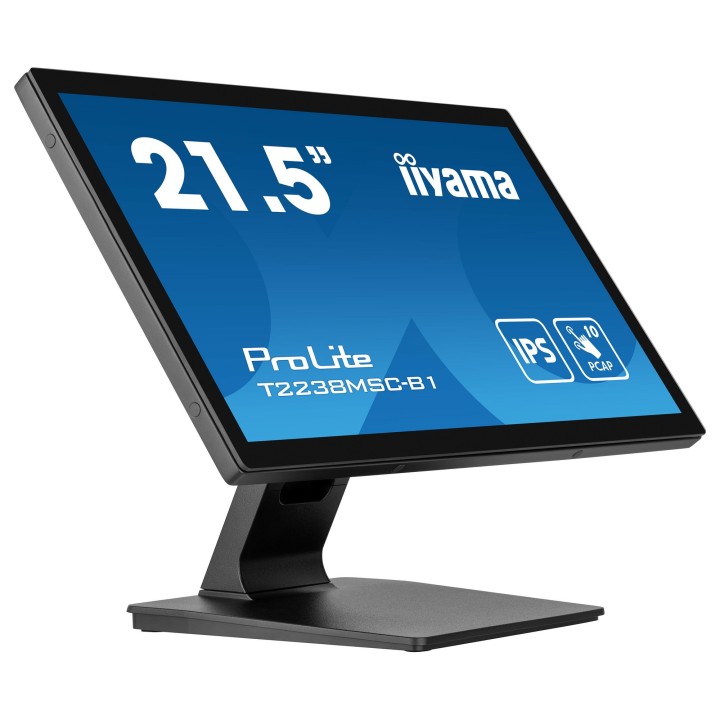
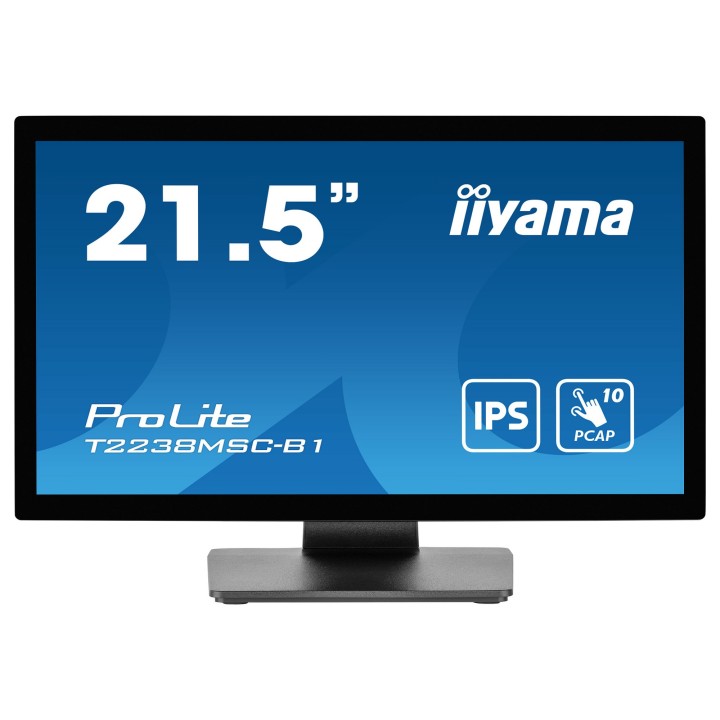
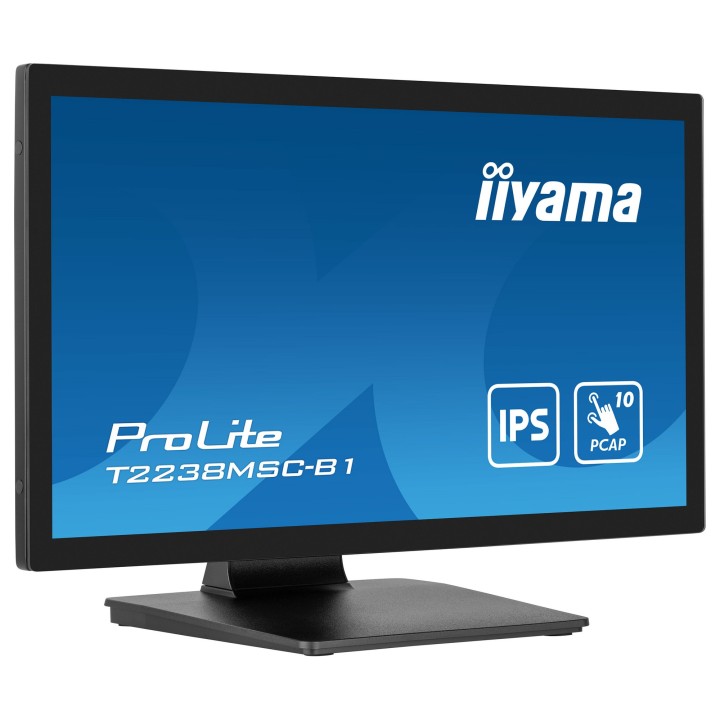
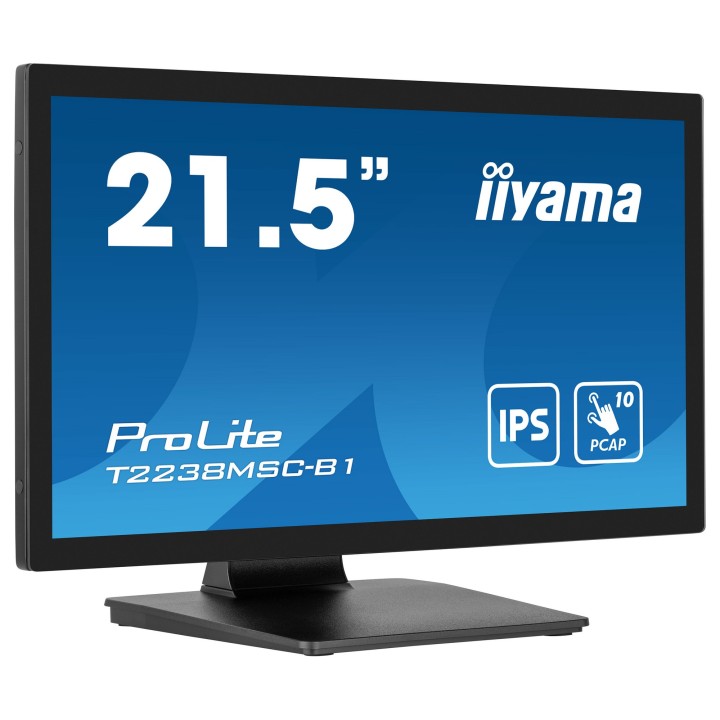
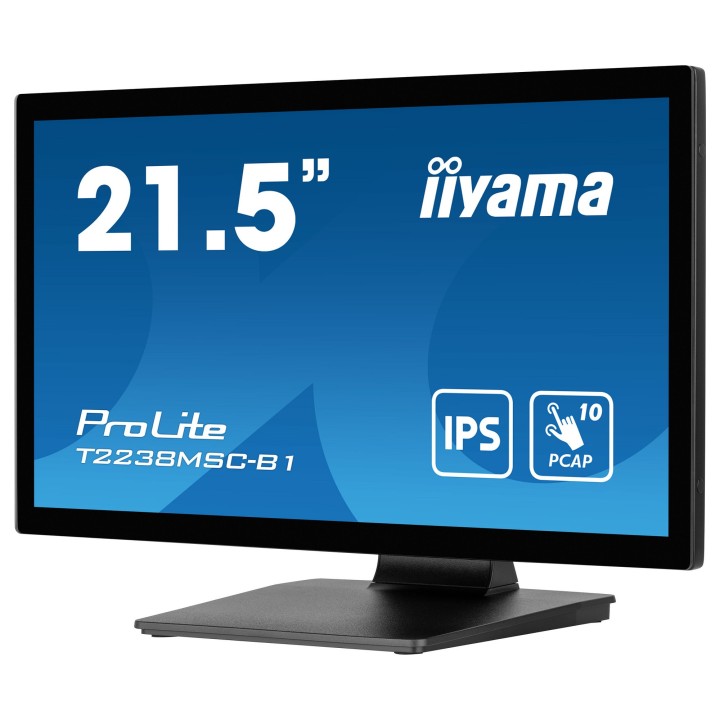
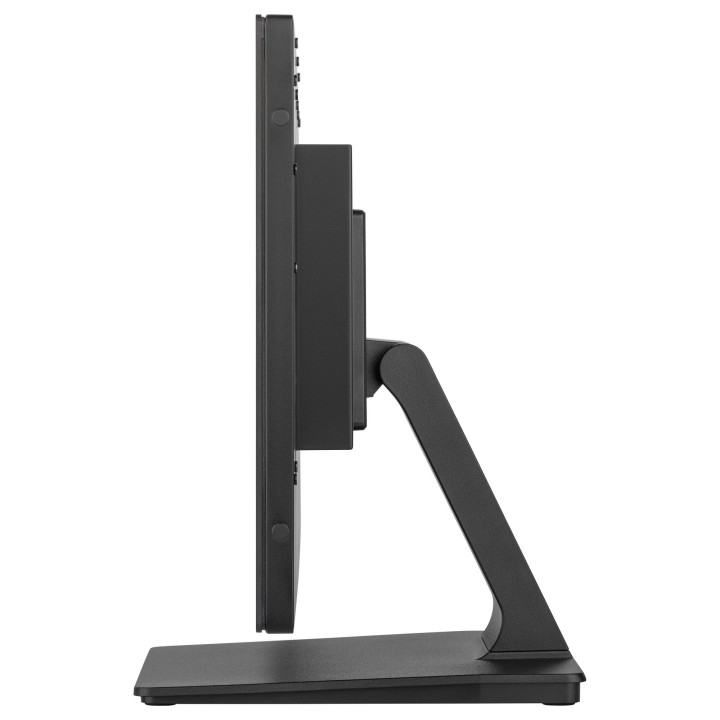
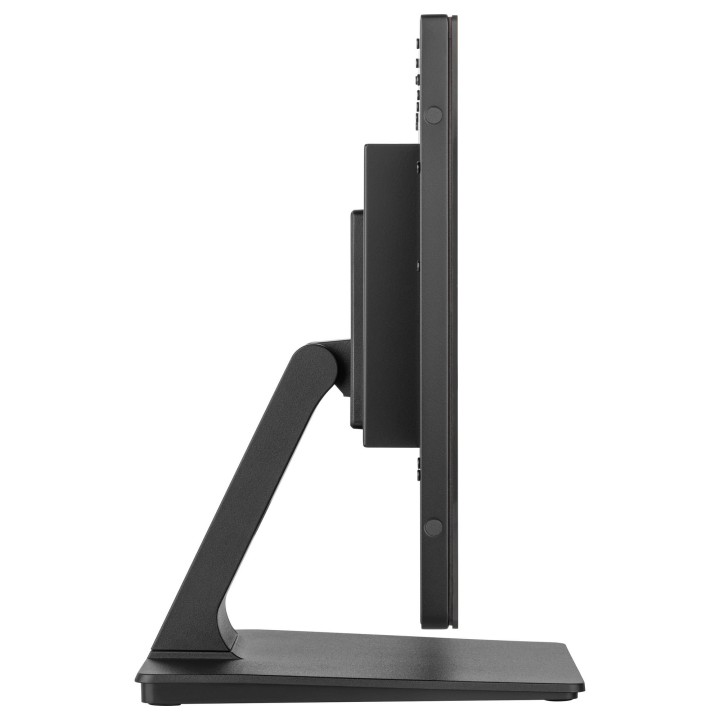
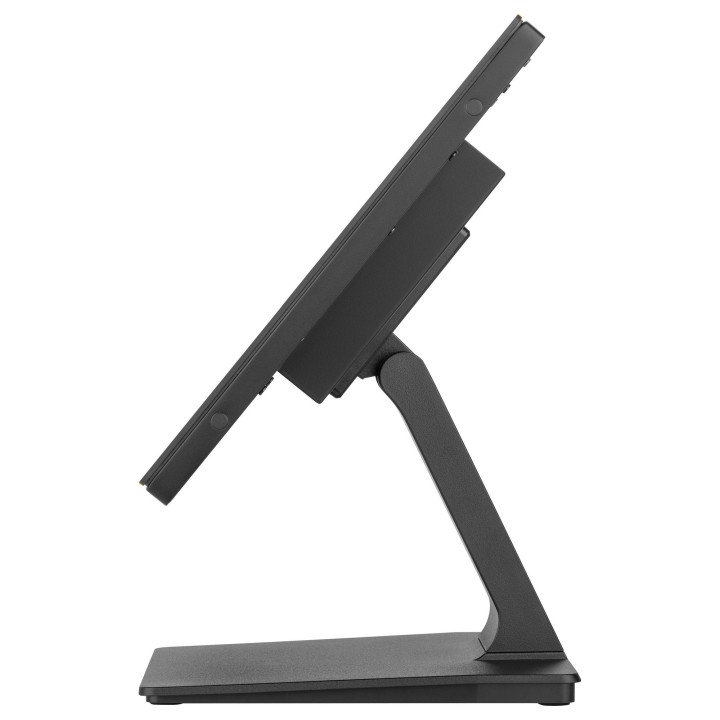
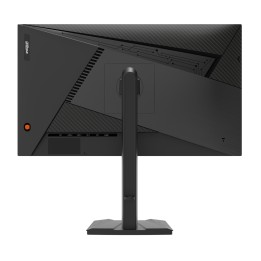
IIYAMA ProLite T2238MSC-B1 21.5" PCAP 10P IPS Full HD DP/HDMI

Cena: 2 358,49 zł
Brutto
Dostępność produktu: Dostępny 13 szt.
Czas dostawy Wysyłka w ciągu 7 dni roboczych
Koszt dostawy Bezpłatna dostawa od 250 zł.

Opis produktu

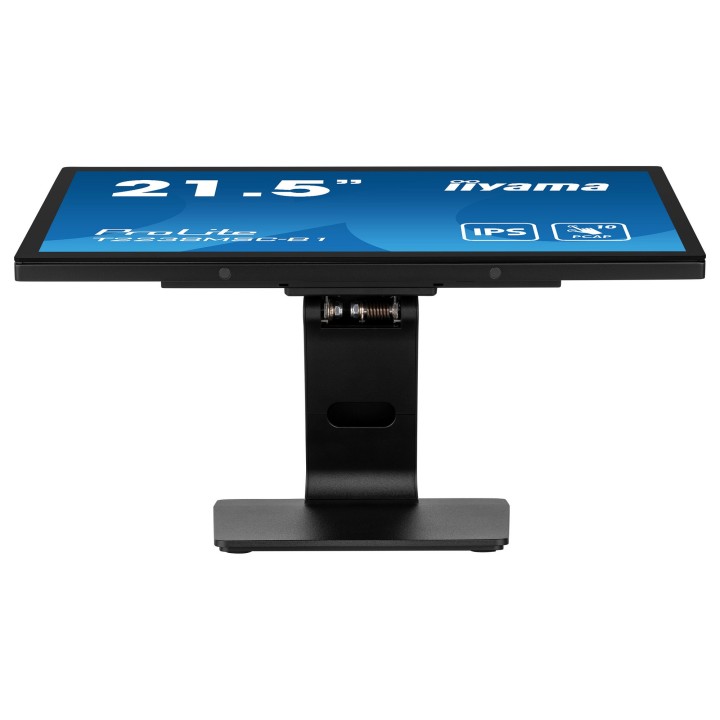
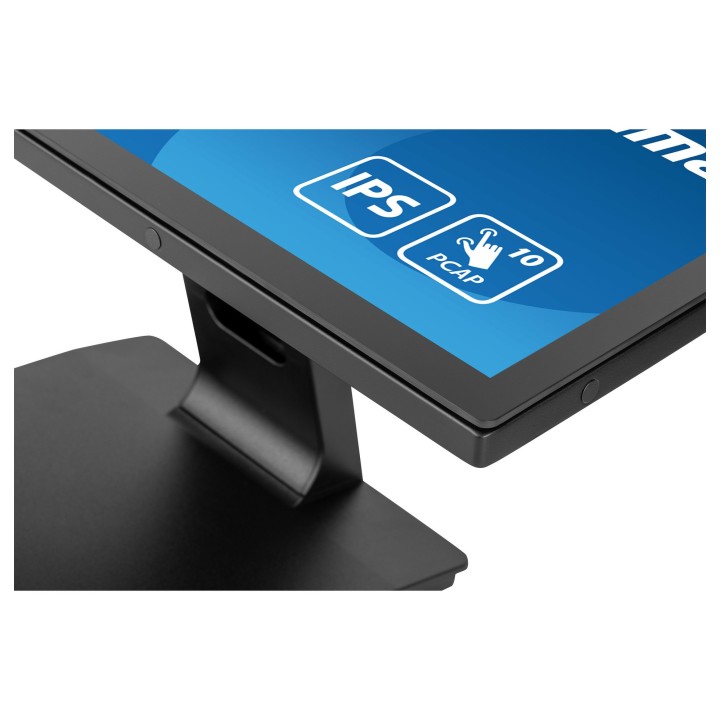
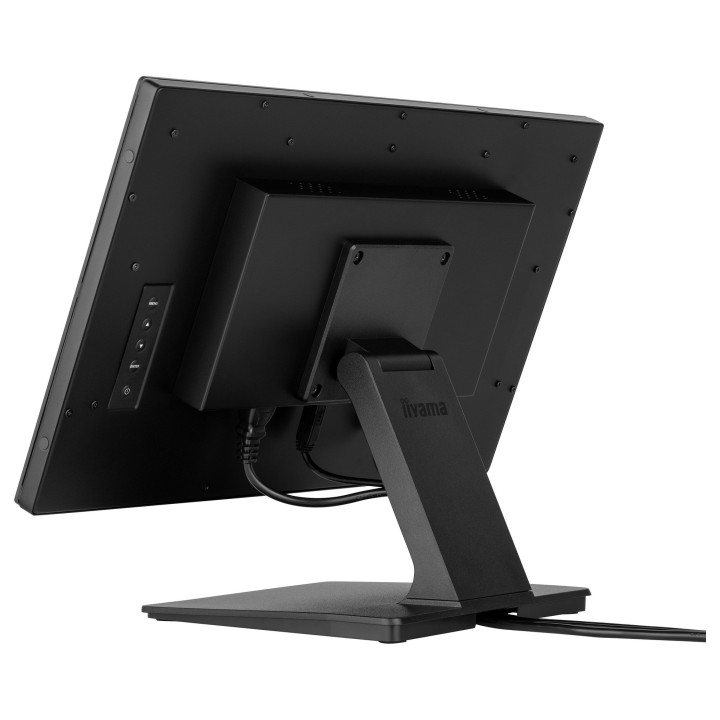
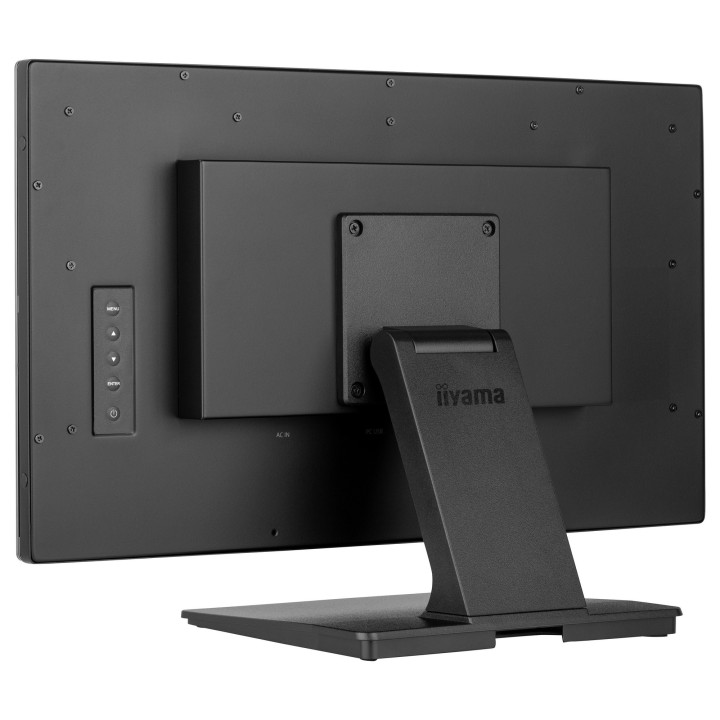
iiyama ProLite T2238MSC-B1 to 21,5-calowy monitor o rozdzielczości Full HD (1920 x 1080) z matrycą IPS, zapewniający szerokie kąty widzenia i wierne odwzorowanie kolorów. Konstrukcja z optycznie zespolonym (optical bonded) panelem dotykowym PCAP oferuje płynne i precyzyjne sterowanie dotykiem do 10 punktów jednocześnie. Urządzenie zostało zaprojektowane do zastosowań interaktywnych i komercyjnych, gdzie wymagana jest trwałość i dokładność reakcji ekranu.

Ekran jest zabezpieczony hartowanym szkłem o twardości 7H z powłoką antyodciskową oraz krawędziowym szkleniem edge-to-edge, co zwiększa odporność na zarysowania i ułatwia czyszczenie powierzchni. Panel obsługuje dotyk przy użyciu palca, rysika oraz rękawicy. Obudowa wykonana z metalu, bezwentylatorowy system chłodzenia i zintegrowane zarządzanie kablami zapewniają cichą pracę i estetyczne prowadzenie przewodów.

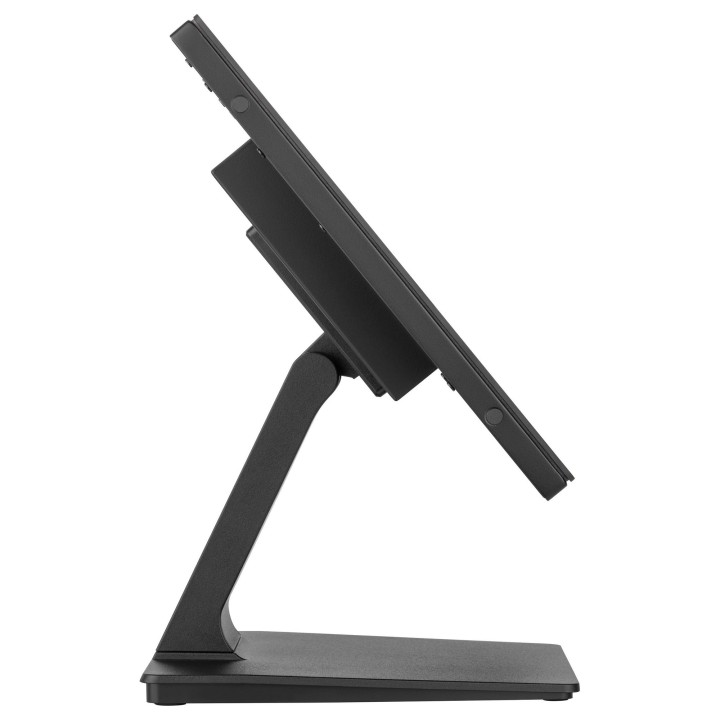
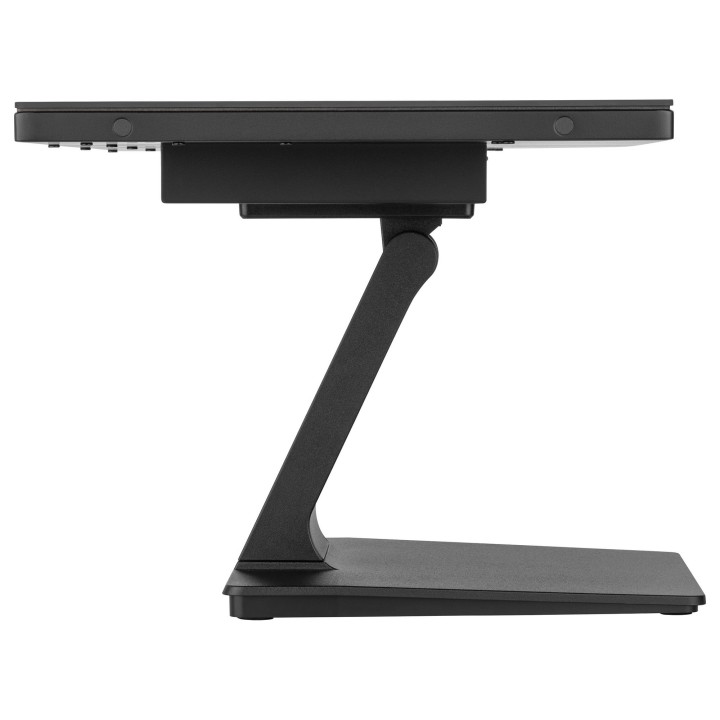
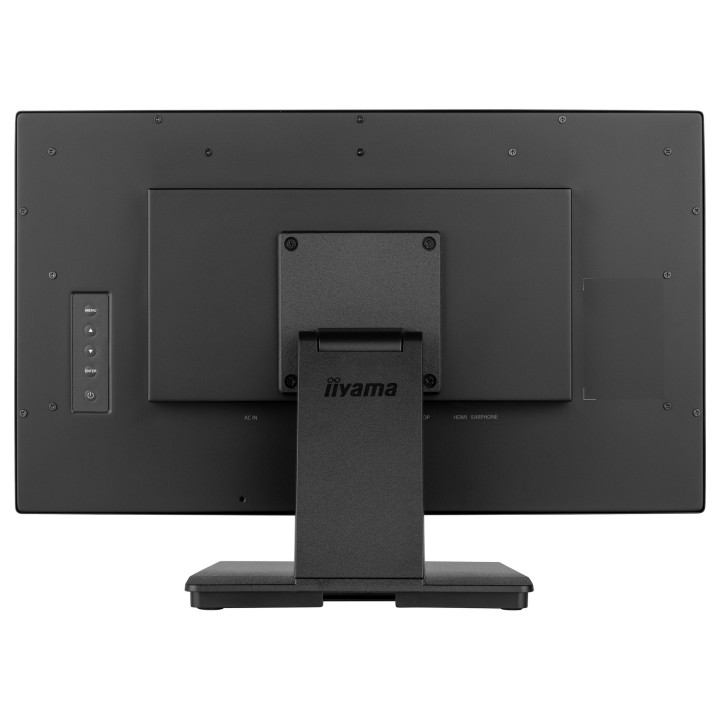
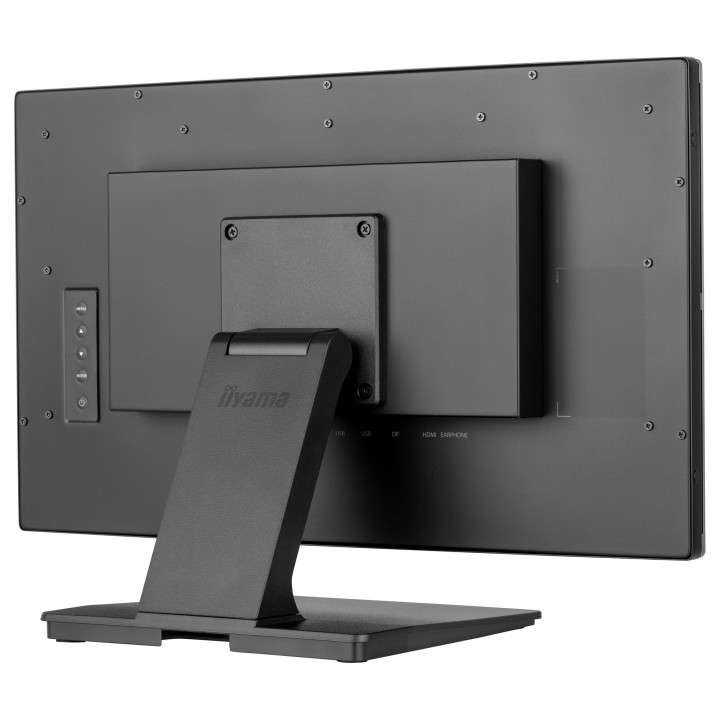
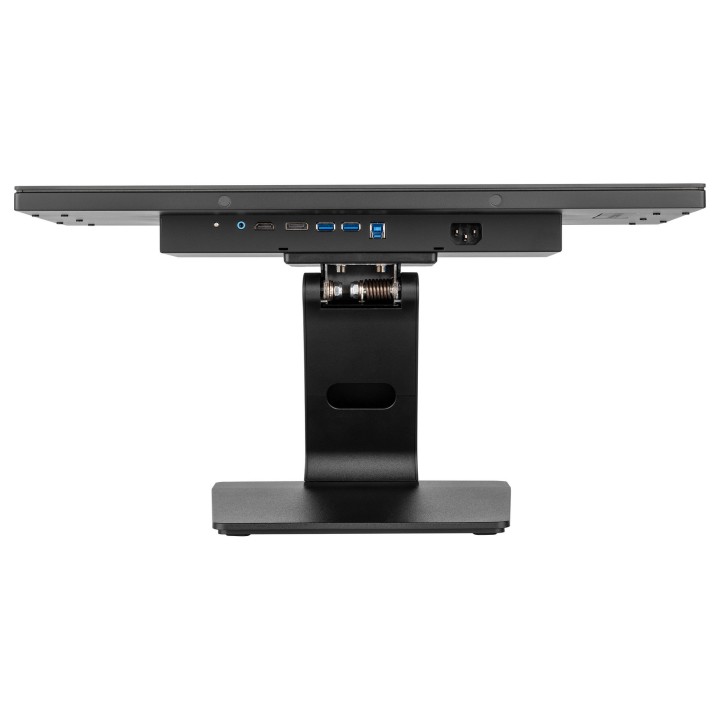
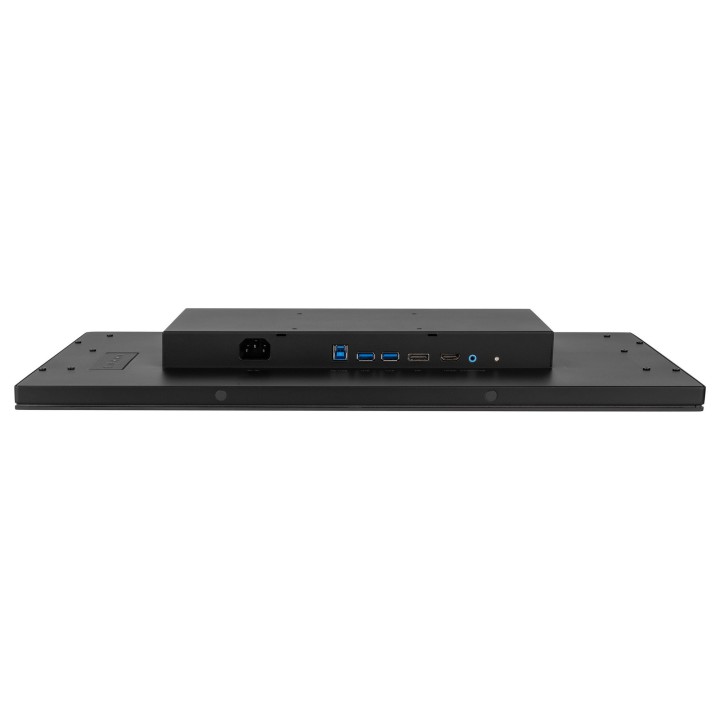
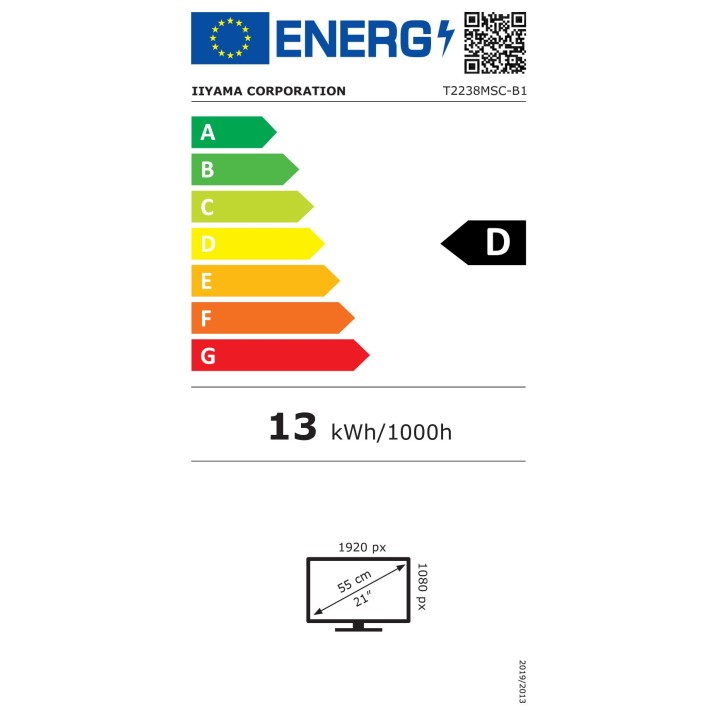
Monitor oferuje bogate możliwości łączności: HDMI, DisplayPort oraz zintegrowany hub USB 3.2 Gen 1 z 2 portami USB Type-A (w tym port do obsługi dotyku). Wbudowane głośniki (2 x 2 W, 4 W RMS) wspierają podstawowe zastosowania multimedialne. Urządzenie posiada standard montażu VESA 100 x 100 mm i może pracować w orientacji poziomej, pionowej oraz w ustawieniu płaskim (face-up). Klasa efektywności energetycznej (SDR) jest oznaczona jako D.

Specyfikacja

  • Przekątna ekranu: 21.5 cala (54.5 cm)
  • Rozdzielczość natywna: 1920 x 1080 (Full HD)
  • Typ panelu: IPS
  • Proporcje obrazu: 16:9
  • Kontrast (typ.): 1000:1
  • Czas reakcji: 5 ms (GTG)
  • Kąty widzenia: 178° poziomo / 178° pionowo
  • Dotyk: PCAP (Optical Bonded) 10-punktowy
  • Metoda dotyku: Palec, rysik, rękawica
  • Powłoka szkła: Edge-to-edge, twardość 7H, powłoka antyodciskowa
  • Grubość szkła: 3.6 mm
  • Aktywna powierzchnia ekranu (S x W): 479 x 260 mm
  • Rozstaw pikseli: 0.249 x 0.249 mm
  • Wbudowane głośniki: 2 x 2 W (4 W RMS)
  • Złącza: HDMI x1, DisplayPort x1, USB 3.2 Gen 1 hub (2 x USB Type-A)
  • HDCP: Tak
  • Montaż VESA: 100 x 100 mm
  • Materiał obudowy: Metal
  • Powierzchnia ekranu: Matowa, antyrefleksyjna
  • Możliwość orientacji: Pozioma, pionowa, ustawienie płaskie (face-up)
  • Klasa efektywności energetycznej (SDR): D
  • Kolor: Czarny mat
  • Szerokość (z podstawą): 512.5 mm
  • Wysokość (z podstawą): 353.5 mm
  • Głębokość (z podstawą): 239.5 mm
  • Waga (z podstawą): 6.8 kg
Szczegóły produktu

  • Marka IIYAMA
  • Kod produktu 66208ee7da403fb0c95523da
  • Dostępność 13 Przedmioty
  • EAN13 4948570122899
  • MPN T2238MSCB1

Specyfikacja

  • Przekątna ekranu (cal) 21,5 cal
  • Czas reakcji GtG (ms) 5 ms
  • Rozdzielczość natywna 1920 × 1080
  • Typ matrycy IPS
  • Częstotliwość odświeżania (Hz) 60 Hz
  • Ekran dotykowy Tak
  • Zakrzywiony ekran Nie
  • Standard VESA 100 × 100

Producent

Producent

IIYAMA International Corporate Headquarters

Wijkermeerstraat 8, 2131 HA Hoofddorp 2131 HA Hoofddorp Netherlands

Formularz kontaktowy: https://iiyama.com/gl_en/support#product-support

Telefon: +31 20 446 0404

Bezpieczeństwo

Informacje o bezpieczeństwie

List of computer monitor safety warnings based on the requirements of General Product Safety Regulation (EU) 2023/988 (GPSR): * Risk to vision: Long-term gazing at the monitor screen may cause eye strain, dry eyes or headaches. * Limit the working time with the monitor. * Take regular breaks. * Maintain proper distance from the screen. * Ensure proper lighting in the room. * Set the brightness and contrast of the monitor to a comfortable level. * Ergonomics: Incorrect position when working with the monitor can lead to back, neck, and shoulder pain. * Set the monitor to the correct height so that the top edge of the screen is at eye level or slightly below. * Use an adjustable chair and desk to ensure an ergonomic position. * Maintain proper posture while sitting. * Risk of electric shock: Improper use or damage to the monitor can lead to electric shock. * Do not use the monitor in humid environments. * Do not touch the monitor with wet hands. * Do not put any items inside the monitor. * If the power cable is damaged, replace it with a new one. * Disconnect the monitor from power before cleaning. * Fire risk: Overheating or short circuiting in the monitor can cause a fire. * Do not cover the ventilation holes of the monitor. * Do not place the monitor near heat sources. * Use only the original power supply that came with your monitor. * If the monitor overheats, disconnect it from power immediately. * Mechanical damage: The fall of the monitor can cause damage and pose a threat to the user. * Set the monitor on a stable surface. * Secure cables to avoid accidental tripping. * For monitor transport, use appropriate protective packaging. * Cleaning: Improper cleaning of the monitor can damage the screen or cause other problems. * Use only a soft, dry cloth to clean the screen. * Do not use cleaning products containing alcohol, ammonia or other corrosive substances. * Disconnect the monitor from power before cleaning. * Disposal: Incorrect disposal of the monitor can pose a threat to the environment. * Return the used monitor to the e-waste collection point. * Do not throw the monitor in a regular trash can. * Children: The monitor is not a toy and should not be used by children without supervision. * Make sure children do not touch the power cables. * Make sure kids don't play around with the monitor packaging. * Repairs: Do not try to repair the monitor yourself. * Any repairs should be done by qualified personnel. * Monitor portability: Be careful when moving your monitor. * Disconnect all cables before moving. * Use appropriate packaging. * Weather conditions: Do not expose the monitor to extreme temperatures or moisture. * Protect your monitor from direct sunlight. * Adjustable settings: Do not use extreme brightness or contrast settings. * These can cause faster eye strain. * Noise: If the monitor makes disturbing noises, turn it off immediately. * Contact the technical service. * Environmental protection: Be sure to turn off the monitor when not in use. * You save energy this way. * Software: Use only the software provided by the manufacturer. * You will avoid compatibility issues.
Ładowanie...
Wróć na górę