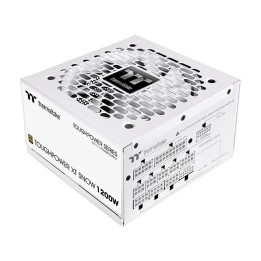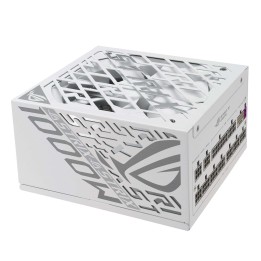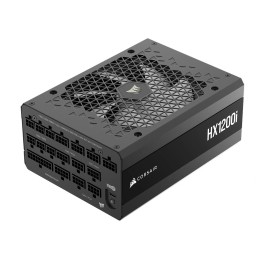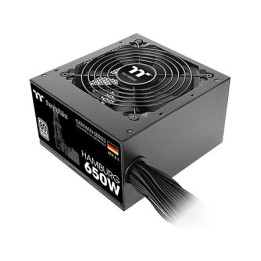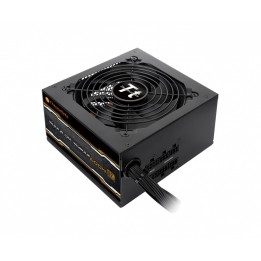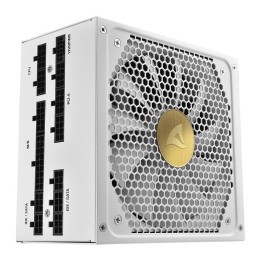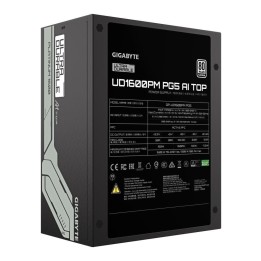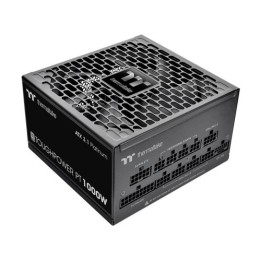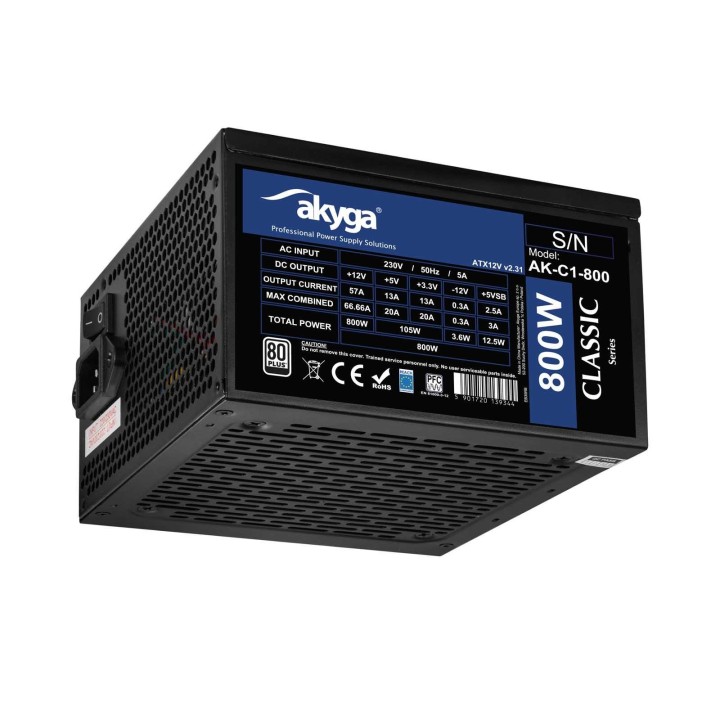
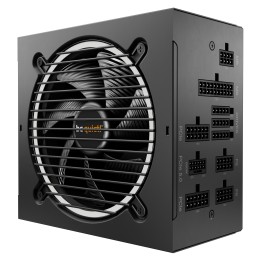
AKYGA ATX Power Supply 800W AK-C1-800 P4+4 2x PCI-E 6+2 pin 6x SATA 3x Molex APFC FAN 12cm

Cena: 284,99 zł
Brutto
Dostępność produktu: Dostępny 2 szt.
Czas dostawy Wysyłka w ciągu 2 dni roboczych
Koszt dostawy Bezpłatna dostawa od 250 zł.

Opis produktu

Zasilacz ATX 800W Akyga AK-C1-800 P4+4 2x PCI-E 6+2 pin 6x SATA 3x Molex APFC FAN 12cm

Szczegóły produktu

  • Marka AKYGA
  • Kod produktu 6629c93bb1eacd0657141397
  • Dostępność 2 Przedmioty
  • EAN13 5901720139344
  • MPN AKC1800

Specyfikacja

  • Format zasilacza ATX
  • Średnica wentylatora (mm) 120 mm
  • Modularność okablowania Brak modularności

Producent

Producent

Akyga Europe Sp. z o.o.

Wrocławska 1C 52-200 Suchy Dwór Polska

E-mail: contact@akyga.com

Telefon: +48 713 644 644

Bezpieczeństwo

Informacje o bezpieczeństwie

List of safety warnings for computer power supplies based on the requirements of General Product Safety Regulation (GPSR) 2023/988 * Risk of electric shock: * Make sure the power supply is properly grounded. * Do not open the power supply housing when it is connected to power. * Do not touch any internal components of the power supply when it is connected to power. * Do not use the power supply in humid or wet environments. * Disconnect the power supply from the power supply before cleaning. * Fire risk: * Do not use a power supply with less power than required by your computer. * Make sure the power supply has adequate surge, short-circuit and thermal protection. * Do not cover the power supply to ensure adequate ventilation. * Do not place the power supply near heat sources. * Regularly inspect power cables for damage. * Explosion risk: * Do not use a power supply that is damaged or has visible signs of damage. * Do not try to repair the power supply yourself. * Use the power supply only for its intended purpose. * Dispose of the power supply according to local regulations. * Risk of injury: * Do not drop the power supply. * Do not disassemble the power supply as it contains live components that can cause electric shock. * Do not expose the power supply to extreme temperatures or moisture. * Before installing the power supply, disconnect the computer from the power supply. * Compatibility and selection: * Make sure the power supply is compatible with the motherboard and other computer components. * Check that the power supply has the right connectors for all components. * Overheating protection: * Provide adequate ventilation in the computer case so that the power supply does not overheat. * Regularly clean the power supply fan from dust. * Installation and use: * Follow the manufacturer's instructions when installing the power supply. * Do not overload the power supply by connecting too many devices to it. * Storage: * Store the power supply in a dry and clean place, away from children. * Cables & Connections: * Make sure all cables are properly connected and not damaged. * Do not use extension cords or adapters that are not intended to be used with the power supply.

Ładowanie...
Wróć na górę