- Nowy
Rozdzielczość QHD
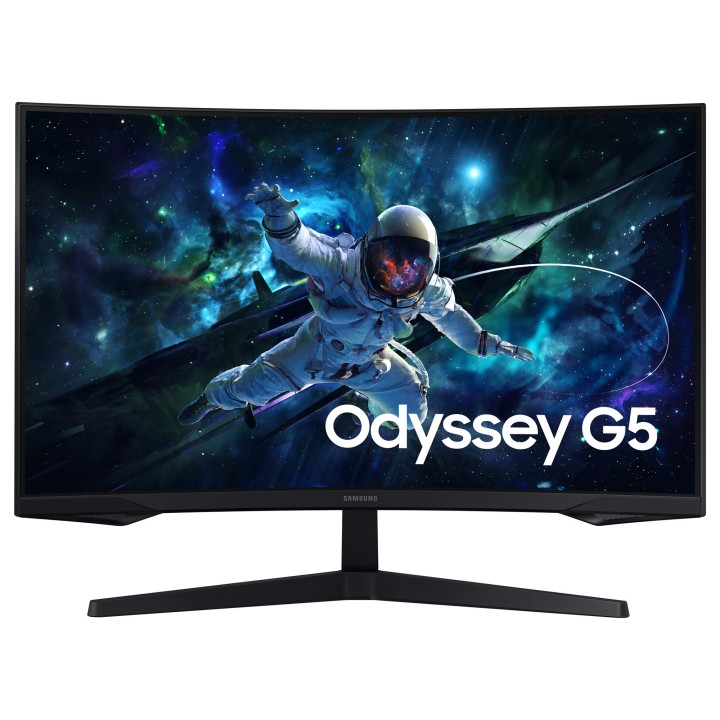
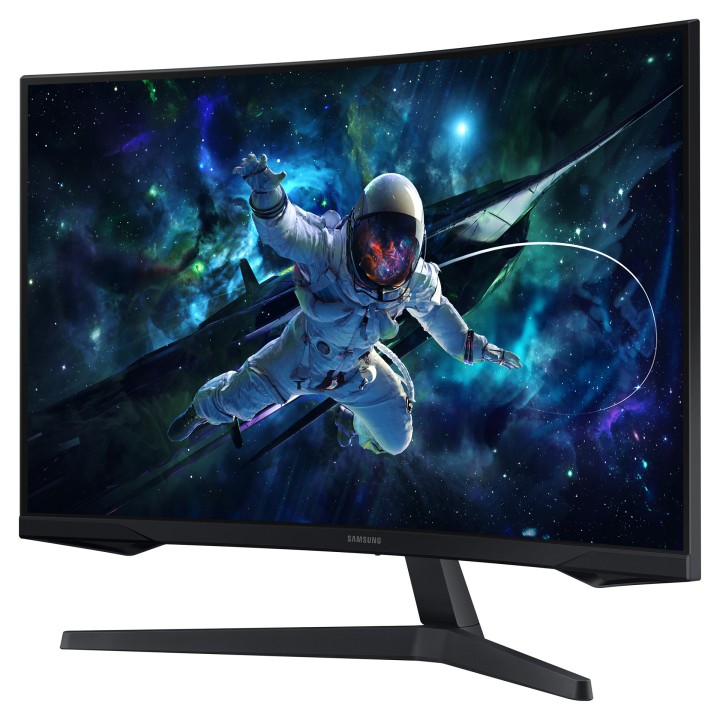
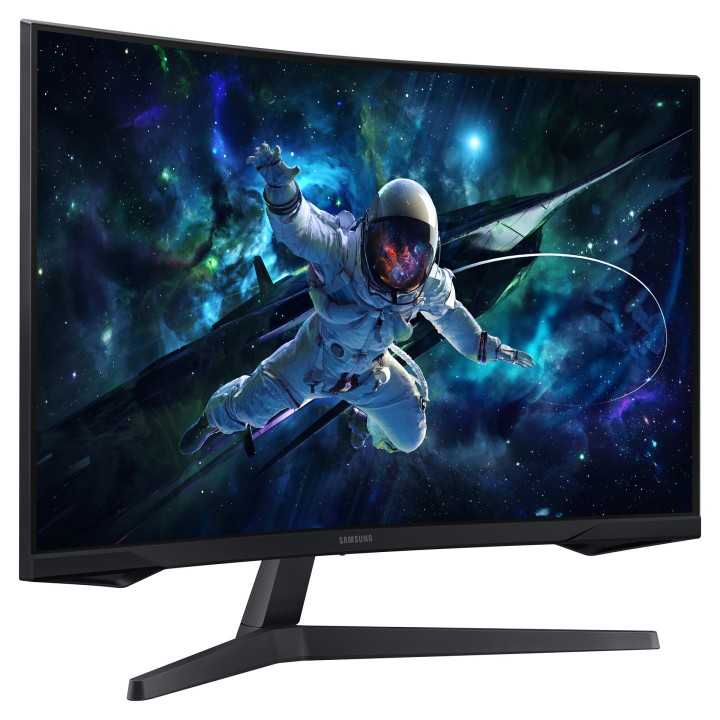
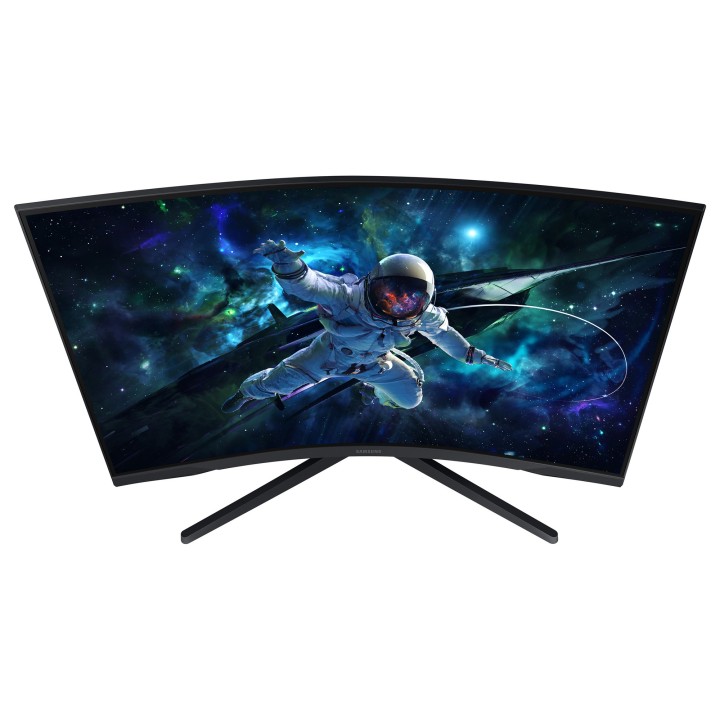
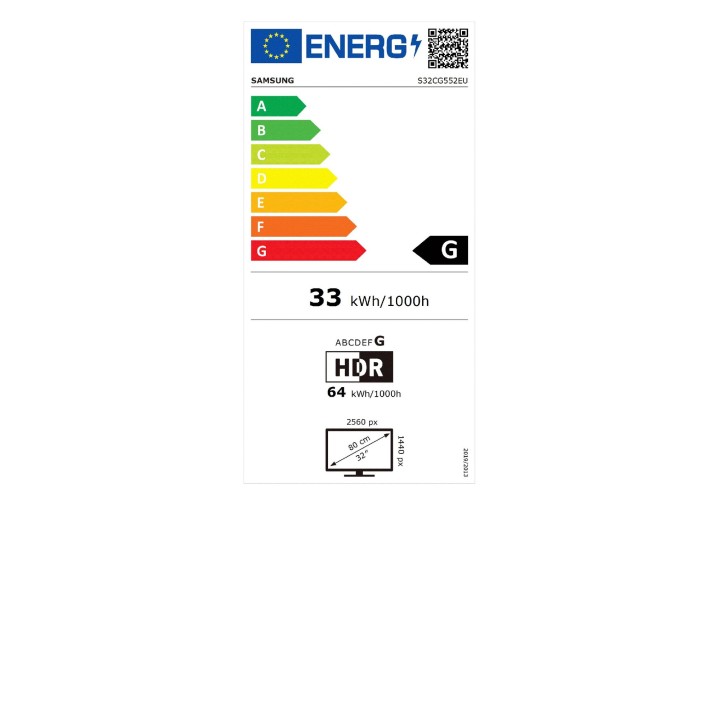
Twój świat gry jest teraz bardziej realistyczny niż dotychczas. Odpowiada za to matryca wzbogacona o 170% więcej pixeli niż Full HD. QHD oddaje każdy obraz z niesamowitą dokładnością a ty odkrywasz pełną przyjemność rozrywki.
Zakrzywienie 1000R
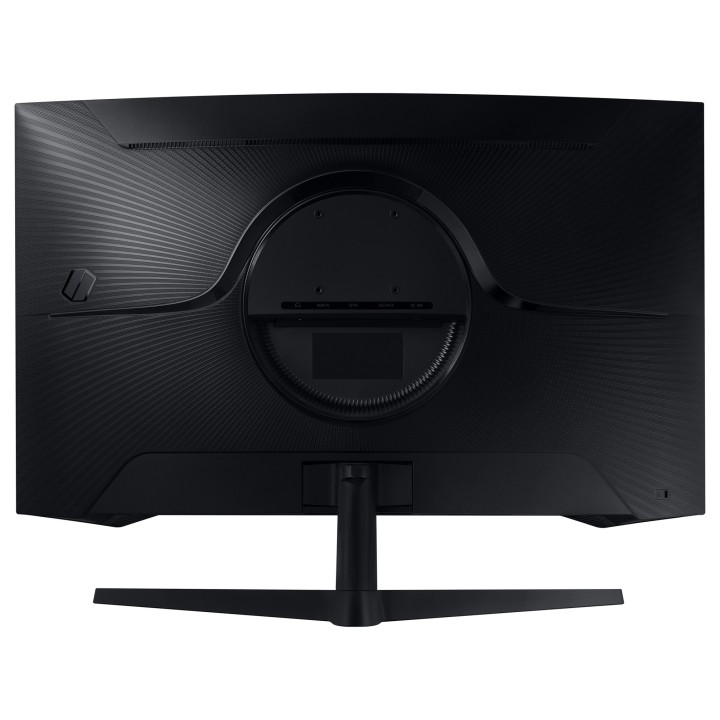
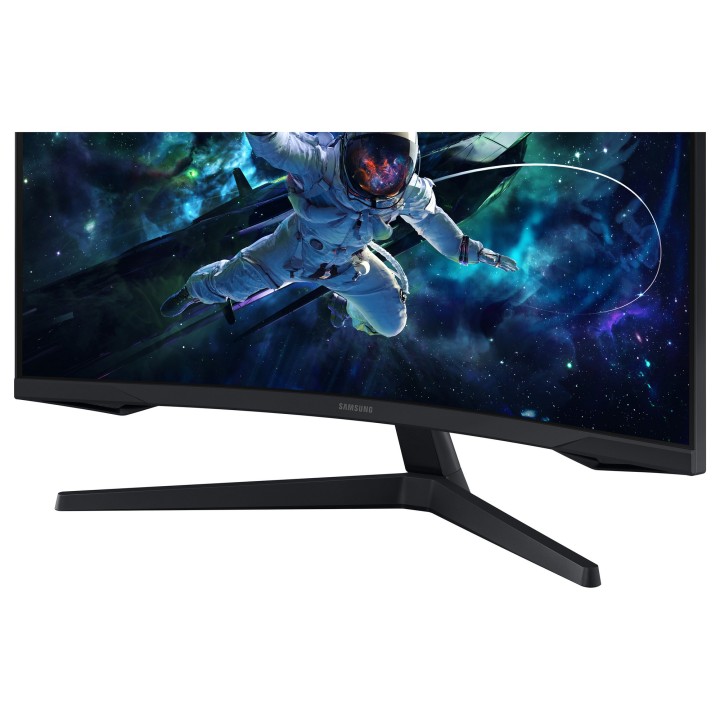
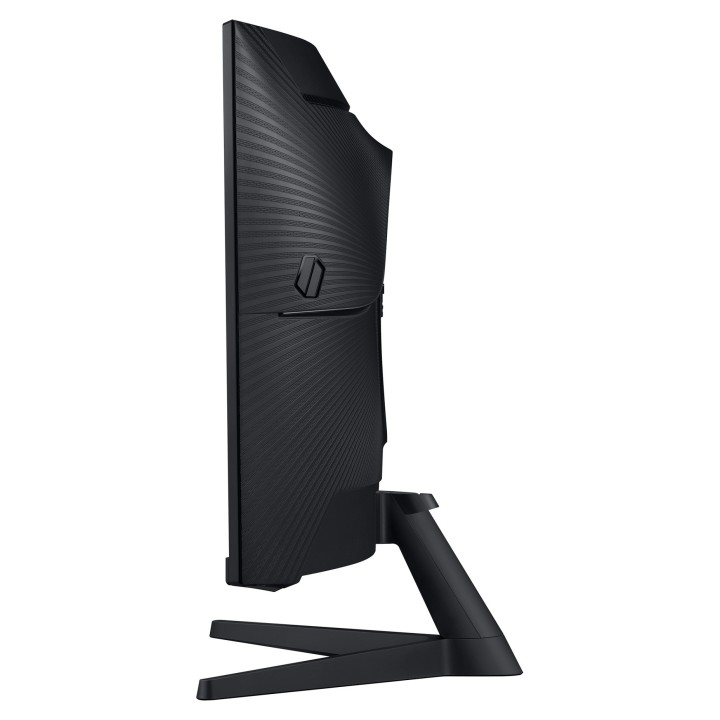
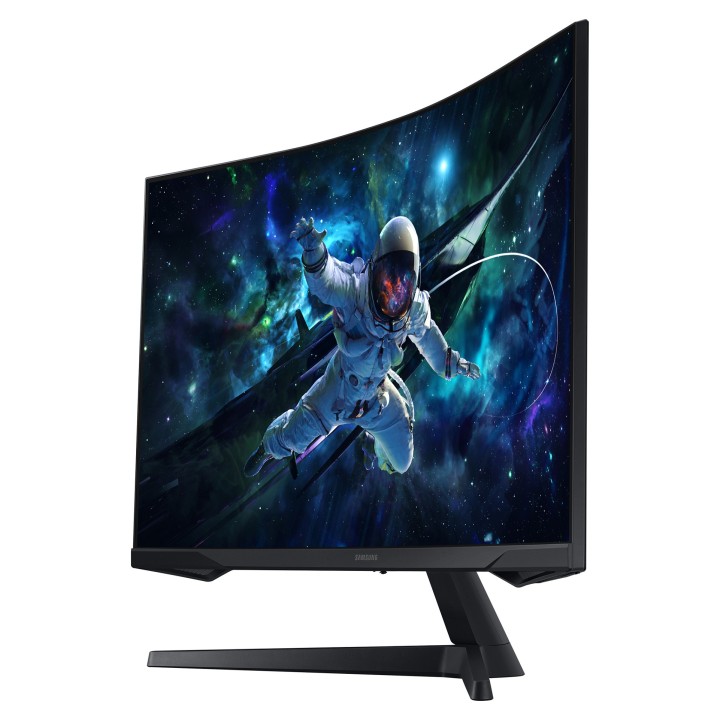
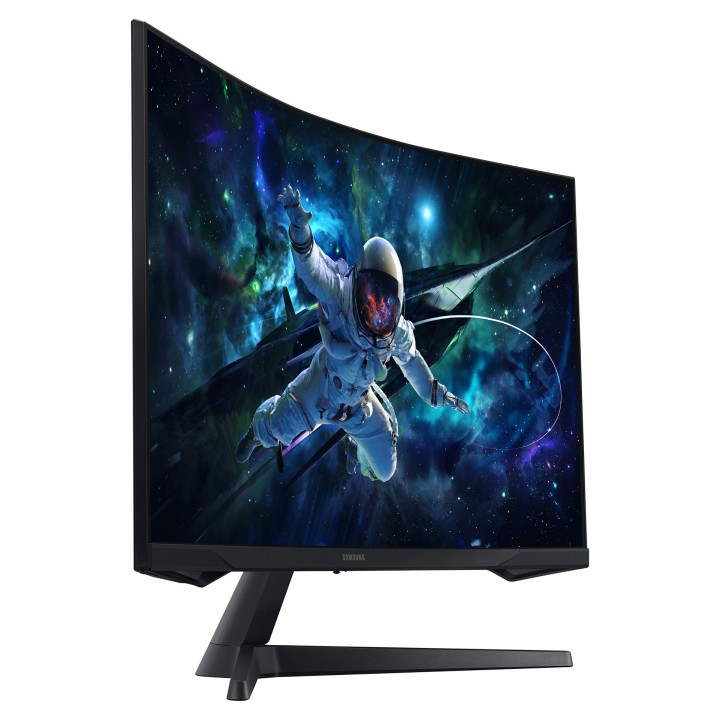
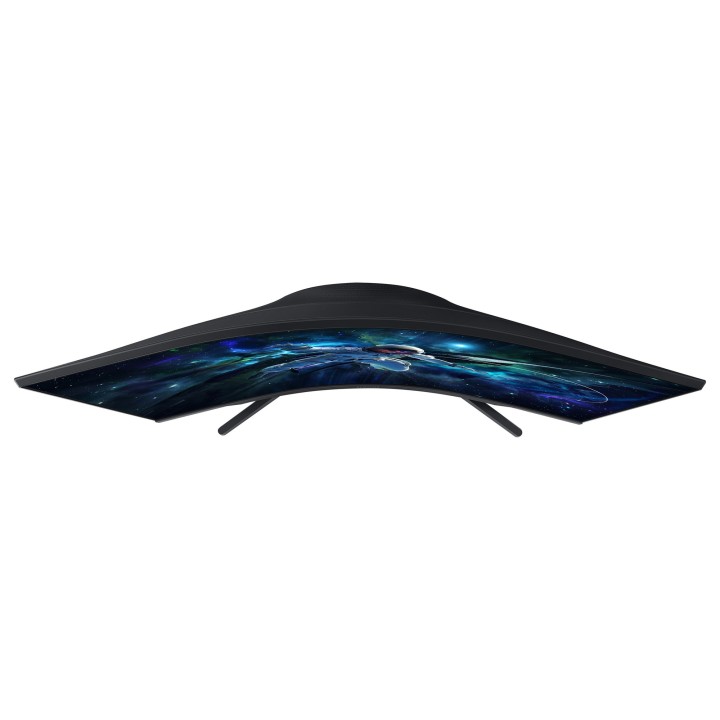
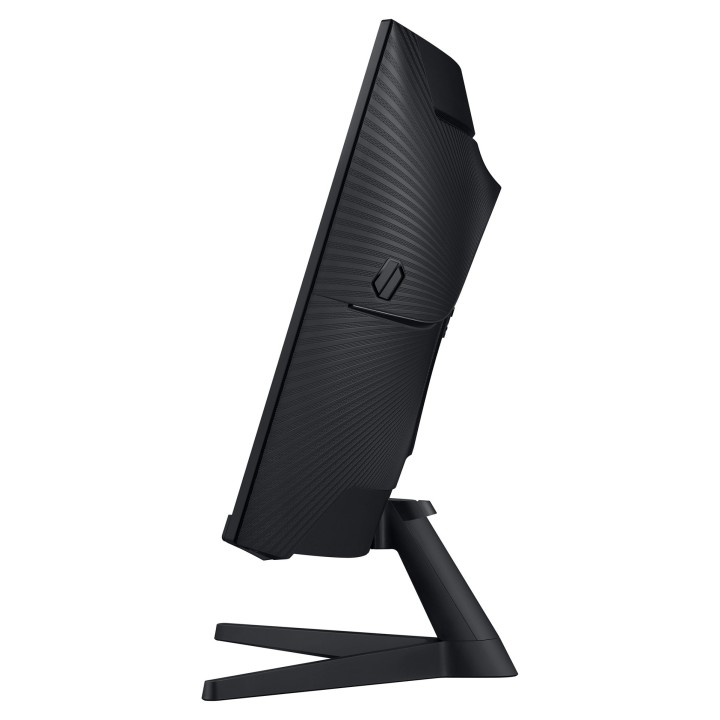
Wyraziste sceny, które rozgrywają się dosłownie wokół Ciebie. Wyświetlacz 1000R całkowicie wypełnia Twoje pole widzenia, sprawiając, że znajdujesz się w samym centrum akcji. Odważ się na pełną immersję i pełną emocji rozgrywkę
Częstotliwość odświeżania 165Hz i czas reakcji 1ms (MPRT)
Jesteś gotów na zwycięstwo? Bez zmagania się z zacinającym się i rozmytym obrazem? Ultrawysoka częstotliwość odświeżania 165Hz idealnie sprawdza się nawet przy niezwykle dynamicznych scenach i superszybkiej akcji. Dzięki wynoszącemu 1 ms (MPRT) czasowi reakcji każdy Twój ruch będzie niezwykle precyzyjny.
AMD FreeSync
Adaptacyjna technologia synchronizacji AMD Radeon FreeSync ogranicza przycinanie się obrazu oraz zmniejsza opóźnienia sygnału wejściowego. Każda scena będzie odtwarzana niezwykle płynnie.
HDR10
Ciesz się zapierającą dech grafiką dzięki HDR10. Pełna gama odcieni w niespotykany dotąd sposób ożywia poszczególne sceny. Odkryj ukryte w cieniu sekrety za sprawą głębokiej czerni, olśniewającej bieli i wyjątkowo wysokiej rozdzielczości.
Eye Saver Mode i Flicker Free Mode dla wypoczętych oczu
Dbaj o wzrok. Eye Saver Mode ogranicza do minimum szkodliwe promieniowane niebieskiego światła. Dodatkowo funkcja Flicker free eliminuje irytujące minimalne drgania obrazu. W rezultacie G5 Odyssey pozwala utrzymać skupienie podczas wielogodzinnej rozgrywki.
SAMSUNG
PO Box 12987 D01F5P Dublin Ireland
Formularz kontaktowy: https://www.samsung.com/pl/support/
List of computer monitor safety warnings based on the requirements of General Product Safety Regulation (EU) 2023/988 (GPSR): * Risk to vision: Long-term gazing at the monitor screen may cause eye strain, dry eyes or headaches. * Limit the working time with the monitor. * Take regular breaks. * Maintain proper distance from the screen. * Ensure proper lighting in the room. * Set the brightness and contrast of the monitor to a comfortable level. * Ergonomics: Incorrect position when working with the monitor can lead to back, neck, and shoulder pain. * Set the monitor to the correct height so that the top edge of the screen is at eye level or slightly below. * Use an adjustable chair and desk to ensure an ergonomic position. * Maintain proper posture while sitting. * Risk of electric shock: Improper use or damage to the monitor can lead to electric shock. * Do not use the monitor in humid environments. * Do not touch the monitor with wet hands. * Do not put any items inside the monitor. * If the power cable is damaged, replace it with a new one. * Disconnect the monitor from power before cleaning. * Fire risk: Overheating or short circuiting in the monitor can cause a fire. * Do not cover the ventilation holes of the monitor. * Do not place the monitor near heat sources. * Use only the original power supply that came with your monitor. * If the monitor overheats, disconnect it from power immediately. * Mechanical damage: The fall of the monitor can cause damage and pose a threat to the user. * Set the monitor on a stable surface. * Secure cables to avoid accidental tripping. * For monitor transport, use appropriate protective packaging. * Cleaning: Improper cleaning of the monitor can damage the screen or cause other problems. * Use only a soft, dry cloth to clean the screen. * Do not use cleaning products containing alcohol, ammonia or other corrosive substances. * Disconnect the monitor from power before cleaning. * Disposal: Incorrect disposal of the monitor can pose a threat to the environment. * Return the used monitor to the e-waste collection point. * Do not throw the monitor in a regular trash can. * Children: The monitor is not a toy and should not be used by children without supervision. * Make sure children do not touch the power cables. * Make sure kids don't play around with the monitor packaging. * Repairs: Do not try to repair the monitor yourself. * Any repairs should be done by qualified personnel. * Monitor portability: Be careful when moving your monitor. * Disconnect all cables before moving. * Use appropriate packaging. * Weather conditions: Do not expose the monitor to extreme temperatures or moisture. * Protect your monitor from direct sunlight. * Adjustable settings: Do not use extreme brightness or contrast settings. * These can cause faster eye strain. * Noise: If the monitor makes disturbing noises, turn it off immediately. * Contact the technical service. * Environmental protection: Be sure to turn off the monitor when not in use. * You save energy this way. * Software: Use only the software provided by the manufacturer. * You will avoid compatibility issues.