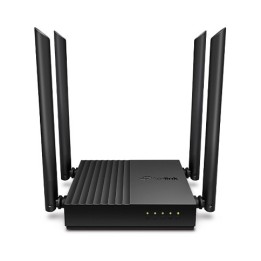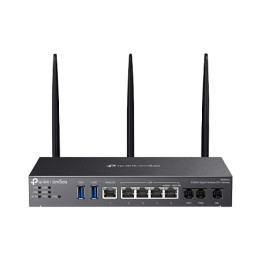
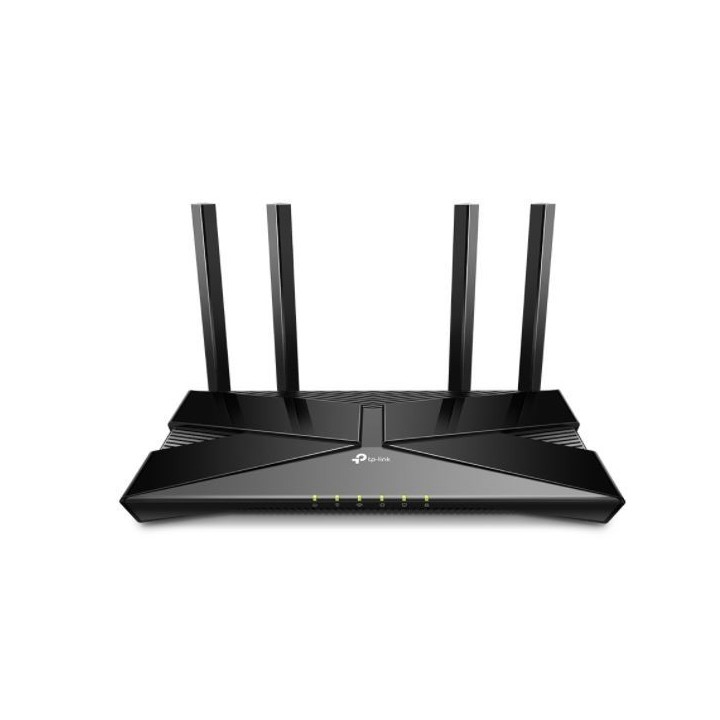
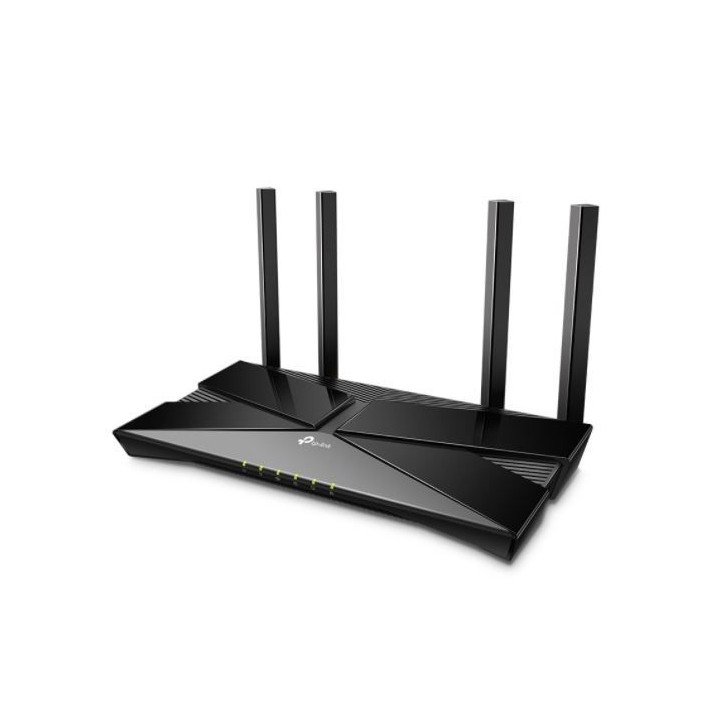
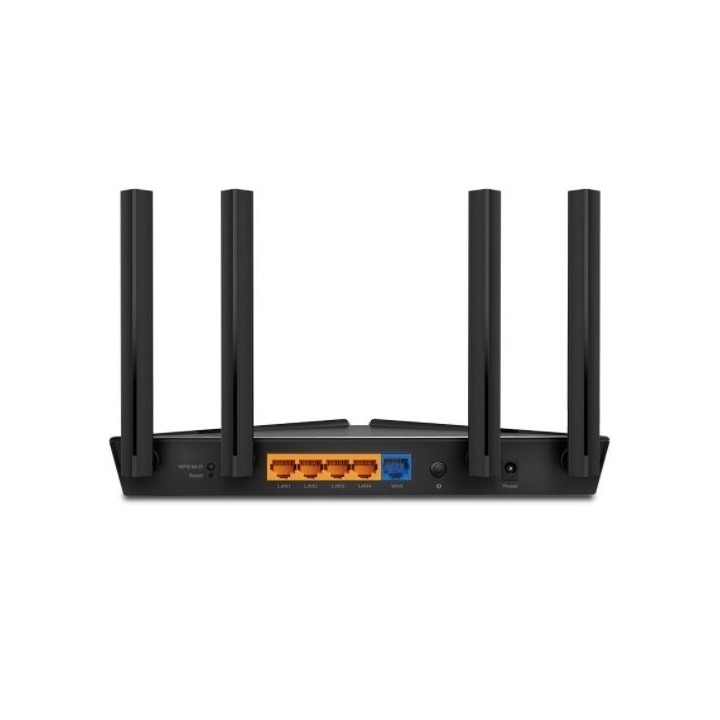
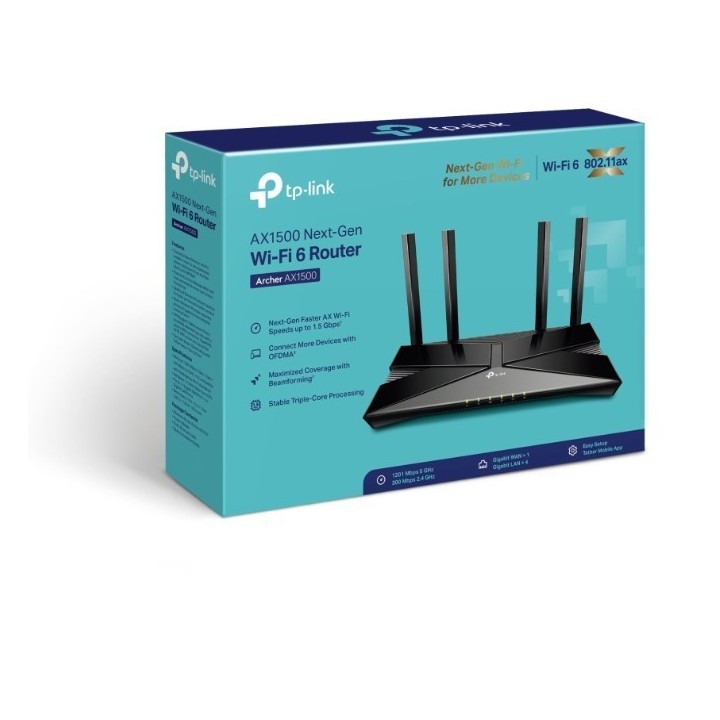
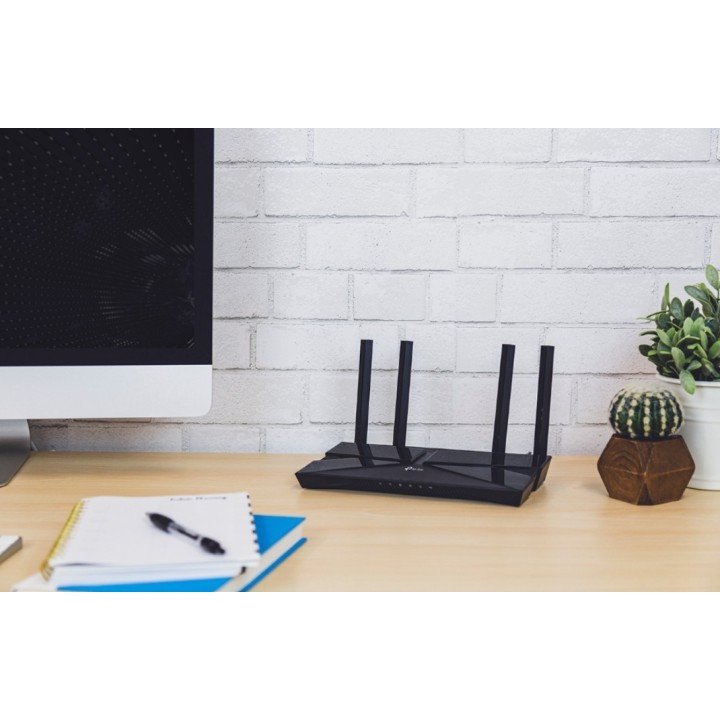
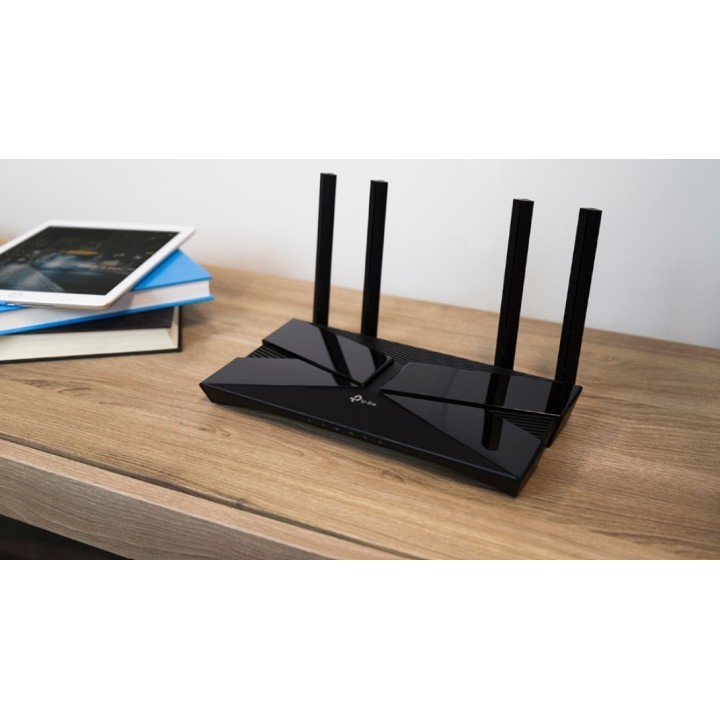
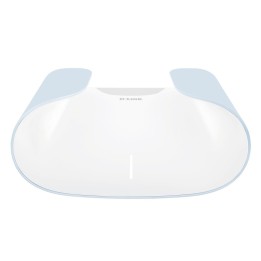
Router Archer AX1500 4LAN WiFi AX1500
Opis produktu
Archer AX1500
Router Wi-Fi 6 AX1500 z trzyrdzeniowym procesorem
- Technologia Wi-Fi 6: Archer AX1500 korzysta z najnowszej technologii łączności bezprzewodowej - Wi-Fi 6 - aby zapewniać większe prędkości i lepszą wydajność oraz zmniejszyć przestoje do minimum.
- 1,5 Gb/s, prędkości nowej generacji: dwupasmowy router Archer AX1500 oferuje zawrotne prędkości, osiągające nawet 1,5 Gb/s (1201 Mb/s w paśmie 5 GHz oraz 300 Mb/s w paśmie 2,4 GHz).
- Podłącz więcej urządzeń: technologie OFDMA i MU-MIMO umożliwiają podłączenie do sieci bezprzewodowej większej liczby urządzeń i widocznie zmniejszają opóźnienia w transmisji.
- Trzyrdzeniowy procesor: Procesor o taktowaniu 1.5GHz zapewnia płynne połączenia routera z wszystkimi urządzeniami.
- Niezawodny zasięg: Osiągnij najmocniejszy i najbardziej niezawodny zasięg WiFi z Archerem AX1500, który ma cztery anteny i używa technologii kształtowania wiązki (Beamforming).
- Dłuższa praca na baterii: Technologia Target Wake Time redukuje zużycie energii Twoich urządzeń i wydłuża ich czas pracy na baterii.
- Łatwa konfiguracja: dzięki aplikacji Tether dostępnej na urządzenia mobilne z systemem iOS oraz Android, konfiguracja sieci trwa zaledwie kilka minut.
- Wsteczna kompatybilność: Archer AX1500 wspiera wszystkie poprzednie standardy 802.11 i wszystkie urządzenia WiFi.
Specyfikacja
- Model: Archer AX1500
- Typ routera: xDSL
- Architektura sieci (switche): GigabitEthernet
- Porty we/wy (sieciówka drobna): 1 x WAN (RJ-45)
- Standardy sieciowe: 802.11ax
- Pasma (sieci drobne): 2,4 GHz
- Liczba anten (sieci drobne): 4
- Antena (sieci drobne): Zewnętrzna stała
- Bezpieczeństwo: Szyfrowanie sieci WiFi: WEP, WPA, WPA2, WPA/WPA2-Enterprise (802.1x) Ochrona sieci: Zapora sieciowa SPI, Kontrola dostępu, Wiązanie adresów IP i MAC, Application Layer Gateway Funkcja Guest Network: Sieć dla gości 5 GHz, Sieć dla gości 2,4 GHz Serwer VPN: OpenVPN, PPTP
- Zasilanie: 12 V, 1 A
- Oprogramowanie: Kontrola rodzicielska: Filtrowanie adresów URL, Czasowe ograniczenia dostępu Typy sieci WAN: Dynamiczne przydzielanie adresów IP, Statyczne przydzielanie adresów IP, PPPoE, PPTP, L2TP Quality of Service: Priorytety QoS dla urządzeń Usługa Cloud: Automatyczne aktualizacje firmware'u, Aktualizacje OTA firmware'u, TP-Link ID, DDNS Przekierowywanie NAT: Port Forwarding, Port Triggering, DMZ, UPnP, IPTV: IGMP Proxy, IGMP Snooping, Bridge, VLAN tagowany DHCP: Rezerwacja adresów, Lista klientów DHCP, Serwer DDNS: TP-Link, NO-IP, DynDNS
- Wymagania sprzętowe: Wymagania systemowe: Internet Explorer 11+, Firefox 12.0+, Chrome 20.0+, Safari 4.0+ lub inna przeglądarka z włączoną obsługą JavaScript
- Akcesoria w zestawie: Router Wi-Fi Archer AX1500 Zasilacz Kabel Ethernet RJ45 Instrukcja szybkiej instalacji
- Kolor (wyliczeniowy): Czarny
- Wymiary: 260.2 × 135.0 × 38.6 mm
- Pozostałe parametry: Środowisko pracy: Dopuszczalna temperatura pracy: 0~40°C, Dopuszczalna temperatura przechowywania: -40~70°C, Dopuszczalna wilgotność powietrza: 10%~90%, bez kondensacji Dopuszczalna wilgotność przechowywania: 5%~90%, bez kondensacji
- Uwaga: CE+WEEE
Szczegóły produktu
- Marka TP-LINK
- Kod produktu 6635a610d67ec4bdf9aa9151
- Dostępność 20 Przedmioty
- EAN13 6935364085193
- MPN Archer AX1500
Specyfikacja
- Rodzaj urządzenia Router xDSL
-
Pasma Wi-Fi
2.4 GHz
5 GHz
Producent
Producent
TP-Link Polska Sp. z o.o.
Ożarowska 40/42 05-850 Duchnice Polska
E-mail: info.pl@tp-link.com
Telefon: +48 22 360 63 63
Osoba odpowiedzialna w UE
TP-Link
Ożarowska 40/42 05-850 Duchnice Polska
E-mail: office.poland@tp-link.com
Telefon: +48 22 360 63 00
Bezpieczeństwo
Informacje o bezpieczeństwie
List of safety warnings for WiFi and Access Point Routers based on the requirements of Regulation (EU) 2023/988 on General Product Safety (GPSR) 1. Risk of electric shock: * Make sure that the device is connected to a working socket with grounding. * Do not touch the plug or cable with wet hands. * Avoid using the device in places with high humidity. 2. Risk of overheating: * Provide adequate ventilation while maintaining at least 5 cm of free space around the device. * Do not block ventilation openings. 3. Fire risk: * Use only original power supplies and accessories recommended by the manufacturer. * Do not leave the device on unattended near flammable materials. 4. Hazards at high temperatures: * Do not expose the device to direct sunlight. * Avoid using the router at temperatures above the recommended range (usually 5-35°C). 5. Risk of damage during cleaning: * Before cleaning, disconnect the device from the power supply and use a soft, slightly damp cloth. * Avoid using strong detergents that can damage the surface of the device. 6. Warnings for children: * Keep power cables out of reach of children. * Make sure that children do not play with the device or accessories that can be dangerous. 7. Regularly check the technical condition of the device: * Check the condition of the device regularly for mechanical damage, cracks or other defects. * Do not use the device if it has visible mechanical damage. 8. Use in humid environments * Avoid using your router in the bathroom, in the rain or in other humid environments 9. Interference with other devices * Using a router near medical devices such as pacemakers can cause electromagnetic interference. * Keep a distance of at least 15 cm between your router and medical devices. 10. Regular maintenance * Failure to regularly clean ports and sockets can lead to damage or failure. * Clean ports and sockets regularly using a dry and clean cloth, avoiding moisture input. 11. Risk of loss of water resistance * Do not immerse in water if it is not waterproof. 12. Electromagnetic interference * Smartwatches can interfere with medical devices such as pacemakers. 13. Small parts: * Components of the device, can be swallowed by children. * Keep your device and its accessories out of reach of children. Do not allow children to use the device themselves without supervision. 14. Risk of battery damage * Improper use, such as overheating or using a non-original charger, can lead to battery damage and, in extreme cases, to battery explosion. * Charge your device at room temperature and use only original accessories. Do not expose your smartwatch to high temperatures. 15. Maintenance and cleaning * Impurities such as sweat or dirt can cause discomfort and damage to materials. * Clean your smartwatch and strap regularly with a soft, damp cloth. Avoid using harsh chemicals.
Routery Wi-Fi i Access Pointy
Ostatnio oglądane
Produkty, które ostatnio zwróciły Twoją uwagę.