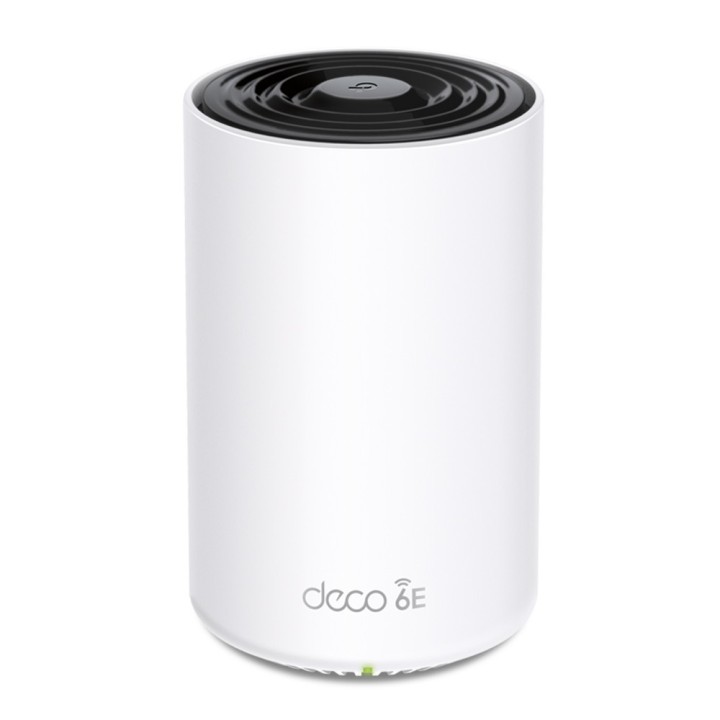
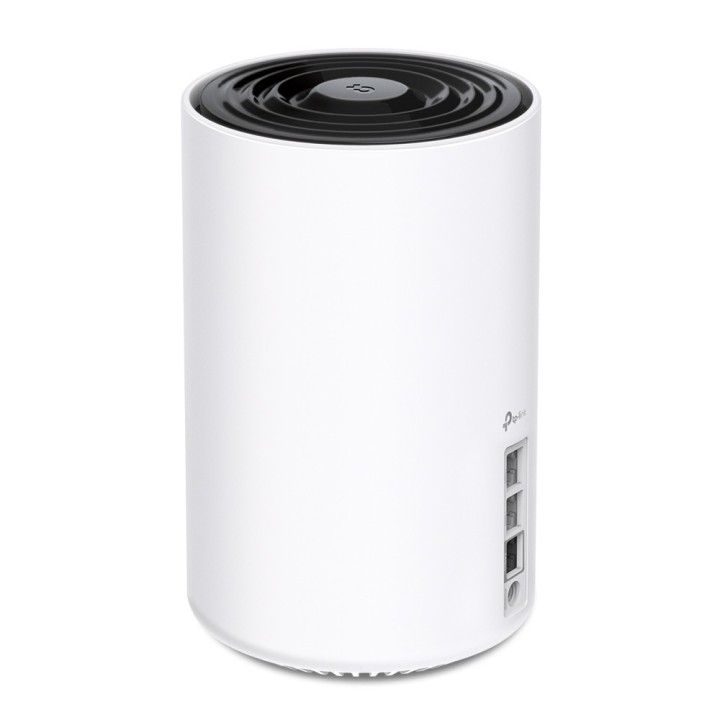
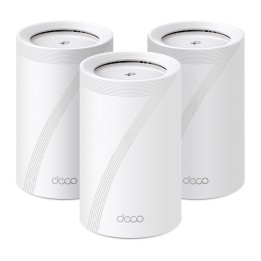
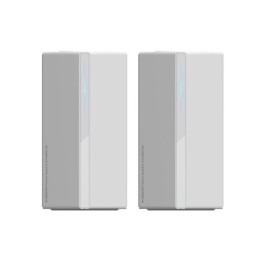
Router Deco XE75 Pro(1-pack) WiFi 6E AXE5400
Opis produktu
Deko XE75 Pro
Trójzakresowy system Wi-Fi 6E typu mesh AXE5400
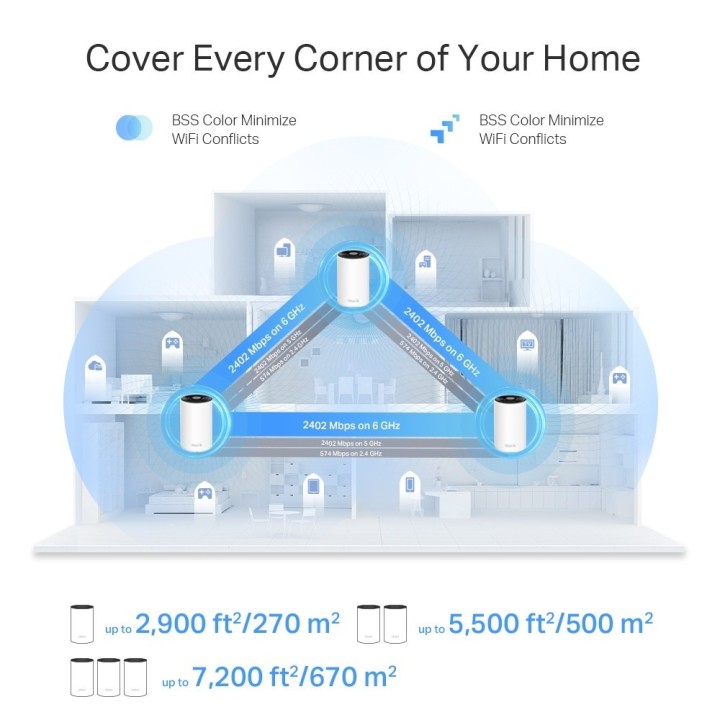
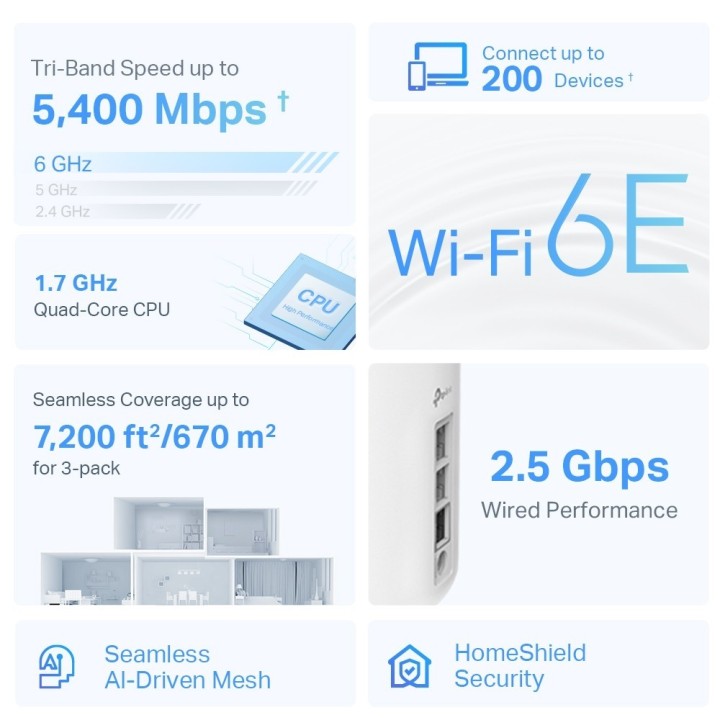
- Wi-Fi 6E dla całego domu - pokrycie powierzchni do 2900 m dzięki płynnej sieci Wi-Fi nowej generacji i spraw, by martwe strefy i buforowanie stały się przeszłością
- Zupełnie nowe pasmo 6 GHz - poznaj najnowszą częstotliwość Wi-Fi, eliminując zakłócenia ze wszystkich starszych urządzeń. Pasmo 6 GHz zapewnia również potężne dedykowane łącze typu backhaul, które jeszcze bardziej usprawnia wydajność Wi-Fi urządzeń innych niż 6E
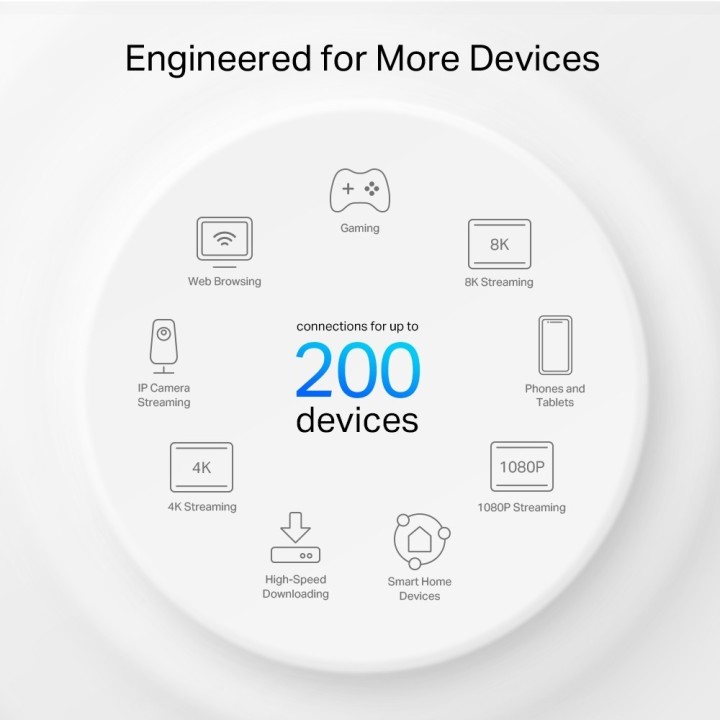
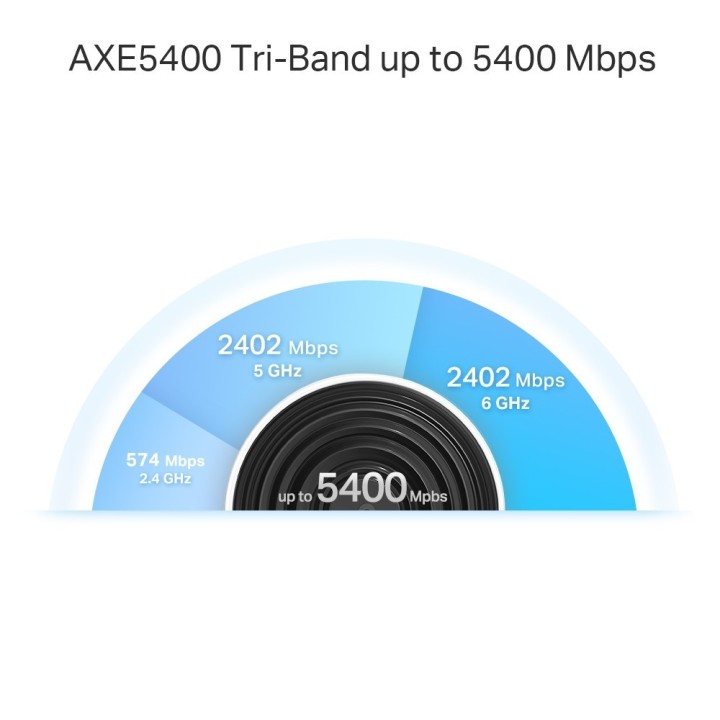
- Prawdziwa prędkość trójzakresowa - wszystkie trzy pasma Wi-Fi współpracują ze sobą, aby uwolnić całkowitą prędkość sieci do 5400 Mb/s dla 200 urządzeń
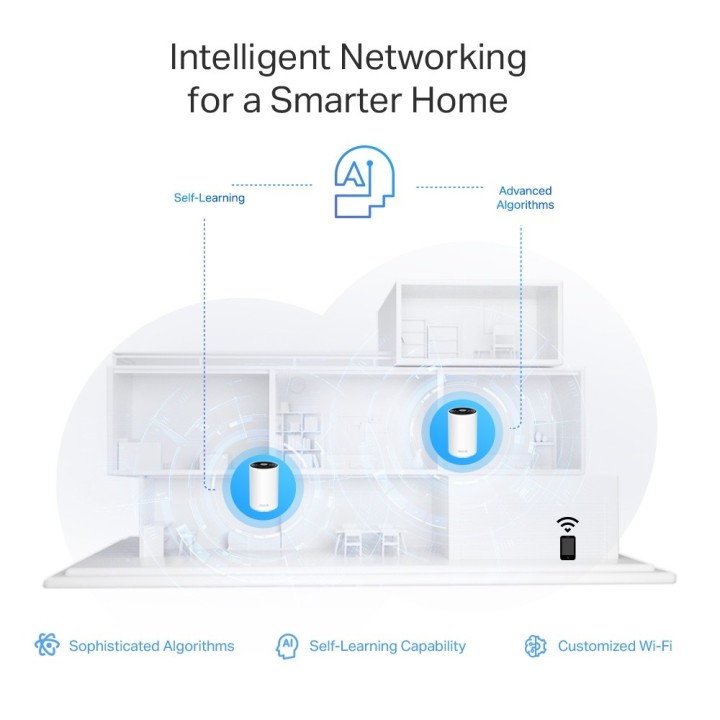
- Siatka sterowana sztuczną inteligencją - łączy Twój dom pod jedną nazwą i hasłem, zapewniając jednocześnie najlepsze połączenia podczas przenoszenia z pokoju do pokoju
- TP-Link HomeShield - zapewnia bezpieczeństwo Twojej sieci domowej dzięki najnowocześniejszym funkcjom ochrony sieci i IoT
- Konfiguracja łatwiejsza niż kiedykolwiek - aplikacja Deco przeprowadzi Cię przez konfigurację krok po kroku
- Uniwersalna kompatybilność - kompatybilność wsteczna ze wszystkimi generacjami Wi-Fi i współpracuje z dowolnym dostawcą usług internetowych (ISP) i modemem
Specyfikacja
- Model: DECO XE75 PRO(1-PACK)
- Typ routera: xDSL
- Architektura sieci (switche): GigabitEthernet
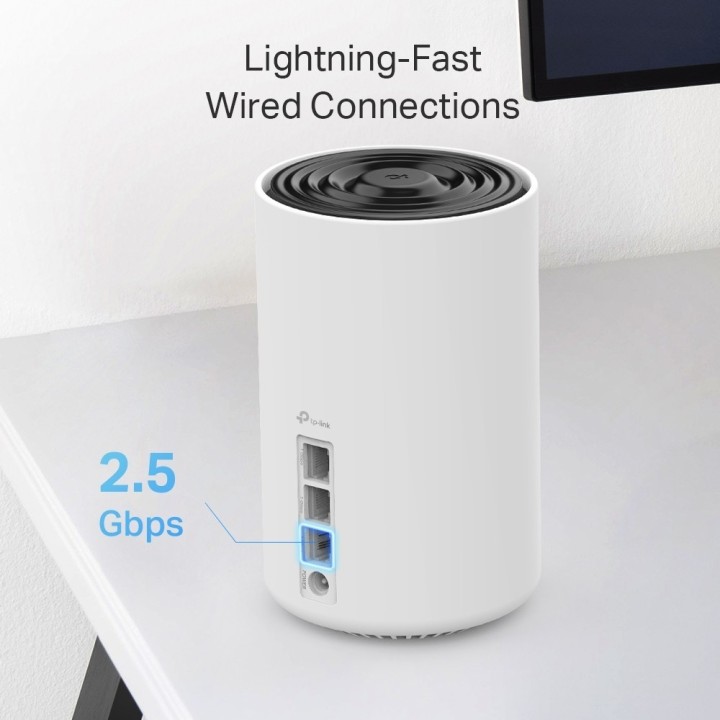
- Porty we/wy (sieciówka drobna): 1 x 10/100/1000/2500 RJ-45 port
- Standardy sieciowe: IPv6
- Pasma (sieci drobne): 6 GHz
- Liczba anten (sieci drobne): 4
- Antena (sieci drobne): Wewnętrzna
- Bezpieczeństwo: Zapora sieciowa SPI Kontrola dostępu HomeShield Security Ochrona IoT w czasie rzeczywistym Blokowanie złośliwych witryn System ochrony przed włamywaczami Zapobieganie atakom DDoS Domowy skaner sieciowy Serwer VPN Serwer OpenVPN Serwer VPN PPTP Serwer VPN L2TP/IPSec Klient VPN Klient OpenVPN Klient VPN PPTP Klient VPN L2TP/IPSec Szyfrowanie Wi-Fi WPA-Personal WPA2-Indywidualne WPA3-Indywidualne
- Zarządzanie, monitorowanie, konfiguracja: Kontrola rodzicielska HomeShield Profile niestandardowe Profesjonalna biblioteka filtrów treści Czas dla rodziny Pora snu Po czasie Nagrody czasowe Rodzinny ranking czasowy w Internecie Wstrzymaj Internet Raporty tygodniowe i miesięczne WAN Types Dynamic IP Static IP PPPoE PPTP L2TP Quality of Service HomeShield QoS Cloud Service OTA Firmware Upgrade TP-Link ID DDNS NAT Forwarding Port Forwarding UPnP IPTV IGMP Proxy IGMP Snooping Bridge Tag VLAN DHCP Address Reservation DHCP Client List Server DDNS TP-Link Management Deco App
- Wymagania środowiskowe: Temperatura pracy: 0°C~40°C Temperatura przechowywania: -40°C~60°C Wilgotność robocza: 10% ~ 90% wilgotności względnej Wilgotność przechowywania: 5% ~ 90% wilgotności względnej
- Certyfikaty: CE FCC RoHS
- Akcesoria w zestawie: 1 jednostka Deco XE75 Pro 1 kabel Ethernet RJ45 1 Zasilacze 1 Skrócona instrukcja instalacji
- Kolor (wyliczeniowy): Biały
- Wymiary: 105 x 105 x 169 mm
- Uwaga: CE+WEEE

Szczegóły produktu
- Marka TP-LINK
- Kod produktu 66399ae676a2f11ec9913131
- Dostępność 8 Przedmioty
- EAN13 4897098684979
- MPN Deco XE75 Pro(1-pack)
Specyfikacja
- Rodzaj urządzenia Router xDSL
-
Pasma Wi-Fi
2.4 GHz
5 GHz
6 GHz
Producent
Producent
TP-Link Polska Sp. z o.o.
Ożarowska 40/42 05-850 Duchnice Polska
E-mail: info.pl@tp-link.com
Telefon: +48 22 360 63 63
Osoba odpowiedzialna w UE
TP-Link
Ożarowska 40/42 05-850 Duchnice Polska
E-mail: office.poland@tp-link.com
Telefon: +48 22 360 63 00
Bezpieczeństwo
Informacje o bezpieczeństwie
List of safety warnings for WiFi and Access Point Routers based on the requirements of Regulation (EU) 2023/988 on General Product Safety (GPSR) 1. Risk of electric shock: * Make sure that the device is connected to a working socket with grounding. * Do not touch the plug or cable with wet hands. * Avoid using the device in places with high humidity. 2. Risk of overheating: * Provide adequate ventilation while maintaining at least 5 cm of free space around the device. * Do not block ventilation openings. 3. Fire risk: * Use only original power supplies and accessories recommended by the manufacturer. * Do not leave the device on unattended near flammable materials. 4. Hazards at high temperatures: * Do not expose the device to direct sunlight. * Avoid using the router at temperatures above the recommended range (usually 5-35°C). 5. Risk of damage during cleaning: * Before cleaning, disconnect the device from the power supply and use a soft, slightly damp cloth. * Avoid using strong detergents that can damage the surface of the device. 6. Warnings for children: * Keep power cables out of reach of children. * Make sure that children do not play with the device or accessories that can be dangerous. 7. Regularly check the technical condition of the device: * Check the condition of the device regularly for mechanical damage, cracks or other defects. * Do not use the device if it has visible mechanical damage. 8. Use in humid environments * Avoid using your router in the bathroom, in the rain or in other humid environments 9. Interference with other devices * Using a router near medical devices such as pacemakers can cause electromagnetic interference. * Keep a distance of at least 15 cm between your router and medical devices. 10. Regular maintenance * Failure to regularly clean ports and sockets can lead to damage or failure. * Clean ports and sockets regularly using a dry and clean cloth, avoiding moisture input. 11. Risk of loss of water resistance * Do not immerse in water if it is not waterproof. 12. Electromagnetic interference * Smartwatches can interfere with medical devices such as pacemakers. 13. Small parts: * Components of the device, can be swallowed by children. * Keep your device and its accessories out of reach of children. Do not allow children to use the device themselves without supervision. 14. Risk of battery damage * Improper use, such as overheating or using a non-original charger, can lead to battery damage and, in extreme cases, to battery explosion. * Charge your device at room temperature and use only original accessories. Do not expose your smartwatch to high temperatures. 15. Maintenance and cleaning * Impurities such as sweat or dirt can cause discomfort and damage to materials. * Clean your smartwatch and strap regularly with a soft, damp cloth. Avoid using harsh chemicals.
Routery Wi-Fi i Access Pointy
Ostatnio oglądane
Produkty, które ostatnio zwróciły Twoją uwagę.