- Nowy
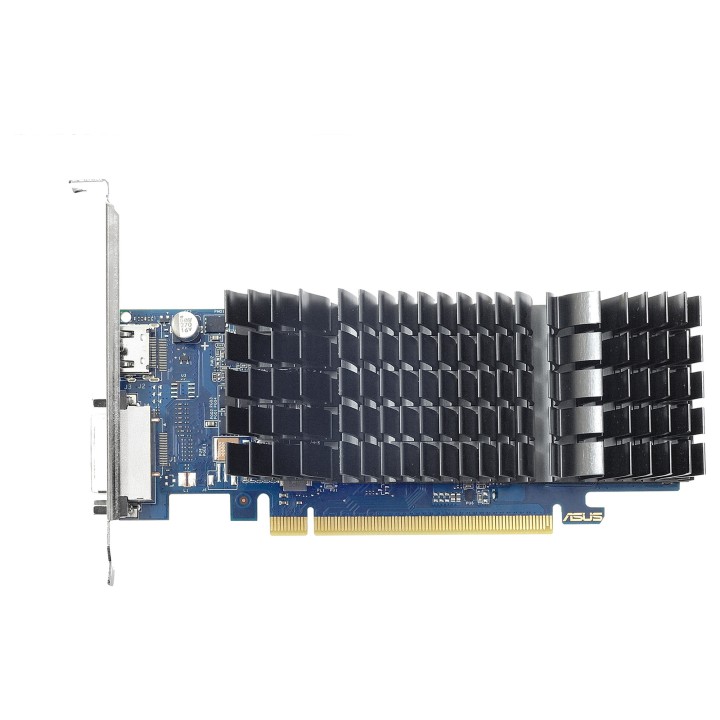
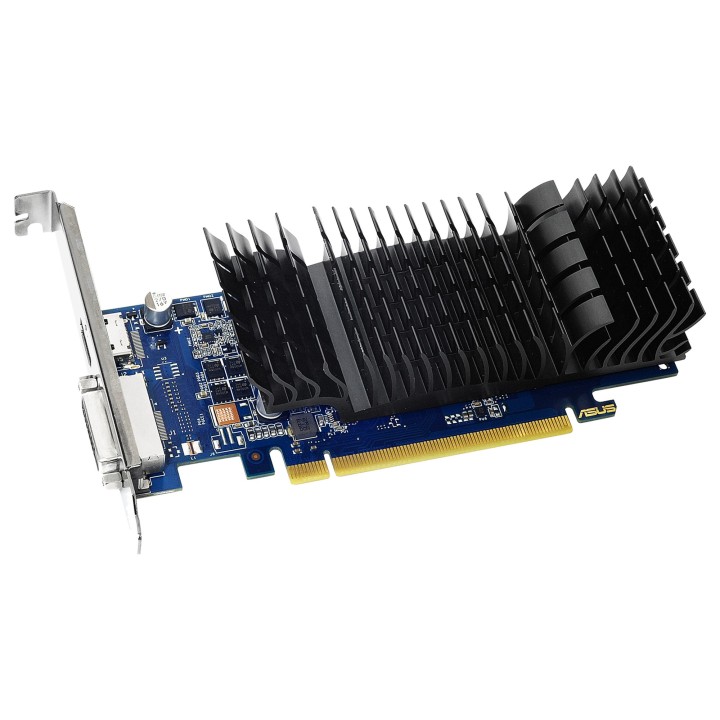
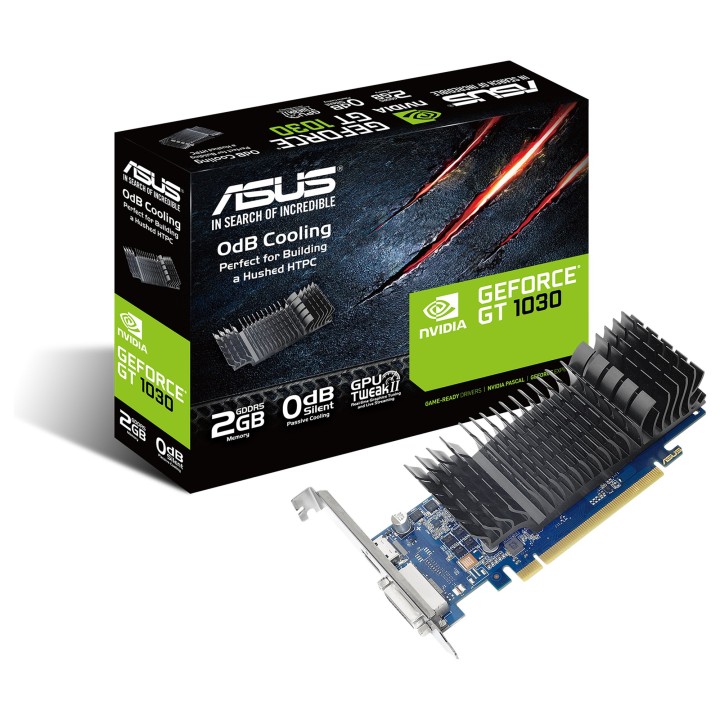
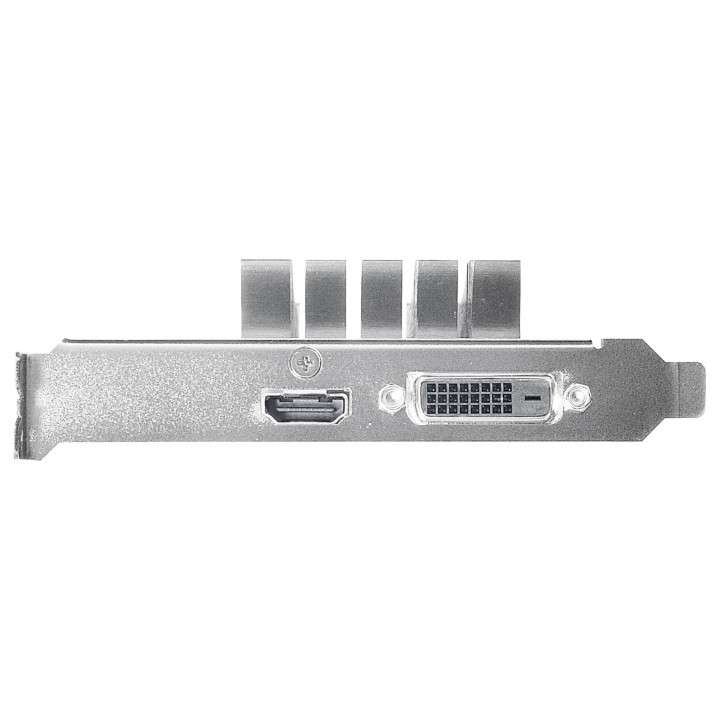
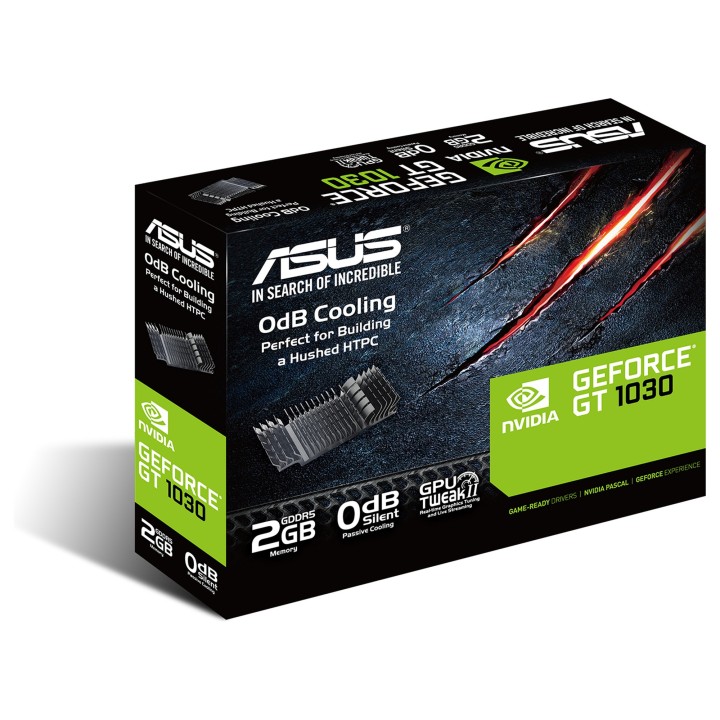
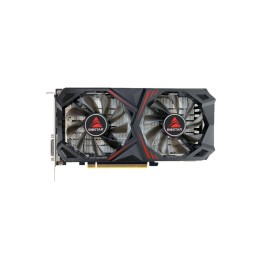
Karta VGA Asus GT1030 2GB GDDR5 64bit DVI+HDMI PCIe3.0
ASUS Polska SP. z o.o.
Cybernetyki 9 02-677 Warszawa Polska
E-mail: sales@asus-polska.pl
ASUS Polska Sp. z o.o.
Harkort str 21-23 40880 Ratingen Germany
E-mail: sales@asus-polska.pl
Telefon: 22 571 80 00
List of graphics card security warnings based on the requirements of General Product Safety Regulation (EU) 2023/988 (GPSR): 1. Risk of electric shock: * Make sure your computer is disconnected from power before installing or disassembling your graphics card. * Do not touch the graphics card with wet hands. * Use only the power supply with the appropriate power and voltage, according to the specification of the graphics card. 2. Risk of hardware damage: * Be careful when installing and disassembling the graphics card to avoid damaging the PCI-e slot, connectors or the card itself. * Make sure the graphics card is properly attached to the PCI-e slot and secured with screws. * Do not use excessive force when inserting or removing the graphics card. 3. Risk of overheating: * Provide adequate ventilation in the computer case to avoid overheating of the graphics card. * Monitor the temperature of the graphics card and, if necessary, install additional fans or change the cooling system. * Do not block the ventilation holes of the graphics card. 4. Fire risk: * Make sure that all power cables are properly connected to the graphics card and power supply. * Do not use damaged power cables. * Regularly check the condition of the power cables and replace them if necessary. 5. Risk of personal injury: * Watch out for sharp edges and elements on the graphics card to avoid cuts. * When working with a graphics card, use protective gloves. 6. Risks associated with improper use: * Do not try to repair a damaged graphics card yourself. * Do not modify the graphics card in a way that does not comply with the manufacturer's instructions. * Do not use the graphics card in an environment with high humidity or dust. 7. Warnings for children: * Keep your graphics card out of reach of children. * Make sure that children do not play with the graphics card or its elements. 8. Disposal: * Used graphics card must be disposed of in accordance with local electronic waste regulations.
Produkty, które ostatnio zwróciły Twoją uwagę.