- Nowy
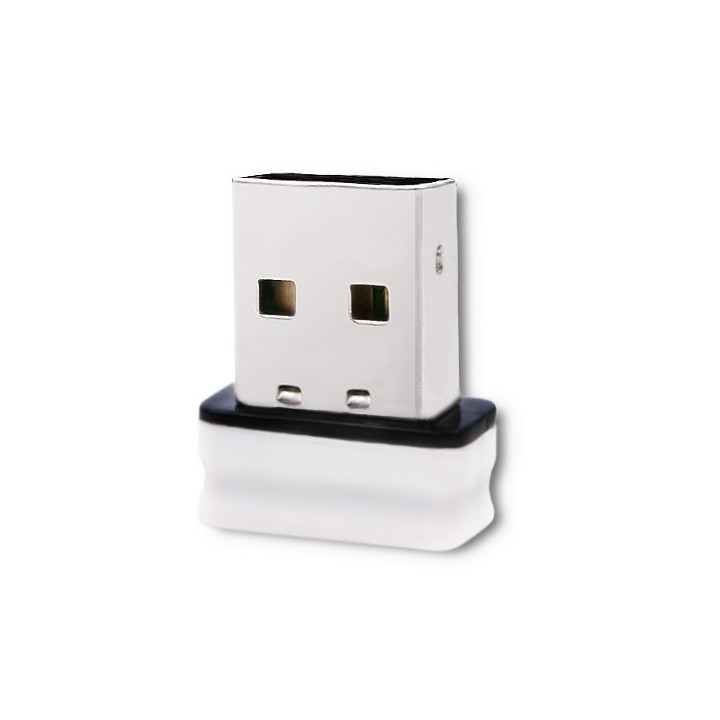
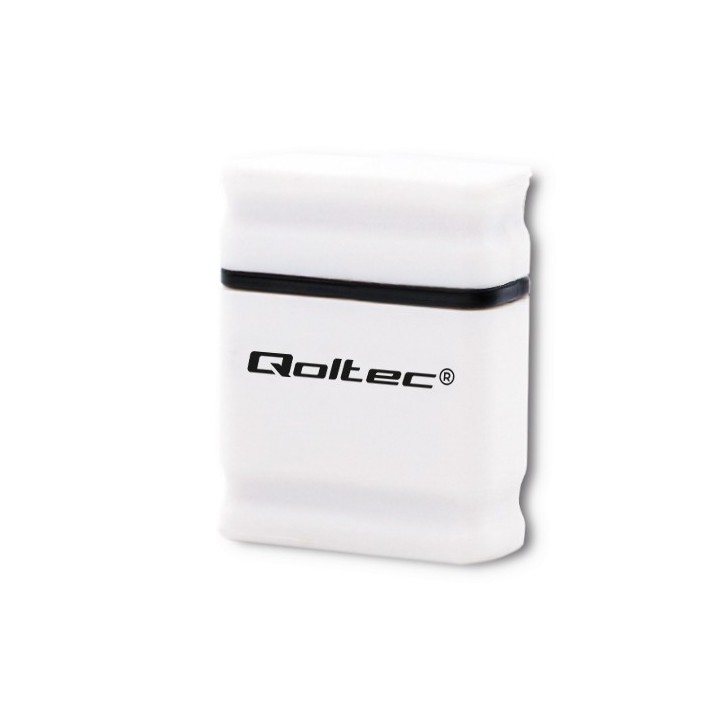
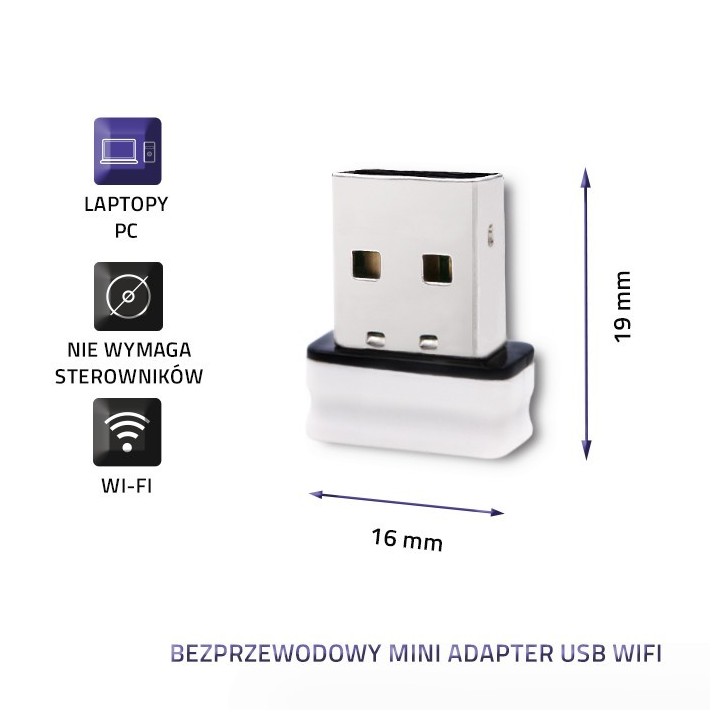
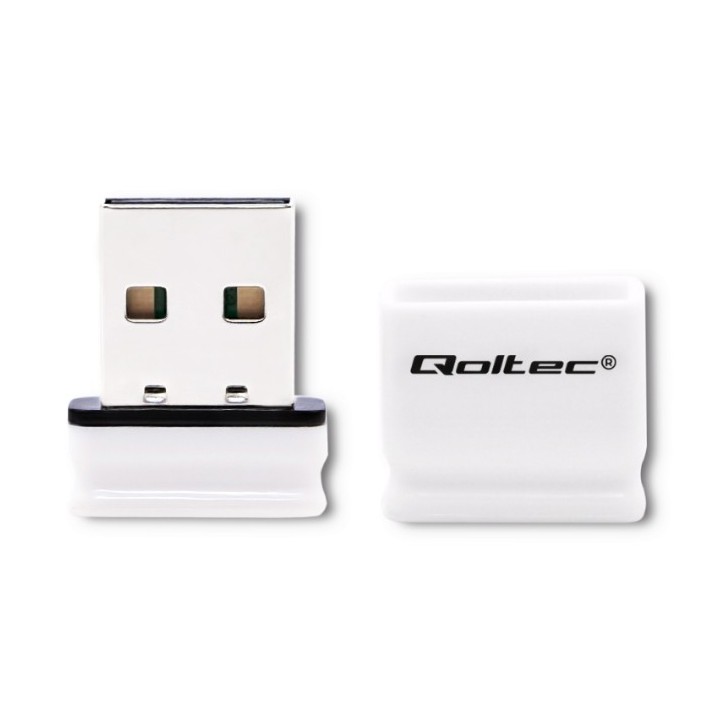
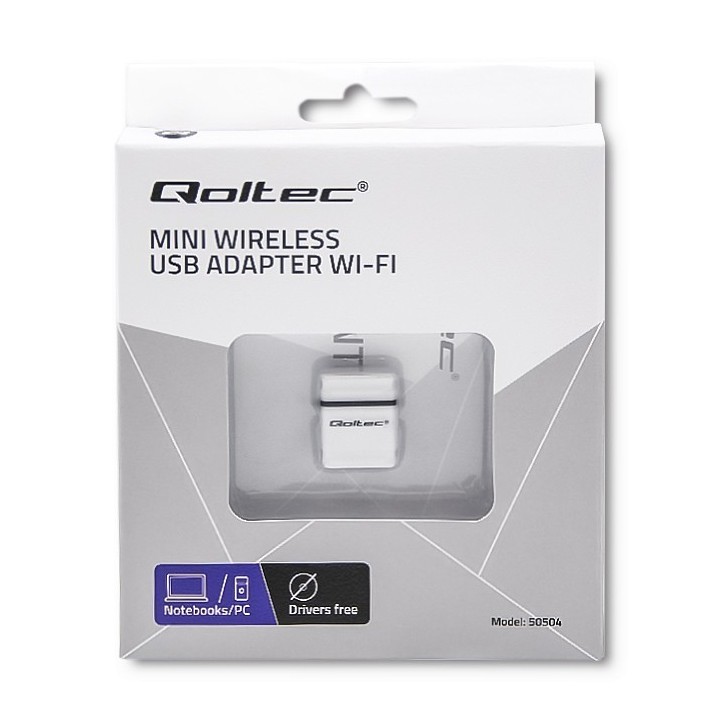
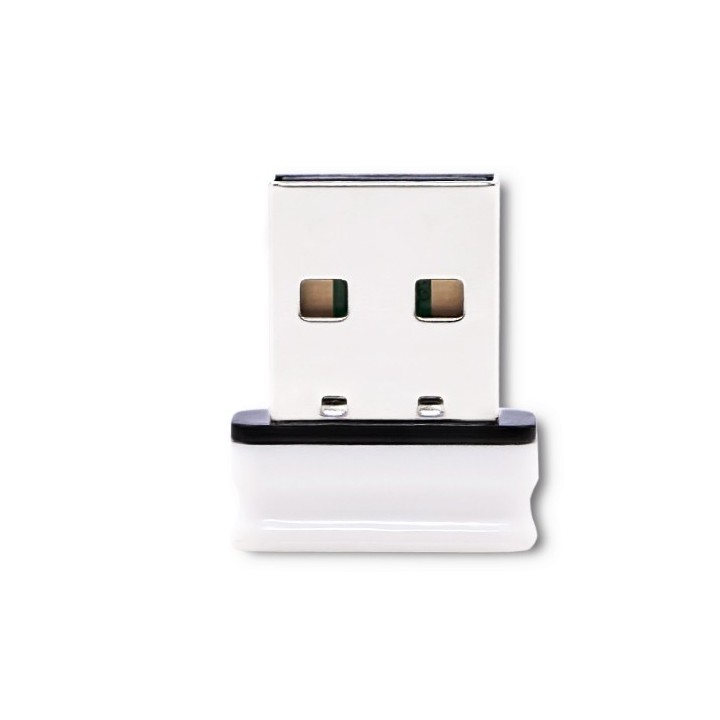
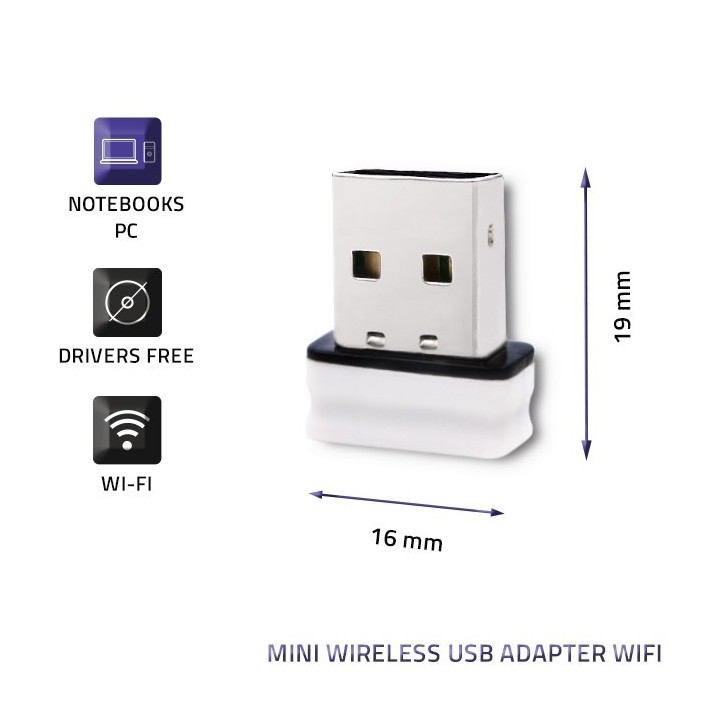
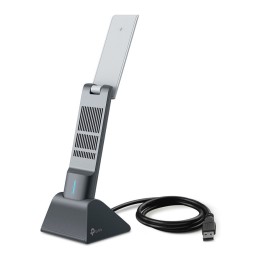
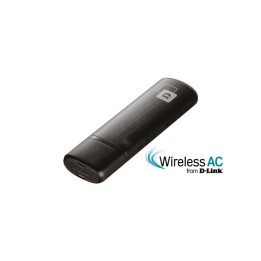
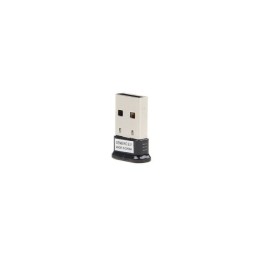
Bezprzewodowy Mini Adapter USB Wi-Fi 150 Mbps
ntec sp. z o.o.
Chorzowska 44B 44-100 Gliwice Polska
E-mail: info@qoltec.pl
Telefon: +48 32 600 79 89
List of Wi-Fi network adapter security warnings based on the requirements of General Product Safety Regulation (GPSR) 2023/988: 1. Risk of electric shock: * Make sure the device is disconnected from power before installation or disassembly. * Do not touch the metal parts of the network card while the computer is running. * Avoid using the network card in humid environments. 2. Risk of equipment damage: * Install the network card according to the manufacturer's instructions. * Make sure your computer is turned off before installing or disassembling the card. * Do not bend or bend the network card during installation. * Protect your card from electrostatic discharge (ESD). 3. Risk of overheating: * Ensure adequate ventilation inside the computer case. * Do not block the ventilation holes of the network card. 4. Risk of interference: * Keep your network card away from sources of electromagnetic interference (e.g. microwave ovens, cordless phones). * Use shielded antenna cables. 5. Health risks: * Limit long-term exposure to electromagnetic radiation. * Maintain a safe distance from the network card antenna. 6. Data security risks: * Secure your Wi-Fi network with a strong password. * Use WPA3 encryption. * Update your network adapter software. * Use a firewall. 7. Risk of fire: * Do not place the network card near heat or fire sources. * Use only power supplies that comply with your computer specifications. 8. Risk of ingestion: * Keep small network card components (e.g. screws) away from children. 9. Risk of injury: * Beware of sharp edges during installation. 10. Cleaning risk: * Disconnect the card from the power supply before cleaning. * Use a dry, soft cloth. * Do not use detergents or solvents. 11. Risk of hearing damage: * Sound signals emitted by the card set at a safe level.