- Nowy
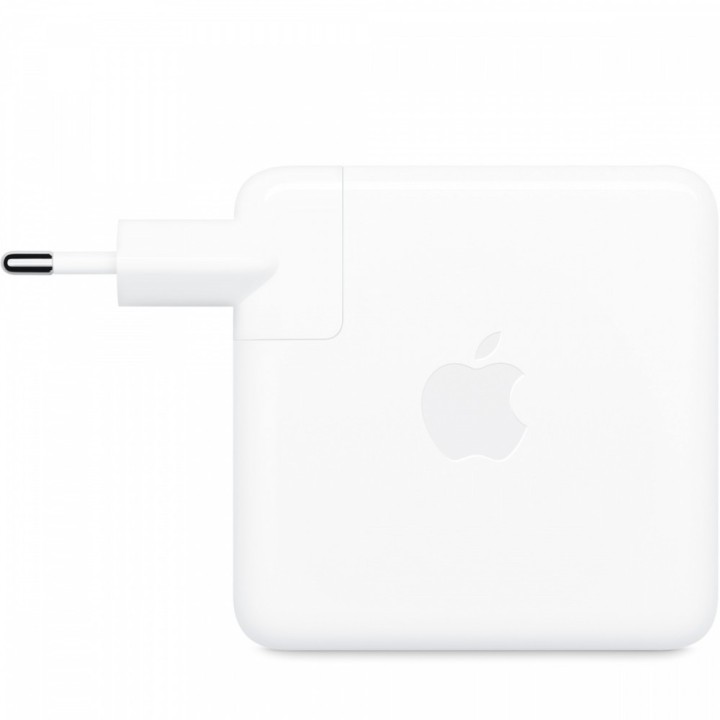
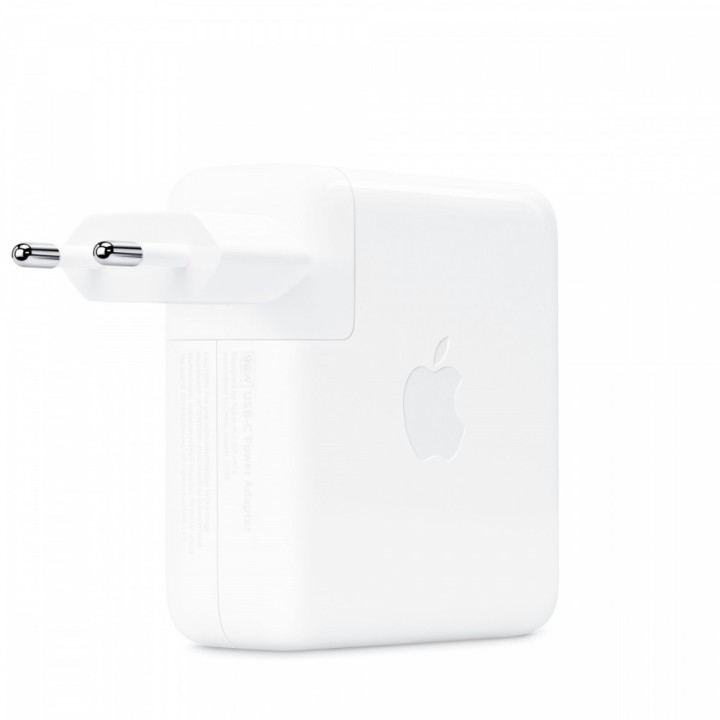
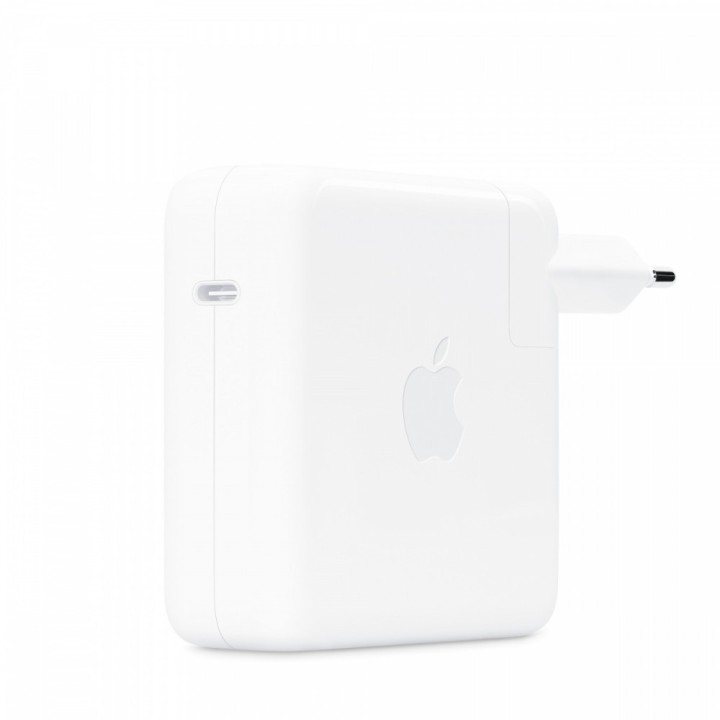
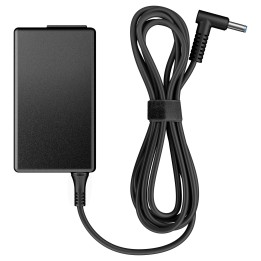
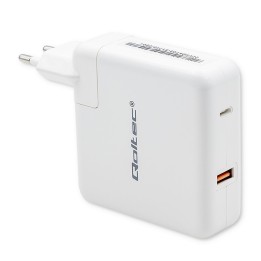
Zasilacz USB-C 96W
Zasilacz USB-C o mocy 96 W szybko i sprawnie ładuje Twoje urządzenie w domu, w biurze i w podróży. Jest zgodny z wieloma różnymi urządzeniami i przewodami do ładowania wyposażonymi w złącze USB-C. Apple zaleca używanie go z 14-calowym MacBookiem Pro (2021 r.) za pomocą przewodu z USB-C na MagSafe 3 lub przewodu USB-C do ładowania. Pozwala to skorzystać z opcji szybkiego uzupełniania energii od 0 do 50 procent w około 30 minut*.
Przewód do ładowania jest sprzedawany oddzielnie.
Apple Distribution International Limited
Hollyhill Industrial Estate T23 YK84 CORK Ireland
E-mail: support@apple.com
Formularz kontaktowy: https://support.apple.com/en-sa
Telefon: 1 408 996 1010
List of safety warnings Laptop power supplies based on the requirements of Regulation (EU) 2023/988 on General Product Safety (GPSR) 1. Risk of electric shock: * Make sure the power supply is connected to a working grounded outlet. * Do not touch the plug or cable with wet hands. * Avoid using the power supply in places with high humidity. * Regularly check the condition of cables and plugs for damage. 2. Risk of overheating: * Provide adequate ventilation around the power supply, do not block ventilation openings. * Do not cover the power supply during use. * Do not use the power supply near heat sources or in a sunny place. 3. Fire risk: * Use only the original power supplies recommended by the laptop manufacturer. * Do not leave the power supply on unattended near flammable materials. * Do not use damaged cables or plugs. 4. Risk of damage to the power supply: * Protect the power supply from drops and bumps. * Do not wrap the cable around the power supply when it is connected to electricity. * Store the power supply in a dry and clean place. 5. Compatibility risks: * Make sure that the power supply parameters (voltage and current) are in line with the requirements of your laptop. * Do not use a power adapter that is not designed for your laptop model. 6. Caution when cleaning: * Disconnect the power supply from the power supply before cleaning. * Use a soft, slightly damp cloth to clean the power supply. * Avoid using strong detergents that can damage the surface of the power supply. 7. Child warnings: * Keep the power supply and power cables out of reach of children. * Make sure kids don't play with the power supply or accessories. 8. Battery-related hazards (if the power supply contains a battery): * Avoid damaging the battery by impacts or punctures. * If the battery overheats or swells, stop using the power supply immediately. * Do not expose the battery to high temperatures. * When replacing batteries, follow the manufacturer's instructions. 9. Disposal: * Waste electrical and electronic equipment, including power supplies, must not be placed in municipal waste containers. They should be returned to special collection points or to the seller. * Dispose of the battery in the right place, according to local regulations. 10. Additional precautions: * If the power supply is flooded, immediately disconnect it from the power source and contact the service. * Do not try to repair the power supply yourself.
Produkty, które ostatnio zwróciły Twoją uwagę.