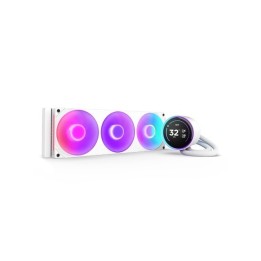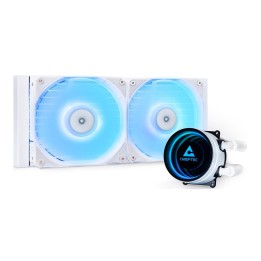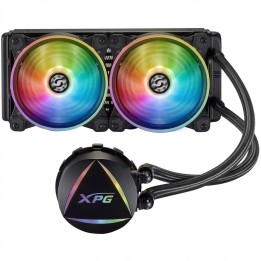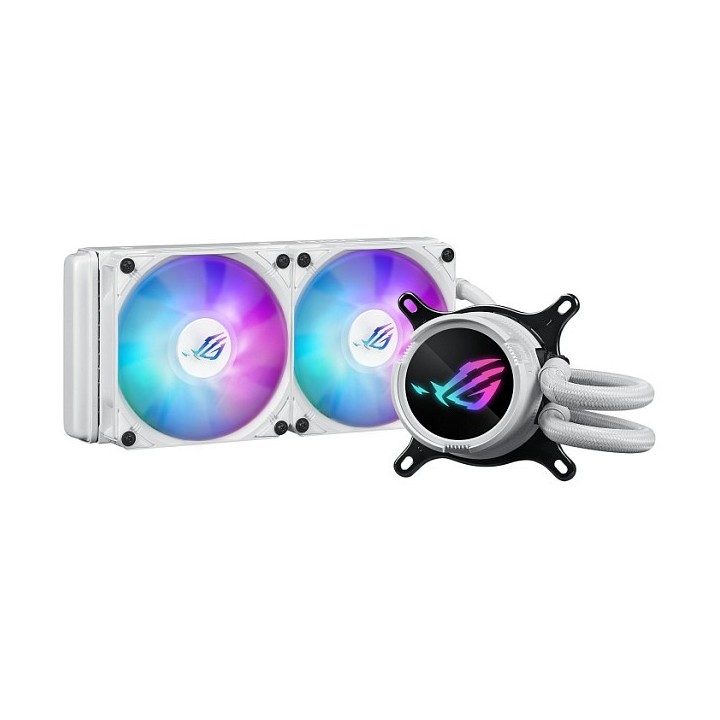
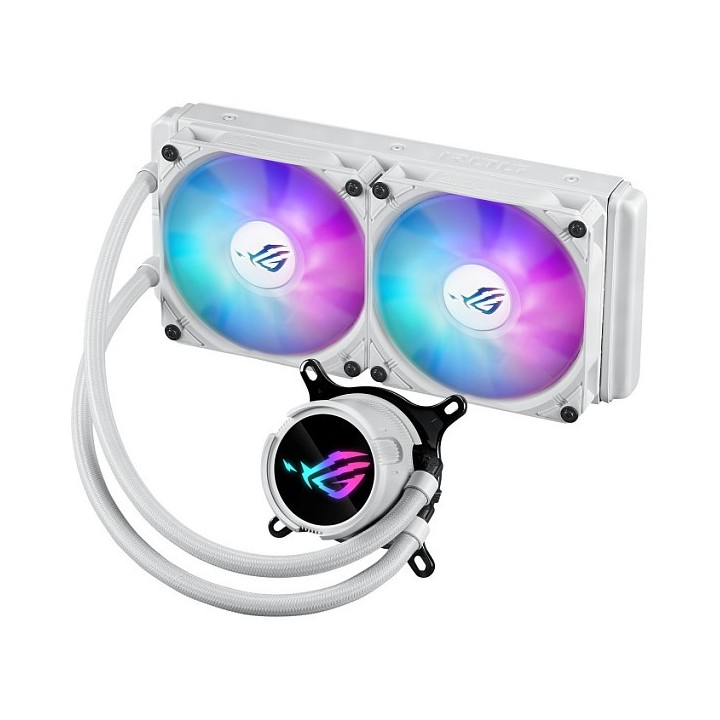
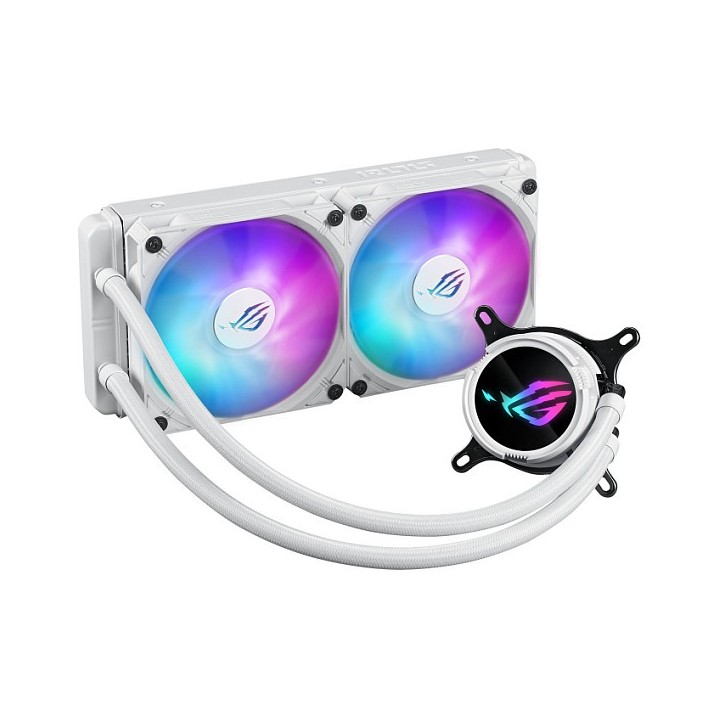

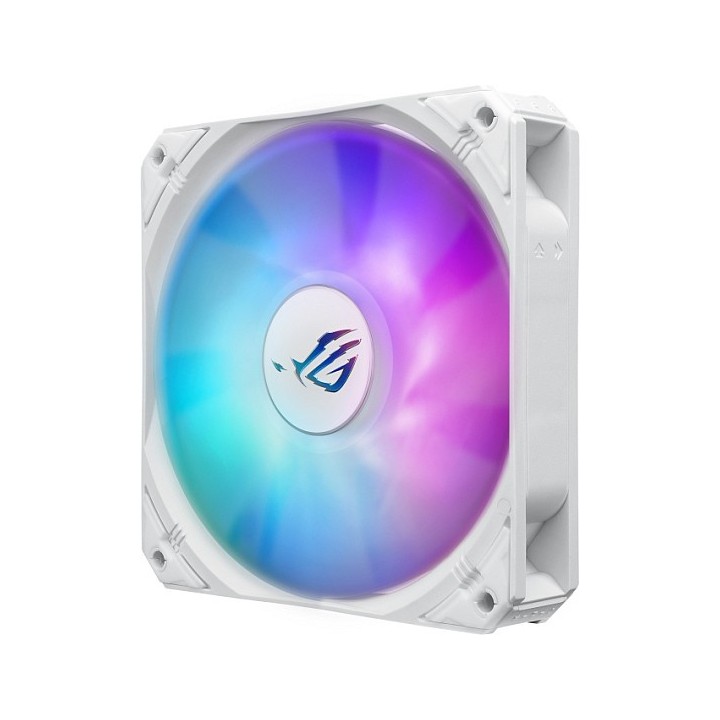
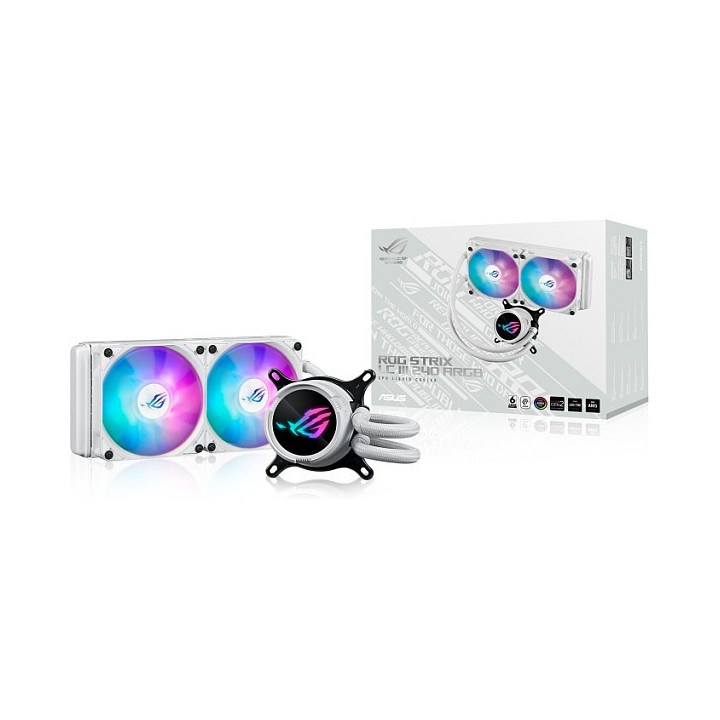
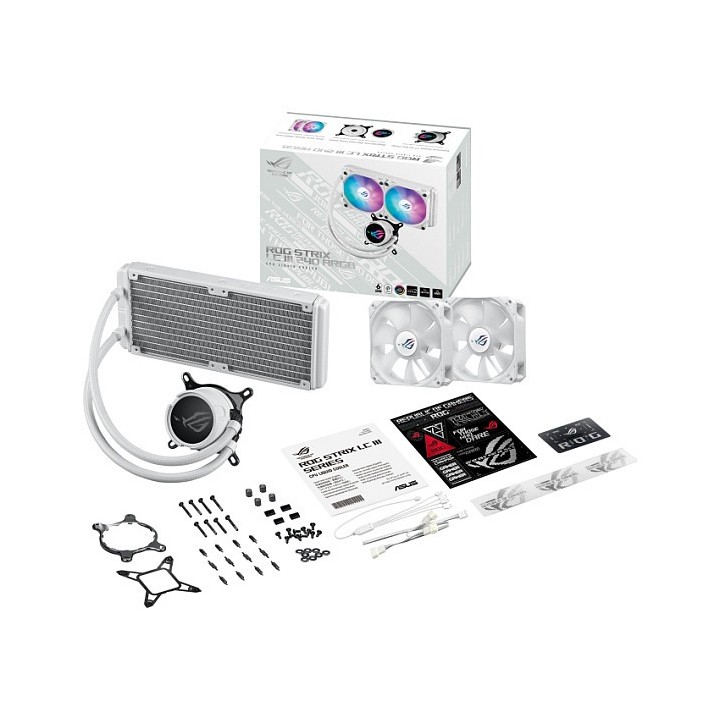
Chłodzenie ASUS ROG STRIX LC III 240 ARGB WHT

Cena: 629,49 zł
Brutto
Dostępność produktu: Dostępny 18 szt.
Czas dostawy Wysyłka w ciągu 7 dni roboczych
Koszt dostawy Bezpłatna dostawa od 250 zł.

Opis produktu

ROG Strix LC III 240 ARGB White Edition
Układ chłodzenia cieczą typu AiO do procesora ROG Strix LC III ARGB z blokiem wodnym obracanym o 360°, nową pompą Gen7 v2 firmy Asetek, wysokiej klasy wentylatorami ROG ARGB oraz ponad 10 spersonalizowanymi efektami świetlnymi Aura.

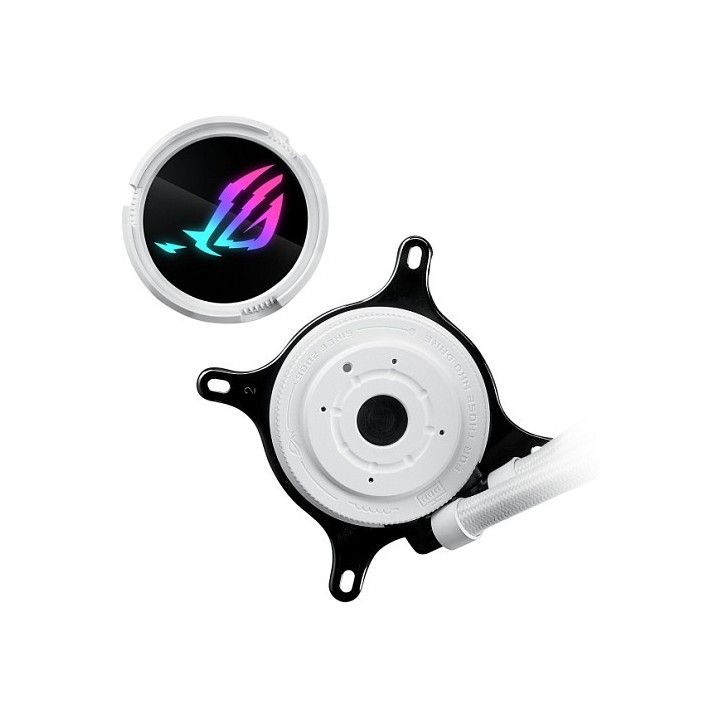
  • Nowy blok wodny z obracanym o 360° logo ROG i ponad 10 spersonalizowanymi efektami świetlnymi Aura
  • Nowa płyta chłodząca Asetek i pompa V2 gen. 7 wyposażona w solidny silnik, aby zapewniać najwyższą wydajność chłodzenia
  • Wysokiej klasy wentylatory ROG ARGB charakteryzujące się dużym przepływem powietrza, zoptymalizowaną akustyką i technologią 0dB
  • Rozwiązanie zaprojektowane z myślą o idealnym uzupełnieniu estetyki płyt głównych ROG
  • Wzmocnione, izolowane tuby oferują większą trwałość

Szczegóły produktu

  • Marka Asus
  • Kod produktu 66436d05c70920e45282c798
  • Dostępność 18 Przedmioty
  • EAN13 4711387453117
  • MPN 90RC00S2M0UAY0

Specyfikacja

  • Liczba wentylatorów (szt.) 2 szt.

Producent

Producent

ASUS Polska SP. z o.o.

Cybernetyki 9 02-677 Warszawa Polska

E-mail: sales@asus-polska.pl

Osoba odpowiedzialna w UE

ASUS Polska Sp. z o.o.

Harkort str 21-23 40880 Ratingen Germany

E-mail: sales@asus-polska.pl

Telefon: 22 571 80 00

Bezpieczeństwo

Informacje o bezpieczeństwie

List of computer cooling and tuning safety warnings based on the requirements of General Product Safety Regulation (EU) 2023/988 (GPSR): 1. Risk of electric shock: * Before assembly or disassembly, make sure your computer is disconnected from power. * Do not touch the power cords with wet hands. * Use only power supplies and cables that comply with safety standards. 2. Fire risk: * Make sure the cooling system is compatible with your central unit and power supply. * Regularly check the condition of wires and fittings for damage or overheating. * Do not block ventilation holes in the computer case. * Use only non-flammable coolants designed for liquid cooling systems. 3. Risk of physical injury: * Use protective gloves during assembly to avoid cuts to the sharp edges of the components. * Beware of heavy elements such as heat sinks to avoid dropping them on your feet or other body parts. * Secure tuning components such as fans so they don't cause injury while your computer is running. * Take special care when working with liquids - avoid contact with eyes and skin. 4. Risk of damage to equipment: * Before installation, make sure that all components are compatible with your computer. * Follow assembly and disassembly instructions to avoid damage to components. * Do not exceed the recommended voltage and current values to avoid overheating and damage to components. * Clean cooling elements regularly to ensure efficient heat transfer. 5. Coolant Hazards: * In case of coolant leakage, disconnect the computer from power immediately. * Cooling liquid can cause corrosion - it should be removed from the surface of the elements. * Avoid inhaling coolant fumes. 6. Hazards for children: * Keep small items (screws, fittings) out of reach of children. * Do not allow children to assemble or disassemble computer components themselves. 7. Noise: * Fans can generate noise - use headphones or limit the time spent near a loud computer. 8. Electronics hazards: * Use antistatic mats during operation to protect components from electrostatic discharge. * Do not repair damaged items yourself - return them to service. 9. Overheating: * Regularly monitor the temperature of components to avoid overheating. * Make sure your cooling system is working properly and is sufficient for your computer. 10. Fire safety: * Use only certified power supplies and cooling systems. * Regularly check that no dust accumulates inside the housing, which can be flammable.

Ładowanie...
Wróć na górę