- Nowy
Przeznaczenie i zastosowanie
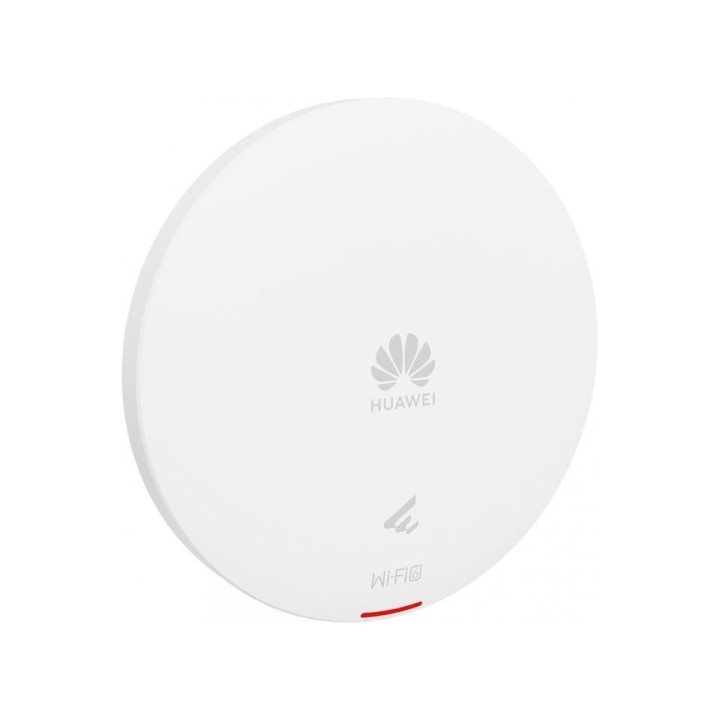
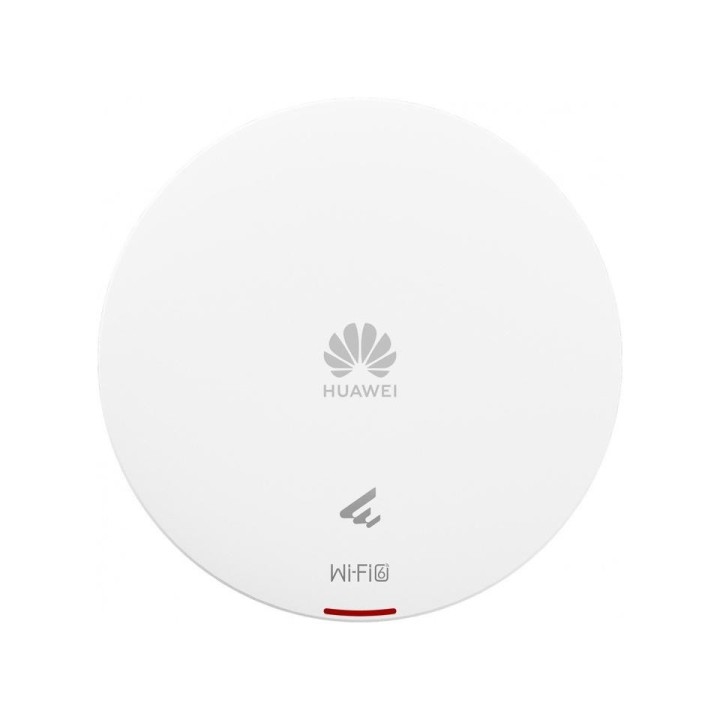
Punkt dostępowy HUAWEI AP361 przeznaczony do instalacji wewnętrznych; zapewnia bezprzewodowy dostęp do sieci w biurach, salach konferencyjnych i innych przestrzeniach o średnim obciążeniu sieciowym. Urządzenie działa jako Access Point i umożliwia scentralizowane udostępnianie sieci bezprzewodowej klientom końcowym.
Wydajność bezprzewodowa
Urządzenie obsługuje standard 802.11ax (Wi-Fi 6) w trybie dual-band 2,4 GHz i 5 GHz. Maksymalna łączna przepustowość wynosi do 1775 Mbit/s, w tym do 575 Mbit/s w paśmie 2,4 GHz oraz do 1200 Mbit/s w paśmie 5 GHz. Konstrukcja 2×2 z inteligentną anteną (smart antenna) optymalizuje zasięg i jakość połączeń w środowiskach wielostanowiskowych.
Bezpieczeństwo sieci i protokoły
AP361 oferuje zaawansowane mechanizmy zabezpieczeń: obsługa szyfrowania WEP (64/128/152 bit), WPA2, WPA2-PSK oraz WPA3 z mechanizmem SAE. Urządzenie wspiera zarówno IPv4, jak i IPv6 z funkcjami kontroli dostępu (ACL) oraz mechanizmem poprawy walidacji adresu źródłowego IPv6 (SAVI), co umożliwia lepsze zarządzanie dostępem i ochronę przed nieautoryzowanymi połączeniami.
Konstrukcja i instalacja
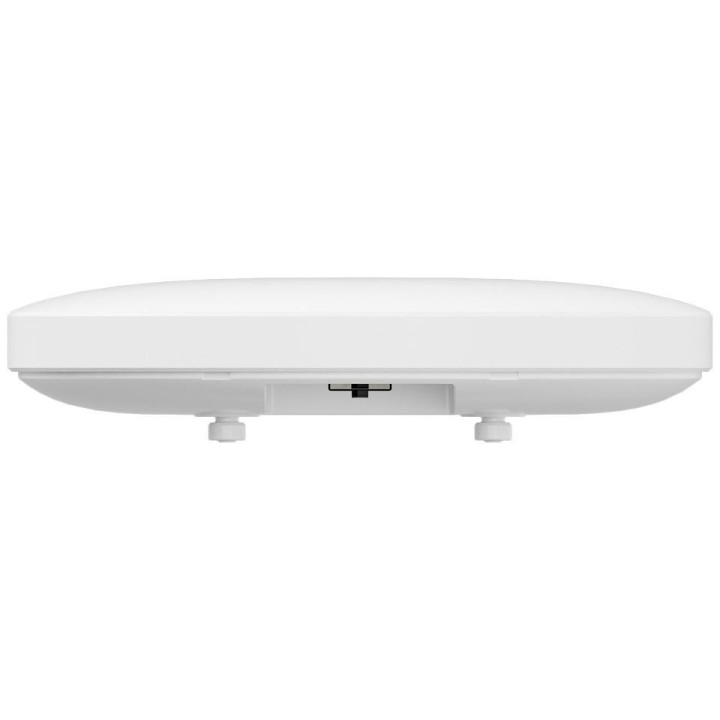
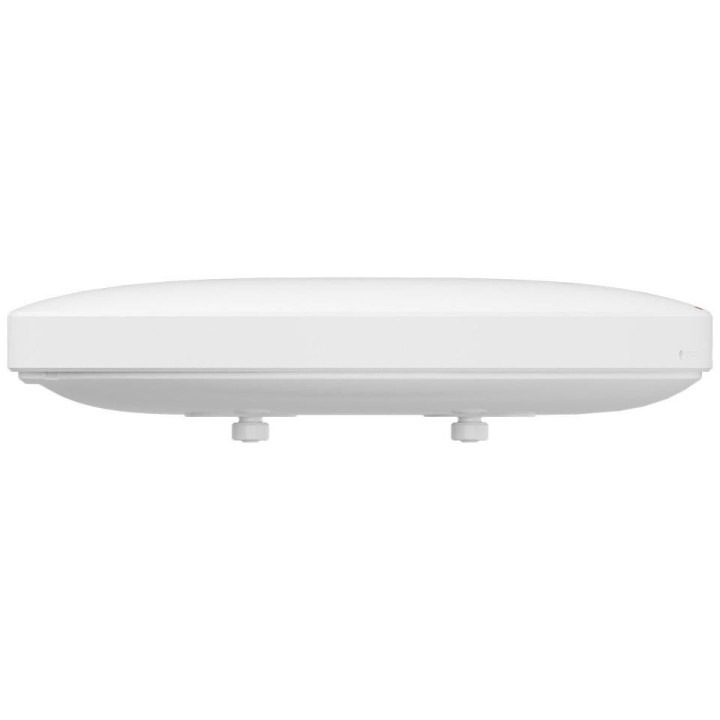
Punkt dostępowy jest przystosowany do montażu wewnętrznego; obudowa w kolorze białym z wbudowaną anteną. Wyposażono go w jedno złącze RJ-45 pracujące w standardzie 10/100/1000 Mbps oraz obsługę zasilania PoE, co upraszcza instalację bez konieczności doprowadzania oddzielnego zasilacza. Maksymalne zużycie energii wynosi 8,8 W. Parametry fizyczne i masa czynią urządzenie dyskretnym elementem infrastruktury sieciowej.
Huawei Polska Sp. z o.o.
ul. Domaniewska 39A 02-672 Warszawa Polska
Formularz kontaktowy: https://consumer.huawei.com/pl/support/
Telefon: +48 22 257 2223
List of safety warnings for WiFi and Access Point Routers based on the requirements of Regulation (EU) 2023/988 on General Product Safety (GPSR) 1. Risk of electric shock: * Make sure that the device is connected to a working socket with grounding. * Do not touch the plug or cable with wet hands. * Avoid using the device in places with high humidity. 2. Risk of overheating: * Provide adequate ventilation while maintaining at least 5 cm of free space around the device. * Do not block ventilation openings. 3. Fire risk: * Use only original power supplies and accessories recommended by the manufacturer. * Do not leave the device on unattended near flammable materials. 4. Hazards at high temperatures: * Do not expose the device to direct sunlight. * Avoid using the router at temperatures above the recommended range (usually 5-35°C). 5. Risk of damage during cleaning: * Before cleaning, disconnect the device from the power supply and use a soft, slightly damp cloth. * Avoid using strong detergents that can damage the surface of the device. 6. Warnings for children: * Keep power cables out of reach of children. * Make sure that children do not play with the device or accessories that can be dangerous. 7. Regularly check the technical condition of the device: * Check the condition of the device regularly for mechanical damage, cracks or other defects. * Do not use the device if it has visible mechanical damage. 8. Use in humid environments * Avoid using your router in the bathroom, in the rain or in other humid environments 9. Interference with other devices * Using a router near medical devices such as pacemakers can cause electromagnetic interference. * Keep a distance of at least 15 cm between your router and medical devices. 10. Regular maintenance * Failure to regularly clean ports and sockets can lead to damage or failure. * Clean ports and sockets regularly using a dry and clean cloth, avoiding moisture input. 11. Risk of loss of water resistance * Do not immerse in water if it is not waterproof. 12. Electromagnetic interference * Smartwatches can interfere with medical devices such as pacemakers. 13. Small parts: * Components of the device, can be swallowed by children. * Keep your device and its accessories out of reach of children. Do not allow children to use the device themselves without supervision. 14. Risk of battery damage * Improper use, such as overheating or using a non-original charger, can lead to battery damage and, in extreme cases, to battery explosion. * Charge your device at room temperature and use only original accessories. Do not expose your smartwatch to high temperatures. 15. Maintenance and cleaning * Impurities such as sweat or dirt can cause discomfort and damage to materials. * Clean your smartwatch and strap regularly with a soft, damp cloth. Avoid using harsh chemicals.
Produkty, które ostatnio zwróciły Twoją uwagę.